Reviewed and updated: 21 July 2026.
The 60-second verdict
A recorder for private voice notes should make capture effortless without turning every passing thought into a permanent, searchable archive. The best workflow separates useful ideas from sensitive information, processes notes quickly and deletes recordings that no longer serve a purpose.
Decision focus: use the method below only where it produces a recoverable source, a verifiable output and a clear next action. If one of those fails, change the workflow rather than trusting a polished summary.
Quick verdict: test one-handed capture, accidental activation, private playback, file naming, daily processing, sensitive-content controls and complete deletion before choosing a recorder for personal or professional voice notes.
Evidence basis and limits
- Decision factors covered: Define the voice-note categories; Test friction from thought to capture; Run an accidental-activation test.
- Evidence rule: A claim earns weight only when the source, date, configuration and limitation are clear enough for a reader to check.
- Boundary: Examples and workflow recommendations must be tested with representative recordings, the intended users and the actual approval process before rollout.
Define the voice-note categories
- Personal reminders
- Project ideas
- Post-meeting reflections
- Travel or walking notes
- Professional dictation
- Study questions
- Content ideas
- Confidential work notes
Different categories need different access, processing and retention rules.
Test friction from thought to capture
Measure:
- Time to begin recording
- Whether the device can be operated safely with one hand
- Whether the recording state is obvious
- Whether the first words are missed
- Whether accidental activation is likely
- Whether the device creates handling or clothing noise
- Whether the phone must be unlocked or opened
Low-friction capture is valuable only when status remains clear.
Run an accidental-activation test
- Carry the recorder in the normal pocket, bag or attachment.
- Walk, sit, drive only when safe and handle ordinary objects.
- Check whether controls activate unintentionally.
- Test lock or hold functions.
- Confirm whether accidental files are obvious.
- Delete test files and verify removal.
Test private playback and review
Check whether:
- Playback can occur through headphones
- Transcripts appear on the lock screen
- Notifications reveal sensitive words
- Audio can be replayed discreetly
- The app can be protected appropriately
- Other paired devices receive copies
- Shared accounts expose notes
Use a short spoken structure
Begin each note with:
- Category: project, personal, study or confidential
- Subject: a short title
- Meaning: the idea or observation
- Action: what should happen next
- Timing: deadline or review date
- Retention: temporary or keep
This helps the AI and the user turn speech into a useful record rather than a pile of rambling files.
Process notes daily
- Open the new-recordings list.
- Delete accidental and empty files.
- Rename useful notes.
- Convert actionable ideas into tasks.
- Move project information into the correct workspace.
- Save study material in the relevant course.
- Separate personal from professional records.
- Delete the source when its purpose ends.
A private-note recorder should empty an inbox, not create another one.
Protect sensitive content
Avoid recording:
- Passwords or authentication codes
- Full payment details
- Confidential names in public places
- Unnecessary health or family information
- Privileged or regulated content on an unapproved system
- Third-party conversations without authority
Use neutral project or matter references where appropriate.
Test AI output usefulness
| Output | Useful when | Check |
|---|---|---|
| Transcript | Exact wording matters | Names and technical terms |
| Summary | The note is long or exploratory | Important nuance is preserved |
| Action list | The idea should create work | Owner and deadline are real |
| Mind map | Several ideas need organising | Hierarchy has not distorted meaning |
| Template | The same note type repeats | Empty sections are not invented |
Compare a dedicated recorder with the phone
A phone app may be sufficient for occasional private notes. Dedicated hardware can reduce unlock steps, separate battery and storage and keep the phone available for navigation or calls. It also adds another device and data route.
Compare:
- Start time
- Missed first words
- Accidental activation
- Battery impact
- File naming
- AI processing steps
- Export and deletion
- Seven-day backlog
Use location-aware privacy
In public:
- Keep notes short
- Avoid names and sensitive detail
- Move to a private space for confidential content
- Use headphones for review
- Disable revealing notifications
- Be aware of bystanders
Test deletion completely
- Delete the note from the recorder.
- Check the app library.
- Check trash or recently deleted folders.
- Check downloaded copies.
- Check cloud synchronisation.
- Check connected note or task systems.
- Confirm which backup copies expire later.
Measure value
Track for one week:
- Notes captured
- Useful notes processed
- Tasks completed
- Files abandoned
- Time spent reviewing
- Sensitive notes avoided or redirected
- Backlog remaining
A recorder is not productive when most notes remain unprocessed.
Where NERALVO Halo fits
Apply this guide before assessing NERALVO Halo provides NOTE mode, supported CALL mode, 64GB local storage, up to 35 hours of recording and Bluetooth synchronisation with DOWAY. DOWAY supports transcripts, summaries, templates, translations, mind maps and exports, with one year of DOWAY Max included.
Halo can support private spoken capture, but users should test physical controls, carrying method, accidental activation, app privacy and deletion across the complete Halo and DOWAY workflow.
Private-note buying checklist
- Voice-note categories defined
- One-handed capture timed
- Recording status obvious
- Accidental activation tested
- Private playback checked
- Notification exposure reviewed
- Spoken structure tested
- Daily processing routine completed
- Sensitive-content rules defined
- Phone comparison completed
- Full deletion tested
- One-week value measured
Workflow choice matrix for Private Voice Notes
Choose the method that protects the source and reduces downstream correction. The table makes the non-hardware options explicit.
| Condition | Preferred route | Why |
|---|---|---|
| High-risk or mixed work | Governed hybrid | Separate capture, review, approval and retention rather than trusting one tool. |
| Recording is refused, prohibited or unnecessary | Manual notes / no recording | Respecting the boundary is the correct workflow, not a product failure. |
| In-person, mobile or unreliable-connectivity work | Dedicated recorder | Independent capture and a recoverable local source are usually more resilient. |
| Repeatable remote work with approved integrations | Cloud software | Automation and central collaboration may outweigh device independence. |
Frequently asked questions
Should every idea be transcribed?
No. Delete accidental, duplicate and low-value notes before processing where possible.
Is local storage enough for privacy?
No. Review app synchronisation, AI processing, notifications, exports and deletion.
What is the biggest private-note risk?
Capturing sensitive information casually and allowing it to spread across several synced systems.
When is a phone app enough?
When recording is occasional and the phone workflow creates no meaningful friction or backlog.
Choose a disciplined voice inbox
The strongest private-note workflow captures ideas quickly, routes useful information deliberately and removes the rest before it becomes a permanent archive.
Related guides
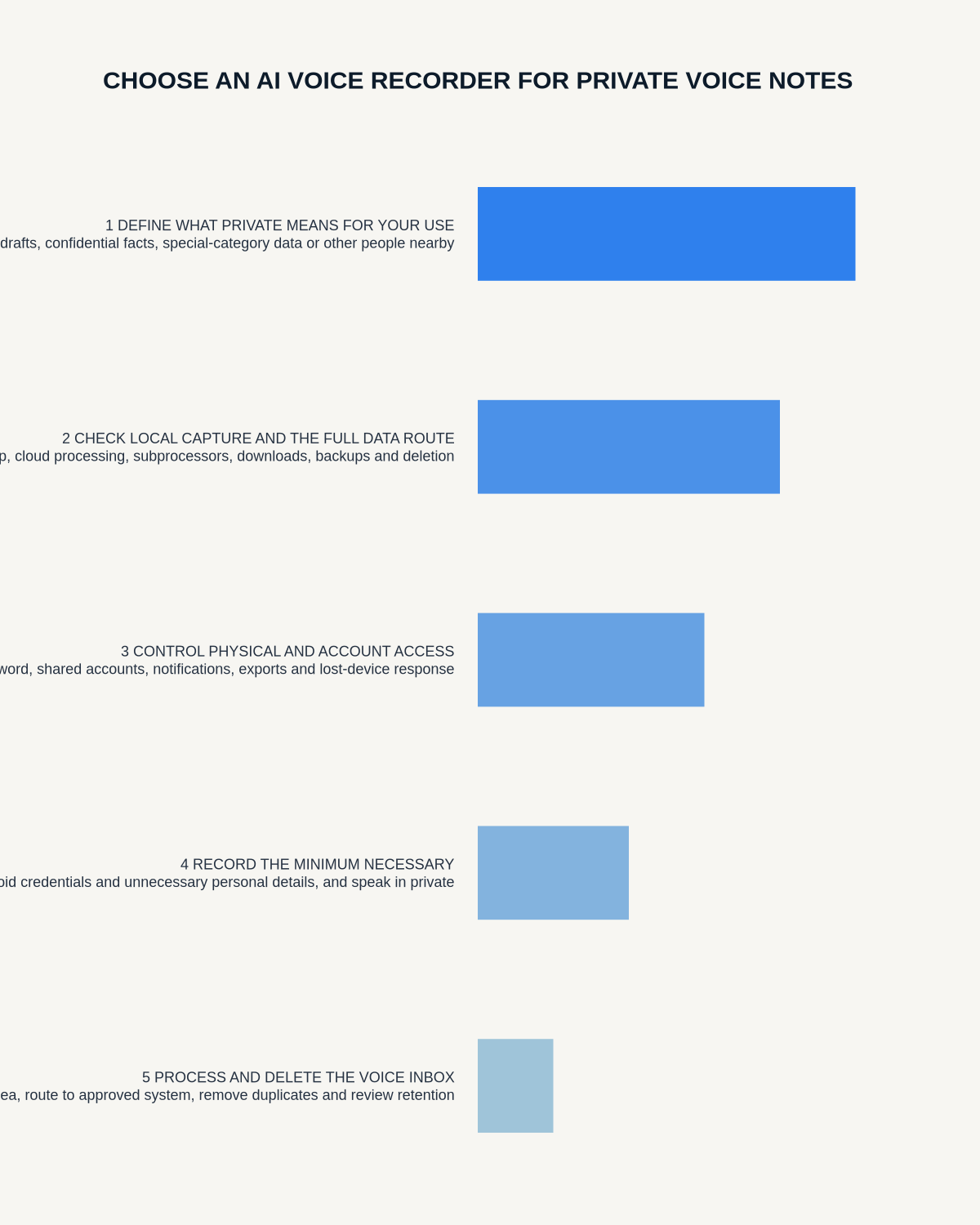
Workflow map
Visual map for Private Voice Notes: Choosing an AI Recorder for Controlled Capture
- Define the decisionState the question, required output and acceptance rule.
- Capture the sourceUse the approved route and preserve context, identity and limitations.
- Verify material detailsReplay or check names, numbers, negatives, decisions and actions.
- Move into the real recordAssign an owner, retain evidence and apply the deletion rule.
On this page
Related guides
See whether Halo fits this workflow
Review the NERALVO Halo specifications, included services, delivery information and current offer only after completing the guide.
Found an error or an out-of-date claim? Email support@neralvo.com with the article address and a supporting source.