Reviewed and updated: 21 July 2026.
The 60-second verdict
Choosing an AI voice recorder for in-person meetings is different from choosing an online meeting assistant. The device must capture usable audio across distance, room noise and overlapping speech before transcription or summarisation can help. A polished feature list cannot rescue weak source audio or an unsuitable data workflow.
Best fit: In-Person Meetings who need recoverable audio and human-verified notes in an authorised workflow. Use another method when: recording is prohibited, a participant declines or the approved process requires manual notes.
Quick verdict: Test the recorder in your hardest normal meeting, score important errors rather than general transcript fluency and complete the entire workflow from start button to approved export and deletion before buying at scale.
Evidence basis and limits
- Decision factors covered: Define the real meeting environment; The ten buying criteria; Run a realistic room test.
- Evidence rule: Claims are weighted by consequence: capture failure, changed meaning, access and recovery matter more than polished wording.
- Boundary: Examples and workflow recommendations must be tested with representative recordings, the intended users and the actual approval process before rollout.
Define the real meeting environment
- Number of speakers
- Room size and acoustics
- Table shape
- Maximum speaker distance
- Quiet or soft-spoken participants
- Background noise
- Overlapping speech
- Meeting length
- Specialist vocabulary
- Required final record
- Privacy and approval requirements
Buy for the hardest normal scenario, not a quiet demonstration with one person beside the microphone.
The ten buying criteria
- Room audio coverage
- Reliable and visible recording controls
- Battery for the busiest day
- Local storage and file recovery
- Transfer and sync reliability
- Transcript accuracy for important details
- Speaker-label correction
- Summary and template usefulness
- Export, access, retention and deletion
- Total cost and support
Run a realistic room test
- Place the device where it would normally sit.
- Use the largest normal group.
- Include one quiet or distant speaker.
- Use real surnames, figures, acronyms and technical terms.
- Add normal interruptions and limited overlapping speech.
- Record the full planned duration.
- Review the original audio before reading the transcript.
- Mark important transcript errors.
- Correct speakers and create the summary.
- Export to the real destination and test deletion.
Score the complete workflow
| Criterion | Good performance | Warning sign |
|---|---|---|
| Speech coverage | Quiet and distant speakers remain understandable | Only the nearest participant is clear |
| Controls | Recording state is obvious and difficult to trigger accidentally | Users cannot confidently tell whether capture started |
| Transcript | Limited correction of names, numbers and key terminology | Fluent text changes important facts |
| Speakers | Labels are mostly stable and easy to correct | Actions are assigned to the wrong person |
| Summary | Decisions, actions, risks and questions are separated | Discussion becomes a false decision |
| Export | Editable output reaches the approved system quickly | Content is trapped in the app or loses structure |
| Governance | Data flow, access and deletion are understandable | No clear processing or deletion path |
Measure important errors
Count errors in:
- Names
- Numbers and amounts
- Dates
- Negative wording
- Action owners
- Decisions
- Specialist terms
- Conditional language
A transcript can look excellent while failing on the details that matter most.
Audio review must be practical
Check whether users can:
- Jump to a timestamp
- Replay a disputed sentence
- Change playback speed
- Locate unclear wording from the transcript
- Export or retain the source where permitted
Human verification is only realistic when the source is easy to review.
Calculate battery for the busiest day
Add:
- Total planned recording hours
- Unexpected meeting margin
- Time between charging opportunities
- Battery ageing margin
- Any phone or app power requirement
“Long battery life” is not a useful buying criterion without the real schedule.
Calculate storage without encouraging over-retention
Local capacity should cover unexpected sessions and temporary offline use. It should not become a reason to keep every recording indefinitely. Test file naming, transfer, duplicate handling, remaining-capacity visibility and recovery after an interrupted sync.
Understand where AI processing occurs
Local recording does not automatically mean local transcription. Map:
- Recorder storage
- Paired phone or app
- Supplier processing
- Subprocessors
- Generated transcripts and summaries
- Exports
- Backups and deletion
Test AI features against administration saved
- Transcript editing
- Speaker correction
- Meeting templates
- Decision extraction
- Action extraction
- Search
- Translation
- Mind maps
- Export formats
A feature is useful only if it reduces the time to a checked final record without adding unacceptable errors or data risk.
Compare a dedicated recorder with a phone app
| Dedicated recorder | Phone app |
|---|---|
| Separate battery and storage | Uses the phone’s resources |
| Physical capture controls | Screen and operating-system controls |
| Can reduce notification and call conflicts | Convenient for occasional capture |
| Adds a device to manage | No extra hardware |
Test both through the full workflow. The best option depends on meeting frequency, reliability needs and governance.
Review total cost
Include:
- Device price
- AI or transcription plan after any included period
- Accessories
- Replacement or warranty process
- User training
- Security and procurement review
- Administration and support
- Migration or exit
Run a controlled pilot
Define pass criteria before the pilot:
- Maximum important-error rate
- Maximum human review time
- Required room coverage
- Minimum successful sync rate
- Approved export format
- Acceptable privacy and deletion controls
- User adoption and support burden
Where NERALVO Halo fits
NERALVO Halo is an ultra-slim dedicated AI voice recorder with 64GB local storage, up to 35 hours of recording, NOTE mode, supported CALL mode, Bluetooth synchronisation with the DOWAY app, and AI transcription, summaries, templates, translation, mind maps and exports. One year of DOWAY Max access is included.
Halo is designed for portable dedicated capture rather than automatically joining online meetings. Buyers should test room coverage, speaker distance, specialist vocabulary, sync, DOWAY output and the complete data workflow with their own meetings before wider rollout.
Cloud software, a dedicated recorder or manual notes?
For In-Person Meetings, the right answer changes with the setting. This matrix deliberately gives each method a situation where it can be the strongest choice.
| Situation | Best starting point | Reason |
|---|---|---|
| scheduled remote meetings | Cloud meeting software | Calendar automation and shared integrations are usually the strongest advantage. |
| in-person or mobile work | Dedicated recorder | Independent capture reduces reliance on an active phone or laptop. |
| recording is refused or prohibited | Manual notes or an approved alternative | The boundary takes priority over convenience. |
| mixed online and offline work | Governed hybrid | Use each method only in the setting it actually fits. |
Frequently asked questions
Is a dedicated recorder always better than a phone app?
No. It may reduce phone battery, storage and notification conflicts, while a phone app may be sufficient for occasional low-risk use.
Does more storage improve transcription accuracy?
No. Storage affects capacity. Source audio, microphone position, room acoustics and speech clarity affect transcription input.
How many speakers can one recorder handle?
There is no useful universal answer without room dimensions, seating and speaker distance. Test the largest normal meeting.
Should the cheapest total cost win?
No. Compare important errors, review time, reliability, support, governance and exit as well as price.
Buying checklist
- Hardest normal meeting defined
- Realistic room test completed
- Important errors counted
- Audio review tested
- Battery and storage calculated
- Sync and failure recovery tested
- AI features measured by admin saved
- Exports reach the approved system
- Data flow and deletion understood
- Total cost calculated
- Pilot pass criteria met
Choose the recorder that creates the fewest important errors and the least total administration in your real room—not the one with the longest feature list.
Related guides
Profession workflow
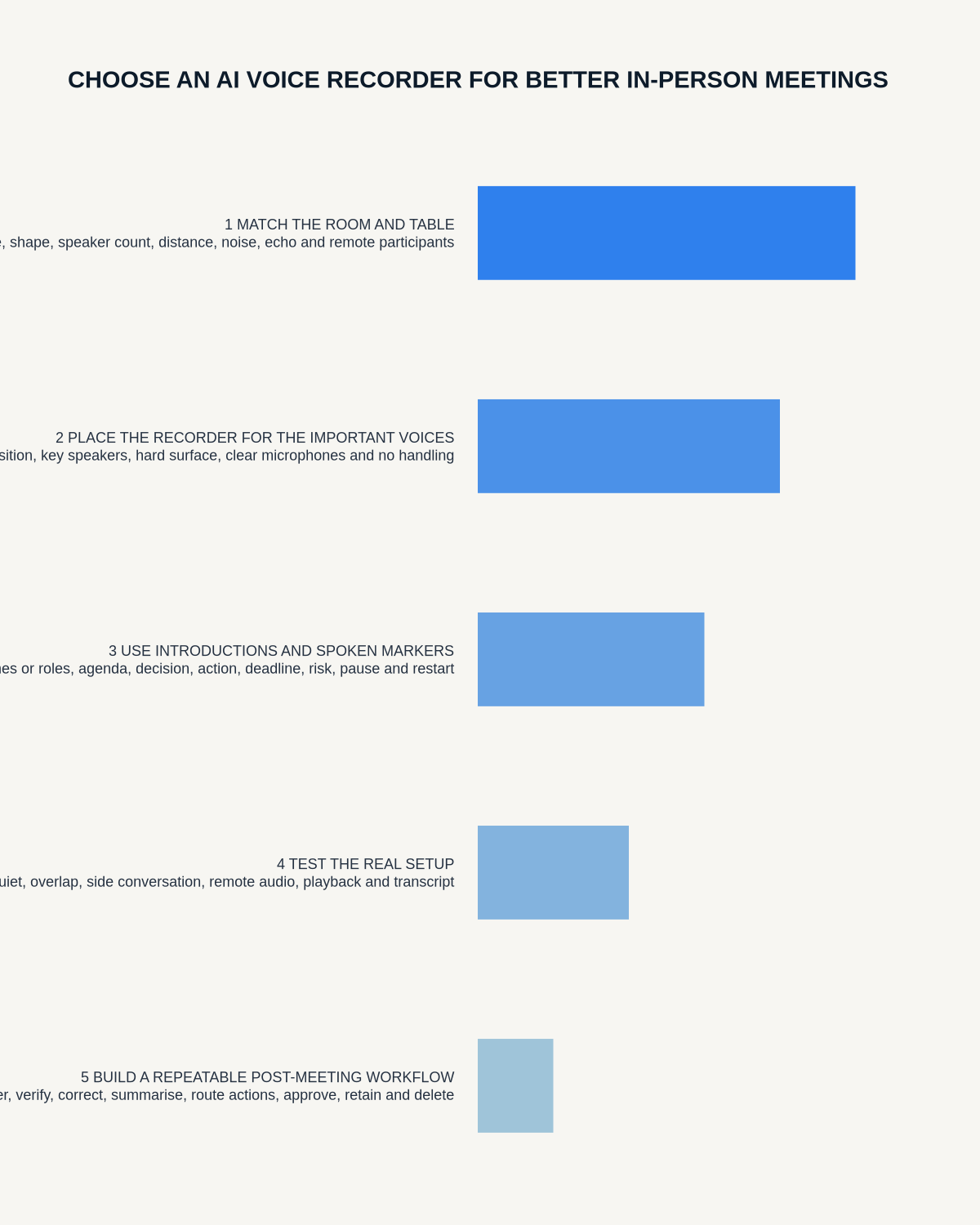
Visual map for AI Voice Recorder for In-Person Meetings: A Real-Room Buying Test
- Prepare the approved useDefine purpose, safe position, permission and the required formal record.
- Capture context firstState the case, asset, person, location or event identifier before detail.
- Human-verify evidenceCheck technical terms, units, names, dates, decisions and uncertainty.
- Complete the formal recordTransfer only verified information and apply access and retention controls.
On this page
Related guides
See whether Halo fits this workflow
Review the NERALVO Halo specifications, included services, delivery information and current offer only after completing the guide.
Found an error or an out-of-date claim? Email support@neralvo.com with the article address and a supporting source.