Reviewed and updated: 21 July 2026.
The 60-second verdict
An AI voice recorder for one-to-one interviews must capture both people clearly, preserve the interviewee’s meaning and make quotation or evidence review easy. A transcript can be grammatically polished while losing pauses, qualifications, speaker identity or exact wording.
Best fit: One-to-One Interviews who need recoverable audio and human-verified notes in an authorised workflow. Use another method when: recording is prohibited, a participant declines or the approved process requires manual notes.
Quick verdict: test the normal interview position, use a controlled question set, verify quotations and speaker labels against the source, and score the complete workflow from permission to approved transcript or research note.
Evidence basis and limits
- Decision factors covered: Define the interview purpose; Map the interview environment; Create a controlled interview test.
- Evidence rule: The decision is based on the complete capture-to-action workflow, not a single feature or marketing accuracy percentage.
- Boundary: Examples and workflow recommendations must be tested with representative recordings, the intended users and the actual approval process before rollout.
Define the interview purpose
- Research interview
- Journalistic interview
- Recruitment or assessment
- Client discovery
- Oral history
- Case or professional interview
- Customer research
- Podcast or content interview
Purpose determines permission, source retention, quotation accuracy, anonymity, template and final destination.
Map the interview environment
Record:
- In-person, phone or online
- Speaker distance
- Table and seating
- Room noise and echo
- Expected duration
- Whether the interviewer takes notes
- Whether exact quotations matter
- Whether the source must remain available
- Whether AI processing is approved
Create a controlled interview test
- Use the normal seating position.
- Ask one open question and one detailed factual question.
- Include two names, dates, numbers and a specialist term.
- Ask a follow-up that changes or qualifies the answer.
- Include one short interruption.
- Ask the interviewee to correct a previous statement.
- Review the source audio before the transcript.
- Check quotations, speakers and corrections.
- Create the intended final output.
- Export it to the real destination.
Score the interview source
| Area | Pass condition |
|---|---|
| Both speakers | Interviewer and interviewee remain clear |
| Quiet speech | Soft answers remain intelligible |
| Question context | The prompt that shaped the answer is preserved |
| Corrections | Later clarification is obvious |
| Quotation | Exact wording can be replayed quickly |
| Speaker labels | Roles are assigned consistently |
Preserve meaning, not only words
Check whether the transcript or summary preserves:
- Qualifications
- Uncertainty
- Examples
- Chronology
- Corrections
- Contradictions
- Question context
- Whether a statement was personal experience, opinion or confirmed fact
AI should not turn a tentative account into a confident conclusion.
Test quotation workflow
- Select several material quotations.
- Open the transcript at the relevant point.
- Replay enough context.
- Correct wording and punctuation.
- Confirm speaker identity.
- Apply consent, anonymity or attribution rules.
- Record the source timestamp.
- Store the approved quotation with the project record.
Check note-taking impact
A recorder may allow better eye contact and follow-up questions, but the interviewer should still note:
- Key timestamps
- Non-verbal context where appropriate
- Topics requiring follow-up
- Distress or safeguarding issues
- Documents or objects discussed
- Environmental interruptions
The audio is not a complete record of every aspect of the interview.
Use an interview-specific template
Potential sections:
- Purpose and participant
- Consent or permission status
- Key themes
- Verified quotations
- Facts requiring checking
- Contradictions or uncertainty
- Follow-up questions
- Actions
- Retention and anonymity status
Test long interviews
Check:
- Continuous-file reliability
- Battery and storage margin
- Transfer time
- Processing time
- Transcript navigation
- Speaker consistency
- Export of long files
- Recovery after interrupted sync
Phone and online interviews need separate tests
For phone or platform interviews, verify both sides, call waiting, reconnection, headset or Bluetooth routing, platform permissions, recording notice and source completeness.
Protect participants
Define:
- How recording is explained
- Whether the participant can pause or stop
- How sensitive disclosures are handled
- Who can access raw audio
- Whether names are removed
- How quotations may be used
- Withdrawal and correction processes
- Retention and deletion
Measure total workflow
Track:
- Setup time
- Capture success
- Critical transcript errors
- Quotation-verification time
- Speaker-correction time
- Summary or coding time
- Export success
- Total time to approved output
Where NERALVO Halo fits
View Halo specifications for one-to-one interviews use provides NOTE mode, supported CALL mode, 64GB local storage, up to 35 hours of recording and Bluetooth synchronisation with DOWAY. DOWAY supports transcripts, summaries, speaker-separated notes, templates, translations, mind maps and exports, with one year of DOWAY Max included.
Halo should be tested with the buyer’s real interview position, duration, phone route and quotation workflow. The recorder does not replace permission, ethics review or human interpretation.
Interview-recorder checklist
- Purpose and permission defined
- Normal environment tested
- Both speakers clear
- Question context preserved
- Corrections remain visible
- Quotations verified from source
- Speaker labels corrected
- Long-file workflow tested
- Phone or online route tested where needed
- Participant controls documented
- Export completed
- Total workflow time measured
Cloud software, a dedicated recorder or manual notes?
For One-to-One Interviews, the right answer changes with the setting. This matrix deliberately gives each method a situation where it can be the strongest choice.
| Situation | Best starting point | Reason |
|---|---|---|
| scheduled remote meetings | Cloud meeting software | Native remote-meeting workflows can be more efficient here. |
| in-person or mobile work | Dedicated recorder | A separate battery and recoverable local source improve resilience. |
| recording is refused or prohibited | Manual notes or an approved alternative | Manual notes are the correct control when recording is unavailable. |
| mixed online and offline work | Governed hybrid | A hybrid can combine automation with reliable physical capture. |
Frequently asked questions
Can an AI summary replace an interview transcript?
No when exact wording, research evidence or quotations matter. Use the summary as a navigation aid.
Should the interviewer still take notes?
Yes, but notes can focus on context, follow-up and timestamps rather than reproducing every sentence.
How should uncertainty be handled?
Preserve it explicitly. Do not let AI convert tentative language into fact.
What is the most important interview feature?
Fast, reliable access to a complete source recording for verification.
Choose source fidelity and respectful control
The strongest interview recorder preserves both voices, supports accurate quotation and protects the participant throughout the complete data lifecycle.
Related guides
Profession workflow
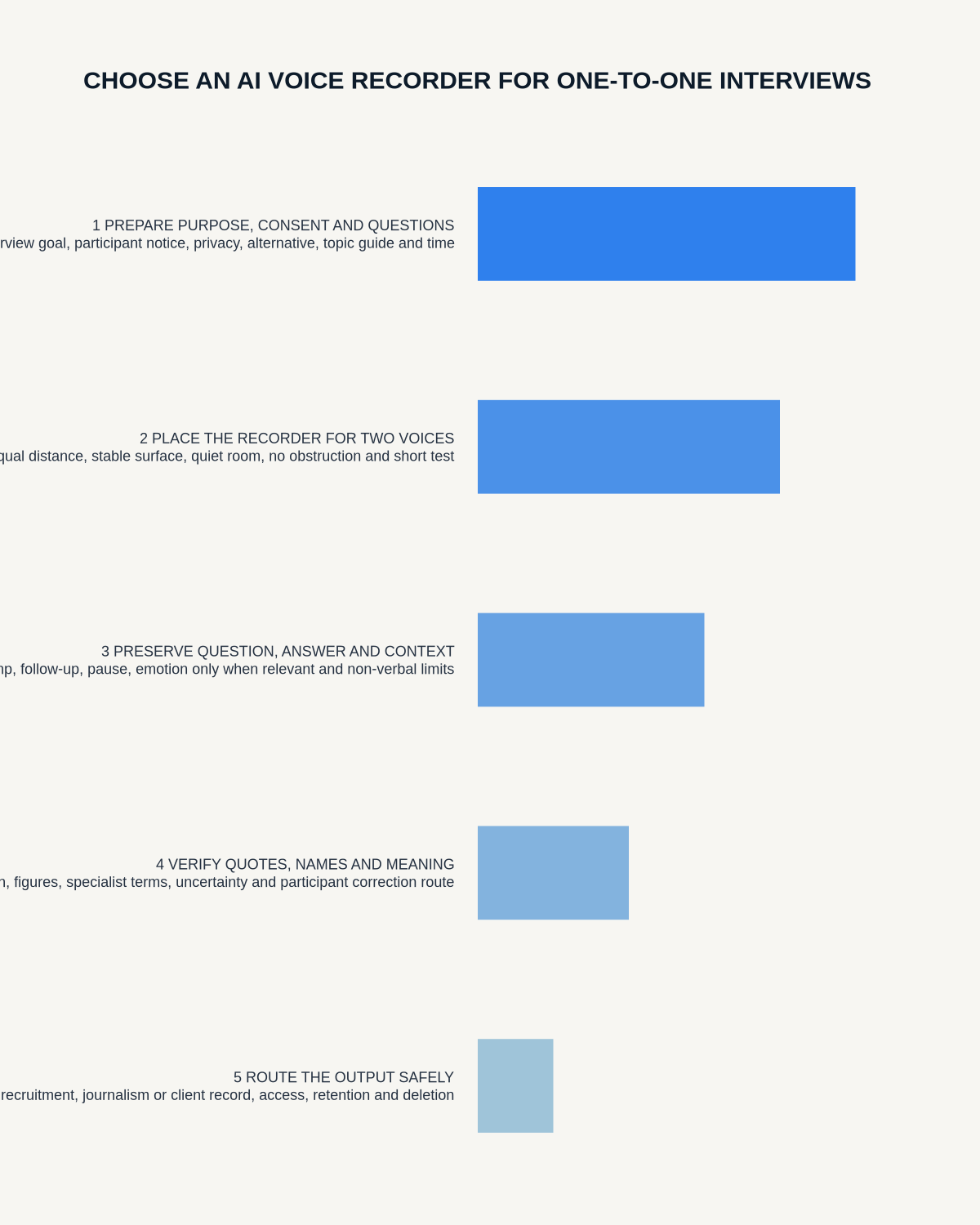
Visual map for AI Voice Recorder for One-to-One Interviews: Consent, Audio and Export Test
- Prepare the approved useDefine purpose, safe position, permission and the required formal record.
- Capture context firstState the case, asset, person, location or event identifier before detail.
- Human-verify evidenceCheck technical terms, units, names, dates, decisions and uncertainty.
- Complete the formal recordTransfer only verified information and apply access and retention controls.
On this page
Related guides
Check permission, retention and access before choosing hardware
Once the policy requirements in this guide are satisfied, compare Halo’s specifications, local storage, included services and current offer against your approved workflow.
Found an error or an out-of-date claim? Email support@neralvo.com with the article address and a supporting source.