The 60-second verdict
Conveyancing work is built from dozens of short conversations rather than one decisive meeting. A buyer calls about a gifted deposit. An estate agent gives an update that still needs checking. A lender raises a condition. A client changes their preferred completion date. Each call may last only a few minutes, but the legal and financial consequences can continue for weeks.
Best fit: Conveyancers who need recoverable audio and human-verified notes in an authorised workflow. Use another method when: recording is prohibited, a participant declines or the approved process requires manual notes.
Evidence basis and limits
- Decision factors covered: The four things every conveyancing call should produce; Start each call with a matter anchor; A call-note structure that works across the transaction.
- Evidence rule: Claims are weighted by consequence: capture failure, changed meaning, access and recovery matter more than polished wording.
- Boundary: Examples and workflow recommendations must be tested with representative recordings, the intended users and the actual approval process before rollout.
An AI voice recorder for conveyancers can reduce the gap between a telephone conversation and a usable attendance note. The benefit is not a word-for-word archive. It is a faster route to a checked file record that distinguishes client instructions, third-party information, legal advice, unresolved evidence and the next formal step.
The four things every conveyancing call should produce
- What was said: the relevant facts, instructions and questions.
- What is verified: information supported by the file, lender portal, title, search, contract or other source.
- What must happen next: a specific action with an owner and deadline.
- What enters the legal record: the reviewed attendance note or formal communication.
Problems begin when these stages are merged. A client’s estimate may be recorded as fact. An estate agent’s expectation may become a supposed completion date. An informal discussion may look like authority to release funds. The recorder should preserve distinctions, not remove them.
Start each call with a matter anchor
Before discussing detail, state a short matter reference and the purpose of the call. Avoid reading unnecessary personal information aloud. A simple opening may be:
“Matter 24-1837, buyer call, source of deposit and proposed exchange timing.”
This makes the transcript searchable and reduces the risk of notes being attached to the wrong file. It also helps the reviewer understand why the call mattered.
A call-note structure that works across the transaction
| Field | What to record | What to verify |
|---|---|---|
| Caller and role | Name, relationship to the matter and reason for contact | Identity and authority where required |
| Information supplied | Facts, dates, figures and documents mentioned | File documents, title, searches, lender or client evidence |
| Instruction | What the client asks the firm to do | Whether the instruction is clear, lawful and within authority |
| Advice or explanation | Main point explained to the caller | Legal accuracy and any required written confirmation |
| Open issue | Missing evidence, disagreement or dependency | Who can resolve it and by when |
| Next step | Action, owner and target date | Transfer into the case-management system |
Client instructions: preserve the condition attached to the request
Clients often speak conditionally. “We would like to complete on Friday if the lender releases funds” is not the same as an unconditional instruction to complete on Friday. Automatic summaries can shorten the sentence and remove the condition.
When a material instruction is given, repeat it back in a controlled form:
- the action requested
- the property or transaction it relates to
- any condition or dependency
- the person giving the instruction
- whether written confirmation is required
The final attendance note should preserve uncertainty and show whether the instruction was acted upon, confirmed later or superseded.
Search and enquiry calls: record the source, not just the conclusion
A discussion about a search result may include several layers: the search wording, the conveyancer’s explanation, a client question and a proposed response. Keep them separate.
For example, rather than saving “client happy with drainage,” record:
- which search or enquiry was discussed
- the relevant date and reference
- the issue explained
- the client’s question or concern
- the advice given
- any document or specialist input still required
- the client’s confirmed decision
This creates a traceable note and makes later review easier if the matter changes.
Completion calls: the highest-risk details are usually numbers and status words
Completion-day conversations are often brief and pressured. The critical terms are also those most vulnerable to transcription errors:
- amounts
- bank or ledger references
- dates and times
- property addresses
- names
- “received”, “expected”, “authorised” and “released”
A transcript should never be the sole source for financial status. Check the client ledger, banking process and authorised case system. Use the recording to support the chronology and recover wording, not to decide whether funds are available.
Separate information from authority
Estate agents, brokers, developers and other solicitors may provide useful updates, but the person speaking may not have authority to bind the client or complete a formal step. The note should identify the speaker and status of the information.
Useful labels include:
- Client instruction
- Third-party update
- Proposed arrangement
- Subject to confirmation
- Formal approval received
- Not yet authorised
This is especially important where a chain is under pressure and several people speak as though a date has already been agreed.
A practical call-to-file workflow
- Confirm that recording is permitted under firm policy and the required participant process.
- State the matter reference and purpose.
- Use short verbal markers such as “instruction”, “to verify”, “advice” and “action”.
- Repeat names, dates and figures where they matter.
- End with a concise read-back of the agreed next step.
- Generate the transcript in the approved environment.
- Check the critical details against the audio and file.
- Create the attendance note using the firm’s normal structure.
- Transfer actions and deadlines into the case-management system.
- Delete or retain the recording under the firm’s defined policy.
What should not be copied into the file automatically
A raw transcript may include irrelevant personal information, repeated discussion, emotional language and comments that do not belong in the legal record. Review before saving.
Do not automatically transfer:
- unverified accusations
- unnecessary family or financial detail
- passwords, codes or full payment credentials
- internal speculation
- informal remarks from third parties
- duplicated information already stored in authoritative documents
The objective is a proportionate attendance note, not a permanent copy of every word.
Recording does not replace formal conveyancing controls
Voice capture cannot replace identity and source-of-funds checks, lender requirements, undertakings, written instructions, contract documentation, completion statements or the firm’s payment controls. It also cannot decide whether a client has understood advice or whether a transaction should proceed.
Where a conversation changes scope, price, authority or contractual position, confirm the matter through the proper written route. The transcript is working evidence of the discussion, not the legal instrument.
How NERALVO Halo may fit the workflow
Check whether NERALVO Halo fits conveyancers work provides portable NOTE recording, supported CALL capture, 64GB local storage and transfer to DOWAY for transcription, summaries and structured notes. For a conveyancing team, the practical use is rapid capture followed by controlled review and entry into the existing matter system.
Before deployment, test the exact phones, call routes, office acoustics and terminology used by the firm. Define which call types may be recorded, who checks the output and when source audio is deleted. Teams dealing with formal obligations may also find the related guide for contract managers useful.
Cloud software, a dedicated recorder or manual notes?
For Conveyancers, the right answer changes with the setting. This matrix deliberately gives each method a situation where it can be the strongest choice.
| Situation | Best starting point | Reason |
|---|---|---|
| scheduled remote meetings | Cloud meeting software | Calendar automation and shared integrations are usually the strongest advantage. |
| in-person or mobile work | Dedicated recorder | Independent capture reduces reliance on an active phone or laptop. |
| recording is refused or prohibited | Manual notes or an approved alternative | The boundary takes priority over convenience. |
| mixed online and offline work | Governed hybrid | Use each method only in the setting it actually fits. |
Related guides
Final file-quality check
- Is the correct matter identified?
- Are names, property details, dates and amounts verified?
- Is client instruction separated from third-party information?
- Are conditions and uncertainty preserved?
- Is any legal advice accurately summarised?
- Does every action have an owner and deadline?
- Has unnecessary personal information been removed?
- Is the approved case record complete?
An AI voice recorder can make conveyancing notes faster and more complete, but only when the transcript is treated as a draft source. The reliable outcome is a checked attendance note connected to the matter, evidence and next action.
Profession workflow
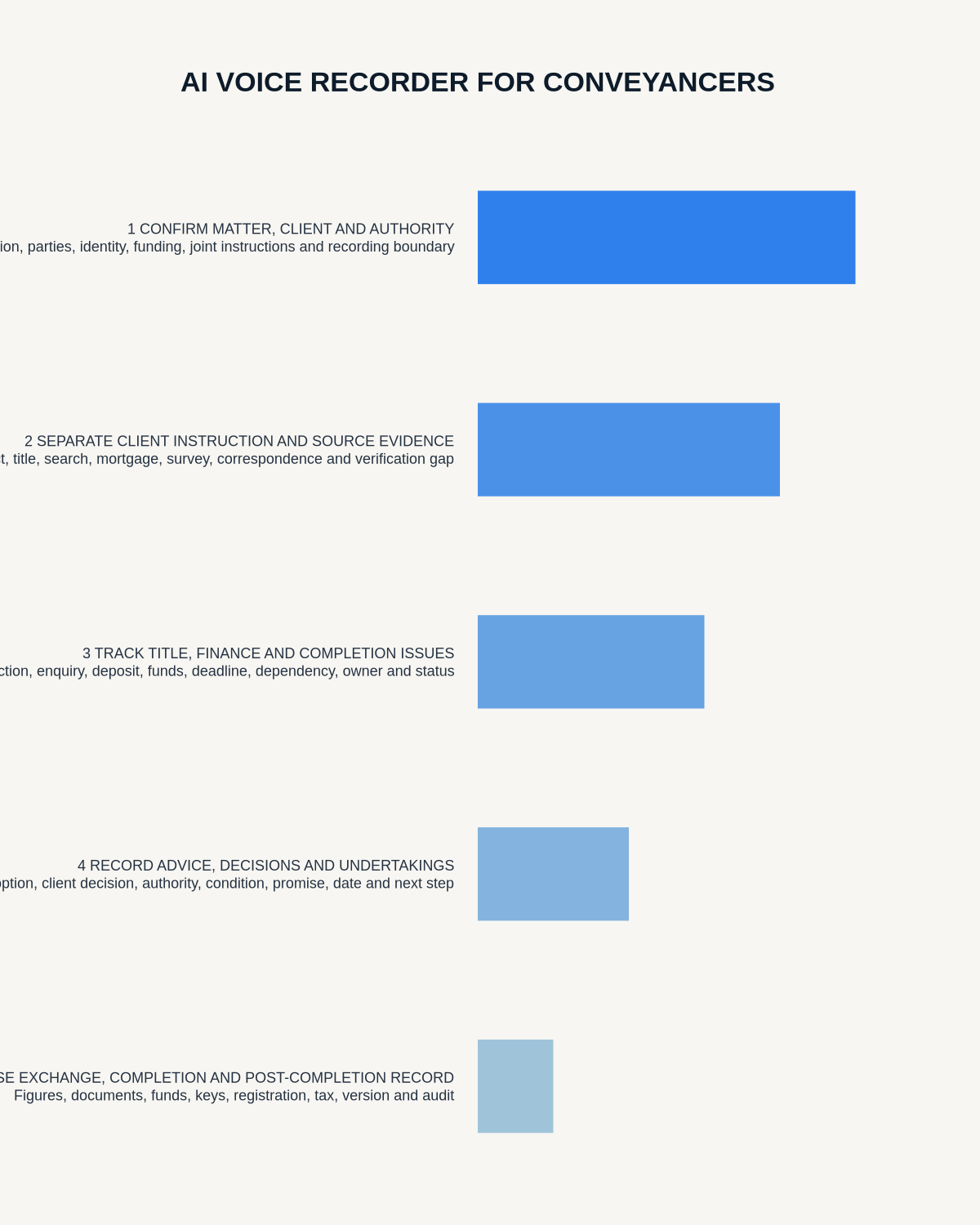
Visual map for AI Voice Recorder for Conveyancers
- Prepare the approved useDefine purpose, safe position, permission and the required formal record.
- Capture context firstState the case, asset, person, location or event identifier before detail.
- Human-verify evidenceCheck technical terms, units, names, dates, decisions and uncertainty.
- Complete the formal recordTransfer only verified information and apply access and retention controls.
On this page
Related guides
See whether Halo fits this workflow
Review the NERALVO Halo specifications, included services, delivery information and current offer only after completing the guide.
Found an error or an out-of-date claim? Email support@neralvo.com with the article address and a supporting source.