The 60-second verdict
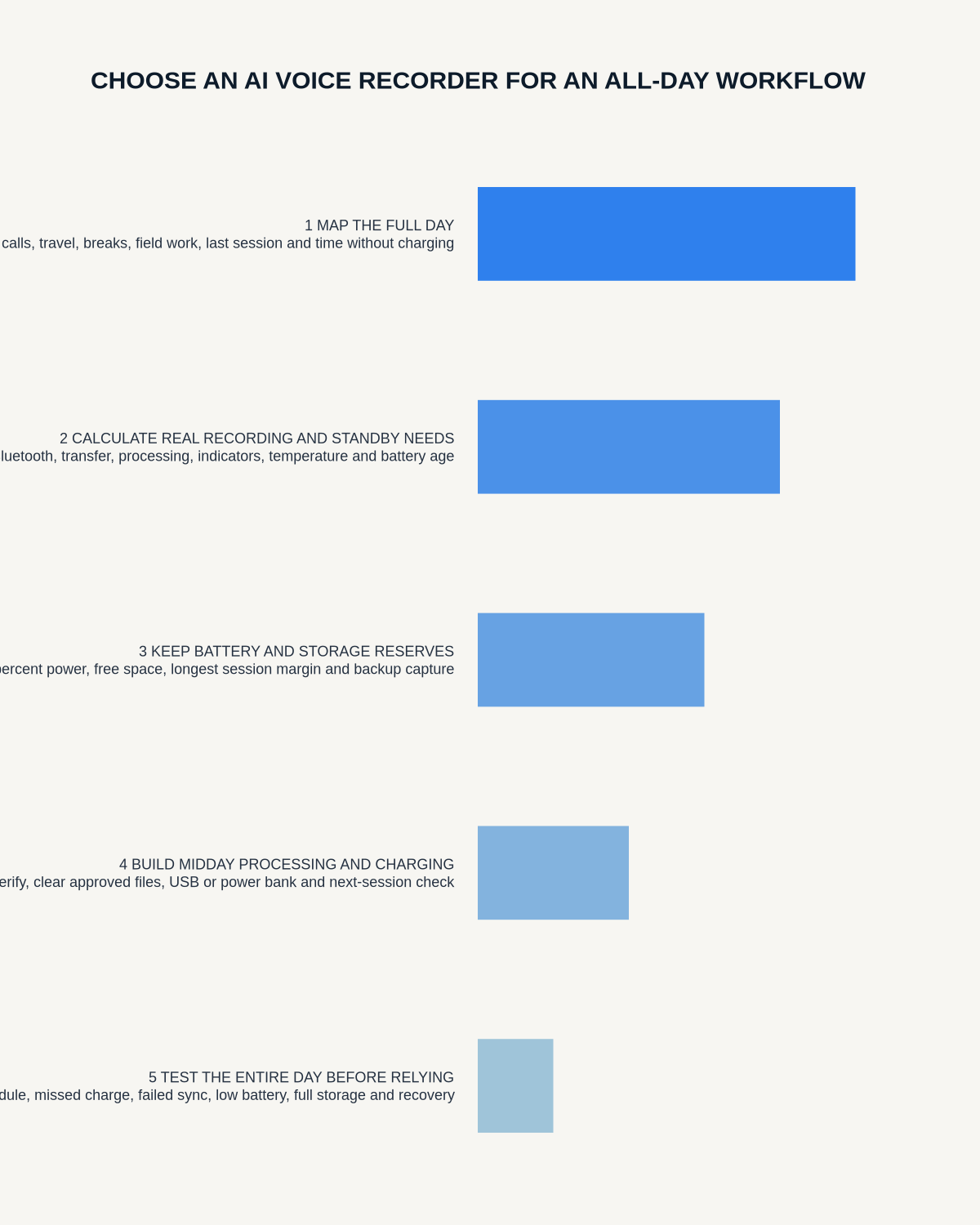
Quick answer: choose an all-day AI voice recorder by simulating the busiest realistic day from first capture to final export. Battery matters, but so do storage, obvious mode switching, file naming, transfer recovery, urgent review, privacy during travel and a clean next-day reset.
Decision focus: use the method below only where it produces a recoverable source, a verifiable output and a clear next action. If one of those fails, change the workflow rather than trusting a polished summary.
Evidence basis and limits
- Decision factors covered: Build the busiest-day map; Calculate the real workload; Run a complete simulated day.
- Evidence rule: The decision is based on the complete capture-to-action workflow, not a single feature or marketing accuracy percentage.
- Boundary: Examples and workflow recommendations must be tested with representative recordings, the intended users and the actual approval process before rollout.

An all-day recording workflow is not one continuous file. It is a sequence of meetings, calls, travel, private notes and processing windows that creates many opportunities for wrong mode, low capacity, failed sync and missed follow-up.
Build the busiest-day map
Create a realistic schedule containing:
- Each meeting, call or private note.
- Expected duration.
- Room, NOTE or supported CALL mode.
- Travel gaps and public-space transitions.
- Connectivity and charging opportunities.
- Urgency of transcription or action.
- Required final destination.
- Margin for delays and an unexpected session.
Calculate the real workload
| Metric | What to calculate |
|---|---|
| Total recording time | Planned hours plus contingency |
| Longest session | One uninterrupted file |
| File count | Separate recordings to identify and process |
| Processing volume | Transcription, correction, summary and routing work |
| Transfer windows | When secure connectivity is realistically available |
| Review capacity | Time available to verify urgent and end-of-day outputs |
Run a complete simulated day
- Start fully charged with known free capacity.
- Record several short notes, one long room meeting and one supported call test.
- Switch modes under realistic time pressure.
- Synchronise only when the real schedule permits.
- Interrupt one transfer deliberately.
- Process one same-day action before the next appointment.
- Work through a public-space or travel transition.
- Complete the final end-of-day review.
- Measure remaining battery, storage and unprocessed files.
Battery is more than headline runtime
Test recording runtime, standby drain, synchronisation demand, mode changes, low-battery warnings and charging speed. Include margin for battery ageing, cold or hot conditions and an unexpected long session. Confirm whether files remain safe if power becomes critically low.
Storage is an operational control
Check:
- How remaining capacity is displayed.
- Whether low-storage warnings arrive early enough.
- Whether a failed transfer prevents later work.
- File integrity after interruption.
- Duplicate-upload behaviour.
- How deletion is verified after the approved destination receives the file.
Large storage is useful only when the user can see and control it.
File naming is the hidden bottleneck
Use a spoken header at the beginning:
“Client 24, renewal call, 21 July, actions required.”
A practical filename can include date, project code, purpose and status without unnecessary personal data. Test whether an urgent decision can be located in under one minute at day end.
Create a processing priority queue
| Priority | Examples | Response |
|---|---|---|
| Immediate | Client instruction, safety issue or same-day deadline | Verify and move to the official system promptly |
| Today | Meeting actions and decisions | Process in the end-of-day block |
| Scheduled | Ideas and private reflections | Review in a planned queue |
| Delete | Accidental, duplicate or completed reminder | Remove under the defined process |
Plan mode switching
The user should be able to confirm NOTE or supported CALL mode before capture without relying on memory. Test the transition between a phone call, room meeting and private note. A wrong-mode file found hours later may be impossible to recover.
Test failure recovery
- Low battery.
- Full storage.
- Interrupted Bluetooth or app connection.
- Phone unavailable.
- App or processing delay.
- Duplicate upload.
- Wrong recording mode.
- Lost device.
- Unavailable internet at the expected transfer point.
For every failure, define the warning, immediate response, approved fallback and evidence that recovery worked.
Control privacy across transitions
An all-day recorder moves between offices, vehicles, stations, cafés and shared areas. Avoid speaking confidential information in public. Use neutral file labels where appropriate, headphones for review and approved connections for transfer. Confirm recording has stopped before entering an unrelated conversation.
Use an end-of-day control
- Confirm every expected file exists.
- Identify accidental or duplicate recordings.
- Verify urgent names, figures, decisions and actions.
- Move formal records into approved systems.
- Assign unresolved items.
- Delete unnecessary temporary copies.
- Charge the recorder and phone.
- Confirm free capacity and next-day readiness.
Measure the pilot
- Successful recording rate.
- Wrong-mode incidents.
- Battery and capacity remaining.
- Interrupted-transfer recovery rate.
- Unprocessed files at day end.
- Time to verified urgent output.
- Correction burden.
- User confidence and privacy incidents.
Where NERALVO Halo fits
View Halo specifications against the evidence checklist provides NOTE mode, supported CALL mode, 64GB local storage, up to 35 hours of recording and Bluetooth synchronisation with DOWAY. DOWAY supports transcripts, summaries, templates, translations, mind maps and exports, with one year of DOWAY Max included.
Those specifications should still be tested through the complete simulated day, including mode changes, sync, corrections, file organisation and daily reset.
Workflow choice matrix for All-Day AI Voice Recorder
Choose the method that protects the source and reduces downstream correction. The table makes the non-hardware options explicit.
| Condition | Preferred route | Why |
|---|---|---|
| High-risk or mixed work | Governed hybrid | Separate capture, review, approval and retention rather than trusting one tool. |
| Recording is refused, prohibited or unnecessary | Manual notes / no recording | Respecting the boundary is the correct workflow, not a product failure. |
| In-person, mobile or unreliable-connectivity work | Dedicated recorder | Independent capture and a recoverable local source are usually more resilient. |
| Repeatable remote work with approved integrations | Cloud software | Automation and central collaboration may outweigh device independence. |
Frequently asked questions
Should every file be processed immediately?
No. Verify urgent commitments promptly and process lower-risk material through a controlled queue.
Is maximum battery the main buying factor?
No. Warnings, storage visibility, mode control, charging, file organisation and recovery are equally important.
What is the best fallback?
An approved written-note method and tested charging or transfer plan suited to the work.
What proves the workflow works?
A complete busy-day simulation that ends with verified records, controlled temporary files and enough capacity for tomorrow.
Final all-day checklist
- Busiest day mapped and simulated.
- Recording and processing volume calculated.
- Battery and storage include margin.
- Mode switching is obvious.
- Spoken labels and filenames work.
- Priority queue defined.
- Failure recovery tested.
- Privacy transitions controlled.
- End-of-day inbox is manageable.
- Next-day readiness confirmed.
Bottom line: choose the recorder that remains dependable through capture, transfer, verification, action and reset—not merely until the battery indicator reaches evening.
Related AI voice recorder guides
On this page
Related guides
See whether Halo fits this workflow
Review the NERALVO Halo specifications, included services, delivery information and current offer only after completing the guide.
Found an error or an out-of-date claim? Email support@neralvo.com with the article address and a supporting source.