Reviewed and updated: 21 July 2026.
The 60-second verdict
Voice notes can help build a knowledge base when they capture expert explanations, decisions and troubleshooting experience that would otherwise remain in people’s heads. They become useful organisational knowledge only after verification, structuring, ownership and maintenance.
Decision focus: use the method below only where it produces a recoverable source, a verifiable output and a clear next action. If one of those fails, change the workflow rather than trusting a polished summary.
Quick verdict: capture one defined knowledge question at a time, verify claims against approved sources, convert recordings into short searchable articles and assign owners, review dates and retirement rules.
Evidence basis and limits
- Decision factors covered: Define the knowledge-base purpose; Separate knowledge types; Use a knowledge-article template.
- Evidence rule: The decision is based on the complete capture-to-action workflow, not a single feature or marketing accuracy percentage.
- Boundary: Examples and workflow recommendations must be tested with representative recordings, the intended users and the actual approval process before rollout.
Define the knowledge-base purpose
Common goals include:
- Customer support
- Employee onboarding
- Technical troubleshooting
- Process guidance
- Product information
- Policy interpretation
- Lessons learned
- Expert handover
Do not mix public help content, confidential internal guidance and restricted professional knowledge in one uncontrolled library.
Capture one question per voice note
Use a spoken structure:
- Question or task
- Audience
- Short answer
- When it applies
- Step-by-step detail
- Exceptions
- Evidence or source
- Escalation point
- Owner and review trigger
Focused notes are easier to verify and reuse than hour-long unstructured recordings.
Separate knowledge types
| Type | Example | Control |
|---|---|---|
| Authoritative rule | Approved policy or product specification | Link to the source |
| Procedure | How to complete a repeatable task | Test the steps |
| Expert judgement | How to choose between options | Document criteria and limits |
| Troubleshooting | Symptoms, causes and safe checks | Include stop and escalation conditions |
| Lesson learned | What happened and what changed | Separate evidence from interpretation |
| Opinion | Personal preference | Do not publish as organisational fact |
Use a knowledge-article template
- Clear question title
- Short answer
- Audience and prerequisites
- When to use the guidance
- Steps or explanation
- Examples
- Exceptions and limitations
- Risks and escalation
- Related articles
- Authoritative sources
- Owner, version and review date
Verify before publishing
Check:
- Names, figures and technical terms
- Product or system version
- Policy and regulatory statements
- Safety instructions
- Permissions and access
- Whether the expert described a workaround
- Whether another team owns the process
- Whether the content reveals confidential information
AI-generated fluency does not establish truth.
Design for search
Use:
- The words users actually type
- Specific question titles
- Synonyms and acronyms
- Short sections
- Clear headings
- Related links
- Product, system or process tags
- Error messages where relevant
A complete article that cannot be found has little operational value.
Remove duplication
Before creating a new article:
- Search the existing knowledge base.
- Identify the controlling article.
- Update it where the new information belongs.
- Merge overlapping guidance.
- Redirect or archive the duplicate.
- Preserve version history.
Do not create one article for every voice note.
Build safe troubleshooting content
Include:
- Symptom
- Scope and affected version
- Safe initial checks
- Likely causes
- Decision path
- Stop conditions
- Escalation route
- Evidence to collect
- Confirmed resolution
Do not let AI infer dangerous repair steps from an incomplete expert explanation.
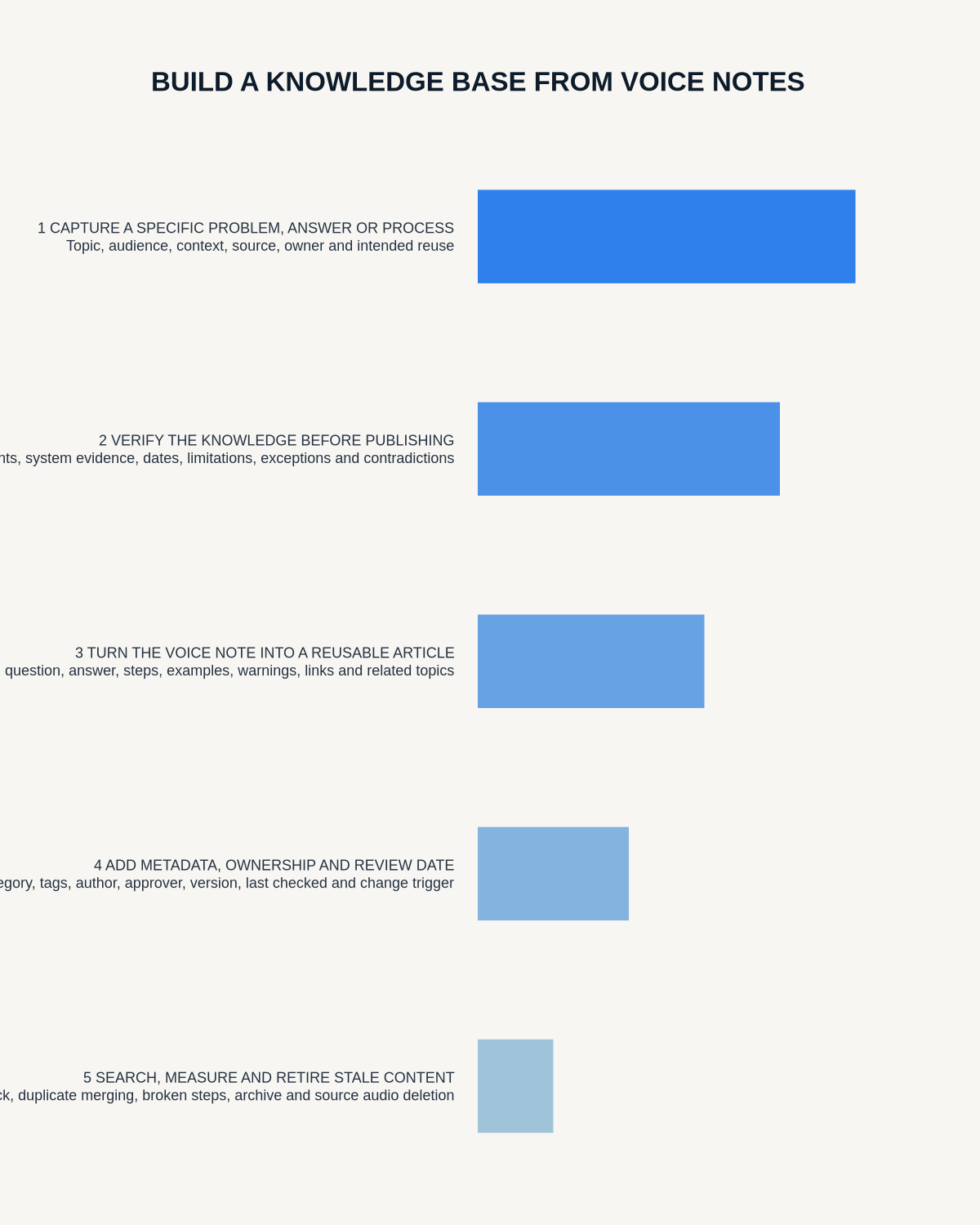
Workflow from voice note to knowledge article
- Identify the knowledge gap.
- Record a focused expert note or interview.
- Generate and correct the transcript.
- Classify the knowledge type.
- Search for existing content.
- Draft or update the article.
- Verify authoritative claims.
- Test procedural or troubleshooting steps.
- Complete subject-matter, safety, legal or privacy review.
- Publish to the correct audience.
- Assign owner and review trigger.
- Archive superseded content and apply source retention.
Capture expert handover
When an expert is leaving or changing role, ask:
- Which tasks fail most often?
- What signs indicate a problem?
- Which decisions require experience?
- Which shortcuts should never be used?
- Which relationships or dependencies matter?
- What should be escalated immediately?
- Which documentation is outdated?
Use the recordings to identify articles, not to create an unsearchable archive of farewell interviews.
Govern the knowledge lifecycle
Every article should have:
- Owner
- Audience
- Approval status
- Version
- Review date
- Change trigger
- Usage and feedback data
- Retirement route
Knowledge becomes risk when nobody knows whether it is still current.
Measure value
- Search success
- Article views and helpfulness
- Repeated support questions
- Resolution time
- Escalation accuracy
- Outdated-content incidents
- Duplicate articles
- Time from expert capture to approved article
Where NERALVO Halo fits
View Halo specifications against the evidence checklist can capture focused expert interviews and voice notes to 64GB local storage, then synchronise recordings to DOWAY for transcripts, summaries and templates. One year of DOWAY Max is included with the current package.
Use those outputs to accelerate drafting, then apply ownership, verification, search design and lifecycle governance.
Workflow choice matrix for How to Build a Knowledge Base from Voice Notes
Choose the method that protects the source and reduces downstream correction. The table makes the non-hardware options explicit.
| Condition | Preferred route | Why |
|---|---|---|
| Repeatable remote work with approved integrations | Cloud software | Automation and central collaboration may outweigh device independence. |
| In-person, mobile or unreliable-connectivity work | Dedicated recorder | Independent capture and a recoverable local source are usually more resilient. |
| Recording is refused, prohibited or unnecessary | Manual notes / no recording | Respecting the boundary is the correct workflow, not a product failure. |
| High-risk or mixed work | Governed hybrid | Separate capture, review, approval and retention rather than trusting one tool. |
Frequently asked questions
Can every voice note become an article?
No. Search first, merge duplicates and publish only useful verified knowledge.
Can AI identify the correct answer automatically?
It can organise source material, but authoritative rules and technical claims require verification.
Should the original audio remain available?
Only where source verification or retention justifies it. The knowledge article should be usable independently.
How often should articles be reviewed?
Set a date and trigger review after policy, product, system or process changes.
Final checklist
- Knowledge purpose and audience defined
- Focused source captured
- Transcript corrected
- Knowledge type classified
- Existing content searched
- Claims and steps verified
- Search terms and related links added
- Required review completed
- Owner, version and review trigger assigned
- Duplicate and superseded content controlled
- Source retention applied
A strong AI-assisted knowledge base turns expert speech into verified, searchable and maintained guidance—not a warehouse of transcripts.
Related AI voice recorder guides
Workflow map
Visual map for How to Build a Knowledge Base from Voice Notes
- Define the decisionState the question, required output and acceptance rule.
- Capture the sourceUse the approved route and preserve context, identity and limitations.
- Verify material detailsReplay or check names, numbers, negatives, decisions and actions.
- Move into the real recordAssign an owner, retain evidence and apply the deletion rule.
On this page
Related guides
See whether Halo fits this workflow
Review the NERALVO Halo specifications, included services, delivery information and current offer only after completing the guide.
Found an error or an out-of-date claim? Email support@neralvo.com with the article address and a supporting source.