
The 60-second verdict
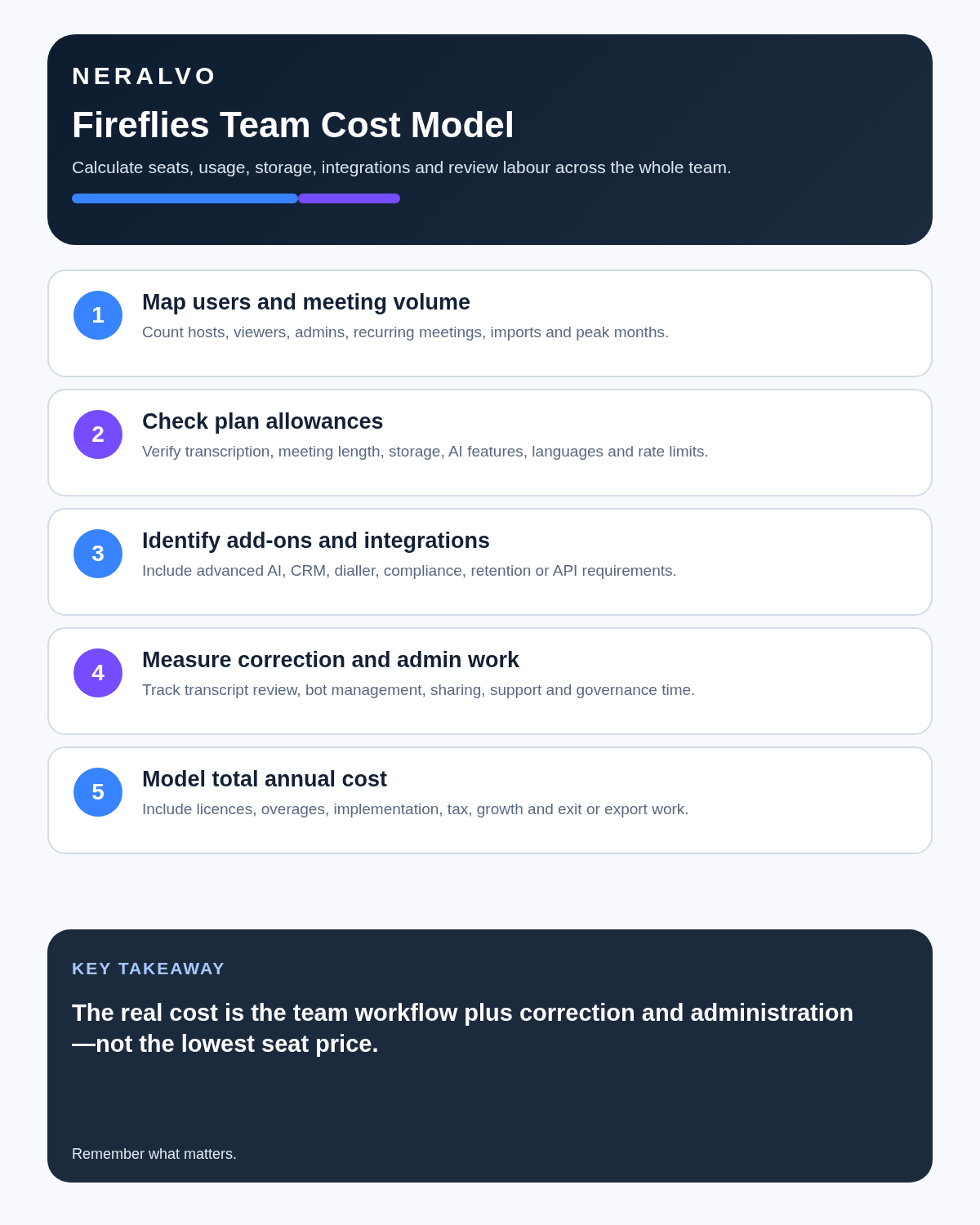
Quick answer: Fireflies.ai can be good value for teams that actively use searchable meeting history, integrations and automation. The complete cost is not just the seat price: storage, advanced AI credits, correction time and administration can matter just as much.
Best fit: readers comparing Fireflies.ai against the purchase, workflow and evidence factors below. Do not buy on: headline features alone; a failed compatibility, privacy, recovery or cost requirement should override the overall score.
Evidence basis and limits
- Decision factors covered: Understand the current plan structure; There is a second meter: AI credits; Calculate by genuine recorder users.
- Evidence rule: A claim earns weight only when the source, date, configuration and limitation are clear enough for a reader to check.
- Boundary: Manufacturer-controlled prices, plans, compatibility and specifications can change. Retain the article’s stated check date, verify the live supplier terms before purchase and treat community reports as leads unless the original source is linked.
Understand the current plan structure
| Tier | Current annual-billing rate | Storage | Typical fit |
|---|---|---|---|
| Free | $0 | 400 minutes per team | Individual testing and light use |
| Pro | $10 per user/month | 8,000 minutes per user | Regular users needing downloads and integrations |
| Business | $19 per user/month | Unlimited | Teams needing analytics and broader administration |
| Enterprise | $39 per user/month | Unlimited | Contracted deployment with advanced controls |
Monthly billing is currently more expensive than annual billing for Pro and Business. Enterprise is presented as an annual commitment. Confirm current prices and regional terms at checkout.
There is a second meter: AI credits
Core transcription and ordinary summaries are included, while some advanced questions, AI Skills, custom outputs or assistant functions consume separate credits. Purchased bundles currently start at $5 for 50 credits. Credits renew with the package and unused purchased credits do not roll over.
Run a representative month and record which advanced features consume credits, who uses them and what output they produce. Model both the seat subscription and expected monthly credit use.
Calculate by genuine recorder users
Do not buy a paid recorder seat for every employee before identifying who hosts meetings and who only reviews shared notes.
- Solo consultant: one Pro seat on annual billing is about $120 a year before taxes and optional credits.
- Five-person sales team: five Business seats are about $95 a month or $1,140 a year before credits.
- Twenty-person department: twenty Business seats are about $380 a month before credits, administration and integration work.
At larger scale, access rules, retention, onboarding, offboarding and staff turnover matter as much as the headline rate.
Use the free plan as a controlled test
Unlimited transcription sounds generous, but the shared 400-minute storage allowance can fill quickly. Test at least a quiet internal call, a client call with accents or technical terms and a larger discussion with interruptions before upgrading.
Compare capture routes separately
- Meeting bot: automated supported-platform capture, visible in the participant list.
- Browser or desktop: bot-free capture dependent on the computer and audio route.
- Mobile: convenient but dependent on phone placement and battery.
- File upload: useful for existing recordings but subject to limits and data controls.
A route that works well for scheduled online calls may perform poorly in a noisy face-to-face meeting.
Integrations create both value and risk
CRM, project, email and collaboration integrations can eliminate manual copying. They can also spread an unverified summary across several systems. Restrict write permissions, verify critical fields and document which system becomes authoritative.
Where teams overspend
- Buying analytics nobody reviews.
- Assuming unlimited transcription means unlimited storage and AI.
- Giving every user the highest tier.
- Connecting systems without access rules.
- Ignoring correction and administration time.
- Failing to remove access when staff leave.
Build a controlled workflow
- Record only approved meetings.
- Generate transcript and summary.
- Verify names, figures, decisions and actions.
- Move approved information to the correct system.
- Restrict downloads and external shares.
- Review credit and storage use monthly.
- Delete source files when the retention purpose ends.
Direct comparison matrix: Fireflies.ai and NERALVO Halo
How to read this matrix: it is not scored to force a Halo win. The competing option leads where its deployment, integrations, placement or ecosystem is stronger; Halo leads only where its dedicated capture workflow is the better fit.
Fireflies is strongest for scheduled online meetings, searchable team history and connected workflows. Check the Halo specification against the Fireflies.ai decision matrix is stronger for real-world conversations away from a computer, with 64GB local storage and up to 35 hours of recording.
Is cloud software or a physical recorder right for this workflow?
- Choose Fireflies.ai when remote or desktop meetings, calendar automation and native workspace integrations are central—and its current plan covers the real team workload.
- Choose NERALVO Halo when in-person, mobile or offline source capture matters more than an auto-joining cloud workflow.
- A governed hybrid can be best when the same team works both online and in person.
One public user signal
“Search by keyword or speaker — found stuff in seconds.”
Read the original Reddit discussion. This is one person’s public report, not a controlled test or community consensus.
Why it matters here: Fast retrieval is useful only when speaker labels and transcripts are dependable, so review both before routing summaries automatically.
How community feedback is used
Public reviews can reveal recurring friction, but an anonymous anecdote is not treated as measured proof. A pull-quote should appear only when it links to the original post, identifies the relevant product version or date and is presented as one user’s experience—not as universal fact.
Frequently asked questions
Does unlimited transcription include unlimited AI use?
No. Check advanced AI credits, storage and feature allowances separately.
Does every team member need a paid seat?
No. Count genuine recorder users and reviewers separately.
Can Fireflies update a CRM automatically?
It can support integrations, but critical customer facts should be verified before writing.
Is the meeting bot the only capture method?
No. Browser, desktop, mobile and uploads may be available, with different strengths and limits.
What is the hidden cost?
Correction time, credit use, administration and duplicated storage can exceed the expected subscription cost.
Official source and related reading
Final buying checklist
- Recorder seats counted accurately
- Current plan rates and storage allowances confirmed
- AI-credit bundles and rollover rules modelled
- Capture routes tested separately
- Integration writes restricted
- Correction time measured
- Offboarding process tested
- Total annual cost calculated
Verdict: Fireflies.ai earns its price when meeting information moves into useful work. Calculate seats, storage, AI credits and administration before choosing a tier.
Software-first route
Need Zoom, Teams, calendar or CRM automation?
Choose cloud software for that job. This page completes the software workflow and evidence first. NERALVO Halo remains an optional later route only when offline, in-person or phone-attached capture matters more than native integrations.
On this page
Related guides
Keep the solution aligned with your original intent
- Choose the reviewed cloud software when Zoom, Teams, calendar automation, CRM workflows or unattended bot capture are essential.
- Consider dedicated hardware later only when offline, in-person, mobile or phone-attached capture is the actual requirement.
- Use neither when permission, governance, compatibility or retention requirements cannot be met.
Check current Fireflies.ai details at the official source
Verify current plans, compatibility, limits and integrations with Fireflies.ai before buying. Halo remains a separate optional comparison only for offline, in-person, mobile or phone-attached capture.
Found an error or an out-of-date claim? Email support@neralvo.com with the article address and a supporting source.