Reviewed and updated: 21 July 2026.
The 60-second verdict
An AI transcript can help prepare a legal attendance note, but it cannot decide which facts are material, whether advice was understood, whether privilege applies or whether a client’s words amount to a final instruction. The approved attendance note remains a solicitor-controlled matter record.
Use this guide when: the recording purpose, authority, participants, access and retention can be defined. Pause when: any of those controls is unclear.
Quick verdict: record only where authorised, separate client instructions from advice and third-party allegations, verify every material date, figure and commitment against the source, then file a human-approved attendance note rather than the raw AI transcript.
Evidence basis and limits
- Decision factors covered: Confirm authority before recording; Use a structured opening; Use an attendance-note structure.
- Evidence rule: Claims are weighted by consequence: capture failure, changed meaning, access and recovery matter more than polished wording.
- Boundary: This is practical information, not legal advice. Verify current ICO guidance, sector rules, contracts and organisational policy for the real use case.
Confirm authority before recording
Check:
- Firm policy and matter type
- Client information and agreement where required
- Professional confidentiality and privilege
- Court, tribunal, police, prison or mediation restrictions
- Third-party confidentiality
- Approved device, app and supplier
- Retention and deletion rules
A client’s agreement does not override institutional rules, regulatory duties or the firm’s information-security process.
Use a structured opening
State:
- Matter reference
- Date, time and location
- Participants and roles
- Purpose of the meeting
- Recording status
- Any interpreter, representative or support person
Use the minimum identifiers needed and avoid speaking passwords or unnecessary personal data into the recording.
Separate the source categories
| Category | Treatment in the note |
|---|---|
| Client instruction | Record precisely and distinguish final from provisional instructions |
| Client factual account | Attribute to the client unless independently verified |
| Third-party allegation | Label as allegation or report |
| Document-supported fact | Reference the document or source |
| Solicitor observation | Separate from the client’s account |
| Legal advice | Record the substance, warnings and limitations |
| Decision or undertaking | Verify authority, wording and conditions |
| To verify | Keep visibly unresolved |
Use an attendance-note structure
- Purpose and attendees
- Client’s material account
- Documents or evidence discussed
- Instructions received
- Advice given
- Risks and warnings explained
- Options discussed
- Client decision or response
- Actions, owners and deadlines
- Unresolved matters
- Follow-up and review
- Author, reviewer and approval status
Verify consequential details
Replay and check:
- Names and addresses
- Dates, deadlines and limitation-related information
- Amounts and percentages
- Reference numbers
- Exact alleged words
- Admissions
- Offers and conditions
- Advice and cautions
- Undertakings
- Whether a proposal became an instruction
- Who accepted each action
Automatic punctuation can make interrupted or conditional speech appear complete. Review enough surrounding context.
Preserve uncertainty and disagreement
Use labels such as:
- Client recalls
- Client is unsure
- Document not yet reviewed
- Third-party account
- Disputed
- Subject to confirmation
- Advice based on current information
Do not allow a polished summary to convert uncertainty into fact.
Separate the transcript from the authoritative note
Maintain clear status:
- Source audio
- Unverified machine transcript
- AI-assisted draft note
- Solicitor-reviewed attendance note
- Approved matter record
The final note should be stored in the case-management system with author, date and version. The app should not become the only matter record.
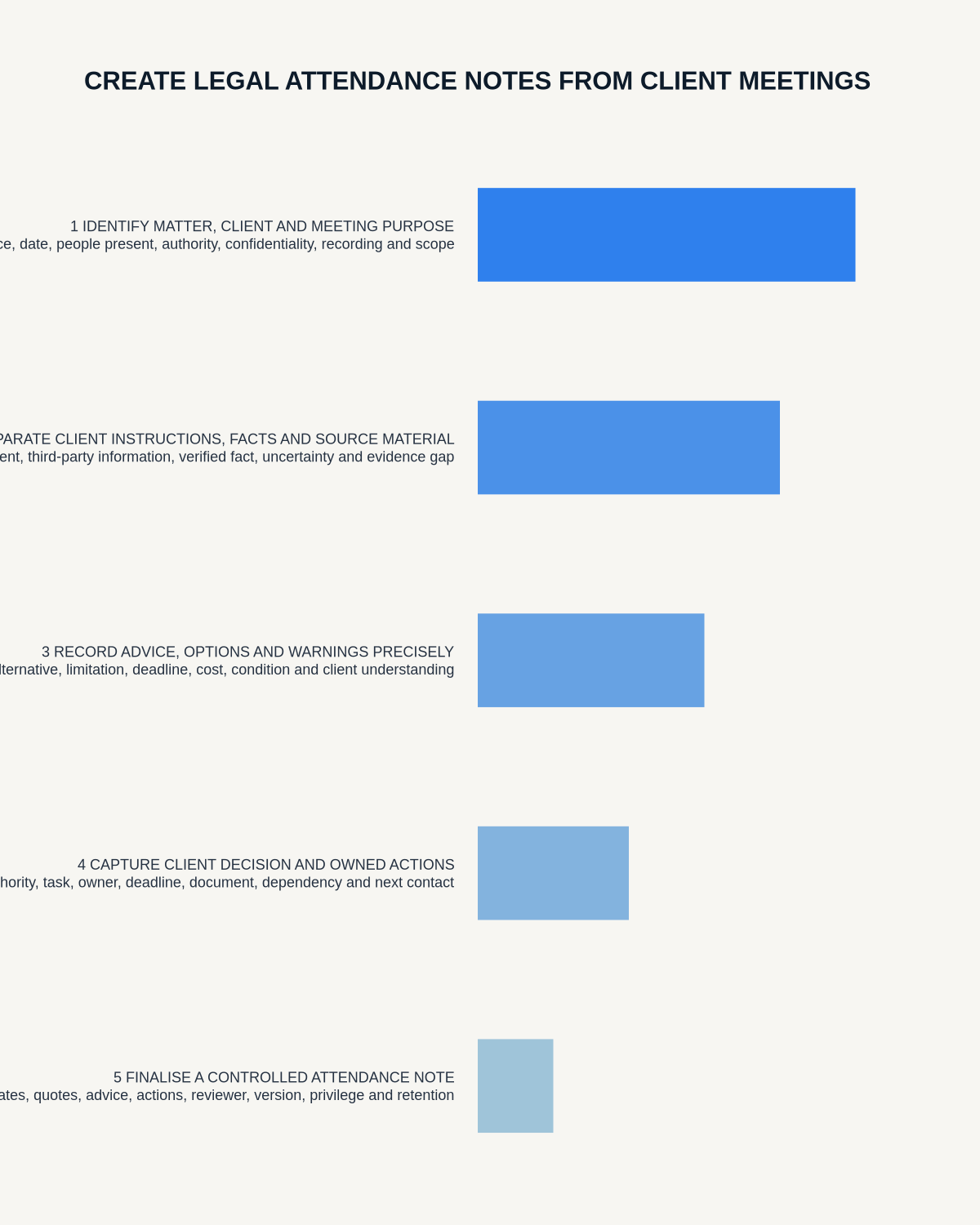
Workflow from meeting to case file
- Confirm recording authority and purpose.
- Capture the meeting through the approved route.
- Confirm the complete source file.
- Generate the transcript and draft structure.
- Correct names, dates, figures and speaker labels.
- Separate source categories.
- Verify advice, instructions and material commitments.
- Create the attendance note in the firm template.
- Obtain the required review or sign-off.
- File the approved note in the matter system.
- Apply legal hold, retention and deletion rules to source and drafts.
Control privilege and disclosure
Raw audio or transcripts may contain:
- Privileged advice
- Without-prejudice discussion
- Opposing-party or witness information
- Medical or financial data
- Internal strategy
- Personal information about third parties
Do not circulate the full transcript by default. Use the firm’s privilege, disclosure, redaction and access processes.
Do not automate legal judgement
AI cannot determine:
- Credibility
- Privilege
- Materiality
- Legal effect
- Whether advice was adequate
- Whether disclosure is required
- Whether an undertaking was validly given
It may assist drafting and retrieval, but a qualified professional remains responsible.
Quality checklist
- Meeting and matter identified
- Client instructions separated from factual account
- Advice and warnings recorded accurately
- Third-party allegations labelled
- Documents and evidence referenced
- Dates, figures and commitments verified
- Uncertainty preserved
- Actions and deadlines assigned
- Privilege and disclosure reviewed
- Final note approved and filed
- Source retention decision applied
Where NERALVO Halo fits
Review NERALVO Halo against these controls can capture suitable meetings and supported calls to 64GB local storage, then synchronise recordings to DOWAY for transcripts, summaries and structured notes. One year of DOWAY Max is included with the current package.
A firm must assess the complete Halo and DOWAY workflow against confidentiality, privilege, cybersecurity, client-care and records-management requirements. CALL compatibility varies by phone, operating system and route.
Workflow choice matrix for How to Create Legal Attendance Notes from Client Meetings
Apply the strongest control before choosing a device. The table makes the non-hardware options explicit.
| Condition | Preferred route | Why |
|---|---|---|
| High-risk or mixed work | Governed hybrid | Separate capture, review, approval and retention rather than trusting one tool. |
| Recording is refused, prohibited or unnecessary | Manual notes / no recording | Respecting the boundary is the correct workflow, not a product failure. |
| In-person, mobile or unreliable-connectivity work | Dedicated recorder | Independent capture and a recoverable local source are usually more resilient. |
| Repeatable remote work with approved integrations | Cloud software | Automation and central collaboration may outweigh device independence. |
Frequently asked questions
Can an AI transcript replace an attendance note?
No. It is source material and requires professional review, selection and approval.
Should exact quotations be included?
Only where material. Verify them against the audio and preserve context.
Should raw audio be kept permanently?
Not by default. Apply matter, complaint, legal-hold and firm-retention rules.
Can AI decide what is legally important?
No. Materiality and legal significance require professional judgement.
Final checklist
- Recording authorised
- Purpose defined
- Complete source confirmed
- Source categories separated
- Material details replayed
- Advice and instructions verified
- Uncertainty retained
- Attendance note created in the firm template
- Professional approval completed
- Case record and retention controlled
A strong AI-assisted attendance-note workflow protects the source while keeping legal judgement and the final matter record firmly under professional control.
Related AI voice recorder guides
Governance control flow
Visual map for How to Create Legal Attendance Notes from Client Meetings
- Confirm purpose and authorityCheck law, policy, participant information and an approved alternative.
- Minimise captureRecord only what the stated purpose requires.
- Verify and restrict accessHuman-check material details and protect raw audio and transcripts.
- Retain or delete deliberatelyApply the matter, policy or statutory retention rule.
On this page
Related guides
Check permission, retention and access before choosing hardware
Once the policy requirements in this guide are satisfied, compare Halo’s specifications, local storage, included services and current offer against your approved workflow.
Found an error or an out-of-date claim? Email support@neralvo.com with the article address and a supporting source.