
The 60-second verdict
Quick answer: Notta is a multilingual cloud transcription workspace that supports live speech, audio and video imports and supported online meetings. It is flexible for international teams, but buyers should separate conversation-length limits, monthly allowances, imports, translation features and advanced AI credits.
Best fit: readers comparing Notta AI against the purchase, workflow and evidence factors below. Do not buy on: headline features alone; a failed compatibility, privacy, recovery or cost requirement should override the overall score.
Evidence basis and limits
- Decision factors covered: What Notta is built for; The free plan’s three-minute problem; Current plan comparison.
- Evidence rule: The decision is based on the complete capture-to-action workflow, not a single feature or marketing accuracy percentage.
- Boundary: Manufacturer-controlled prices, plans, compatibility and specifications can change. Retain the article’s stated check date, verify the live supplier terms before purchase and treat community reports as leads unless the original source is linked.
What Notta is built for
- Live in-person transcription.
- Audio and video file imports.
- Zoom, Google Meet, Microsoft Teams and Webex transcription.
- Mobile recording.
- Speaker identification.
- AI summaries and templates.
- Transcript translation.
- Team collaboration and integrations.
Each route should be tested separately because microphone quality, file limits, participant notice and platform reliability differ.
The free plan’s three-minute problem
Notta’s current Free plan includes 120 transcription minutes per month, but each conversation is limited to three minutes. That is enough to test the interface and too short to judge an ordinary lecture, interview or meeting.
A buyer can see a reasonable monthly allowance and still discover that realistic recordings require a paid plan.
Current plan comparison
| Plan | Monthly transcription | Maximum recording | File uploads | AI summaries |
|---|---|---|---|---|
| Free | 120 minutes | 3 minutes per conversation | 50 per month | 10 per month |
| Pro | 1,800 minutes | Up to 5 hours | 100 per month | 100 per month |
| Business | Unlimited | Up to 5 hours | 200 per month | 200 per month |
| Enterprise | Customised | Up to 5 hours | Unlimited | Unlimited or customised |
Plan prices vary by billing period, region and promotion. Check the official current pricing page before purchase.
What Notta does especially well
Multiple input routes
Users can record live, import an existing file or connect a web meeting. This is more flexible than a service designed only to send a bot into calendar calls.
Multilingual workflows
Transcription and translation tools make Notta useful for international interviews and teams. Important legal, technical or commercial wording still needs checking by a fluent person.
File review tools
Search, playback, transcript editing, speaker labels and custom vocabulary help turn a raw transcript into a usable working document.
Team administration
Business and Enterprise plans add permissions, reporting, integrations and stronger administration. These features matter when transcripts should not remain scattered across personal accounts.
Add-ons can complicate the true cost
Notta offers additional services for monolingual translation, bilingual transcription and Notta Brain. Advanced AI functions may use separate credits or add-on subscriptions rather than the core transcription allowance.
Before paying, list the exact output needed:
- Plain transcript.
- Summary.
- Translation.
- Bilingual transcript.
- Knowledge-base questions.
- Document or presentation generation.
Then confirm which plan or credit pool pays for each step.
In-person recording remains a hardware problem
Notta can transcribe speech captured by a phone or computer, but software cannot move the microphone closer to a quiet speaker. Incoming calls, notifications, battery drain and poor placement can also affect the source recording.
A useful in-person test should include the normal room, speaker distance, accents, overlapping speech and specialist terms. Do not judge the system using a short voice note spoken directly into the phone.
Using Notta with a separate recorder
Notta’s file-import capability means it can be paired with dedicated hardware. The recorder handles local capture; Notta handles transcription and organisation, subject to upload quotas and data rules.
This can be a stronger workflow for interviews and fieldwork than recording directly through a phone, provided the organisation approves the transfer and processing route.
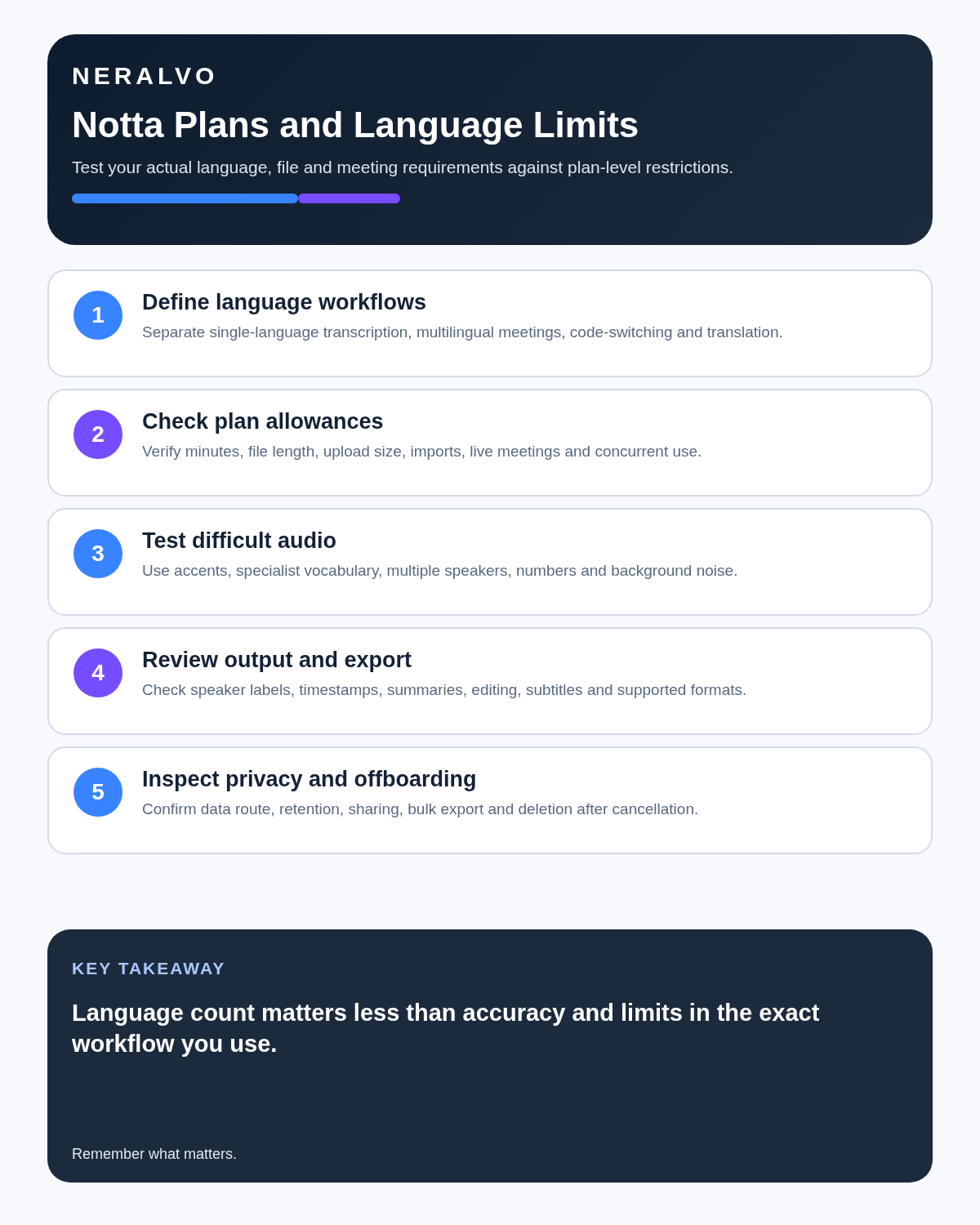
Run multilingual quality assurance
- Test each required language separately.
- Include accents, names and specialist terms.
- Check speaker labels after language switching.
- Review translated meaning, not only grammar.
- Use a competent speaker for material decisions.
- Keep source audio available until approval.
Privacy, downgrade and account control
- Who can create recordings?
- How are participants informed?
- Where are audio and transcripts stored?
- Which integrations can access them?
- How long are files retained?
- What can be permanently deleted?
- What changes when a paid plan is cancelled?
Notta states that data remains after cancellation, while Free users may only be able to view the first three minutes of a transcript. Export important authorised records before downgrading and apply the organisation’s retention policy.
Direct comparison matrix: Notta AI and NERALVO Halo
How to read this matrix: it is not scored to force a Halo win. The competing option leads where its deployment, integrations, placement or ecosystem is stronger; Halo leads only where its dedicated capture workflow is the better fit.
| Need | Notta | NERALVO Halo |
|---|---|---|
| Live transcription | Core feature | Processed after transfer |
| File imports | Supported with plan quotas | Records locally for DOWAY sync |
| Dedicated microphone hardware | No | Yes |
| Local storage | Depends on capture device | 64GB onboard |
| Continuous recording | Depends on phone or computer | Up to 35 hours |
| Languages and translation | Major strength | Available through DOWAY |
The current Halo package includes one year of DOWAY Max. DOWAY supports transcripts, summaries, speaker-separated notes, templates, translations and mind maps. Notta may be preferable when live text, integrations and team collaboration are the priority.
Is cloud software or a physical recorder right for this workflow?
- Choose Notta AI when remote or desktop meetings, calendar automation and native workspace integrations are central—and its current plan covers the real team workload.
- Choose NERALVO Halo when in-person, mobile or offline source capture matters more than an auto-joining cloud workflow.
- Re-test after any material plan, app, operating-system or policy change.
One public user signal
“Notta provides fast and highly accurate transcription with minimal effort.”
Read the original G2 review. This is one person’s public report, not a controlled test or community consensus.
Why it matters here: Treat this as a user-reported strength and test noisy audio, overlapping speech, language support and export formatting yourself.
How community feedback is used
Public reviews can reveal recurring friction, but an anonymous anecdote is not treated as measured proof. A pull-quote should appear only when it links to the original post, identifies the relevant product version or date and is presented as one user’s experience—not as universal fact.
Frequently asked questions
Is Notta Free suitable for full meetings?
No for most normal meetings because the current limit is three minutes per conversation despite the 120-minute monthly allowance.
Does Notta support many languages?
It offers broad multilingual support, but important terms and translations still need competent review.
Are translation features included in every plan?
Not necessarily. Check add-ons and credits separately.
Can imported recorder files be transcribed?
Yes on suitable plans and formats, subject to file and monthly limits.
Does live transcription remove the need for source audio?
No. Source audio remains important for checking material wording.
Official source and related reading
- Official Notta pricing
- Otter.ai Review
- Best AI Voice Recorders for Meetings
- How to Choose an AI Voice Recorder
Final buying checklist
- Input routes tested separately.
- 120-minute monthly allowance and three-minute Free session limit understood.
- Pro, Business and Enterprise quotas confirmed.
- Import allowances checked.
- Translation and AI add-ons costed.
- Real audio environment tested.
- Exports and deletion proven.
- Multilingual review owner named.
Verdict: Notta is one of the more flexible transcription platforms, particularly for multilingual work and imported files. The free plan is not a realistic long-meeting trial because of its three-minute conversation limit, and advanced translation or AI work can add complexity to the final cost.
Software-first route
Need Zoom, Teams, calendar or CRM automation?
Choose cloud software for that job. This page completes the software workflow and evidence first. NERALVO Halo remains an optional later route only when offline, in-person or phone-attached capture matters more than native integrations.
On this page
Related guides
Keep the solution aligned with your original intent
- Choose the reviewed cloud software when Zoom, Teams, calendar automation, CRM workflows or unattended bot capture are essential.
- Consider dedicated hardware later only when offline, in-person, mobile or phone-attached capture is the actual requirement.
- Use neither when permission, governance, compatibility or retention requirements cannot be met.
Check current Notta details at the official source
Verify current plans, compatibility, limits and integrations with Notta before buying. Halo remains a separate optional comparison only for offline, in-person, mobile or phone-attached capture.
Found an error or an out-of-date claim? Email support@neralvo.com with the article address and a supporting source.