Reviewed and updated: 21 July 2026.
The 60-second verdict
An AI voice recorder for noisy environments must capture intelligible speech before transcription or noise reduction can help. Buyers should test the exact source of noise, speaker distance and room rather than relying on a general “noise cancellation” claim.
Best fit: Noisy Environments who need recoverable audio and human-verified notes in an authorised workflow. Use another method when: recording is prohibited, a participant declines or the approved process requires manual notes.
Quick verdict: identify the normal noise sources, run a controlled same-room comparison, review raw audio first and score missing words, names, numbers and correction time before choosing a recorder.
Evidence basis and limits
- Decision factors covered: Identify the noise profile; Build a realistic benchmark; Measure consequential transcript errors.
- Evidence rule: Claims are weighted by consequence: capture failure, changed meaning, access and recovery matter more than polished wording.
- Boundary: Examples and workflow recommendations must be tested with representative recordings, the intended users and the actual approval process before rollout.
Identify the noise profile
- Steady ventilation or machinery
- Road or construction noise
- Typing and paper movement
- Music or television
- Background conversations
- Room echo
- Wind
- Handling and clothing noise
- Public-address systems
- Remote-call compression and dropout
Different noise requires different placement or equipment. A device that handles steady fan noise may struggle with another nearby voice.
Build a realistic benchmark
- Use the actual room or location.
- Place the recorder where it would normally sit.
- Include near, far and quiet speakers.
- Use names, numbers, technical terms and one negative statement.
- Record a quiet baseline.
- Add normal noise at the usual level.
- Keep the conversation and placement consistent.
- Review the original audio.
- Generate and correct the transcript.
- Measure total time to a usable note.
Score source-audio quality
| Check | Pass condition |
|---|---|
| Completeness | No important section disappears |
| Quiet speaker | Material words remain intelligible |
| Distant speaker | Names and actions can be checked |
| Noise masking | Background sound does not cover key speech |
| Handling | Movement does not create severe thumps or rubbing |
| Clipping | Loud moments remain understandable |
Measure consequential transcript errors
Count errors involving:
- Names
- Numbers and amounts
- Dates
- Negative wording
- Technical terms
- Speaker labels
- Actions and owners
- Conditions
General word accuracy can hide the exact details needed for the final record.
Placement usually matters more than AI settings
- Move the recorder closer to the people who matter.
- Keep microphones unobstructed.
- Use a stable surface.
- Move away from fans, keyboards, speakers and projectors.
- Use a windscreen for suitable outdoor equipment.
- Avoid pockets or clothing unless the device is designed for that placement.
- Test the real table shape.
Understand noise reduction
Noise reduction can improve listening comfort or transcription input, but it can also:
- Remove quiet consonants
- Distort soft speech
- Create artificial-sounding audio
- Fail on changing background voices
- Hide evidence that the source was poor
Compare the raw and processed audio. Do not accept a smoother transcript if important speech has been removed.
Run individual noise tests
Office ventilation
Test steady fan noise with quiet and distant speech.
Café or public space
Use a non-confidential test. Compare nearby speech, music and table movement.
Vehicle or roadside environment
Do not operate equipment unsafely while driving. Test stationary conditions, road hum and ventilation.
Outdoor interview
Test wind direction, shelter, microphone position and movement.
Workshop or machinery
Prioritise safety and approved hearing protection. A specialist microphone or quieter interview area may be required.
Know when one recorder is not enough
Large rooms, long tables, severe echo and high noise may require a boundary microphone, multiple microphones, a conferencing system or a quieter location. Do not force a compact recorder to solve an unsuitable acoustic environment.
Test call noise separately
Phone and online calls introduce:
- Codec compression
- Network dropout
- Speakerphone echo
- Bluetooth routing
- Noise suppression by the call platform
- One-sided capture risk
Use the exact phone, app and headset configuration planned for work.
Measure review burden
Record:
- Time locating unclear passages
- Time replaying noisy sections
- Time correcting terminology
- Time fixing speaker labels
- Time rebuilding missing context
- Total time to approved output
Protect confidential information
Public and noisy locations often contain bystanders. Define whether the location is appropriate, how others are excluded, whether recording is disclosed and how unrelated voices are removed or protected.
Calculate total cost
Include the device, accessories, windscreens or mounts, AI plan, correction time, alternative microphones, training, support and the cost of unusable recordings.
Where NERALVO Halo fits
Check whether NERALVO Halo fits noisy environments work provides NOTE mode, supported CALL mode, 64GB local storage, up to 35 hours of recording and Bluetooth synchronisation with DOWAY. DOWAY supports transcripts, summaries, templates, translations, mind maps and exports, with one year of DOWAY Max included.
Halo should be tested in the buyer’s actual noisy environment. Compact placement convenience does not replace appropriate microphone distance or a suitable room.
Noisy-environment buying checklist
- Noise sources identified
- Quiet baseline recorded
- Real noise benchmark completed
- Raw audio reviewed first
- Quiet and distant speakers tested
- Critical errors counted
- Placement alternatives tested
- Raw and processed audio compared
- Call noise tested separately
- Need for specialist equipment assessed
- Review time measured
- Privacy and total cost assessed
Cloud software, a dedicated recorder or manual notes?
For Noisy Environments, the right answer changes with the setting. This matrix deliberately gives each method a situation where it can be the strongest choice.
| Situation | Best starting point | Reason |
|---|---|---|
| scheduled remote meetings | Cloud meeting software | Calendar automation and shared integrations are usually the strongest advantage. |
| in-person or mobile work | Dedicated recorder | Independent capture reduces reliance on an active phone or laptop. |
| recording is refused or prohibited | Manual notes or an approved alternative | The boundary takes priority over convenience. |
| mixed online and offline work | Governed hybrid | Use each method only in the setting it actually fits. |
Frequently asked questions
Can AI remove all background noise?
No. It may reduce some noise, but speech that was masked or never captured cannot be restored reliably.
Is a high microphone count always better?
No. Design, placement and processing matter more than the number alone.
Should a recorder be placed close to the loudest speaker?
Place it for balanced coverage of the relevant participants, not only the loudest person.
What is the best solution for severe noise?
A quieter location or suitable specialist microphone may be better than relying on software cleanup.
Choose intelligibility over claims
The best noisy-environment recorder is the one that preserves the important speech in the real location with acceptable correction time.
Related guides
Profession workflow
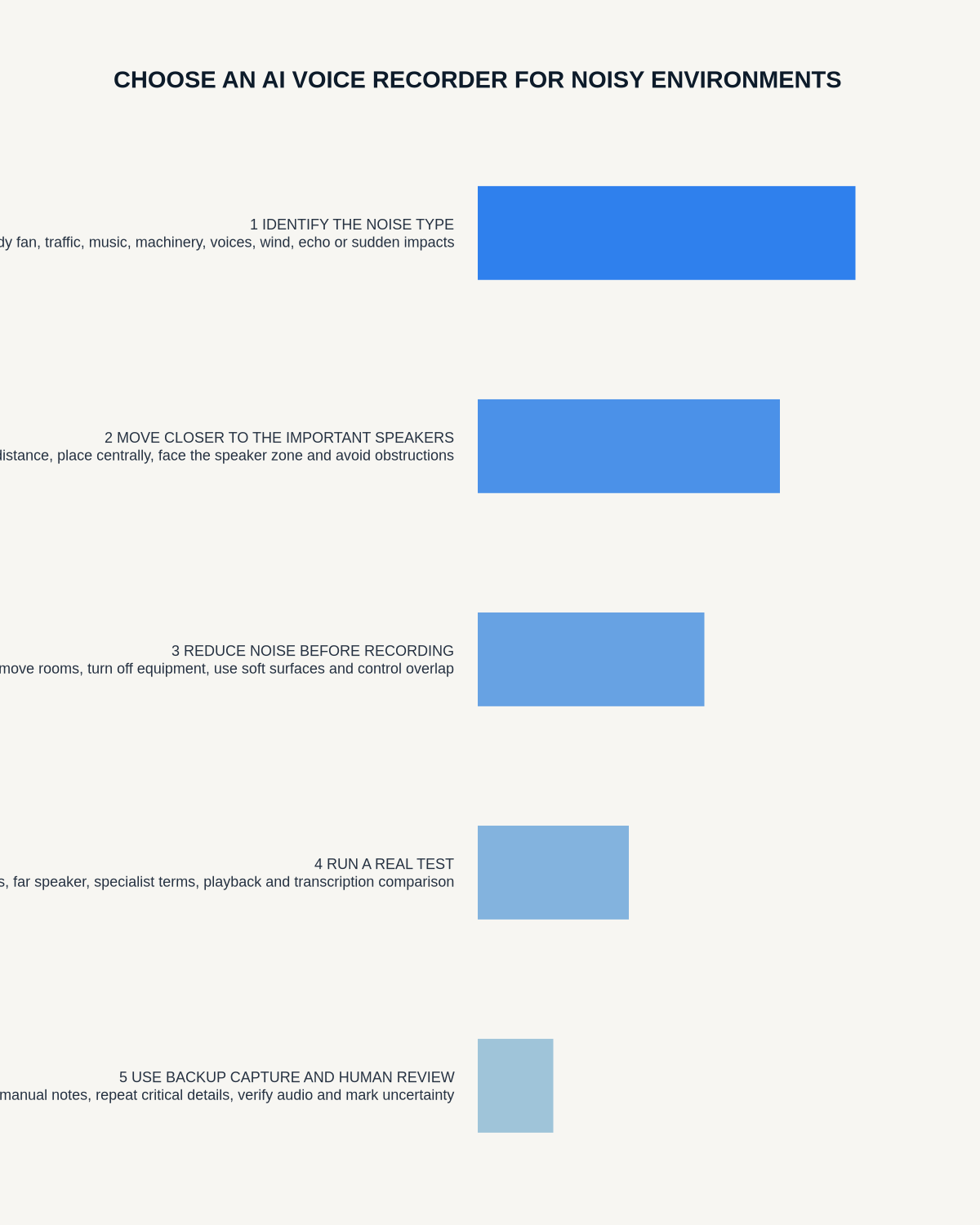
Visual map for AI Voice Recorder for Noisy Environments: A Real-World Audio Test
- Prepare the approved useDefine purpose, safe position, permission and the required formal record.
- Capture context firstState the case, asset, person, location or event identifier before detail.
- Human-verify evidenceCheck technical terms, units, names, dates, decisions and uncertainty.
- Complete the formal recordTransfer only verified information and apply access and retention controls.
On this page
Related guides
See whether Halo fits this workflow
Review the NERALVO Halo specifications, included services, delivery information and current offer only after completing the guide.
Found an error or an out-of-date claim? Email support@neralvo.com with the article address and a supporting source.