The 60-second verdict
Court reporting is not ordinary meeting transcription. The record may need to preserve questions, answers, interruptions, rulings, exhibits, names and procedural language with a level of accuracy that other people will rely upon. A fluent automatic transcript can still be materially wrong.
Best fit: Court Reporters who need recoverable audio and human-verified notes in an authorised workflow. Use another method when: recording is prohibited, a participant declines or the approved process requires manual notes.
Evidence basis and limits
- Decision factors covered: Authorisation determines whether recording happens at all; Create a speaker map before reviewing text; Use AI to create an exception queue.
- Evidence rule: Claims are weighted by consequence: capture failure, changed meaning, access and recovery matter more than polished wording.
- Boundary: Examples and workflow recommendations must be tested with representative recordings, the intended users and the actual approval process before rollout.
An AI voice recorder for court reporters may assist with authorised working drafts, search and exception spotting. It does not create an official record, replace the authorised source or remove the need for trained review under the relevant court, tribunal or contractual procedure.
Authorisation determines whether recording happens at all
A personal or supplemental recorder should never be introduced where the proceeding’s rules do not permit it. Before capture, confirm:
- who controls the official recording
- whether any supplemental source is permitted
- which participants must be informed
- where the files may be processed
- who can access working drafts
- how source and transcript retention is managed
- which transcript conventions and certification requirements apply
Convenience is not authority.
Create a speaker map before reviewing text
Automatic diarisation may identify changing voices without knowing who they are. Build a speaker map using the authorised appearances and proceeding context:
- judge, chair or tribunal member
- counsel and party represented
- witness
- clerk or court officer
- interpreter
- remote participant
- unidentified or uncertain speaker
Where identity cannot be established confidently, retain an uncertainty marker rather than assigning the statement to the most likely person.
Use AI to create an exception queue
The most valuable automation is not final transcription. It is directing human attention to passages likely to need review.
| Exception type | Why it matters |
|---|---|
| Low-confidence audio | Words may be missing or substituted |
| Overlapping speech | Speaker and sequence may be unclear |
| Name or citation | Spelling and legal reference require verification |
| Number or date | A single error can change evidence or an order |
| Exhibit reference | The spoken label must match the record |
| Interruption | Punctuation may falsely complete an unfinished statement |
| Interpreter passage | Source and interpreted speech must remain distinguishable |
| Ruling or direction | Exact wording and speaker require priority review |
Punctuation is an editorial decision with legal consequences
Automatic systems add punctuation based on probability. That can turn an interrupted answer into a complete admission, change a question into a statement or hide a qualification.
Review punctuation against the audio, particularly around:
- negations
- conditional language
- unfinished answers
- objections and rulings
- quoted speech
- lists of dates or figures
- changes of speaker
The text should represent what was spoken under the applicable conventions—not what reads most smoothly.
Names, citations and exhibits need a verification source
Use appearance lists, pleadings, exhibit schedules and other authorised materials to check:
- people and organisation names
- case and authority citations
- places and technical terms
- document titles
- exhibit numbers
- financial values and dates
Do not silently “correct” a spoken error if the transcript convention requires the speech to be preserved. Follow the applicable editorial rules.
Preserve source hierarchy
Where several audio sources exist, identify which is authoritative. A personal recorder may have clearer audio for one speaker but remain only a permitted supplemental source.
The working file should show:
- authorised source
- supplemental source where permitted
- automatic draft version
- human-reviewed draft
- quality-control version
- final approved or certified transcript
Versioning prevents a convenient draft from being mistaken for the final product.
Remote and hybrid proceedings need additional checks
Remote participants introduce compression, delay, dropped speech and incorrect platform labels. Record:
- connection issue and time
- participant affected
- whether a passage was repeated
- whether video and audio disagreed
- any instruction from the court about the record
Do not repair missing speech by guessing from context.
A transcript quality-control sequence
- Confirm the source and proceeding reference.
- Import only through the authorised workflow.
- Create the speaker map.
- Generate the automatic working draft where permitted.
- Review the exception queue first.
- Check names, citations, exhibits, dates and figures.
- Review overlaps, interruptions and punctuation against audio.
- Apply required formatting and transcription conventions.
- Complete independent or supervisory quality control where required.
- Release, certify, store and retain through the authorised process.
Confidential, restricted and redacted material
Proceedings may contain personal data, protected evidence or material subject to access restrictions. Working audio and drafts should receive the same level of control as the proceeding requires.
Document redactions and restricted versions. Do not use an external transcription route unless it is approved for the material.
How NERALVO Halo may fit an authorised workflow
Check whether NERALVO Halo fits court reporters work provides portable NOTE recording, 64GB local storage and DOWAY transcription tools. It may be useful only where supplemental recording is explicitly permitted and the full processing route satisfies the organisation’s requirements.
The device should not be presented as an official court-recording system. Test multi-speaker separation, quiet speech, legal names and room acoustics before considering any approved use.
Cloud software, a dedicated recorder or manual notes?
For Court Reporters, the right answer changes with the setting. This matrix deliberately gives each method a situation where it can be the strongest choice.
| Situation | Best starting point | Reason |
|---|---|---|
| scheduled remote case meetings | Cloud meeting software | Calendar automation and shared integrations are usually the strongest advantage. |
| authorised interviews or field discussions | Dedicated recorder | Independent capture reduces reliance on an active phone or laptop. |
| privilege, procedure or an objection prevents recording | Manual notes or an approved alternative | The boundary takes priority over convenience. |
| mixed casework | Governed hybrid | Use each method only in the setting it actually fits. |
Related guides
Final transcript check
- Was every source authorised?
- Are speakers identified from evidence rather than AI guesswork?
- Have uncertain passages been reviewed against audio?
- Are punctuation and interruptions represented correctly?
- Are names, citations, figures and exhibits verified?
- Are versions and corrections traceable?
- Has restricted material been handled correctly?
- Does the final transcript meet the required procedure?
AI can reduce searching and create a useful first-pass draft for court reporters. Reliability still comes from authorised source control, trained listening, procedural conventions and accountable human quality assurance.
Profession workflow
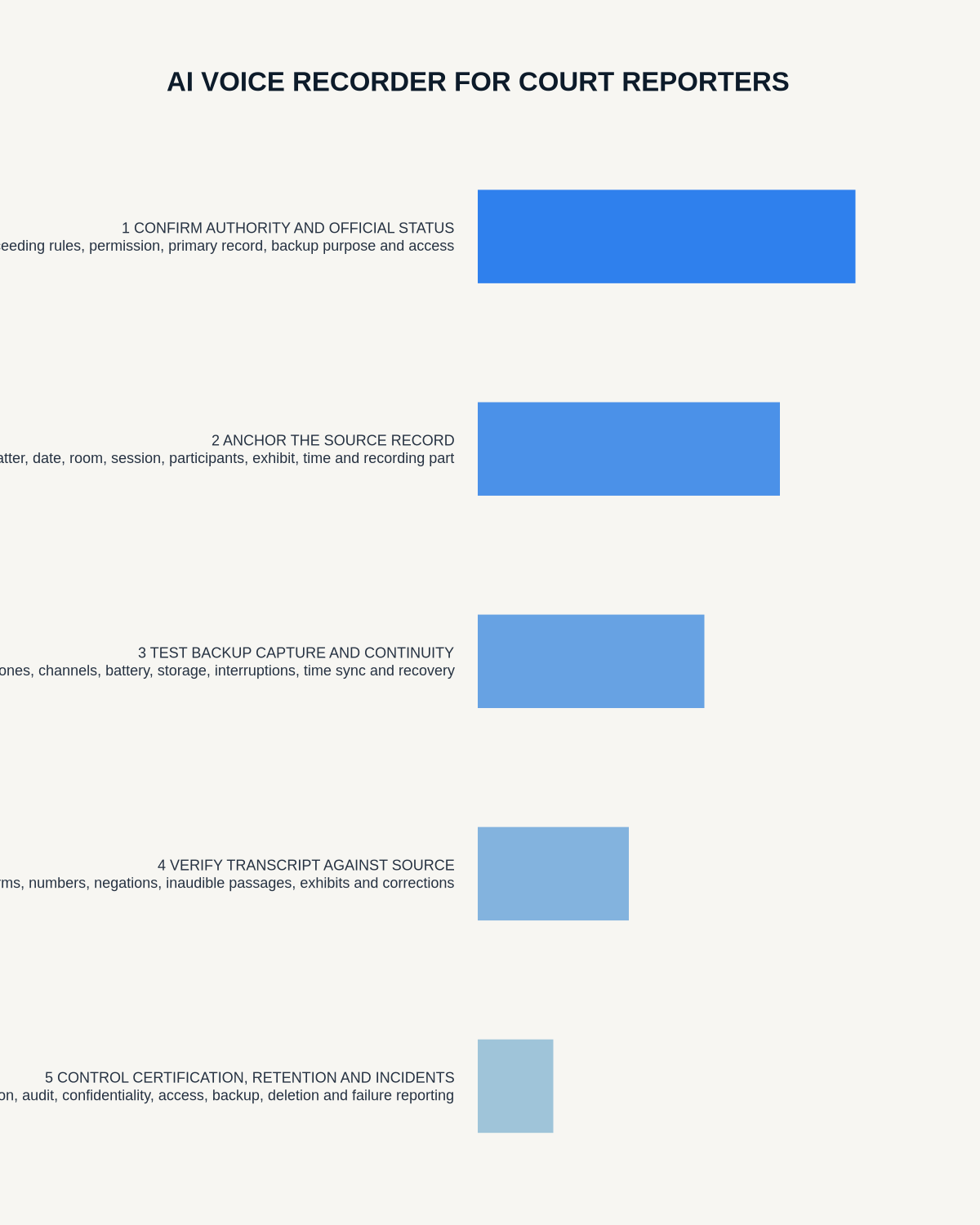
Visual map for AI Voice Recorder for Court Reporters: Safer Backup Audio and Transcript Review
- Prepare the approved useDefine purpose, safe position, permission and the required formal record.
- Capture context firstState the case, asset, person, location or event identifier before detail.
- Human-verify evidenceCheck technical terms, units, names, dates, decisions and uncertainty.
- Complete the formal recordTransfer only verified information and apply access and retention controls.
On this page
Related guides
See whether Halo fits this workflow
Review the NERALVO Halo specifications, included services, delivery information and current offer only after completing the guide.
Found an error or an out-of-date claim? Email support@neralvo.com with the article address and a supporting source.