The 60-second verdict
Quick answer: UX researchers can use an AI voice recorder for approved interviews, usability sessions and field notes, but every important statement should remain paired with the participant’s task, observed behaviour and source evidence.
Best fit: UX Researchers who need recoverable audio and human-verified notes in an authorised workflow. Use another method when: recording is prohibited, a participant declines or the approved process requires manual notes.
Evidence basis and limits
- Decision factors covered: The paired evidence row; The TASK note; Session workflow.
- Evidence rule: The decision is based on the complete capture-to-action workflow, not a single feature or marketing accuracy percentage.
- Boundary: Examples and workflow recommendations must be tested with representative recordings, the intended users and the actual approval process before rollout.

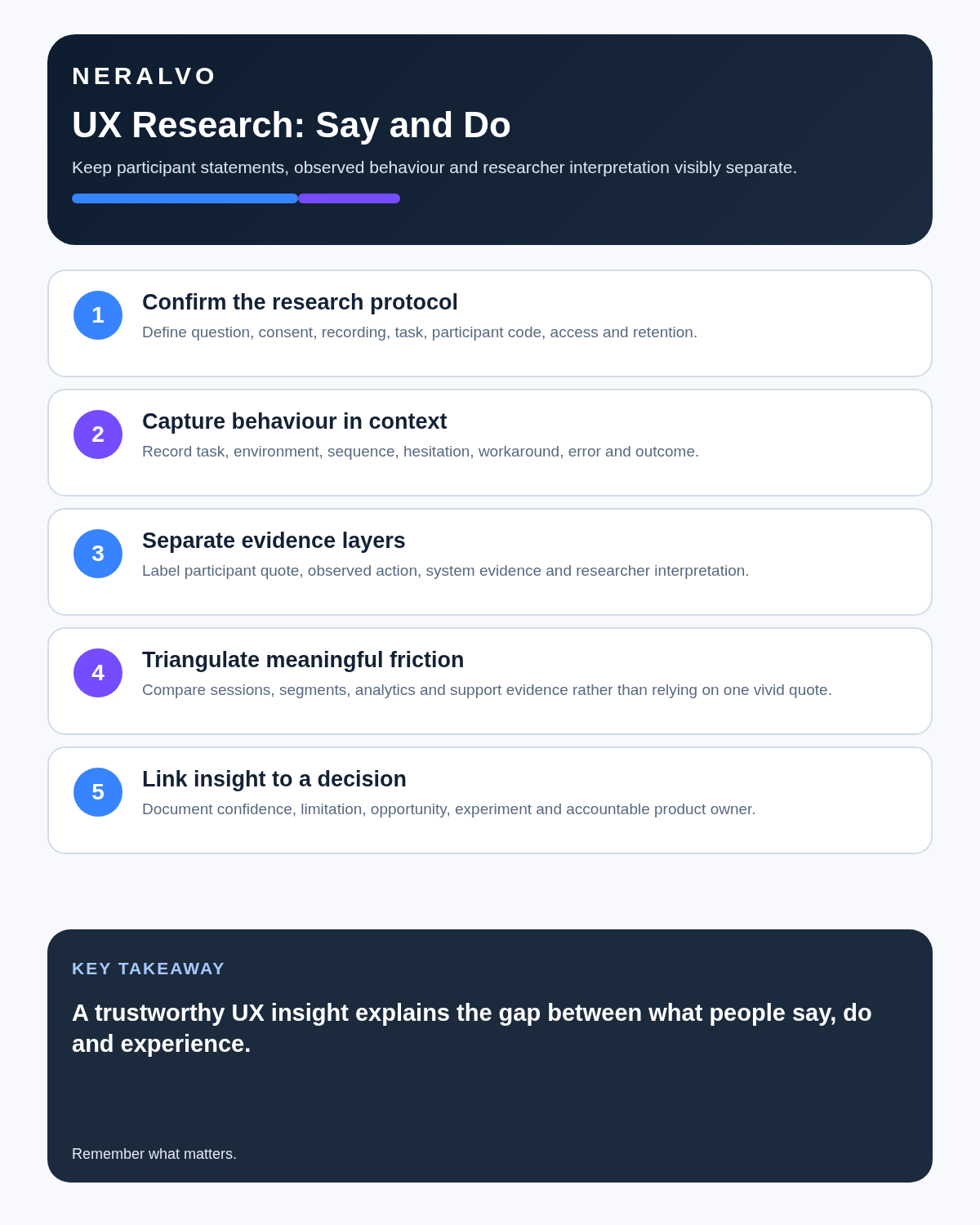
A usability transcript records speech. A UX finding needs the paired behaviour: what the participant clicked, missed, repeated, abandoned or completed.
This workflow connects consented audio with structured observation instead of analysing words alone.
The paired evidence row
| Time | Task | Observed behaviour | Participant statement | Researcher interpretation |
|---|---|---|---|---|
| 04:12 | Find billing settings | Opens Account three times | “I expected billing here.” | Labels may conflict with mental model |
Keep interpretation in its own column. Do not rewrite it as something the participant said.
The TASK note
- T — Target: participant reference, segment and research question.
- A — Action: task and observed sequence.
- S — Statement: relevant quotation or expectation.
- K — Knowledge: interpretation, uncertainty and next question.
Session workflow
- Define the research question and method.
- Recruit participants relevant to the service.
- Provide accessible information and obtain informed consent.
- Confirm audio, screen, observers and data uses.
- Run the session without leading.
- Take timestamped behaviour notes.
- Correct the transcript and quotations.
- Build paired evidence rows.
- Code patterns and contradictory cases.
- Create findings with sample, confidence and limitations.
- Share only within the agreed purpose.
- Delete data under the retention plan.
Audio is only one channel
Depending on the question, the research record may need screen capture, clicks, task outcome, device, assistive technology, environment and requests for help. Use the least intrusive combination that answers the question.
Finding versus recommendation
| Type | Example |
|---|---|
| Observation | Participant opens Account repeatedly |
| Statement | “I expected billing here.” |
| Pattern | Five of eight participants follow a similar route |
| Finding | Tested segment struggles to locate billing settings |
| Recommendation | Test revised navigation labels |
A recommendation is not automatically the only solution supported by the finding.
Consent and clips
Explain recording, observers, third-party transcription, internal playback, quotations and retention. Permission to participate does not automatically authorise a public clip.
Protect identification risk
Roles, companies, rare experiences and distinctive quotations can identify participants even when names are removed. Minimise source data, separate contact information and restrict access to the research team.
How NERALVO Halo fits
NERALVO Halo includes 64GB local storage, NOTE and CALL modes, up to 35 hours of recording and DOWAY processing. The current package includes one year of DOWAY Max.
NOTE mode may support approved interviews, usability-test audio and research debriefs. CALL mode may support compatible remote sessions. Separate screen or interaction recording may still be required.
Review the current NERALVO Halo details.
Cloud software, a dedicated recorder or manual notes?
For UX Researchers, the right answer changes with the setting. This matrix deliberately gives each method a situation where it can be the strongest choice.
| Situation | Best starting point | Reason |
|---|---|---|
| scheduled remote meetings | Cloud meeting software | Native remote-meeting workflows can be more efficient here. |
| in-person or mobile work | Dedicated recorder | A separate battery and recoverable local source improve resilience. |
| recording is refused or prohibited | Manual notes or an approved alternative | Manual notes are the correct control when recording is unavailable. |
| mixed online and offline work | Governed hybrid | A hybrid can combine automation with reliable physical capture. |
Related guides
Bottom line
An AI recorder helps researchers stay present and recover exact language. Pair every important statement with observed behaviour and keep interpretation, finding and recommendation visibly separate.
On this page
Related guides
See whether Halo fits this workflow
Review the NERALVO Halo specifications, included services, delivery information and current offer only after completing the guide.
Found an error or an out-of-date claim? Email support@neralvo.com with the article address and a supporting source.