The 60-second verdict
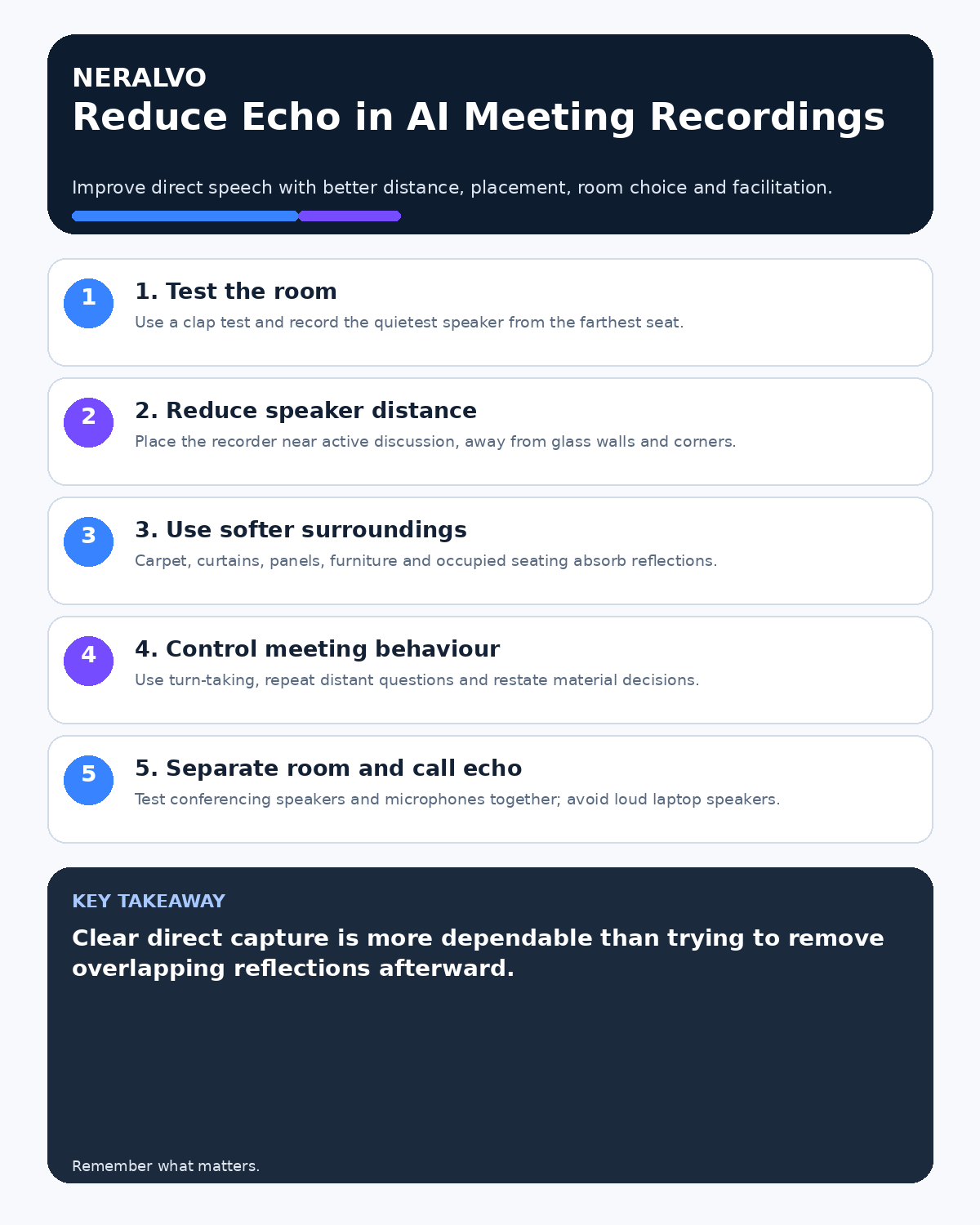
Quick answer: reduce echo in AI meeting recordings by moving the recorder closer to the active speakers, avoiding walls and glass corners, choosing a softer furnished room and testing the quietest speaker from the farthest important seat.
Decision focus: use the method below only where it produces a recoverable source, a verifiable output and a clear next action. If one of those fails, change the workflow rather than trusting a polished summary.
Evidence basis and limits
- Decision factors covered: Distinguish room echo from electronic echo; Run a quick room test; Reduce speaker distance first.
- Evidence rule: Claims are weighted by consequence: capture failure, changed meaning, access and recovery matter more than polished wording.
- Boundary: Examples and workflow recommendations must be tested with representative recordings, the intended users and the actual approval process before rollout.
Echo occurs when the recorder receives direct speech and delayed copies reflected from hard surfaces. The more distant the speaker, the more those reflections can compete with the original voice.

Distinguish room echo from electronic echo
| Symptom | Likely source | First action |
|---|---|---|
| Long hollow tail after speech | Room reverberation | Move closer and away from hard surfaces |
| A remote voice repeats distinctly | Conference speaker and microphone loop | Change the hybrid audio route |
| Boom or resonance from the table | Surface vibration | Use stable isolated placement |
| Only distant speakers sound unclear | Excessive microphone distance | Move toward the active discussion |
Run a quick room test
Clap once from the meeting position. A long metallic or ringing tail suggests strong reverberation. Then record the quietest expected speaker from the farthest important seat using two or three possible recorder positions.
Listen to names, short answers and numbers in the source audio. Do not judge only by whether the transcript appears fluent.
Reduce speaker distance first
- Place the recorder near the acoustic centre of active discussion.
- Avoid the far end of a long table.
- Detach it from the phone if the phone is beside only one person.
- Move closer to quiet or critical speakers where appropriate.
- Use suitable venue audio for large rooms.
Shortening the direct path usually helps more than trying to repair severe reverberation afterwards.
Move away from reflective boundaries
Avoid bare glass walls, hard corners and positions directly beside a large reflective surface. Do not place the recorder in a shelf, recess or enclosed cabinet. A more open position can reduce strong early reflections.
Use softer parts of the room
Carpet, curtains, acoustic panels, upholstered furniture and occupied seating absorb sound. A smaller furnished room will often record more clearly than a large empty boardroom.
Where room choice is limited, close unused doors, draw curtains where appropriate and use existing soft furnishings without obstructing the device.
Control table vibration and equipment noise
Keep the recorder away from projectors, ventilation, laptop fans, keyboard impact and loudspeaker systems. Use a stable surface and avoid moving papers or cups against the device.
Improve meeting behaviour
- Use chair-led turn-taking.
- Ask people to face the discussion when speaking.
- Prevent several conversations at once.
- Repeat distant audience questions.
- Restate figures, decisions and actions clearly.
Good facilitation reduces both echo-related ambiguity and speaker-attribution errors.
Test hybrid meeting audio separately
Room reverberation and remote-call echo are different problems. Test the conferencing system, laptop speakers, room microphones and independent recorder together. Keep the recorder away from loud laptop speakers and avoid two active conference audio paths in the same room.
Measure whether the change worked
Repeat the same speaker, script and seat after moving the recorder or changing the room. Compare:
- direct-speech clarity;
- length of the audible room tail;
- quiet-speaker intelligibility;
- critical transcript errors;
- correction time.
Document successful placements for rooms used regularly.
Know when specialist audio is required
Large halls, highly reflective spaces, panel events and rooms where every audience question must be captured may need venue microphones, distributed microphone systems or professional support. Software cannot perfectly separate reflected sound that overlaps the original speech.
Workflow choice matrix for How to Reduce Echo in AI Meeting Recordings
Choose the method that protects the source and reduces downstream correction. The table makes the non-hardware options explicit.
| Condition | Preferred route | Why |
|---|---|---|
| High-risk or mixed work | Governed hybrid | Separate capture, review, approval and retention rather than trusting one tool. |
| Recording is refused, prohibited or unnecessary | Manual notes / no recording | Respecting the boundary is the correct workflow, not a product failure. |
| In-person, mobile or unreliable-connectivity work | Dedicated recorder | Independent capture and a recoverable local source are usually more resilient. |
| Repeatable remote work with approved integrations | Cloud software | Automation and central collaboration may outweigh device independence. |
Frequently asked questions
Can AI remove all room echo?
No. Processing may help, but clear direct capture remains the most dependable solution.
Is the centre of the table always best?
No. Use the acoustic and decision-making centre, then test distant speakers.
Does an empty-room test give a reliable result?
Not always. People and furnishings change the acoustics, so test under representative conditions where possible.
What if only remote speakers echo?
Investigate the conference audio route rather than treating the room. Check duplicate microphones, loudspeakers and device connections.
Useful resources
- Association for Project Management meeting guidance
- How to Position an AI Voice Recorder on Different Table Shapes
- Why AI Voice Recordings Sound Muffled
- How to Capture Questions from the Back of a Room
- Check whether NERALVO Halo fits this workflow
Final echo checklist
- Room and electronic echo distinguished
- Clap and far-seat tests completed
- Recorder moved closer to active speakers
- Glass, corners and loud equipment avoided
- Soft surfaces used where available
- Hybrid route tested
- Before-and-after result measured
On this page
Related guides
See whether Halo fits this workflow
Review the NERALVO Halo specifications, included services, delivery information and current offer only after completing the guide.
Found an error or an out-of-date claim? Email support@neralvo.com with the article address and a supporting source.