The 60-second verdict
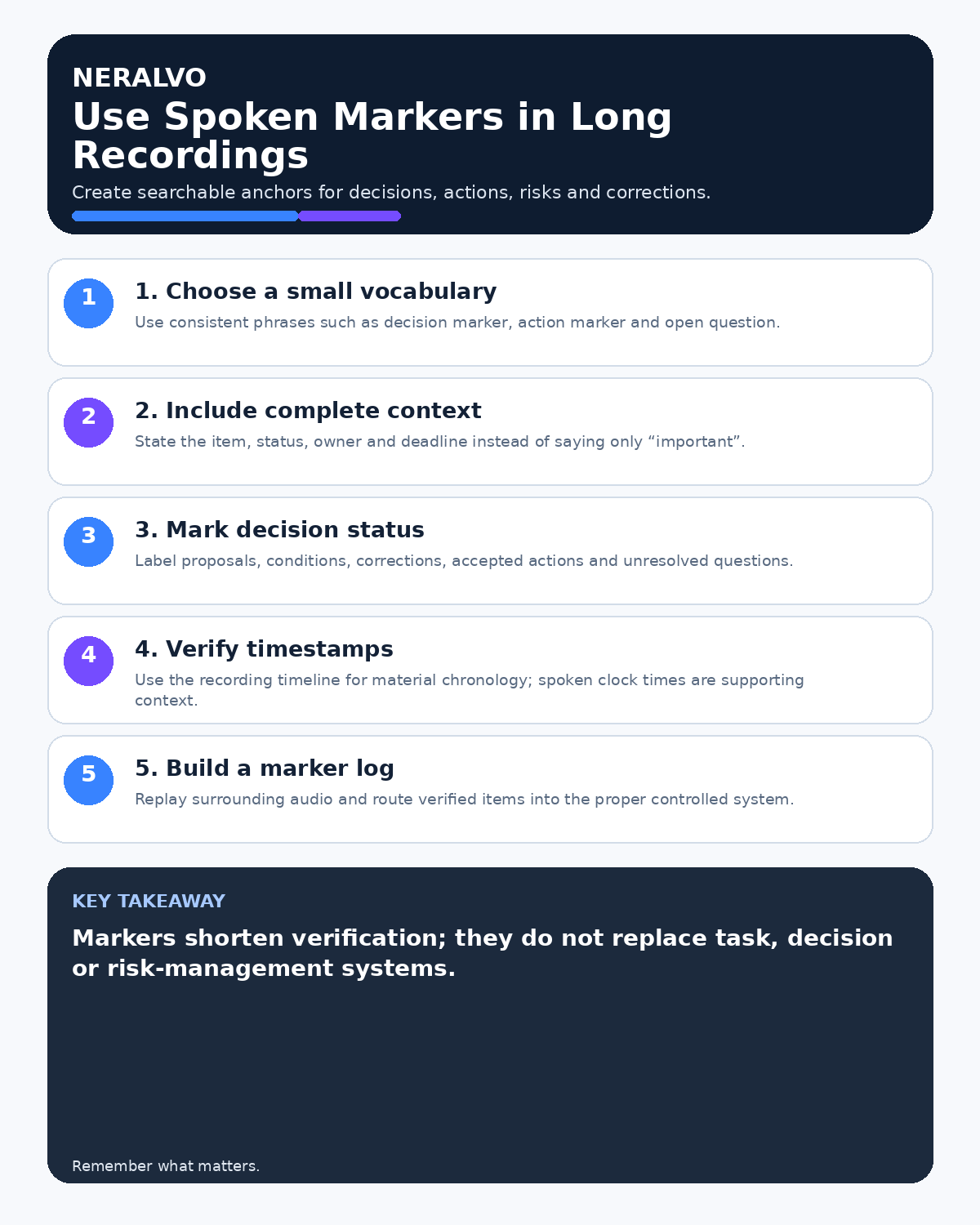
Quick answer: make long recordings easy to navigate by using a small, consistent spoken-marker vocabulary and stating the subject, status and next step in one complete marker. Add timestamps during review and verify every material marker against the source audio.
Decision focus: use the method below only where it produces a recoverable source, a verifiable output and a clear next action. If one of those fails, change the workflow rather than trusting a polished summary.
Evidence basis and limits
- Decision factors covered: Use a controlled marker vocabulary; Say a complete marker; Mark boundaries, not every sentence.
- Evidence rule: The decision is based on the complete capture-to-action workflow, not a single feature or marketing accuracy percentage.
- Boundary: Examples and workflow recommendations must be tested with representative recordings, the intended users and the actual approval process before rollout.
A marker such as “important” is not useful months later. A stronger marker says: “Decision—supplier change approved, subject to legal review; action owner Priya, due Friday.”

Use a controlled marker vocabulary
- Section: new agenda item or topic.
- Decision: authorised outcome and conditions.
- Action: task, owner and deadline.
- Risk: uncertain event and possible impact.
- Issue: current problem requiring resolution.
- Evidence: document, figure or source to verify.
- Open question: information still required.
- Correction: earlier wording is superseded.
- Pause or resume: boundary in the official discussion.
Say a complete marker
Use the formula:
Marker + subject + status + owner or next step.
Examples:
- “Section—customer migration risks.”
- “Decision—launch moved to 14 October; approved by the programme board.”
- “Action—Sam to confirm the data-retention position by Thursday.”
- “Correction—the cost is forty-five thousand pounds, not fifty-four thousand.”
Mark boundaries, not every sentence
Too many markers interrupt the conversation and create noise. Use them for meaningful topic changes, decisions, actions, corrections and high-risk information.
Use timestamps consistently
Choose elapsed time from the beginning of the source recording, preferably in a consistent format such as 00:37:18. Keep the original file stable so timestamps do not shift after editing.
Preserve status and conditions
A marker must not shorten “recommended subject to approval” into “decision.” Repeat conditions, authority and negative wording where they affect meaning.
Handle interruptions and corrections
Use “pause” and “resume” around breaks, side conversations and technical interruptions. If information changes later, add a correction marker and ensure the final note points to the latest approved position. Review how to record interruptions and side conversations.
Create a marker index
| Timestamp | Marker | Subject | Status or action |
|---|---|---|---|
| 00:12:44 | Decision | Pilot scope | Approved for two teams |
| 00:31:08 | Action | Security review | Amina, due 18 September |
Verify markers during review
Replay the surrounding passage, not only the marker sentence. Check the speaker, authority, condition, owner, deadline and whether later discussion changed the position.
Route the result into real systems
Markers improve navigation, but decisions and actions still belong in the decision log, project system, CRM or case record. The marker index should link to those controlled destinations.
Workflow choice matrix for How to Use Spoken Markers and Timestamps in Long Recordings
Choose the method that protects the source and reduces downstream correction. The table makes the non-hardware options explicit.
| Condition | Preferred route | Why |
|---|---|---|
| High-risk or mixed work | Governed hybrid | Separate capture, review, approval and retention rather than trusting one tool. |
| Recording is refused, prohibited or unnecessary | Manual notes / no recording | Respecting the boundary is the correct workflow, not a product failure. |
| In-person, mobile or unreliable-connectivity work | Dedicated recorder | Independent capture and a recoverable local source are usually more resilient. |
| Repeatable remote work with approved integrations | Cloud software | Automation and central collaboration may outweigh device independence. |
Frequently asked questions
How many marker types are needed?
Use the smallest set that supports the workflow consistently.
Can AI generate timestamps automatically?
It can suggest them, but material entries should be checked against the stable source file.
Should markers replace meeting minutes?
No. They are navigation and extraction aids, not the final approved record.
Useful resources
- Association for Project Management meeting guidance
- How to Link Meeting Audio to Slides
- How to Handle Overlapping Speech
- View Halo specifications against the evidence checklist
Final marker checklist
- Vocabulary small and consistent
- Markers include subject and status
- Conditions and corrections preserved
- Timestamps use one stable source
- Material markers verified in context
- Decisions and actions routed to controlled systems
On this page
Related guides
See whether Halo fits this workflow
Review the NERALVO Halo specifications, included services, delivery information and current offer only after completing the guide.
Found an error or an out-of-date claim? Email support@neralvo.com with the article address and a supporting source.