The 60-second verdict
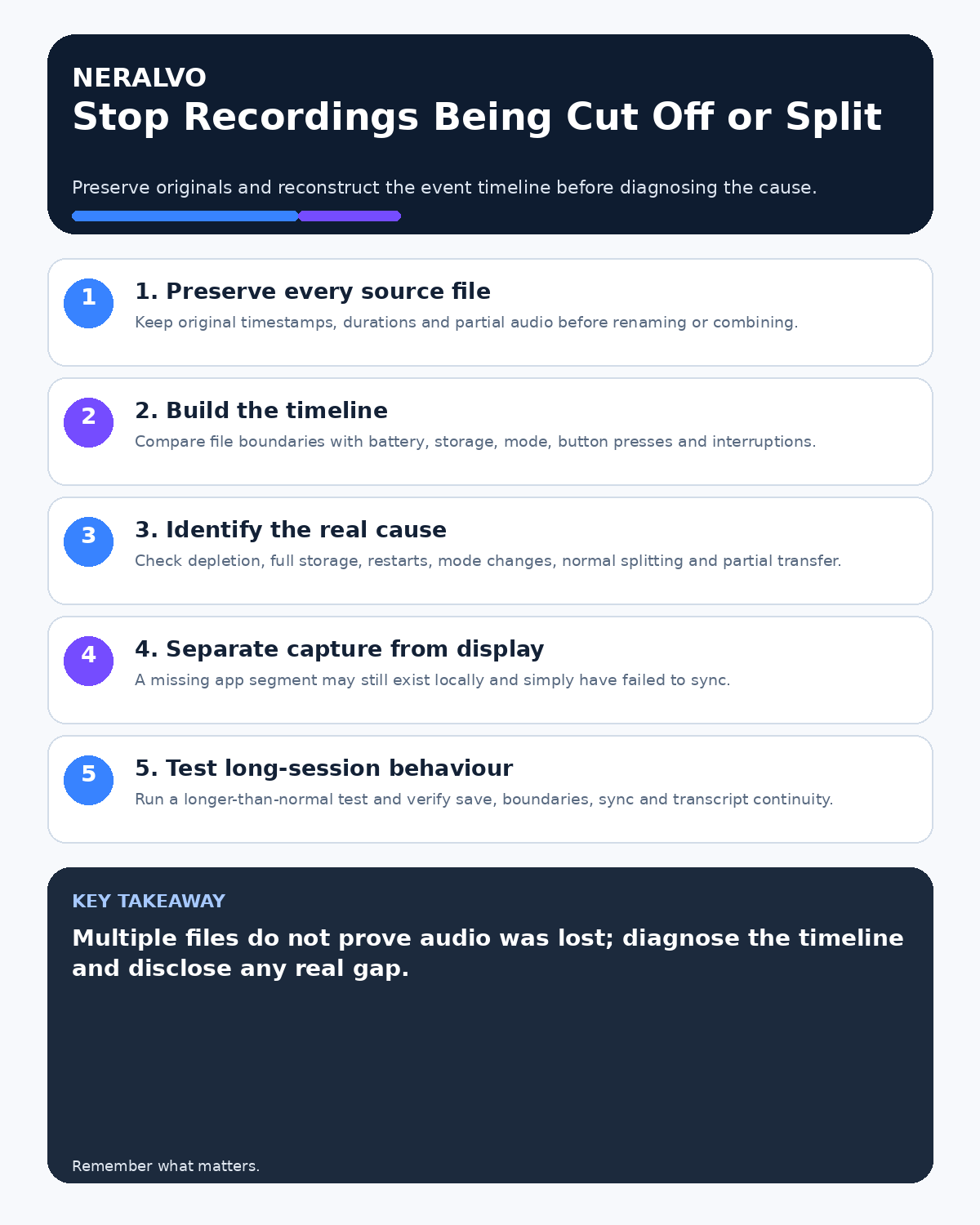
Quick answer: when an AI voice recording is cut off or split, preserve every original file, reconstruct the event timeline and determine whether the cause was normal file splitting, battery, storage, user action, mode change, capture failure or incomplete transfer before combining or deleting anything.
Decision focus: use the method below only where it produces a recoverable source, a verifiable output and a clear next action. If one of those fails, change the workflow rather than trusting a polished summary.
Evidence basis and limits
- Decision factors covered: Preserve every original file; Identify the failure pattern; Build the event timeline.
- Evidence rule: A claim earns weight only when the source, date, configuration and limitation are clear enough for a reader to check.
- Boundary: Examples and workflow recommendations must be tested with representative recordings, the intended users and the actual approval process before rollout.
Several files do not automatically mean audio was lost, and one file in the app does not prove the whole session transferred. Diagnosis begins with the original source, timestamps and what happened during the meeting.

Preserve every original file
Do not format the recorder, rename files repeatedly or delete short segments during investigation. Record each original filename, timestamp, duration and storage location. Create working copies only through the approved process.
Identify the failure pattern
| Pattern | Possible cause | What to check |
|---|---|---|
| Several consecutive files with no audible gap | Normal file splitting | Boundary timestamps and continuous speech |
| Final file ends abruptly | Battery, storage or save interruption | Warnings, battery and capacity |
| Gap followed by a new file | Manual stop/restart or mode change | Button presses and meeting events |
| Local file exists but app shows less | Transfer or display failure | Local duration, sync and processing status |
| File duration is correct but transcript stops | Processing failure | Source playback and reprocessing log |
Build the event timeline
Record:
- intended start and finish time;
- timestamp and duration of every source file;
- battery level before and after;
- available storage before the session;
- recording mode;
- button presses, calls, notifications and app events;
- breaks, interruptions and known gaps;
- when transfer and processing occurred.
Compare file boundaries with the real meeting timeline.
Separate capture, transfer and processing
- Capture: did the recorder create the complete local audio?
- Save: was the final file closed correctly?
- Transfer: did every source file reach the app?
- Processing: did transcription cover the complete audio?
- Display: does the interface show all segments?
- Export: did the final output include every required section?
Do not treat these as one generic recording failure.
Check battery, storage and mode
Verify the actual battery and capacity evidence rather than relying on memory. Check whether the recorder changed between NOTE and CALL modes or was restarted. Review what to do when recorder storage is full before deleting files.
Test normal long-session behaviour
Run a non-sensitive recording longer than the longest normal meeting. Check:
- battery use and warnings;
- file boundaries and naming;
- whether audio remains continuous across segments;
- final save behaviour;
- sync and processing of every segment;
- transcript continuity and timestamps.
Use spoken markers and timestamps to make boundaries easier to verify.
Handle a genuine missing section
Preserve all available files and document the exact gap. Do not recreate missing speech from memory and present it as recorded. Confirm material decisions, actions and figures through the approved meeting process, clearly distinguishing later confirmation from the original audio.
Combine files only after verification
Keep the originals unchanged. Verify sequence, timestamps, sample compatibility and any gaps before creating a combined working copy. Record who created it and retain the source references.
Prevent recurrence
- Charge fully before important sessions.
- Maintain a defined storage buffer.
- Confirm the recording indicator after starting.
- Avoid unnecessary stop/start cycles.
- Test the longest normal session.
- Understand expected file-splitting behaviour.
- Verify file count and final duration immediately afterwards.
- Document gaps while participants are available.
Workflow choice matrix for How to Stop AI Voice Recordings Being Cut Off or Split
Choose the method that protects the source and reduces downstream correction. The table makes the non-hardware options explicit.
| Condition | Preferred route | Why |
|---|---|---|
| High-risk or mixed work | Governed hybrid | Separate capture, review, approval and retention rather than trusting one tool. |
| Recording is refused, prohibited or unnecessary | Manual notes / no recording | Respecting the boundary is the correct workflow, not a product failure. |
| In-person, mobile or unreliable-connectivity work | Dedicated recorder | Independent capture and a recoverable local source are usually more resilient. |
| Repeatable remote work with approved integrations | Cloud software | Automation and central collaboration may outweigh device independence. |
Frequently asked questions
Does more than one file mean audio was lost?
No. Some devices split long recordings while preserving continuous audio. Check timestamps and boundary playback.
Can missing audio be recreated from the transcript?
No. A transcript cannot contain reliable speech that was never captured. Preserve uncertainty and confirm outcomes separately.
Should the recorder be reset immediately?
No. Preserve source files and diagnostic evidence first.
What should be checked immediately after a long meeting?
File count, durations, beginning and end playback, sync status, transcript coverage and available capacity.
Useful resources
- The National Archives information-management guidance
- How to Recover from a Failed AI Recorder Sync
- How to Prevent Bluetooth and App Interruptions
- Apply this guide before assessing NERALVO Halo
Final cut-off checklist
- Original files preserved
- Event timeline reconstructed
- Normal splitting distinguished from failure
- Battery, storage and mode checked
- Capture separated from transfer and processing
- Long-session behaviour tested
- Any gap disclosed and managed
On this page
Related guides
See whether Halo fits this workflow
Review the NERALVO Halo specifications, included services, delivery information and current offer only after completing the guide.
Found an error or an out-of-date claim? Email support@neralvo.com with the article address and a supporting source.