The 60-second verdict
Quick answer: recover from a failed AI voice recorder sync by preserving the local source, identifying the exact failed layer and testing the connection with a short non-sensitive file before retrying the important recording. Do not delete, reset or factory-restore the recorder until the source is protected.
Decision focus: use the method below only where it produces a recoverable source, a verifiable output and a clear next action. If one of those fails, change the workflow rather than trusting a polished summary.
Evidence basis and limits
- Decision factors covered: Do not erase or reset the recorder; Identify the failed layer; Follow the recovery sequence in order.
- Evidence rule: Claims are weighted by consequence: capture failure, changed meaning, access and recovery matter more than polished wording.
- Boundary: Examples and workflow recommendations must be tested with representative recordings, the intended users and the actual approval process before rollout.
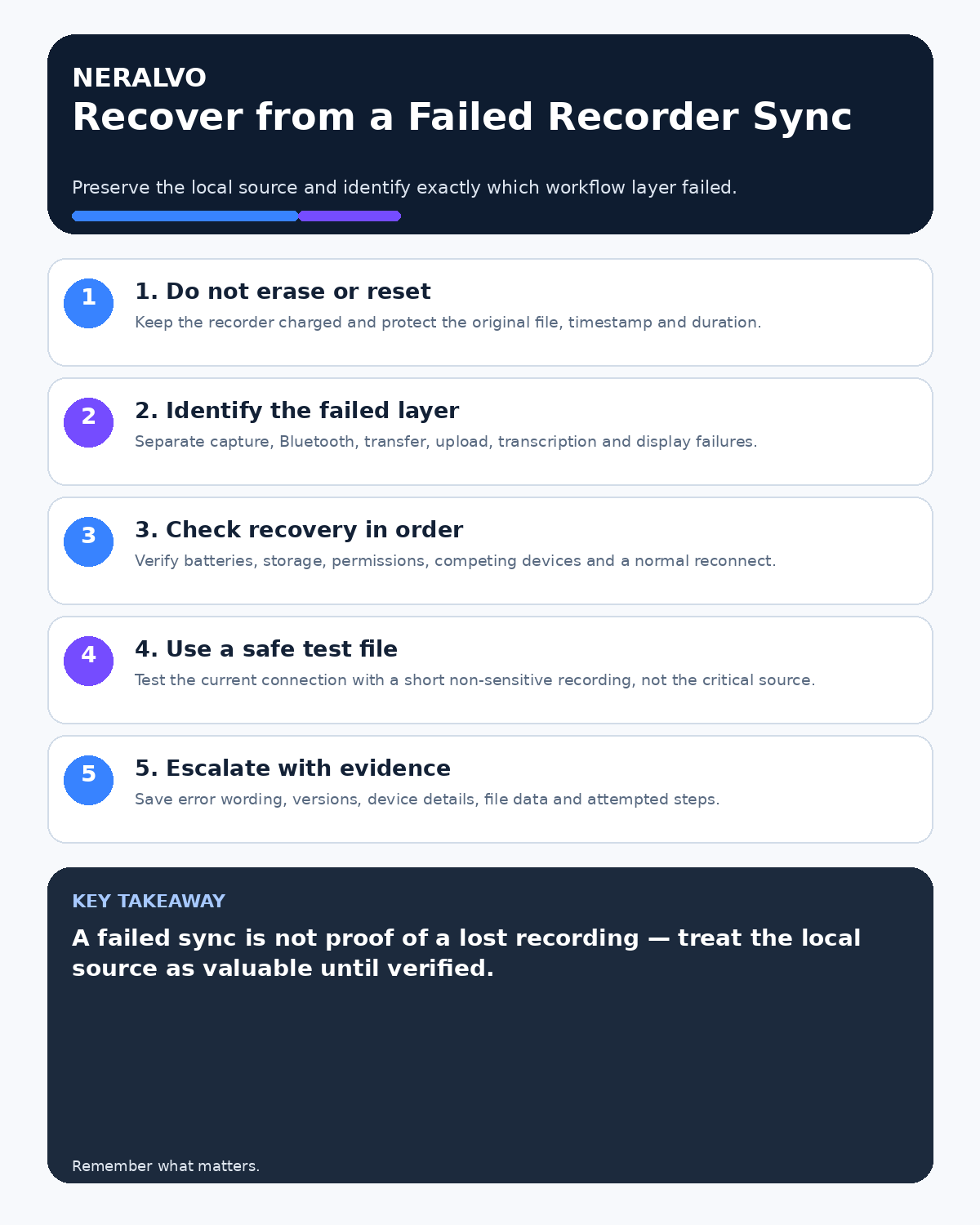
A failed sync does not automatically mean the audio is lost. Capture may have succeeded while Bluetooth, transfer, upload, transcription or display failed later.

Do not erase or reset the recorder
Keep the device charged and physically secure. Avoid deletion, factory reset, uncontrolled renaming and repeated random attempts. Record the approximate capture time, file duration, visible error and last successful stage.
Identify the failed layer
| Layer | Diagnostic question | Evidence |
|---|---|---|
| Capture | Was a local file created? | Filename, duration and local playback |
| Connection | Can the phone see and connect to the recorder? | Bluetooth status and permissions |
| Transfer | Did the complete file enter the app? | Progress, file size and duration |
| Upload | Did the app send it for processing? | Queue and network status |
| Processing | Did transcription complete? | Job status and error message |
| Display/export | Does the completed output open and export? | Playback and exported file check |
Follow the recovery sequence in order
- Confirm the local recording exists where possible.
- Check recorder and phone battery.
- Check phone storage and app storage conditions.
- Confirm Bluetooth, local-network and app permissions.
- Disconnect unnecessary competing Bluetooth devices.
- Reopen the approved app and reconnect normally.
- Create a short non-sensitive test recording.
- Verify that the test captures, transfers, processes and opens.
- Return to the original file without altering it unnecessarily.
- Use the documented export or support route if transfer still fails.
Use a safe test file
Do not make the critical recording the experiment. A short test shows whether the current phone, app and connection work without repeatedly manipulating the important source.
If the test succeeds but the original does not, preserve both and escalate with the difference documented.
Remove competing connections carefully
Earbuds, watches, vehicles, speakers and other devices may reconnect automatically. Use the approved configuration and follow How to Prevent Bluetooth and App Interruptions During Recording.
Preserve diagnostic evidence
- Exact error wording and screenshots
- Recorder model and battery level
- Phone model and operating-system version
- App version and account used
- Available phone storage
- Source filename, timestamp and duration
- Network and Bluetooth state
- Steps already attempted and their results
This gives support a reproducible case rather than a vague statement that sync failed.
Know when to stop retrying
Stop when attempts could overwrite, delete or corrupt the source; when the device becomes unstable; or when the documented recovery sequence has failed. Preserve the recorder and escalate through the approved support route.
Verify recovery completely
A successful transfer is not the end of recovery. Confirm source playback, complete duration, transcript coverage, export and the intended destination. Mark duplicate or partial outputs so they cannot be mistaken for the approved record.
Prevent repeat incidents
- Maintain an approved phone and app configuration.
- Retest after operating-system or app updates.
- Keep a working storage buffer.
- Run a short pre-session test before critical use.
- Document the support route and escalation owner.
- Track recurring errors by device, phone and software version.
Workflow choice matrix for How to Recover from a Failed AI Voice Recorder Sync
Choose the method that protects the source and reduces downstream correction. The table makes the non-hardware options explicit.
| Condition | Preferred route | Why |
|---|---|---|
| High-risk or mixed work | Governed hybrid | Separate capture, review, approval and retention rather than trusting one tool. |
| Recording is refused, prohibited or unnecessary | Manual notes / no recording | Respecting the boundary is the correct workflow, not a product failure. |
| In-person, mobile or unreliable-connectivity work | Dedicated recorder | Independent capture and a recoverable local source are usually more resilient. |
| Repeatable remote work with approved integrations | Cloud software | Automation and central collaboration may outweigh device independence. |
Frequently asked questions
Should the recorder be factory-reset after a failed sync?
Not before preserving the source and completing the documented recovery process.
What if the file transferred but no transcript appeared?
That is likely a processing or display failure rather than a capture or transfer failure.
Why create another short recording?
It tests the current workflow without risking the important file.
What if the phone has no free space?
Preserve the recorder file, free phone storage through the approved process and test with a non-sensitive file. Review storage-full recovery guidance.
Useful resources
- NCSC mobile-device security guidance
- How to Stop Recordings Being Cut Off or Split
- Check whether NERALVO Halo fits this workflow
Final recovery checklist
- Local source preserved
- Failed layer identified
- Batteries, storage and permissions checked
- Competing connections removed appropriately
- Safe test file used
- Diagnostic evidence captured
- Full output verified after recovery
- Escalation route documented
On this page
Related guides
See whether Halo fits this workflow
Review the NERALVO Halo specifications, included services, delivery information and current offer only after completing the guide.
Found an error or an out-of-date claim? Email support@neralvo.com with the article address and a supporting source.