The 60-second verdict
Quick answer: prevent Bluetooth and app interruptions by mapping the complete audio route, disconnecting unnecessary devices, disabling avoidable auto-connect behaviour and notifications, then testing the exact phone, case, app and call setup before relying on it.
Decision focus: use the method below only where it produces a recoverable source, a verifiable output and a clear next action. If one of those fails, change the workflow rather than trusting a polished summary.
Evidence basis and limits
- Decision factors covered: Map the audio route; Remove unnecessary Bluetooth connections; Control app interruptions.
- Evidence rule: The decision is based on the complete capture-to-action workflow, not a single feature or marketing accuracy percentage.
- Boundary: Examples and workflow recommendations must be tested with representative recordings, the intended users and the actual approval process before rollout.
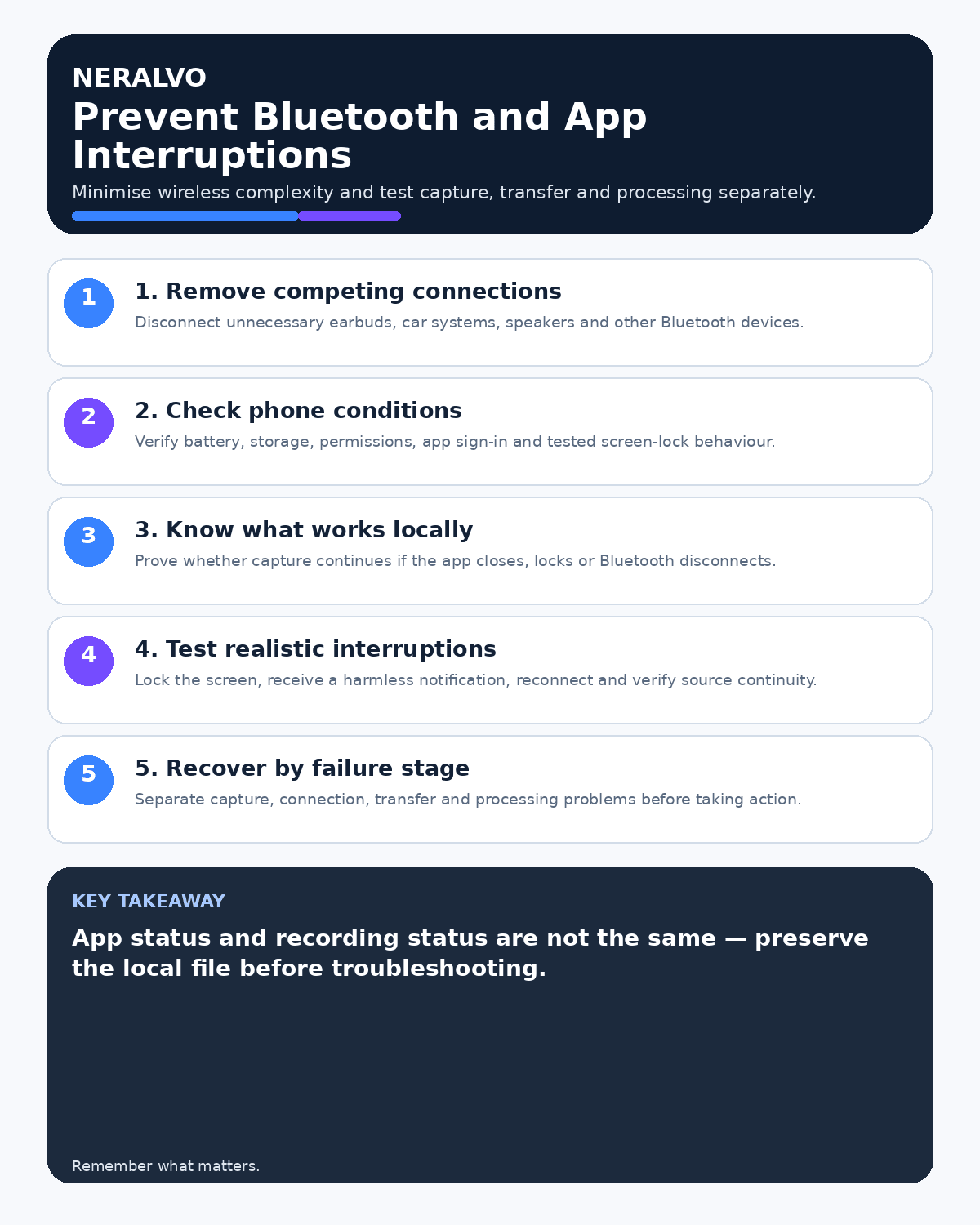
Many failed recordings are routing failures rather than microphone failures. A phone may silently switch to earbuds, a car system or another application, leaving the recorder with partial or unusable audio.

Map the audio route
Document the recorder, phone, case, operating system, application, calling platform, Bluetooth devices, speakers and microphones involved. State which component should capture each side of the conversation.
Remove unnecessary Bluetooth connections
Disconnect or disable unused earbuds, watches, speakers, vehicles and headsets before an important recording. Check devices in the nearby environment that may reconnect automatically.
Do not assume switching Bluetooth off is always appropriate; some approved workflows require it. Test the complete intended route.
Control app interruptions
- Close apps that can use the microphone or audio output.
- Disable avoidable notifications and automatic media playback.
- Use the appropriate focus or do-not-disturb mode.
- Prevent automatic updates during the session where policy permits.
- Check battery optimisation does not suspend the recording app.
Test realistic interruptions
- Start the exact intended recording.
- Lock and unlock the phone.
- Receive a test notification.
- Move briefly out of Bluetooth range where relevant.
- Switch network or simulate a weak connection.
- End and replay the complete source audio.
Record whether capture continued, paused, changed channels or produced a warning.
Check phone-case and mount effects
A case or magnetic mount can change microphone exposure, vibration and placement. Compare attached and detached recordings. Review how to use a recorder with a phone case or magnetic mount.
Prepare a fallback
Critical conversations need an approved alternative such as written notes, platform recording or a second authorised method. A fallback is not an excuse to create uncontrolled duplicate recordings.
Respond to an interruption
- Protect the conversation and participant first.
- State that a technical issue occurred where appropriate.
- Stop unsafe or misleading capture.
- Use the approved fallback.
- Record the approximate affected period.
- Check the source file and report any incident.
Review after software changes
Retest after phone, operating-system, app, case, firmware or Bluetooth-device changes. Maintain an approved configuration list for regular business use.
Workflow choice matrix for How to Prevent Bluetooth and App Interruptions During Recording
Choose the method that protects the source and reduces downstream correction. The table makes the non-hardware options explicit.
| Condition | Preferred route | Why |
|---|---|---|
| High-risk or mixed work | Governed hybrid | Separate capture, review, approval and retention rather than trusting one tool. |
| Recording is refused, prohibited or unnecessary | Manual notes / no recording | Respecting the boundary is the correct workflow, not a product failure. |
| In-person, mobile or unreliable-connectivity work | Dedicated recorder | Independent capture and a recoverable local source are usually more resilient. |
| Repeatable remote work with approved integrations | Cloud software | Automation and central collaboration may outweigh device independence. |
Frequently asked questions
Can Bluetooth reconnect without warning?
Yes. Auto-connect behaviour varies by device and operating system.
Does Do Not Disturb guarantee uninterrupted recording?
No. Test calls, microphone conflicts, power management and audio routing separately.
Should a failed recording be rerun silently?
No. Be transparent and use the approved fallback or repeat process.
Useful resources
- NCSC mobile-device guidance
- CALL Mode Dry-Run Checklist
- Storage-Full Recovery Protocol
- View Halo specifications against the evidence checklist
Final interruption checklist
- Audio route mapped
- Unnecessary Bluetooth devices disconnected
- Notifications and microphone conflicts controlled
- Real interruptions tested
- Hardware changes retested
- Fallback ready
- Failures logged and investigated
On this page
Related guides
See whether Halo fits this workflow
Review the NERALVO Halo specifications, included services, delivery information and current offer only after completing the guide.
Found an error or an out-of-date claim? Email support@neralvo.com with the article address and a supporting source.