The 60-second verdict
The most expensive AI voice recorder mistake is buying for an impressive demonstration instead of your real workflow. Quiet-room accuracy, a polished summary and a long feature list do not prove the device will handle your phone, meeting room, exports or ongoing costs.
Best fit: buyers willing to test the complete capture-to-export workflow. Avoid: choosing from price, advertised accuracy or AI features without checking allowance, correction effort and exit options.
Evidence basis and limits
- Decision factors covered: Mistake 1: Starting with features instead of the job; Mistake 2: Testing only one speaker in a quiet room; Mistake 3: Assuming call recording will work.
- Evidence rule: Claims are weighted by consequence: capture failure, changed meaning, access and recovery matter more than polished wording.
- Boundary: Examples and workflow recommendations must be tested with representative recordings, the intended users and the actual approval process before rollout.
These are the mistakes that repeatedly turn a promising recorder into unused hardware or another source of administrative work.
Mistake 1: Starting with features instead of the job
“Transcription, translation and mind maps” sounds useful, but the buyer should first define one repeated problem. For example: creating client attendance notes, extracting sales actions or revising lectures.
Fix: write the required final output and where it must be stored.
Mistake 2: Testing only one speaker in a quiet room
Real work includes distance, interruptions, echo, accents and background noise. A perfect desk test can hide poor multi-speaker performance.
Fix: test the hardest normal room with the actual number of participants.
Mistake 3: Assuming call recording will work
Call capture depends on phone model, operating system, app and audio route. The presence of a call mode is not proof of universal compatibility.
Fix: test ordinary mobile calls, internet calls and business platforms separately.
Mistake 4: Treating the transcript as the final note
A transcript can be long, repetitive and wrong in the details that matter. It may also include unnecessary personal information.
Fix: define a review process that creates a concise, checked output.
Mistake 5: Trusting a headline accuracy percentage
General word accuracy can look high while names, numbers and speaker attribution remain unreliable.
Fix: measure critical-detail accuracy and correction time.
Mistake 6: Ignoring audio quality
Buyers may blame the AI when the recorder was too far away or blocked by papers.
Fix: listen to the original audio before comparing transcription systems.
Mistake 7: Buying more storage without a file routine
Large capacity can create a larger unmanaged archive.
Fix: establish naming, transfer, review and deletion rules before the first important recording.
Mistake 8: Planning battery around average meetings
A recorder that covers everyday calls may fail during a conference or workshop.
Fix: use the longest session plus a 30% safety margin and test with Bluetooth active.
Mistake 9: Forgetting export formats
Copying text from an app is not the same as exporting source audio and editable transcripts.
Fix: export a real recording to another device before the return period ends.
Mistake 10: Ignoring the subscription after the included period
Some hardware includes AI access temporarily. Buyers discover the ongoing price only after building the device into their workflow.
Fix: calculate the two-year cost and confirm what remains usable after cancellation.
Mistake 11: Confusing local storage with fully offline AI
A recorder may save audio locally while transcription and summaries require cloud processing.
Fix: map which stages work without a phone, account or internet connection.
Mistake 12: Treating speaker labels as identity
AI may label voices separately but merge similar speakers or split one person into two labels.
Fix: verify actions, quotations and commitments against the audio.
Mistake 13: Recording everything
More recordings can create more risk and more review work. Not every informal conversation needs a retained source file.
Fix: record only for a defined purpose and apply proportionate retention.
Mistake 14: Failing to explain the recording
A subtle device can make recording less visible, not less important.
Fix: follow the relevant permission, disclosure and organisational process regardless of device size.
Mistake 15: No owner for the final output
AI can create a draft, but someone must decide whether it is accurate, complete and ready to file.
Fix: assign responsibility for review, approval and storage.
Mistake 16: Buying for every team member before a pilot
Different roles use meetings differently. A device that helps sales may not fit formal governance or field work.
Fix: pilot with several user types and compare cost per usable record.
Mistake 17: Keeping duplicate files everywhere
The same session may exist on the recorder, phone, cloud account, laptop and final system.
Fix: define the working source, approved record and deletion points.
Mistake 18: Ignoring physical usability
Button placement, indicators, magnetic attachment, cases and accidental activation affect daily success.
Fix: carry and use the device for a normal day before relying on it.
Mistake 19: Measuring transcription speed instead of total workflow time
A transcript may appear in minutes but still take half an hour to correct and file.
Fix: time the process from recording end to completed action or approved note.
Mistake 20: Expecting AI to supply missing context
If the recording is incomplete or the meeting never reached a decision, the summary should not fill the gap.
Fix: preserve uncertainty and mark unanswered questions.
A pre-purchase scorecard
| Area | Pass condition |
|---|---|
| Audio | Every normal speaker is intelligible |
| Calls | Both sides recorded on exact platforms |
| Accuracy | Critical details easy to verify |
| Battery | Longest session plus safety margin |
| Exports | Audio and editable text open elsewhere |
| Cost | Two-year total is understood |
| Workflow | Final note reaches its destination |
| Control | Storage, retention and deletion are clear |
Where NERALVO Halo fits
Compare NERALVO Halo using this buying framework is a compact hardware AI recorder with 64GB local storage, NOTE and CALL modes, up to 35 hours of recording and Bluetooth transfer to DOWAY.
DOWAY can generate transcripts, summaries, speaker-separated notes, templates, translations and mind maps. The current package includes one year of DOWAY Max from activation. Verify current terms, exports and what remains available afterwards.
CALL mode compatibility varies by phone, operating system and call route. Test the exact setup rather than assuming universal support.
Workflow choice matrix for 20 AI Voice Recorder Buying Mistakes to Avoid
Choose the method that protects the source and reduces downstream correction. The table makes the non-hardware options explicit.
| Condition | Preferred route | Why |
|---|---|---|
| Repeatable remote work with approved integrations | Cloud software | Automation and central collaboration may outweigh device independence. |
| In-person, mobile or unreliable-connectivity work | Dedicated recorder | Independent capture and a recoverable local source are usually more resilient. |
| Recording is refused, prohibited or unnecessary | Manual notes / no recording | Respecting the boundary is the correct workflow, not a product failure. |
| High-risk or mixed work | Governed hybrid | Separate capture, review, approval and retention rather than trusting one tool. |
Related guides
Bottom line
Avoid buying from specifications alone. Test the complete path—real audio, real calls, critical details, exports, correction time, recurring cost and deletion. The right recorder should reduce work after the conversation, not merely create a fast first transcript.
Fair comparison flow
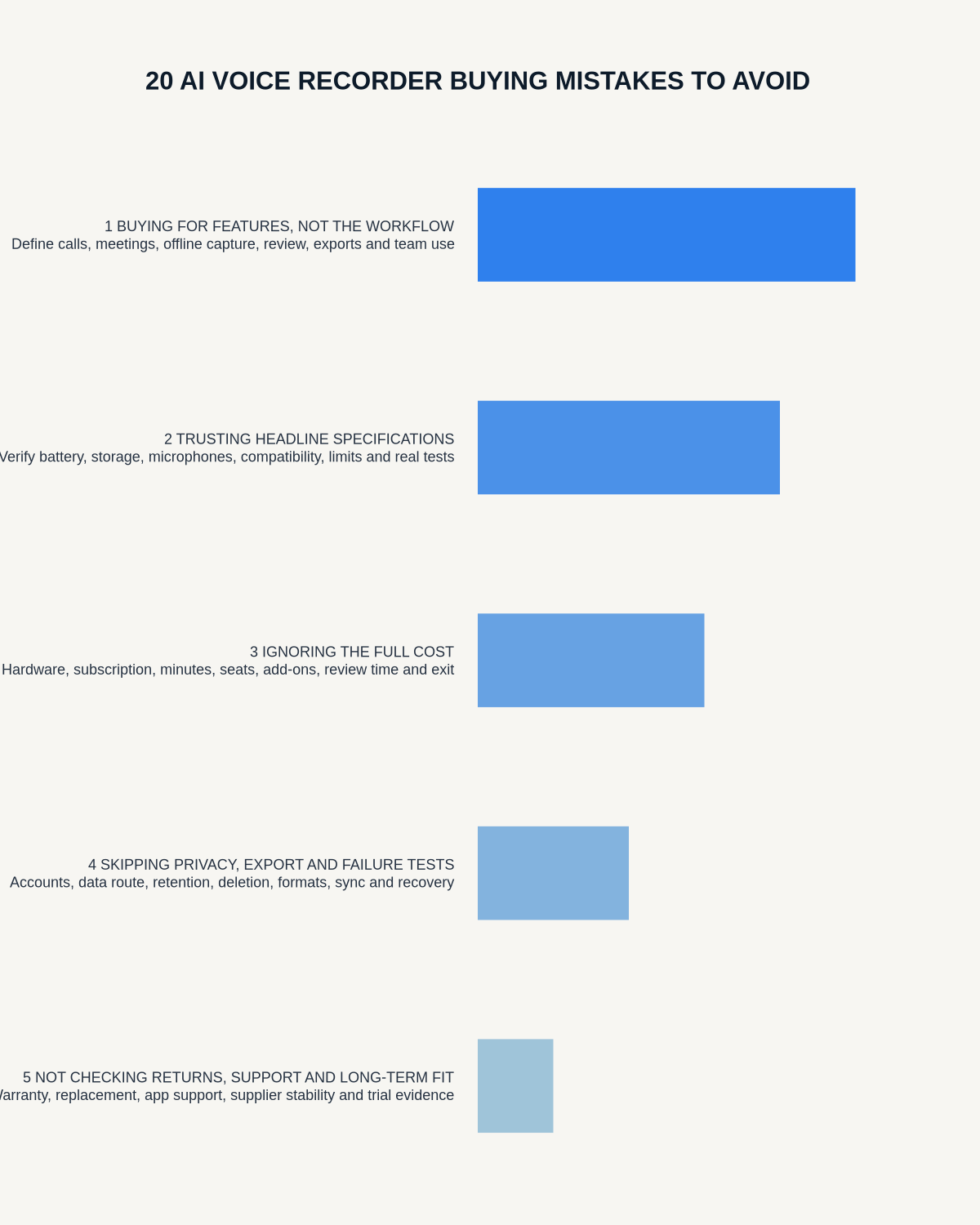
Visual map for 20 AI Voice Recorder Buying Mistakes to Avoid
- Set must-have gatesDefine capture, privacy, recovery, compatibility and cost requirements.
- Use the same evidenceCompare identical recordings, settings, dates and decision criteria.
- Expose trade-offsShow where each option wins, fails or remains unverified.
- Choose for the workflowSelect only after deal-breakers and total ownership cost are clear.
On this page
Related guides
See whether Halo fits this workflow
Review the NERALVO Halo specifications, included services, delivery information and current offer only after completing the guide.
Found an error or an out-of-date claim? Email support@neralvo.com with the article address and a supporting source.