The 60-second verdict
Quick answer: service advisers can use an AI voice recorder to preserve a customer’s symptom description, vehicle context, diagnostic scope, repair choices, authorisations and promised updates. The transcript must not invent a diagnosis, price, warranty decision, approval or completion date.
Best fit: Service Advisers who need recoverable audio and human-verified notes in an authorised workflow. Use another method when: recording is prohibited, a participant declines or the approved process requires manual notes.
Evidence basis and limits
- Decision factors covered: Why customer symptoms are easily distorted; The vehicle → symptom → context → inspection → finding → authorisation → handback workflow; Verify the vehicle before discussing work.
- Evidence rule: Claims are weighted by consequence: capture failure, changed meaning, access and recovery matter more than polished wording.
- Boundary: Examples and workflow recommendations must be tested with representative recordings, the intended users and the actual approval process before rollout.

Check whether NERALVO Halo fits service advisers work can support approved call and desk notes. The dealer-management, workshop, quotation, payment and warranty systems remain authoritative.
Why customer symptoms are easily distorted
Customers describe what they hear, feel, smell or see. They may also suggest a cause. A summary can accidentally replace “clunk when braking on a slope” with “front suspension fault,” directing the workshop toward an unconfirmed diagnosis.
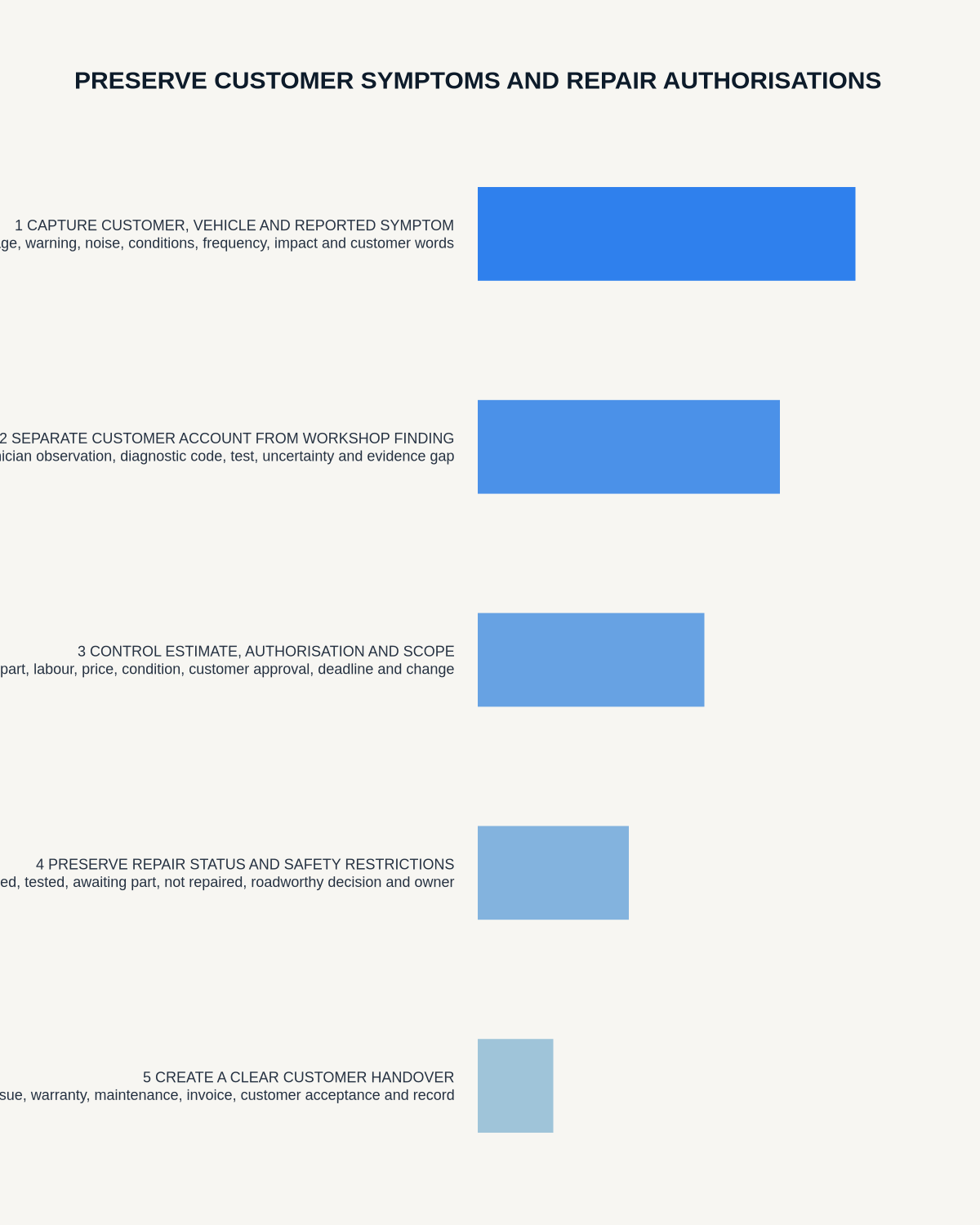
The adviser’s job is to preserve the condition accurately enough for the technician to reproduce it, without diagnosing beyond the evidence.
The vehicle → symptom → context → inspection → finding → authorisation → handback workflow
| Stage | Core question | Controlled output |
|---|---|---|
| Vehicle | Is the correct vehicle and mileage identified? | Verified job identity |
| Symptom | What does the customer experience in their own words? | Attributed complaint |
| Context | When, where and under which conditions does it happen? | Reproduction clues |
| Inspection | What diagnostic work and charge are authorised? | Agreed scope |
| Finding | What evidence did the technician confirm? | Technical result |
| Authorisation | Which work, price and conditions did the customer accept? | Exact permission |
| Handback | What was completed, tested and explained? | Customer-ready closeout |
Verify the vehicle before discussing work
Check:
- Registration and model.
- VIN where required.
- Mileage.
- Customer and contact details.
- Warning messages and dashboard state.
- Service, repair and warranty history.
- Accessories or modifications relevant to the issue.
- Keys, security items and vehicle condition received.
Do not rely on transcribed registration, VIN, mileage or part numbers without checking the source.
Preserve the customer’s words
Ask:
- When did it first occur?
- Is it constant or intermittent?
- What speed, temperature, load or road condition triggers it?
- Does it happen when starting, braking, steering, accelerating or charging?
- Which warning lights or messages appear?
- What sound, smell, vibration or change is noticed?
- How long does it last?
- What changed recently?
- Has another repair or diagnosis already been attempted?
Keep the customer’s proposed cause separate: “Customer suspects battery” is not “battery fault confirmed.”
Use clear job statuses
| Status | Meaning |
|---|---|
| Customer reported | Symptom described but not yet tested |
| Adviser recorded | Context and scope captured |
| Technician reproduced | Same behaviour observed under stated conditions |
| Technician finding | Evidence-supported result |
| Estimate prepared | Price proposal, not yet approved |
| Customer authorised | Exact work accepted under stated conditions |
| Repair completed | Work finished |
| Quality checked | Relevant function and original symptom reviewed |
AI should not make an estimate sound authorised or completed work sound quality checked.
Agree the diagnostic scope before workshop work
State:
- Customer complaint and priority.
- Diagnostic or inspection work authorised.
- Initial charge or charging basis.
- Time or cost limit.
- Road-test or specialist-test permission where required.
- Disassembly or access likely to be needed.
- How additional work will be authorised.
- Next update time.
A broad request to “have a look” is not clear authority for unlimited diagnosis or repair.
Create a workshop handover that supports reproduction
Transfer the customer’s exact symptom, trigger conditions, frequency, warning messages, vehicle history, agreed scope and contact promise. Avoid adding an adviser diagnosis.
Where the symptom is safety-related or prevents normal use, flag the urgency and follow the business’s escalation process.
Keep technician evidence distinct
A useful finding identifies:
- Whether the symptom was reproduced.
- Test or inspection performed.
- Fault code, measurement or physical evidence.
- Confirmed cause or remaining uncertainty.
- Related and unrelated advisory items.
- Repair options and consequences.
- Parts, labour and specialist dependency.
- Required post-repair test.
“Fault code present” does not automatically mean the named component is defective. Preserve the technician’s actual conclusion and limitation.
Present an estimate without turning it into a promise
| Estimate field | Required detail |
|---|---|
| Work | Exact repair or further diagnosis |
| Parts | Item, availability and whether alternatives apply |
| Labour | Time or charging basis |
| Price | Amount, tax, fees and validity |
| Exclusions | What is not included or remains uncertain |
| Timing | Estimated versus confirmed date and dependencies |
| Warranty | Confirmed coverage, pending decision or customer-pay status |
Check workshop capacity, parts and supplier status before promising completion.
Record repair authorisation precisely
Capture:
- Exact work authorised.
- Price or upper limit.
- Tax and additional charges.
- Parts choice or substitution.
- Warranty or contribution status.
- Timing assumptions.
- Customer name and authority.
- Date, time and method of authorisation.
- Conditions or declined items.
- Threshold for further contact.
Confirm significant decisions in the approved written or recorded business system. The transcript should not be the only record.
Control additional work separately
When the workshop finds more work, state the new finding, evidence, safety implication, options, price, timing effect, warranty position and the customer’s exact decision. Do not use the original authority to cover unrelated work.
Manage customer update promises
When completion time is uncertain, promise the next update rather than a result you cannot guarantee. Record:
- Current job status.
- What is known and still unknown.
- Parts or technical dependency.
- Next action and owner.
- Next contact time.
- Preferred communication route.
Distinguish estimated, expected and confirmed dates.
Create a quality-controlled handback
Before handback, reconcile:
- Original symptom.
- Technician finding and evidence.
- Authorised work.
- Parts and labour completed.
- Post-repair test or quality check.
- Warning lights and settings.
- Residual issue or advisory item.
- Warranty and follow-up.
- Invoice and customer explanation.
- Vehicle condition, keys and security items.
Explain what was repaired, what was not found, what remains and which warning signs require further contact.
Handle declined safety-related work carefully
Record the finding, evidence, explanation given, customer decision, immediate restriction or advice, escalation and follow-up through the organisation’s approved process. Do not exaggerate the finding or conceal uncertainty.
Protect payment and personal data
Never record full card details, passwords, access codes or unnecessary personal information. Use the approved payment and customer systems. Restrict raw audio and apply the retention policy.
How NERALVO Halo fits service advising
NERALVO Halo includes NOTE mode, supported CALL mode, 64GB local storage, up to 35 hours of recording and Bluetooth sync with DOWAY. CALL mode is not universal, so test the exact phone, case and call route before use.
DOWAY can create transcripts, summaries, speaker-separated notes, templates, translations, mind maps and exports. One year of DOWAY Max is included from activation. These features can help organise customer communication, but they cannot diagnose a vehicle, approve warranty coverage or create repair authority.
Cloud software, a dedicated recorder or manual notes?
For Service Advisers, the right answer changes with the setting. This matrix deliberately gives each method a situation where it can be the strongest choice.
| Situation | Best starting point | Reason |
|---|---|---|
| scheduled remote client meetings | Cloud meeting software | Calendar automation and shared integrations are usually the strongest advantage. |
| in-person visits and travel | Dedicated recorder | Independent capture reduces reliance on an active phone or laptop. |
| a client declines or policy requires manual notes | Manual notes or an approved alternative | The boundary takes priority over convenience. |
| mixed CRM and field work | Governed hybrid | Use each method only in the setting it actually fits. |
Frequently asked questions
Can a recorded call prove repair authorisation?
It may support the record, but the approved dealer or workshop process should contain the exact work, price, conditions, customer and time.
Can AI turn a customer symptom into a workshop diagnosis?
No. Preserve the customer’s description and let technician evidence determine the finding.
Can service advisers promise a completion date from the estimate?
Only when workshop capacity, parts and dependencies support it. Otherwise, give a clear next-update time.
Final service-adviser checklist
- Correct vehicle and mileage verified.
- Customer symptom preserved in their own words.
- Trigger conditions and history captured.
- Diagnostic scope and charge agreed.
- Technician evidence separated from adviser assumption.
- Estimate distinguished from authorisation.
- Additional work separately approved.
- Price and timing properly qualified.
- Quality check and residual issues explained.
- Dealer-management and workshop records updated.
Bottom line: the strongest service-adviser record keeps the customer’s symptom, workshop evidence, estimate and repair authorisation separate from first contact to final handback.
Related guides
See the guides for field service technicians, fleet managers and customer service teams.
On this page
Related guides
See whether Halo fits this workflow
Review the NERALVO Halo specifications, included services, delivery information and current offer only after completing the guide.
Found an error or an out-of-date claim? Email support@neralvo.com with the article address and a supporting source.