
The 60-second verdict
Quick answer: Read AI combines transcripts and summaries with meeting analytics such as participation, engagement, sentiment and coaching indicators. It can help teams investigate patterns, but inferred scores should not be used as standalone evidence of competence, motivation, honesty or emotion.
Best fit: readers comparing Read AI against the purchase, workflow and evidence factors below. Do not buy on: headline features alone; a failed compatibility, privacy, recovery or cost requirement should override the overall score.
Evidence basis and limits
- Decision factors covered: Current plan structure and playback boundary; Separate facts from inferences; What a Read report can contain.
- Evidence rule: Claims are weighted by consequence: capture failure, changed meaning, access and recovery matter more than polished wording.
- Boundary: Manufacturer-controlled prices, plans, compatibility and specifications can change. Retain the article’s stated check date, verify the live supplier terms before purchase and treat community reports as leads unless the original source is linked.
Current plan structure and playback boundary
| Plan | Current monthly rate | Main boundary |
|---|---|---|
| Free | $0 | Five meeting transcripts per month |
| Pro | $19.75 monthly or $15/month annually | Unlimited meeting reports and 100 file-upload credits; source playback may require a higher tier |
| Enterprise | $29.75 monthly or $22.50/month annually | Adds audio/video playback, highlights and 200 uploads |
| Enterprise+ | $39.75 monthly or $29.75/month annually | Advanced security, retention and 300 uploads; current minimum five licences |
Prices, licence minimums and plan requirements can change. Confirm the live checkout and feature table before subscribing. The playback distinction matters because a transcript or score is harder to challenge when the original source is unavailable.
Separate facts from inferences
| Output | Type | Treatment |
|---|---|---|
| Meeting date and duration | Observed metadata | Verify platform record |
| Transcript wording | Machine transcription | Check against playback |
| Named action and deadline | Extracted claim | Confirm owner and agreement |
| Talk-time percentage | Calculated metric | Interpret within role and purpose |
| Engagement or sentiment | Modelled inference | Treat as a prompt, not a fact |
| Coaching score | Rule or model output | Use only with transparent human review |
What a Read report can contain
- Transcript and summary.
- Actions and key questions.
- Audio or video playback on eligible plans.
- Highlights and participation data.
- Sentiment or engagement indicators.
- Search across meetings and connected tools.
- Coaching or sales-oriented reports.
Legitimate uses for meeting scores
- Investigating whether one meeting format repeatedly overruns.
- Checking whether certain roles dominate discussion.
- Finding recurring customer questions.
- Comparing similar meetings over time.
- Prompting a human review of unclear sessions.
- Testing whether agenda changes improve structure.
Use several comparable meetings and preserve context. A single unusual call is not a stable measurement.
What the scores cannot prove
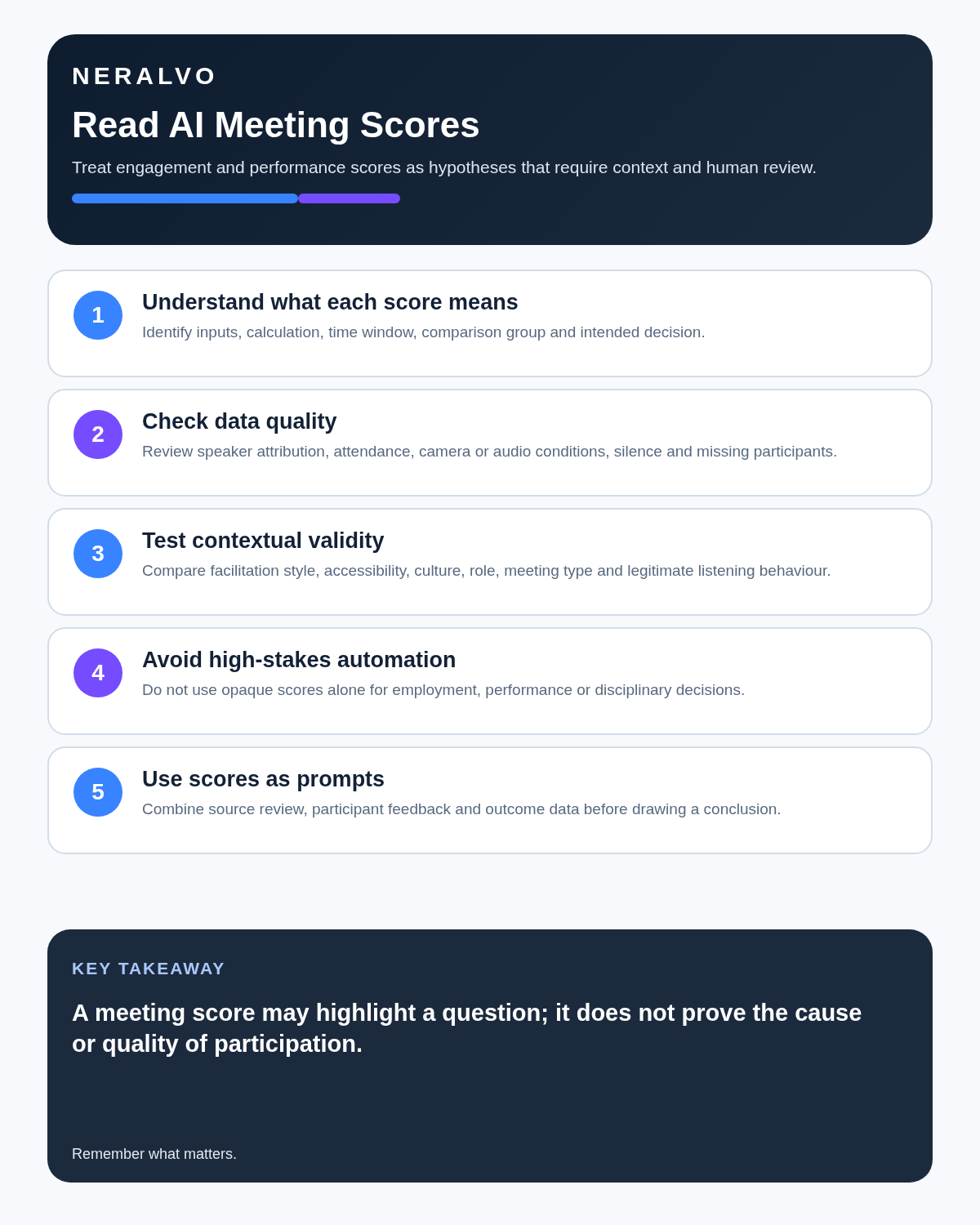
They cannot reliably establish private emotion, motivation, honesty, competence or commitment. Accent, neurodiversity, culture, job role, humour, connection quality, meeting purpose and turn-taking style can distort interpretation.
Do not use an inferred score alone for disciplinary action, recruitment, promotion, redundancy, pay or formal performance evaluation.
Playback and source evidence matter
Pro currently provides frequent reports and search without the same source-playback rights associated with Enterprise. When exact wording matters, confirm that audio or video remains available elsewhere or select the plan that provides playback.
A score without reviewable evidence is weaker and harder to correct or challenge.
Connected search expands permissions
Linking email, messaging, storage and CRM can make search more useful while exposing far more information. Before connecting Gmail, Outlook, Slack, Teams, Google Drive, OneDrive, Notion, Confluence or CRM systems, define:
- Which users need the integration.
- Which folders, channels or accounts are included.
- How confidential content is excluded.
- Who can search the combined data.
- What happens when access is revoked.
Responsible operating rules
- Explain monitoring and metrics openly.
- Define each score and its limitations.
- Use trends across comparable meetings.
- Allow correction of attribution and context.
- Review source audio or video before acting.
- Keep high-stakes decisions outside automated scoring.
- Audit bias and false positives.
- Retain only what serves the stated purpose.
Where Read is genuinely strong
- Sales teams reviewing call patterns.
- Managers improving recurring meeting design.
- Project teams searching decisions and actions.
- Recruiters needing structured interview follow-up without automated hiring decisions.
- Organisations connecting meeting knowledge with workplace tools.
It can be excessive for an individual who simply needs a reliable recording and written summary.
Direct comparison matrix: Read AI and NERALVO Halo
How to read this matrix: it is not scored to force a Halo win. The competing option leads where its deployment, integrations, placement or ecosystem is stronger; Halo leads only where its dedicated capture workflow is the better fit.
Read is a cloud meeting-intelligence platform for connected meetings and analytics. Compare NERALVO Halo with Read AI for this workflow is a local-capture device for conversations that need dependable source audio first, with 64GB storage and up to 35 hours of recording.
Is cloud software or a physical recorder right for this workflow?
- Choose Read AI when remote or desktop meetings, calendar automation and native workspace integrations are central—and its current plan covers the real team workload.
- Choose NERALVO Halo when in-person, mobile or offline source capture matters more than an auto-joining cloud workflow.
- Use neither when recording is not authorised or a mandatory privacy, compatibility or recovery gate fails.
One public user signal
“Like every solution the answer is to read the contract. Define “safe”.”
Read the original Reddit discussion. This is one person’s public report, not a controlled test or community consensus.
Why it matters here: That is the right framing for permissions and meeting scores: define the approved use, data boundary and decision that the output may influence.
How community feedback is used
Public reviews can reveal recurring friction, but an anonymous anecdote is not treated as measured proof. A pull-quote should appear only when it links to the original post, identifies the relevant product version or date and is presented as one user’s experience—not as universal fact.
Frequently asked questions
Are Read AI engagement scores objective?
No. They are modelled interpretations shaped by source data and assumptions.
Can scores be used for employee decisions?
They should not be used alone. High-stakes decisions require transparent evidence, context and human process.
Does talk time show who contributed most?
It shows duration, not necessarily value, authority, listening quality or task completion.
Why does playback access matter?
It allows reviewers to verify wording, attribution and context behind the report. Current plan boundaries place playback on higher tiers.
Is connected search riskier?
It expands the data and permission surface, so scope and access require tighter control.
Official source and related reading
- Official Read AI plans and pricing
- Sembly AI Review
- Fireflies.ai Review
- Best AI Voice Recorders for Meetings
Final deployment checklist
- Current plan price and upload limits confirmed.
- Playback requirement matched to the chosen tier.
- Facts and inferences labelled separately.
- Score definitions documented.
- Connected-search scope restricted.
- Correction and challenge route provided.
- High-stakes use prohibited.
- Retention and deletion tested.
Verdict: Read AI can make large meeting libraries searchable and reveal useful patterns. Treat its scores as prompts for investigation, never as measurements of a person’s worth or intent.
Software-first route
Need Zoom, Teams, calendar or CRM automation?
Choose cloud software for that job. This page completes the software workflow and evidence first. NERALVO Halo remains an optional later route only when offline, in-person or phone-attached capture matters more than native integrations.
On this page
Related guides
Keep the solution aligned with your original intent
- Choose the reviewed cloud software when Zoom, Teams, calendar automation, CRM workflows or unattended bot capture are essential.
- Consider dedicated hardware later only when offline, in-person, mobile or phone-attached capture is the actual requirement.
- Use neither when permission, governance, compatibility or retention requirements cannot be met.
Check current Read AI details at the official source
Verify current plans, compatibility, limits and integrations with Read AI before buying. Halo remains a separate optional comparison only for offline, in-person, mobile or phone-attached capture.
Found an error or an out-of-date claim? Email support@neralvo.com with the article address and a supporting source.