The 60-second verdict
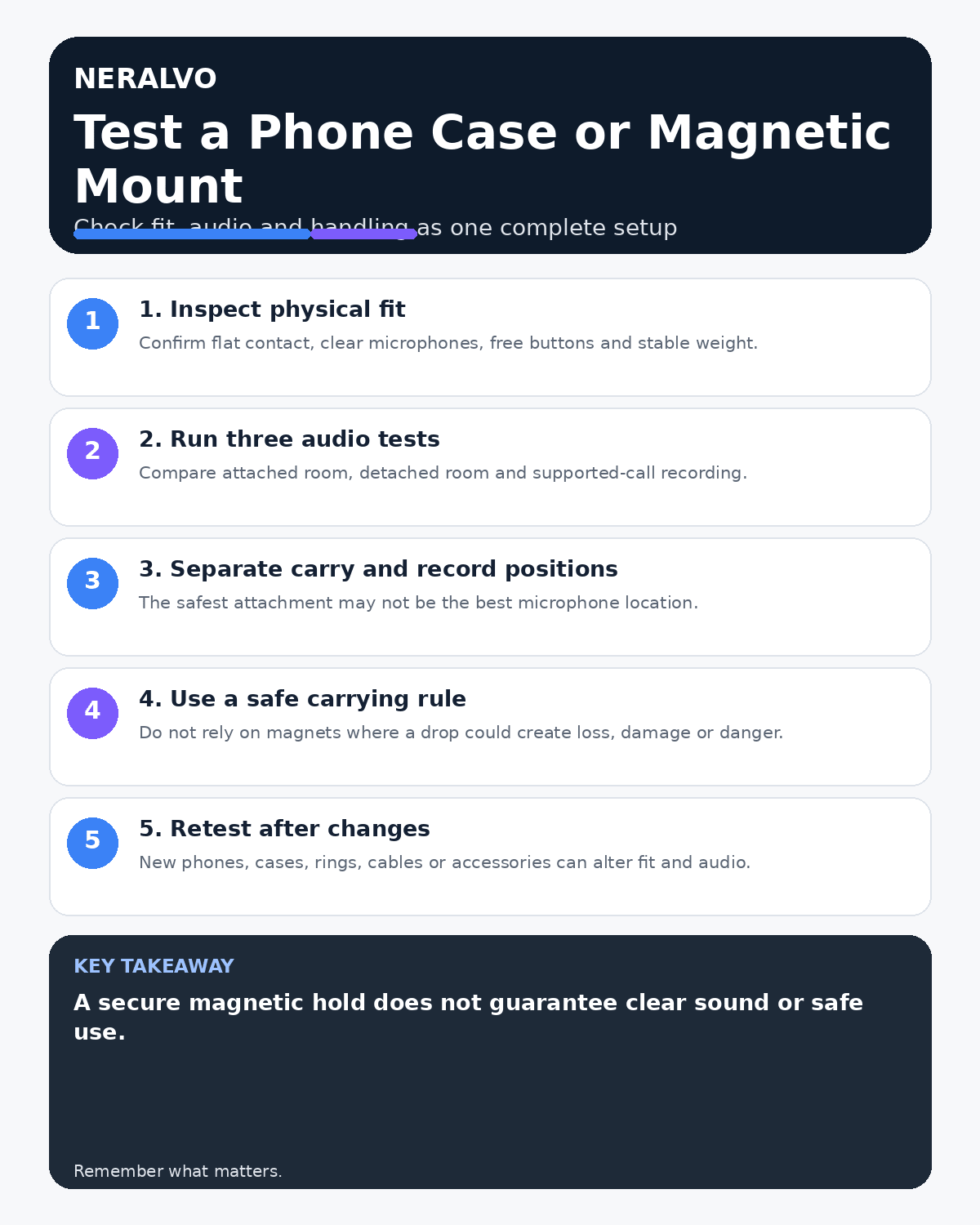
Quick answer: use an AI voice recorder with a phone case or magnetic mount only after checking fit, microphone exposure, button clearance, vibration, heat and drop risk. Compare attached, detached and supported-call recordings using the exact phone, case and audio route you will use.
Decision focus: use the method below only where it produces a recoverable source, a verifiable output and a clear next action. If one of those fails, change the workflow rather than trusting a polished summary.
Evidence basis and limits
- Decision factors covered: Inspect physical fit; Run three separate audio tests; Separate carrying from recording position.
- Evidence rule: The decision is based on the complete capture-to-action workflow, not a single feature or marketing accuracy percentage.
- Boundary: Examples and workflow recommendations must be tested with representative recordings, the intended users and the actual approval process before rollout.
A strong magnetic hold does not prove good audio. A case can partly block a microphone, transfer handling noise or alter alignment enough to reduce reliability.

Inspect physical fit
- The recorder sits flat and does not rock.
- Every microphone opening remains clear.
- Buttons cannot be pressed accidentally.
- The mount does not block cameras, cables or ventilation.
- The magnetic hold remains stable during normal use.
- The combined device is comfortable and balanced.
Run three separate audio tests
- Attached room recording: normal handling and table use.
- Detached room recording: independent placement near the discussion.
- Supported call route: the usual phone, case, application and call setup.
Compare source audio as well as transcripts. Listen for rubbing, tapping, vibration, blocked high-frequency speech and changes between speakers.
Separate carrying from recording position
The best position for carrying may not be the best microphone position. In meetings, detach the recorder when independent placement produces more balanced coverage.
Assess drop and task risk
A magnetic attachment is not a safety tether. Do not rely on it while running, climbing, operating machinery or working where a falling device could cause injury, loss or damage. Use a secure pocket, pouch or approved alternative.
Check heat and charging
Follow the device and phone instructions. Avoid combinations that cover ventilation, create instability or generate unexpected heat during charging or prolonged use.
Retest after any hardware change
A new phone, case, magnetic ring, cable or accessory can change alignment, microphone exposure and vibration. Document approved combinations for work use and retest after changes.
Create an approval record
| Item | Record |
|---|---|
| Hardware | Recorder, phone and case model |
| Test routes | Attached, detached and supported call |
| Result | Audio findings and limitations |
| Approved use | Permitted position and conditions |
Workflow choice matrix for How to Use an AI Voice Recorder with a Phone Case or Magnetic Mount
Choose the method that protects the source and reduces downstream correction. The table makes the non-hardware options explicit.
| Condition | Preferred route | Why |
|---|---|---|
| High-risk or mixed work | Governed hybrid | Separate capture, review, approval and retention rather than trusting one tool. |
| Recording is refused, prohibited or unnecessary | Manual notes / no recording | Respecting the boundary is the correct workflow, not a product failure. |
| In-person, mobile or unreliable-connectivity work | Dedicated recorder | Independent capture and a recoverable local source are usually more resilient. |
| Repeatable remote work with approved integrations | Cloud software | Automation and central collaboration may outweigh device independence. |
Frequently asked questions
Does a strong magnetic fit guarantee good audio?
No. Test microphone exposure, vibration and the full audio route.
Should the recorder remain attached during meetings?
Only when the attached position gives suitable coverage.
Does changing the phone case require another test?
Yes. It can alter fit, sound and stability.
Useful resources
- HSE work-equipment guidance
- How to Position a Recorder on Different Table Shapes
- Why AI Voice Recordings Sound Muffled
- View Halo specifications against the evidence checklist
Final mounting checklist
- Fit, microphones and buttons clear
- Attached and detached audio compared
- Supported call route tested
- Drop and heat risks assessed
- Approved combination documented
- Hardware changes trigger retesting
On this page
Related guides
See whether Halo fits this workflow
Review the NERALVO Halo specifications, included services, delivery information and current offer only after completing the guide.
Found an error or an out-of-date claim? Email support@neralvo.com with the article address and a supporting source.