The 60-second verdict
An AI voice recorder is only as useful as the files you can take out of it. Before buying, confirm that the original audio, editable transcript and final summary can be exported in formats your existing systems can open.
Decision focus: use the method below only where it produces a recoverable source, a verifiable output and a clear next action. If one of those fails, change the workflow rather than trusting a polished summary.
Evidence basis and limits
- Decision factors covered: The three exports that matter most; 1. Original audio; 2. Editable transcript.
- Evidence rule: Claims are weighted by consequence: capture failure, changed meaning, access and recovery matter more than polished wording.
- Boundary: Examples and workflow recommendations must be tested with representative recordings, the intended users and the actual approval process before rollout.
Export options determine whether a recording can move into a client file, CRM, research archive, learning platform or project folder. A polished app is not enough if the output remains trapped inside it or disappears when a subscription ends.
The three exports that matter most
1. Original audio
The source recording allows difficult wording to be checked and preserves information that a summary may omit. Common audio formats include MP3, WAV, M4A and AAC.
2. Editable transcript
The transcript should be available in a format that can be corrected, searched and moved into other work. Useful options include TXT, DOCX, RTF or an editable web document.
3. Structured output
Summaries, speaker labels, timestamps and action items may need PDF, DOCX, CSV, SRT, VTT or a direct integration depending on the destination.
Audio formats explained
| Format | Strength | Limitation | Typical use |
|---|---|---|---|
| MP3 | Small and widely supported | Lossy compression | General playback and sharing |
| WAV | High-quality, broadly editable | Large files | Archiving, editing and demanding audio work |
| M4A/AAC | Efficient quality at smaller sizes | Compatibility should be checked | Mobile and modern app workflows |
| FLAC | Lossless compression | Not supported everywhere | High-quality archives |
For ordinary speech transcription, microphone placement and intelligibility usually matter more than choosing the largest audio format. The best format is one that preserves adequate quality and works with the tools used later.
Transcript formats explained
TXT
Simple, lightweight and compatible with almost everything. It may lose headings, tables, speaker styling and rich formatting.
DOCX
Useful for editing, comments, tracked changes and professional document workflows. It is often the most practical format for attendance notes, reports and meeting drafts.
Good for a fixed reading copy, but less convenient for correction and reuse. A PDF should not be the only transcript export when editing is required.
SRT and VTT
Subtitle formats that include timestamps. Useful for video captions, media review and locating spoken passages.
CSV
Useful when speaker turns, timestamps, topics or actions need to be imported into a spreadsheet or database. It is not ideal for reading long prose.
Why copy and paste is not a complete export
Copying text from an app can work occasionally, but it may remove timestamps, speaker labels and paragraph structure. It can also become impractical with long interviews or a large archive.
A proper export should create a file that can be named, stored, backed up and reopened without the original app.
Test exports before the return period ends
- Record a five-minute conversation with two speakers.
- Generate a transcript and summary.
- Export the original audio.
- Export the transcript in an editable format.
- Open both files on another device.
- Correct a name and save the revised version.
- Import the output into the real destination, such as Word, a CRM or a project folder.
- Confirm the exported files still work after signing out of the app.
Speaker labels and timestamps
A plain transcript may be enough for a personal memo. Interviews, meetings and research often need speaker turns and timestamps. Check whether those details survive export or appear only inside the app.
Also check how speakers are named. “Speaker 1” and “Speaker 2” may need manual correction before the file becomes useful.
Exporting action items
An AI-generated action list has limited value if it cannot enter the task system. Useful routes include copying a clean checklist, exporting CSV, downloading DOCX, sending to email or using an integration or automation.
Always verify the owner and deadline before tasks are created. AI can confuse a suggestion with a commitment.
File naming and metadata
Check whether exported files include a useful title, date and source reference. Automatic names such as “audio_0047” create unnecessary administration.
A practical naming pattern is:
YYYY-MM-DD – client/project – conversation type – status
Example: 2026-07-21 – Project Atlas – discovery call – reviewed.
Subscription and exit rights
Before committing to an app, find out:
- Whether exports require a paid plan.
- Whether batch export is available.
- How long files remain after cancellation.
- Whether original audio can be downloaded.
- Whether transcript formatting changes after export.
- Whether deleted files can remain in a recycle area.
Download a representative recording and transcript before an included plan or trial ends.
Team and compliance considerations
A team may need standard formats so records enter the same systems consistently. Decide which file is the working draft, which is approved and whether the source audio should be retained.
Do not assume that exporting a PDF makes an AI-generated note official. Review and approval determine status.
Where NERALVO Halo fits
Check whether NERALVO Halo fits this workflow records audio locally and transfers recordings to DOWAY for processing. Its current specification includes 64GB local storage, NOTE and CALL modes and up to 35 hours of recording.
DOWAY can create transcripts, summaries, speaker-separated notes, templates, translations and mind maps. Buyers should verify the export formats available in the current app version and test them with the software used in their own workflow.
CALL mode compatibility varies by phone, operating system and call route. Test the complete route, including the exported file.
Workflow choice matrix for What File Formats Should an AI Voice Recorder Export
Choose the method that protects the source and reduces downstream correction. The table makes the non-hardware options explicit.
| Condition | Preferred route | Why |
|---|---|---|
| High-risk or mixed work | Governed hybrid | Separate capture, review, approval and retention rather than trusting one tool. |
| Recording is refused, prohibited or unnecessary | Manual notes / no recording | Respecting the boundary is the correct workflow, not a product failure. |
| In-person, mobile or unreliable-connectivity work | Dedicated recorder | Independent capture and a recoverable local source are usually more resilient. |
| Repeatable remote work with approved integrations | Cloud software | Automation and central collaboration may outweigh device independence. |
Frequently asked questions
What is the best audio export format?
For most users, a widely supported compressed format is practical. WAV is useful when maximum editing quality matters. Compatibility and intelligibility are more important than size alone.
What is the best transcript format?
DOCX or TXT are useful for editing. PDF is better for a fixed reading copy. SRT or VTT is useful for captions.
Should the original audio always be exported?
Export it when the source may need checking or retention. Do not keep it indefinitely without a defined purpose.
Can a summary replace a transcript?
Not when exact wording, evidence or detailed review matters. A summary is an interpretation and should be checked.
Related guides
Bottom line
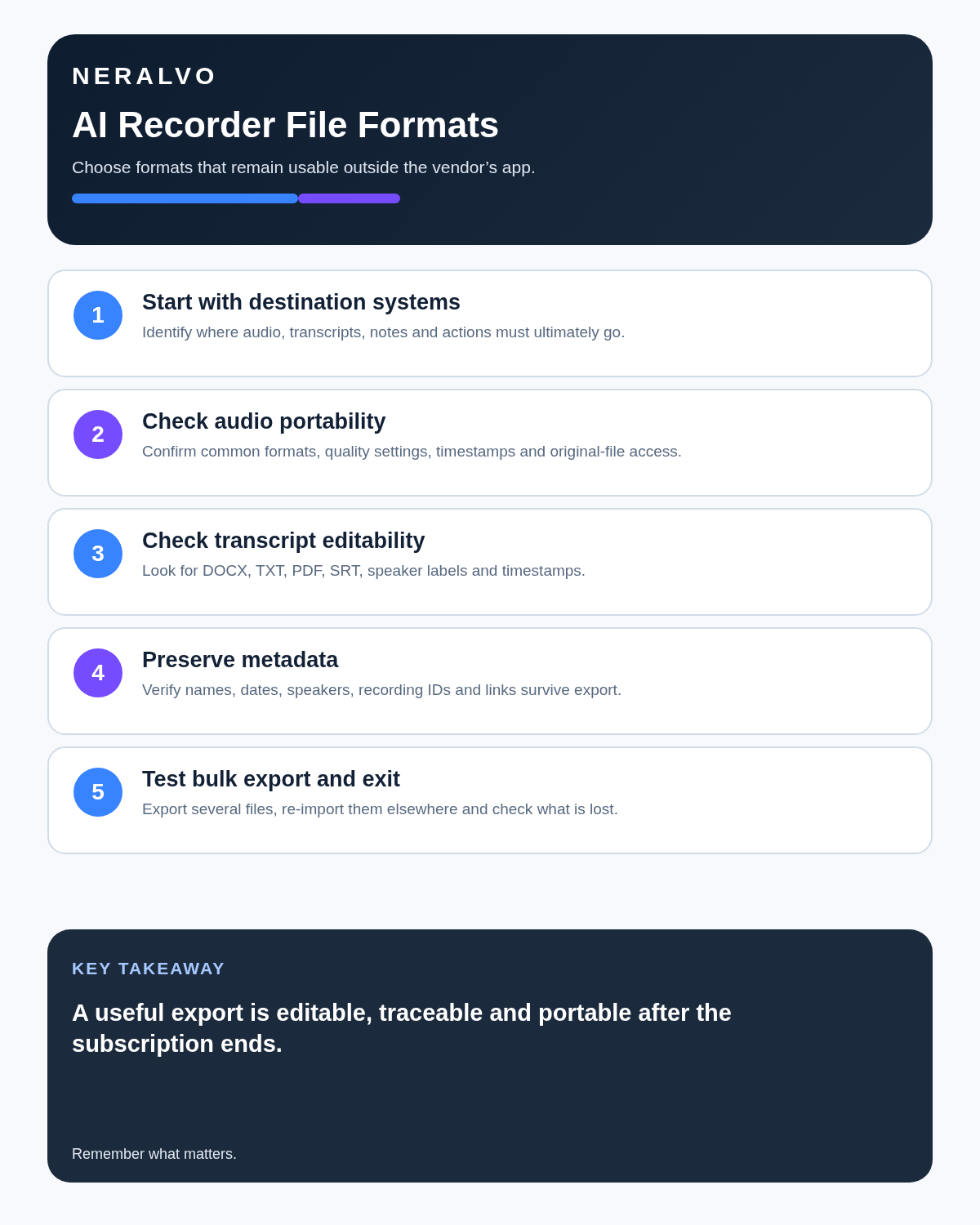
Before buying an AI voice recorder, export a real audio file, editable transcript and structured output. Open them outside the app and move them into the systems you actually use. File portability is part of the product, not an optional extra.
Workflow map
Visual map for What File Formats Should an AI Voice Recorder Export?
- Define the decisionState the question, required output and acceptance rule.
- Capture the sourceUse the approved route and preserve context, identity and limitations.
- Verify material detailsReplay or check names, numbers, negatives, decisions and actions.
- Move into the real recordAssign an owner, retain evidence and apply the deletion rule.
On this page
Related guides
See whether Halo fits this workflow
Review the NERALVO Halo specifications, included services, delivery information and current offer only after completing the guide.
Found an error or an out-of-date claim? Email support@neralvo.com with the article address and a supporting source.