The 60-second verdict
An AI voice recorder for transcript export must let users recover the source audio, edit the transcript and move the approved output into the real destination without losing speaker labels, timestamps or structure. Copy and paste alone is not a dependable export strategy.
Best fit: Transcript Export who need recoverable audio and human-verified notes in an authorised workflow. Use another method when: recording is prohibited, a participant declines or the approved process requires manual notes.
Quick verdict: record one representative conversation, export audio and every required text format, open the files outside the vendor app, test the destination system and repeat the exercise after cancellation or downgrade conditions are understood.
Evidence basis and limits
- Decision factors covered: The core export set; Create a representative export test; Check what survives export.
- Evidence rule: The decision is based on the complete capture-to-action workflow, not a single feature or marketing accuracy percentage.
- Boundary: Examples and workflow recommendations must be tested with representative recordings, the intended users and the actual approval process before rollout.
Define the final destinations
- Microsoft Word or Google Docs
- CRM
- Case or client-management system
- Project-management tool
- Research software
- Learning platform
- Subtitle or video editor
- Archive or secure file store
- Spreadsheet or database
Choose export requirements from the real destination, not from the longest format list.
The core export set
| Output | Why it matters | Common format |
|---|---|---|
| Original audio | Source verification and recovery | MP3, WAV, M4A or AAC |
| Editable transcript | Correction and reuse | DOCX, TXT or RTF |
| Fixed reading copy | Distribution or record copy | |
| Subtitle file | Video captions and timed review | SRT or VTT |
| Structured data | Speaker turns, actions or analytics | CSV or JSON |
Create a representative export test
- Record two speakers.
- Include names, dates, figures, technical terms and actions.
- Generate a transcript, summary and speaker labels.
- Correct several errors.
- Rename the recording.
- Export the source audio.
- Export every required text or data format.
- Open each file on another device.
- Import it into the real destination.
- Sign out of the vendor app and confirm the exports remain usable.
Check what survives export
- Speaker names
- Timestamps
- Paragraphs
- Headings
- Action owners
- Deadlines
- Comments or highlights
- Corrections
- Source links
- File metadata
A format may technically exist while removing the features that make the transcript useful.
Test editable text properly
Open the export and:
- Correct a name
- Change a speaker label
- Track a revision
- Add an approval note
- Save and reopen
- Compare with the source audio
- Move it into the organisation’s standard template
A locked PDF should not be the only output when editing is required.
Test source-audio ownership
Confirm:
- The complete original can be downloaded
- The format is widely playable
- The file duration matches the recording
- Audio is not silently reduced to a low-quality preview
- The source remains available before deletion or plan expiry
- Batch export is possible where needed
Check long recordings and batch work
Test:
- Longest normal file
- Multiple files in one batch
- Large audio downloads
- Progress visibility
- Failed and resumed exports
- Duplicate naming
- Export limits and throttling
- Archive migration
Test the destination system
For a CRM or case system, verify:
- Required fields map correctly
- Line breaks and characters survive
- Speaker names do not expose unnecessary information
- Dates use the correct format and time zone
- Attachments remain linked
- The final note is searchable
- Duplicate records are prevented
- Approval status is clear
Review subscription and exit conditions
Ask:
- Which exports require a paid tier?
- Can audio and transcripts be exported after cancellation?
- How long does access remain?
- Is bulk export available?
- Are deleted files recoverable temporarily?
- What happens to integrations?
- Can administrators export a departing employee’s files?
- What remains in backups?
Complete a representative export before a trial or included period ends.
Test correction portability
Some systems preserve corrections only inside the app while exports reproduce the original machine text. Verify that corrected names, speakers and wording are reflected in the downloaded file.
Choose a naming and version rule
Use:
YYYY-MM-DD – subject – type – status – version
Example: 2026-07-21 – Project Atlas – client call – approved – v1.
Distinguish raw transcript, reviewed draft and approved final record.
Assess privacy and redaction
Check whether the export process can:
- Remove irrelevant personal information
- Create a redacted version
- Restrict raw-audio sharing
- Exclude internal comments
- Prevent public links
- Log downloads
- Delete temporary exports
Calculate total portability cost
Include:
- Paid export tier
- Manual formatting
- Integration costs
- Batch migration
- Human correction time
- Storage
- Offboarding
- Supplier exit
Where NERALVO Halo fits
View Halo specifications for transcript export use captures audio to 64GB local storage and synchronises over Bluetooth with DOWAY. DOWAY supports transcripts, summaries, speaker-separated notes, templates, translations, mind maps and exports, with one year of DOWAY Max included.
Buyers should verify current DOWAY export formats, whether corrected labels and timestamps survive and what remains available after the included period.
Transcript-export buying checklist
- Final destinations defined
- Representative recording created
- Original audio exported
- Editable transcript exported
- Required PDF, subtitle or structured files tested
- Speaker labels and timestamps preserved
- Corrections survive export
- Long and batch exports tested
- Destination import completed
- Cancellation and offboarding checked
- Redaction and access controlled
- Total portability cost calculated
Cloud software, a dedicated recorder or manual notes?
For Transcript Export, the right answer changes with the setting. This matrix deliberately gives each method a situation where it can be the strongest choice.
| Situation | Best starting point | Reason |
|---|---|---|
| scheduled remote meetings | Cloud meeting software | Native remote-meeting workflows can be more efficient here. |
| in-person or mobile work | Dedicated recorder | A separate battery and recoverable local source improve resilience. |
| recording is refused or prohibited | Manual notes or an approved alternative | Manual notes are the correct control when recording is unavailable. |
| mixed online and offline work | Governed hybrid | A hybrid can combine automation with reliable physical capture. |
Frequently asked questions
Is copy and paste enough?
It may work occasionally, but it can lose structure, timestamps and speaker labels and does not support reliable archive migration.
Which transcript format is best?
DOCX or TXT is useful for editing; PDF for fixed reading; SRT or VTT for captions; CSV or JSON for structured workflows.
Should audio always be downloaded?
Download it when source verification or retention is required. Do not keep it without a defined purpose.
What is the most important exit test?
Export a complete source file and corrected transcript before cancellation and open them outside the vendor system.
Choose true portability
The strongest recorder workflow lets users recover, correct, store and migrate their information without dependence on one app or subscription.
Related guides
Profession workflow
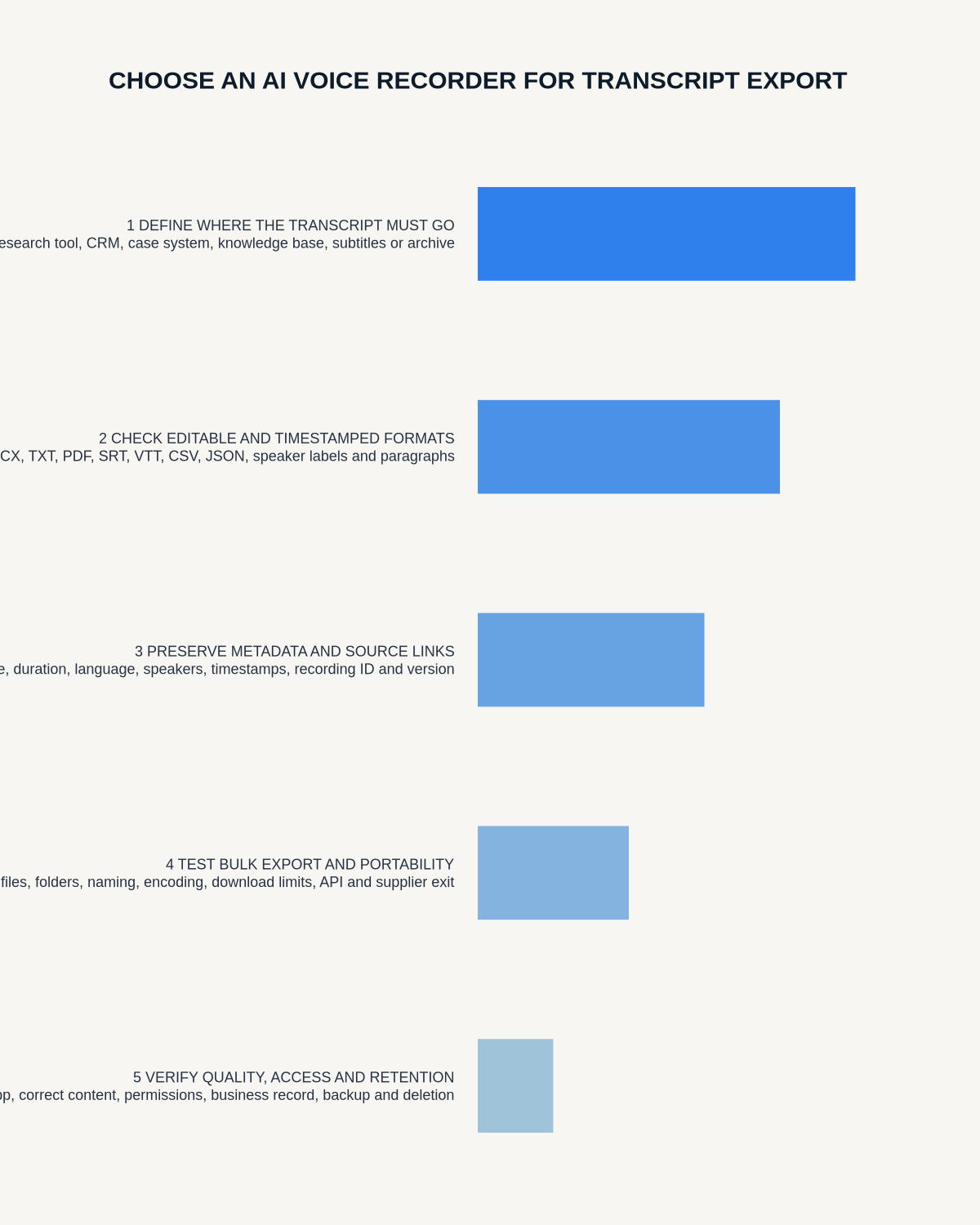
Visual map for AI Voice Recorder for Transcript Export: Portability and File Test
- Prepare the approved useDefine purpose, safe position, permission and the required formal record.
- Capture context firstState the case, asset, person, location or event identifier before detail.
- Human-verify evidenceCheck technical terms, units, names, dates, decisions and uncertainty.
- Complete the formal recordTransfer only verified information and apply access and retention controls.
On this page
Related guides
See whether Halo fits this workflow
Review the NERALVO Halo specifications, included services, delivery information and current offer only after completing the guide.
Found an error or an out-of-date claim? Email support@neralvo.com with the article address and a supporting source.