The 60-second verdict
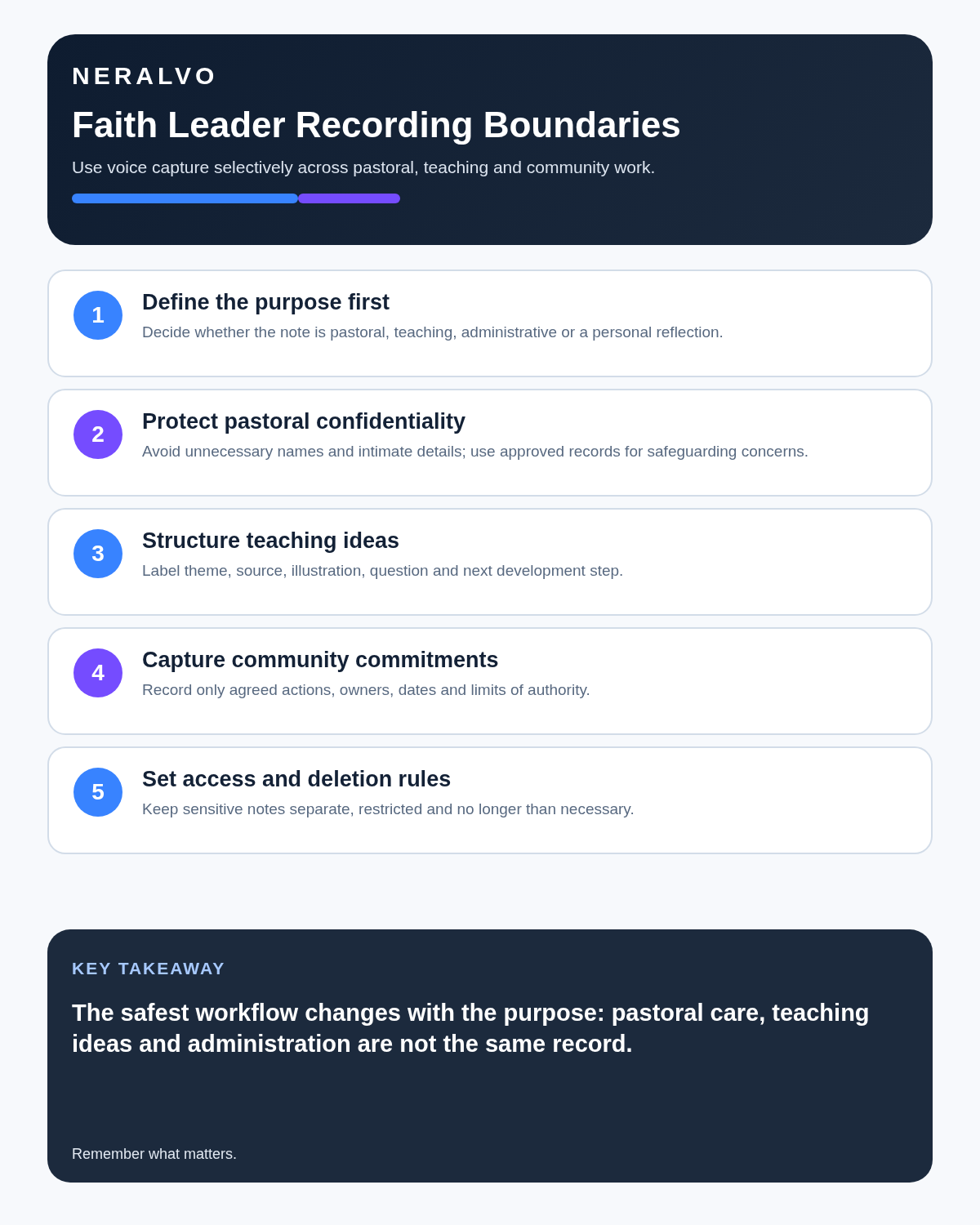
Faith leaders handle very different spoken work: sermon ideas, committee decisions, public services and highly private pastoral conversations. An AI voice recorder can help with preparation and action tracking, but the recording decision must change with the context. A tool suitable for a sermon draft may be entirely inappropriate for confidential pastoral care.
Best fit: Faith Leaders who need recoverable audio and human-verified notes in an authorised workflow. Use another method when: recording is prohibited, a participant declines or the approved process requires manual notes.
Evidence basis and limits
- Decision factors covered: Use-case 1: sermon and teaching preparation; Use-case 2: leadership and committee meetings; Use-case 3: pastoral meetings.
- Evidence rule: The decision is based on the complete capture-to-action workflow, not a single feature or marketing accuracy percentage.
- Boundary: Examples and workflow recommendations must be tested with representative recordings, the intended users and the actual approval process before rollout.
Use-case 1: sermon and teaching preparation
Voice capture works well for ideas while walking, reading or travelling. A useful output can include:
- central theme
- text or source references to verify
- illustrations
- questions for the audience
- structure
- application points
- items requiring theological or factual checking
AI can organise the material, but quotations and references should be checked against their sources.
Use-case 2: leadership and committee meetings
- decisions
- actions and owners
- financial or property matters
- safeguarding actions
- items for wider communication
- confidential items requiring restricted circulation
An AI summary is a draft, not automatically the official minute.
Use-case 3: pastoral meetings
Pastoral conversations may involve grief, health, relationships, faith, abuse or safeguarding. Recording should never be a default. Consider whether a brief post-meeting note created under the organisation’s process is more appropriate.
Where recording is specifically justified and approved:
- explain the purpose clearly
- obtain any required agreement
- limit the information captured
- stop if the conversation changes into a more sensitive area
- follow safeguarding procedures immediately where needed
- restrict access and retention
Context matrix
| Context | Potential recorder use | Main caution |
|---|---|---|
| Personal sermon idea | High | Verify references and quotations |
| Public lecture or service | Subject to venue arrangements | Music, contributors and audience capture |
| Committee meeting | Action and minute drafting | Approval, confidentiality and formal record |
| Pastoral conversation | Limited and exceptional | Privacy, trust and sensitive information |
| Safeguarding disclosure | Follow safeguarding procedure | Recording must not delay required action |
Community meeting workflow
- Agree whether recording is appropriate.
- State the purpose and who will hold the file.
- Identify confidential agenda items.
- Record decisions and actions distinctly.
- Generate a draft summary.
- Check names, amounts and commitments.
- Approve through the organisation’s process.
- Circulate the correct version to the correct audience.
- Apply retention rules.
Safeguarding comes before note-taking
If a concern or disclosure arises, follow the organisation’s safeguarding process. AI should not assess credibility, risk level or required action.
Public services and events
Recording a speaker is different from recording a congregation or private conversations around the event. Use the venue’s process, limit microphone placement to the intended source and obtain any permissions required for contributors.
Where NERALVO Halo fits
View Halo specifications for faith leaders use can support personal sermon dictation, approved leadership meetings and public-speaking review. Its current specification includes 64GB local storage, NOTE and CALL modes, up to 35 hours of recording and Bluetooth transfer to DOWAY.
Quality check
- Was recording appropriate for this context?
- Are public, organisational and pastoral material separated?
- Are references and quotations verified?
- Are confidential items restricted?
- Were safeguarding actions handled outside the AI workflow?
- Has unnecessary sensitive information been removed?
Bottom line
For faith leaders, the value of an AI recorder depends entirely on context. It is well suited to personal preparation and approved operational meetings. Private pastoral and safeguarding conversations require much stricter judgement, care and human responsibility.
Cloud software, a dedicated recorder or manual notes?
For Faith Leaders, the right answer changes with the setting. This matrix deliberately gives each method a situation where it can be the strongest choice.
| Situation | Best starting point | Reason |
|---|---|---|
| scheduled remote meetings | Cloud meeting software | Native remote-meeting workflows can be more efficient here. |
| in-person or mobile work | Dedicated recorder | A separate battery and recoverable local source improve resilience. |
| recording is refused or prohibited | Manual notes or an approved alternative | Manual notes are the correct control when recording is unavailable. |
| mixed online and offline work | Governed hybrid | A hybrid can combine automation with reliable physical capture. |
Related AI voice recorder guides
Profession workflow
Visual map for AI Voice Recorder for Faith Leaders: Pastoral Notes, Sermons and Community Follow-Up
- Prepare the approved useDefine purpose, safe position, permission and the required formal record.
- Capture context firstState the case, asset, person, location or event identifier before detail.
- Human-verify evidenceCheck technical terms, units, names, dates, decisions and uncertainty.
- Complete the formal recordTransfer only verified information and apply access and retention controls.
On this page
Related guides
See whether Halo fits this workflow
Review the NERALVO Halo specifications, included services, delivery information and current offer only after completing the guide.
Found an error or an out-of-date claim? Email support@neralvo.com with the article address and a supporting source.