The 60-second verdict
An AI note taker records or receives a conversation, turns it into text and creates structured outputs such as summaries, action lists or templates. It can reduce manual typing, but it does not remove the need to decide what should be recorded, checked, stored and acted on.
Decision focus: use the method below only where it produces a recoverable source, a verifiable output and a clear next action. If one of those fails, change the workflow rather than trusting a polished summary.
Evidence basis and limits
- Decision factors covered: Four types of AI note taker; What a useful AI note taker should produce; Start with the destination.
- Evidence rule: Claims are weighted by consequence: capture failure, changed meaning, access and recovery matter more than polished wording.
- Boundary: Examples and workflow recommendations must be tested with representative recordings, the intended users and the actual approval process before rollout.
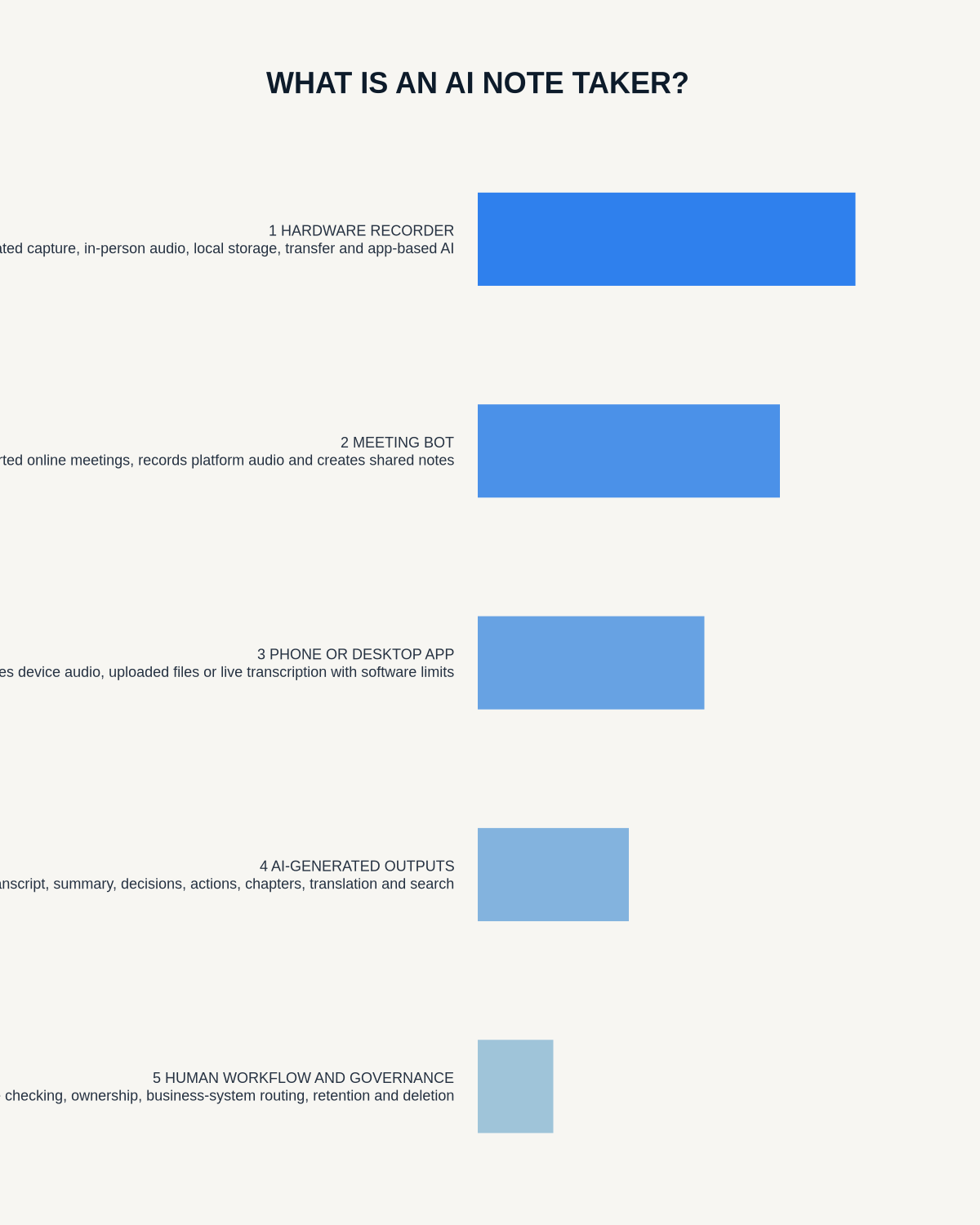
The name covers several different products: meeting bots, phone apps, laptop software and dedicated recorders. Choosing the right type begins with where conversations happen and what the final note must become.
Four types of AI note taker
| Type | Best for | Main limitation |
|---|---|---|
| Meeting bot | Scheduled online meetings and shared transcripts | Usually limited to supported platforms |
| Phone app | Low-cost personal notes and occasional meetings | Uses the phone’s battery, microphone and permissions |
| Laptop software | Desk-based calls and webinars | Less practical in rooms, travel and field work |
| Dedicated AI recorder | Room meetings, interviews, calls and mobile capture | Requires separate hardware and file management |
What a useful AI note taker should produce
The transcript is only the first layer. A complete workflow may produce a searchable transcript, concise summary, speaker-separated notes, decisions, actions with owners and deadlines, questions and risks, translations and a mind map or structured template.
More outputs are not automatically better. The right output is the one that enters the next system without creating extra cleanup.
Start with the destination
Before comparing products, decide where the final note belongs: client file, CRM, project-management system, research archive, revision notes, content draft or personal task list.
A note taker that generates attractive summaries but cannot export or integrate with the destination may save little time.
What AI gets wrong
- Transcription error: the words are wrong.
- Attribution error: the right words are assigned to the wrong speaker.
- Interpretation error: a suggestion becomes a decision.
- Omission: a condition, objection or uncertainty disappears.
- Action error: the wrong owner or deadline is inferred.
The review process should target these risks rather than rereading every ordinary sentence equally.
Use-case test: sales call
A sales note taker should capture the customer’s problem, current process, objections, buying criteria, stakeholders and agreed next step. It should not fill the CRM with a full unedited transcript.
Pass standard:
- Customer wording can be verified.
- Figures and dates are correct.
- Objections are separated from requirements.
- The next action has an owner.
- The concise note can be exported.
Use-case test: professional client meeting
The note taker should help create a draft attendance or meeting note without presenting itself as the final approved record. Sensitive or formal workflows need proportionate recording, clear review and defined retention.
Pass standard:
- Complete source audio.
- Critical facts traceable to the recording.
- Uncertainty preserved.
- Unnecessary personal detail removable.
- Approved final note stored separately from the draft.
Use-case test: lecture
The useful output is not a transcript as long as the lecture. It is a set of concepts, examples, definitions and revision questions that the student can revisit.
Pass standard:
- Technical terms can be corrected.
- Important explanations have timestamps.
- The summary matches the learning objectives.
- The student can turn it into active recall.
A buying scorecard
| Area | Question |
|---|---|
| Capture | Does it reliably record the rooms and calls you use? |
| Accuracy | Are names, figures and speakers easy to verify? |
| Speed | What is the total time to a usable final note? |
| Exports | Can audio and editable text leave the app? |
| Cost | What happens after the included allowance or trial? |
| Control | Can files be named, retained and deleted deliberately? |
| Fit | Does the output reach the system where work happens? |
Questions to ask before a team rollout
- Which meetings may be recorded?
- Who explains the recording to participants?
- Who reviews and approves outputs?
- Which templates are allowed?
- Where do final notes belong?
- How long are source files retained?
- How are devices and accounts removed when staff leave?
- How will accuracy and time savings be measured?
Where NERALVO Halo fits
Check whether NERALVO Halo fits this workflow is a dedicated hardware AI note taker for users who want local audio capture rather than relying entirely on a meeting bot, laptop or phone app. Its current specification includes 64GB local storage, NOTE and CALL modes, up to 35 hours of recording and Bluetooth transfer to DOWAY.
DOWAY can create transcripts, summaries, speaker-separated notes, templates, translations and mind maps. The current package includes one year of DOWAY Max from activation. Verify current allowances, export options and what remains available afterwards.
CALL mode compatibility varies by phone, operating system and call route, so test the exact setup used.
Workflow choice matrix for What Is an AI Note Taker? Hardware, Bots, Apps and Real Workflows
Choose the method that protects the source and reduces downstream correction. The table makes the non-hardware options explicit.
| Condition | Preferred route | Why |
|---|---|---|
| Repeatable remote work with approved integrations | Cloud software | Automation and central collaboration may outweigh device independence. |
| In-person, mobile or unreliable-connectivity work | Dedicated recorder | Independent capture and a recoverable local source are usually more resilient. |
| Recording is refused, prohibited or unnecessary | Manual notes / no recording | Respecting the boundary is the correct workflow, not a product failure. |
| High-risk or mixed work | Governed hybrid | Separate capture, review, approval and retention rather than trusting one tool. |
Frequently asked questions
Does an AI note taker record audio?
Some do, while others process audio from a meeting platform or uploaded file. Confirm whether the source audio is retained and exportable.
Can it replace a human note taker?
It can reduce drafting effort, but human judgement remains necessary for formal records, sensitive details, decisions and actions.
Is a meeting bot the same as an AI recorder?
No. A meeting bot normally joins supported online calls. A dedicated recorder can also capture rooms, interviews and field conversations.
What should be tested first?
Reliable capture in the hardest normal environment. Every later feature depends on the source audio.
Related guides
Bottom line
The best AI note taker is not the one with the longest feature list. It is the one that reliably captures your conversations, produces a checked output and routes it into the place where the next action happens.
Workflow map
Visual map for What Is an AI Note Taker? Hardware, Bots, Apps and Real Workflows
- Define the decisionState the question, required output and acceptance rule.
- Capture the sourceUse the approved route and preserve context, identity and limitations.
- Verify material detailsReplay or check names, numbers, negatives, decisions and actions.
- Move into the real recordAssign an owner, retain evidence and apply the deletion rule.
On this page
Related guides
See whether Halo fits this workflow
Review the NERALVO Halo specifications, included services, delivery information and current offer only after completing the guide.
Found an error or an out-of-date claim? Email support@neralvo.com with the article address and a supporting source.