The 60-second verdict
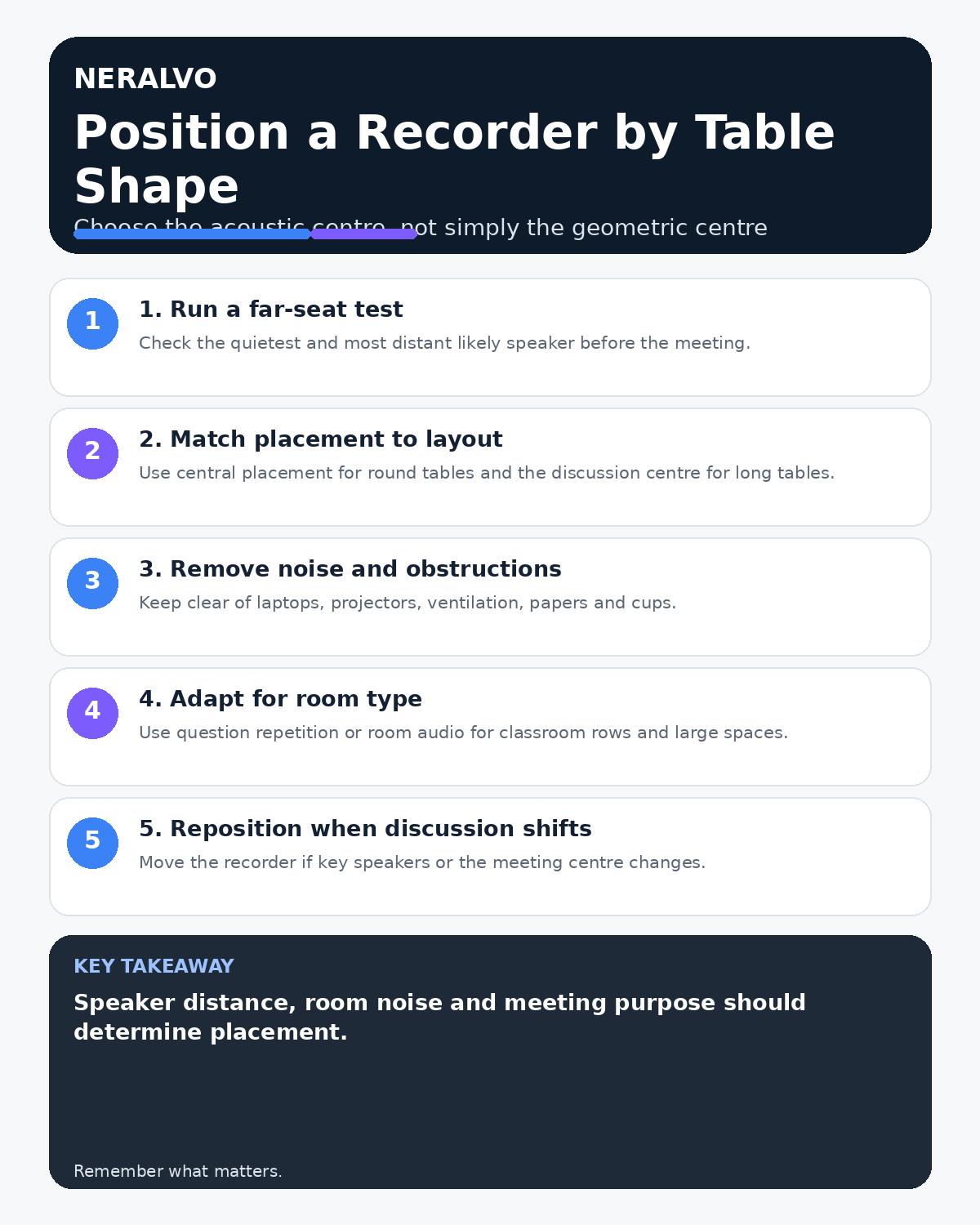
Quick answer: position an AI voice recorder near the acoustic centre of the active discussion—not automatically the geometric centre of the table. Remove obstructions and equipment noise, then test the quietest speaker from the farthest likely seat.
Decision focus: use the method below only where it produces a recoverable source, a verifiable output and a clear next action. If one of those fails, change the workflow rather than trusting a polished summary.
Evidence basis and limits
- Decision factors covered: Run a far-seat test first; Round tables; Long rectangular tables.
- Evidence rule: A claim earns weight only when the source, date, configuration and limitation are clear enough for a reader to check.
- Boundary: Examples and workflow recommendations must be tested with representative recordings, the intended users and the actual approval process before rollout.
Table shape, speaker distance, laptops, projectors and the location of decision-makers all affect whether the recording captures balanced speech.

Run a far-seat test first
Ask the quietest likely speaker in the farthest seat to talk at normal volume. Check the original audio and transcript using the real room setup, ventilation and equipment.
Round tables
Use a central position with microphones clear of papers, cups, bags and laptops. Test speakers from every side and avoid placing the recorder beside one dominant speaker.
Long rectangular tables
Place the recorder near the discussion and decision-making centre rather than the geometric midpoint. Very long tables may need venue microphones or other approved audio coverage.
U-shaped layouts
Position near the open centre and orient the recorder toward the main discussion. Test both far corners and keep it away from projectors, loudspeakers and ventilation.
Classroom and theatre rows
A front-table recorder will favour the presenter. Use a roving or venue microphone and ask the chair to repeat audience questions before answering.
Small informal tables
Keep the recorder visible and close to intended participants, away from crockery, table vibration and nearby bystanders. Avoid recording where privacy cannot be controlled.
Hybrid meeting layouts
Keep the recorder away from laptop speakers to reduce echo and repeated audio. Test room and remote voices through the actual approved setup.
Adapt when the meeting moves
If discussion shifts to one end of the table, move the recorder during a natural pause, confirm recording remains active and check the new position where practical.
Avoid common placement mistakes
- Leaving the recorder attached to a phone beside one speaker
- Placing it behind a laptop screen
- Covering it with papers or clothing
- Positioning it beside ventilation or a projector
- Assuming one device covers every large room
- Failing to test quiet and distant speakers
Workflow choice matrix for How to Position an AI Voice Recorder on Different Table Shapes
Choose the method that protects the source and reduces downstream correction. The table makes the non-hardware options explicit.
| Condition | Preferred route | Why |
|---|---|---|
| Repeatable remote work with approved integrations | Cloud software | Automation and central collaboration may outweigh device independence. |
| In-person, mobile or unreliable-connectivity work | Dedicated recorder | Independent capture and a recoverable local source are usually more resilient. |
| Recording is refused, prohibited or unnecessary | Manual notes / no recording | Respecting the boundary is the correct workflow, not a product failure. |
| High-risk or mixed work | Governed hybrid | Separate capture, review, approval and retention rather than trusting one tool. |
Frequently asked questions
Is the table centre always best?
No. Use the acoustic and decision-making centre.
Can one recorder cover a long boardroom table?
Only after real-room testing. Larger rooms may need additional approved audio.
Should the recorder remain attached to the phone?
Only when that position provides balanced coverage.
Useful resources
- Association for Project Management meeting guidance
- How to Capture Questions from the Back of a Room
- How to Reduce Echo in Meeting Recordings
- Apply this guide before assessing NERALVO Halo
Final placement checklist
- Farthest and quietest speakers tested
- Recorder clear of obstructions
- Equipment noise avoided
- Placement matches active discussion
- Hybrid audio route tested
- Room limitations documented
On this page
More in this topic: Field recording, setup and troubleshooting
Show 8 closely related guides
- AI Voice Recorder for Solar Installers: Roof Surveys, Design Changes and Handover Notes
- AI Voice Recorder for HVAC Engineers: Fault Diagnosis, Commissioning and Service Records
- AI Voice Recorder for Lift Engineers: Safer Fault Reports and Clearer Handover
- AI Voice Recorder for Plumbers: Customer Faults, Site Surveys and Job Notes
- How Automotive Technicians Can Capture Intermittent Faults Accurately
- How to Prevent Bluetooth and App Interruptions During Recording
- How Much Storage Does an AI Voice Recorder Need? A Practical Formula
- How to Use an AI Voice Recorder with a Phone Case or Magnetic Mount
Related guides
See whether Halo fits this workflow
Review the NERALVO Halo specifications, included services, delivery information and current offer only after completing the guide.
Found an error or an out-of-date claim? Email support@neralvo.com with the article address and a supporting source.