The 60-second verdict
Quick answer: solar installers can use an AI voice recorder for authorised ground-level survey and post-task notes, but recording must never distract from working at height or electrical safety. Every dimension, unit, roof-zone reference, product detail and design change must be verified before installation.
Best fit: Solar Installers who need recoverable audio and human-verified notes in an authorised workflow. Use another method when: recording is prohibited, a participant declines or the approved process requires manual notes.
Evidence basis and limits
- Decision factors covered: Safety comes before recording; Give every roof section a unique identity; Separate the evidence layers.
- Evidence rule: Claims are weighted by consequence: capture failure, changed meaning, access and recovery matter more than polished wording.
- Boundary: Examples and workflow recommendations must be tested with representative recordings, the intended users and the actual approval process before rollout.
One incorrectly attributed roof measurement, missed obstruction or unapproved customer request can affect design, performance, cost and safety. The recording should support the controlled survey and handover record—not replace it.

Safety comes before recording
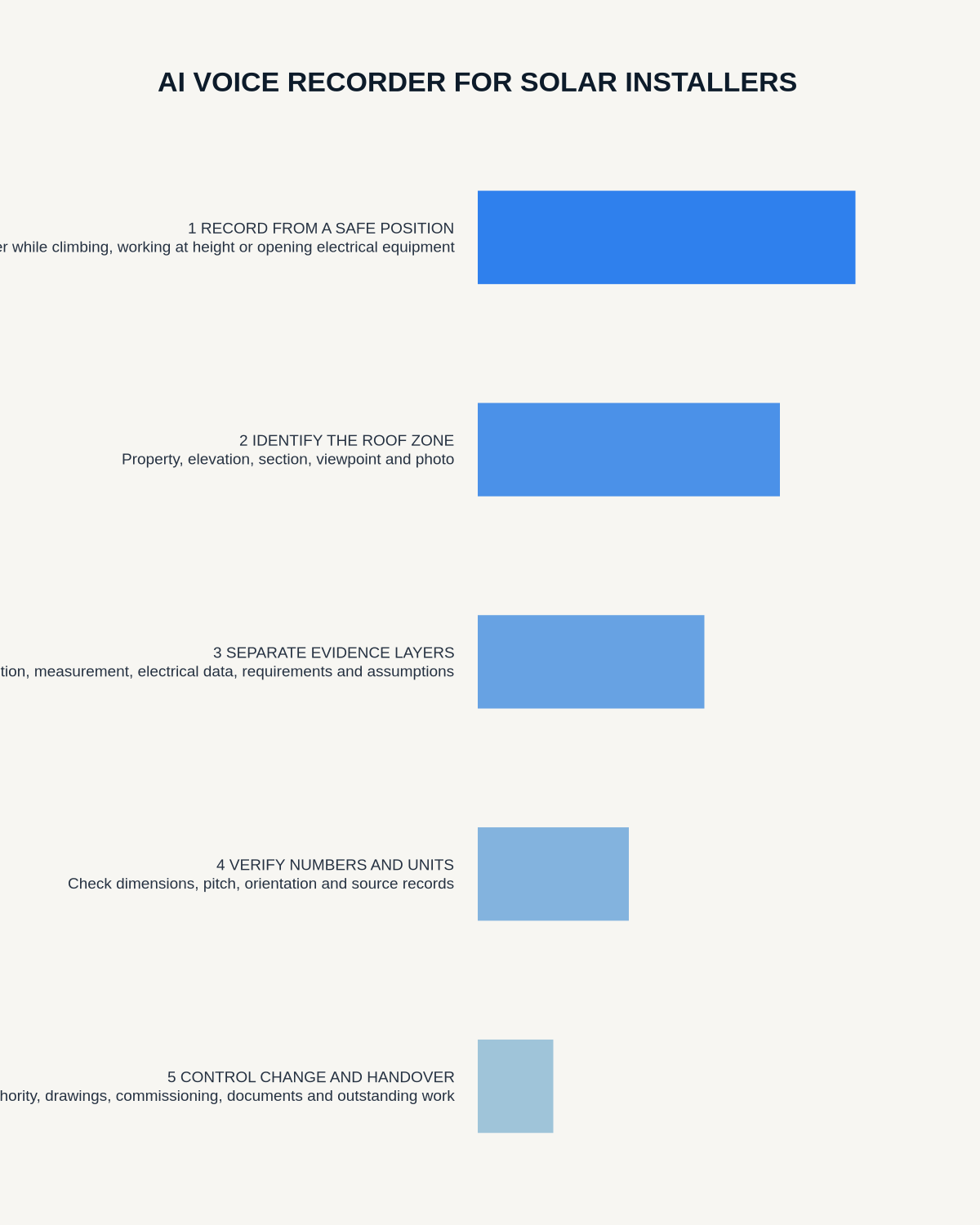
Do not handle the recorder while climbing, using access equipment, working at height, opening electrical equipment or standing near another hazard. Record from a stable authorised position or complete a structured debrief after the task.
Give every roof section a unique identity
State the property reference, elevation, roof section, viewing position, date and photograph number. Repeat the roof-zone identifier whenever you move.
Separate the evidence layers
- Visible condition: covering, defects, obstructions and access.
- Measurement: dimension, pitch, orientation and source.
- Electrical information: supply, meter, distribution equipment and possible equipment location.
- Customer requirement: priorities, usage and preferences.
- Design assumption: provisional layout, cable route or equipment position.
- Further verification: structural, electrical, planning or specialist checks.
Verify measurements and units
Repeat critical dimensions clearly and link each one to the correct roof zone and photograph. Before design, compare the transcript with instrument records, drawings and images. The transcript must never be the only measurement source.
Capture shading and obstructions precisely
Record chimneys, rooflights, vents, aerials, trees, neighbouring structures and service routes by location. State observation time and viewing limitation where relevant. Keep any design implication provisional until modelling or design review confirms it.
Control design and customer changes
For every change, record what changed, why, who authorised it, which drawing or calculation was updated, its safety, performance, cost or programme effect and what must be rechecked.
Separate discussed, proposed, approved, installed and tested status.
Build a complete handover
Verify installed equipment, labels, settings, photographs, model and serial details, monitoring access, documents supplied, customer instructions and outstanding work against the controlled job record.
Survey-to-handover workflow
- Confirm the approved recording process.
- Record only from a safe position.
- State property and roof-zone identifiers.
- Separate observations, measurements, requirements and assumptions.
- Correct dimensions, units and product names.
- Link photographs, drawings and instrument records.
- Move gaps into the survey or design action list.
- Control every change formally.
- Complete commissioning and handover checks.
- Delete temporary audio under policy.
Cloud software, a dedicated recorder or manual notes?
For Solar Installers, the right answer changes with the setting. This matrix deliberately gives each method a situation where it can be the strongest choice.
| Situation | Best starting point | Reason |
|---|---|---|
| scheduled remote meetings | Cloud meeting software | Calendar automation and shared integrations are usually the strongest advantage. |
| in-person or mobile work | Dedicated recorder | Independent capture reduces reliance on an active phone or laptop. |
| recording is refused or prohibited | Manual notes or an approved alternative | The boundary takes priority over convenience. |
| mixed online and offline work | Governed hybrid | Use each method only in the setting it actually fits. |
Frequently asked questions
Can a solar installer dictate while on a roof?
No recording task should interfere with safe access or work at height.
Can transcript measurements be used directly?
No. Check them against the original instrument, drawing or photograph.
Can a customer’s request go straight into the installation plan?
No. It should pass through design, commercial and change-control review.
Useful resources
- HSE work-at-height guidance
- AI Voice Recorder for Renewable Energy Consultants
- AI Voice Recorder for Electrical Engineers
- Check whether NERALVO Halo fits solar installers work
Final survey checklist
- Recording completed safely
- Every item tied to the correct roof zone
- Measurements and units verified
- Facts separated from assumptions
- Changes authorised and traceable
- Handover complete and checked
On this page
More in this topic: Field recording, setup and troubleshooting
Show 8 closely related guides
- AI Voice Recorder for HVAC Engineers: Fault Diagnosis, Commissioning and Service Records
- AI Voice Recorder for Lift Engineers: Safer Fault Reports and Clearer Handover
- AI Voice Recorder for Plumbers: Customer Faults, Site Surveys and Job Notes
- How Automotive Technicians Can Capture Intermittent Faults Accurately
- How to Prevent Bluetooth and App Interruptions During Recording
- How Much Storage Does an AI Voice Recorder Need? A Practical Formula
- How to Use an AI Voice Recorder with a Phone Case or Magnetic Mount
- How to Position an AI Voice Recorder on Different Table Shapes
Related guides
See whether Halo fits this workflow
Review the NERALVO Halo specifications, included services, delivery information and current offer only after completing the guide.
Found an error or an out-of-date claim? Email support@neralvo.com with the article address and a supporting source.