The 60-second verdict
Funeral-arrangement meetings contain names, relationships, wishes, dates and decisions made during an emotional period. An AI voice recorder can help draft an accurate arrangement note, but recording must be handled sensitively and the family must not feel that technology has replaced attentive human care.
Best fit: Funeral Directors who need recoverable audio and human-verified notes in an authorised workflow. Use another method when: recording is prohibited, a participant declines or the approved process requires manual notes.
Evidence basis and limits
- Decision factors covered: The meeting comes first; Separate wishes, options and confirmed instructions; Names and family relationships.
- Evidence rule: A claim earns weight only when the source, date, configuration and limitation are clear enough for a reader to check.
- Boundary: Examples and workflow recommendations must be tested with representative recordings, the intended users and the actual approval process before rollout.
The meeting comes first
The funeral director’s attention should remain with the family. Recording, where appropriate and approved, should reduce visible typing rather than dominate the conversation.
Explain the purpose clearly and offer an alternative if anyone is uncomfortable.
Use an arrangement checklist, not a general summary
- deceased’s full name and preferred name
- family contacts and relationships
- place and date details to verify
- burial, cremation or other arrangements
- service location and proposed date
- officiant or celebrant
- music, readings and tributes
- viewing and visitation wishes
- transport and bearers
- flowers, donations and notices
- clothing and personal items
- documents and permissions outstanding
- cost decisions and approvals
- next contact
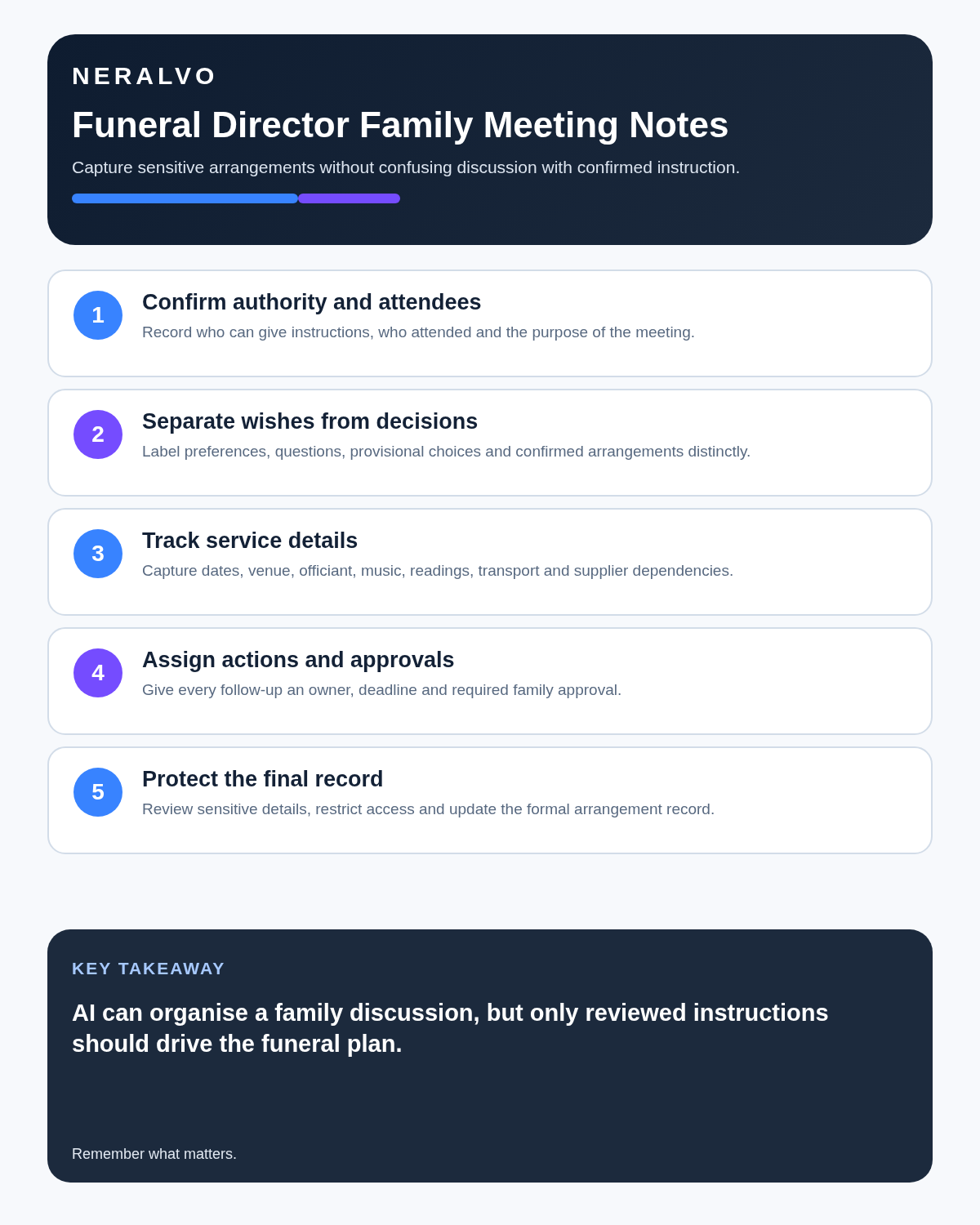
Separate wishes, options and confirmed instructions
| Status | Example |
|---|---|
| Family wish | Would like a service on Friday |
| Option discussed | Morning or afternoon availability |
| To confirm | Cemetery time and officiant |
| Confirmed instruction | Chosen music and notice wording approved |
| Document required | Authorisation or certificate outstanding |
An AI summary should not convert a preference into a booking or an option into a confirmed instruction.
Names and family relationships
Repeat spellings for notices, orders of service and records. Confirm who is authorised to approve decisions and who should receive updates.
Do not infer family authority from who speaks most during the meeting.
Tributes and personal stories
Recording can preserve details for a celebrant or obituary draft. Mark:
- verified dates and facts
- family memories
- preferred wording
- stories not intended for publication
- names requiring confirmation
Never assume that everything shared in the arrangement meeting may be used publicly.
A sensitive workflow
- Explain the purpose and obtain any required agreement.
- Confirm the authorised contact.
- Allow the family to speak without rushing into form-filling.
- Use the arrangement checklist to identify gaps.
- Repeat critical names, dates and choices.
- Generate a draft arrangement note.
- Check each instruction and status.
- Send or read back the agreed summary as appropriate.
- Store the approved record in the funeral-management system.
- Apply strict retention and deletion rules to the recording.
Internal handover
- confirmed arrangements
- items awaiting family approval
- third-party confirmations outstanding
- documents required
- deadlines for print, transport or service content
- named owner for each action
Where NERALVO Halo fits
Assess Halo against the funeral directors workflow matrix can support approved arrangement meetings, family calls and internal handovers. Its current specification includes 64GB local storage, NOTE and CALL modes, up to 35 hours of recording and Bluetooth transfer to DOWAY.
DOWAY can create transcripts, summaries, speaker-separated notes, templates, translations and mind maps. CALL mode compatibility varies by phone and call route.
Arrangement-note quality check
- Are names and relationships correct?
- Is the authorised contact clear?
- Are wishes, options and confirmed instructions separated?
- Are dates and third-party bookings verified?
- Are publication permissions clear?
- Does every outstanding action have an owner?
Bottom line
For funeral directors, an AI recorder can reduce administrative pressure and protect important details. Its use must remain discreet, consensual and human-centred, with every instruction checked before arrangements are confirmed.
Cloud software, a dedicated recorder or manual notes?
For Funeral Directors, the right answer changes with the setting. This matrix deliberately gives each method a situation where it can be the strongest choice.
| Situation | Best starting point | Reason |
|---|---|---|
| scheduled remote meetings | Cloud meeting software | Auto-join and central collaboration can remove routine admin. |
| in-person or mobile work | Dedicated recorder | Dedicated hardware suits movement, variable rooms and offline source capture. |
| recording is refused or prohibited | Manual notes or an approved alternative | A clear alternative respects policy and participant choice. |
| mixed online and offline work | Governed hybrid | One governed process prevents gaps between desk and field work. |
Related AI voice recorder guides
Profession workflow
Visual map for AI Voice Recorder for Funeral Directors: Clearer Family Arrangements and Service Notes
- Prepare the approved useDefine purpose, safe position, permission and the required formal record.
- Capture context firstState the case, asset, person, location or event identifier before detail.
- Human-verify evidenceCheck technical terms, units, names, dates, decisions and uncertainty.
- Complete the formal recordTransfer only verified information and apply access and retention controls.
On this page
More in this topic: Heritage, service and creative work
Show 8 closely related guides
- AI Voice Recorder for Translators and Interpreters: Better Terminology, Review and Handover
- AI Voice Recorder for Museum Curators: Better Oral Histories and Collection Evidence
- AI Voice Recorder for Genealogists: Better Family Interviews and Source Control
- AI Voice Recorder for Faith Leaders: Pastoral Notes, Sermons and Community Follow-Up
- AI Voice Recorder for Chefs: Better Recipe Development and Kitchen Briefings
- AI Voice Recorder for Salon Owners: Better Consultations and Team Handover
- How Tour Guides Can Build Better Tours from Research and Rehearsal Notes
- AI Voice Recorder for Landscapers: Garden Briefs, Site Surveys and Maintenance Notes
Related guides
See whether Halo fits this workflow
Review the NERALVO Halo specifications, included services, delivery information and current offer only after completing the guide.
Found an error or an out-of-date claim? Email support@neralvo.com with the article address and a supporting source.