The 60-second verdict
Quick answer: use an AI voice recorder for daily standups only when recording solves a defined continuity or accessibility problem, then extract changed commitments, blockers, dependencies and decisions into the trusted work board instead of retaining a permanent transcript of routine employee updates.
Best fit: Daily Standups who need recoverable audio and human-verified notes in an authorised workflow. Use another method when: recording is prohibited, a participant declines or the approved process requires manual notes.
Evidence basis and limits
- Decision factors covered: Decide whether recording solves a real problem; Use an outcome-focused standup structure; Use clear status markers.
- Evidence rule: A claim earns weight only when the source, date, configuration and limitation are clear enough for a reader to check.
- Boundary: Examples and workflow recommendations must be tested with representative recordings, the intended users and the actual approval process before rollout.
Daily standups should improve coordination quickly. Recording every update can add administration and sensitive employee data without improving delivery. A device such as Assess Halo against the daily standups workflow matrix can support an agreed workflow, but the meeting should remain brief, action-focused and separate from performance surveillance.
Decide whether recording solves a real problem
Recording may help when teams work across time zones, participants join remotely, technical references are easily missed or absent stakeholders need a checked blocker summary. It may add little value when everyone updates the same board directly and the standup is already concise.
Before recording, confirm:
- the purpose and approved process;
- what participants are told;
- whether use is limited to coordination or includes monitoring;
- who can access the source audio and transcript;
- which delivery system will be updated;
- when temporary files will be deleted.
Use an outcome-focused standup structure
- What changed? Completed outcome or material update since the previous standup.
- What is next? The next meaningful deliverable, not a list of activity.
- What is blocked? Specific obstacle, decision or dependency.
- Who can unblock it? Named owner and required response.
- What needs a separate conversation? Remove detailed problem-solving from the standup.
“Worked on the API” is weak. “Authentication endpoint is complete; production access is blocked pending security approval from Sam by 3pm” is actionable.
Use clear status markers
- Done: completed outcome, not activity.
- Next: immediate priority.
- Blocked: obstacle and impact.
- Dependency: input required from another person or system.
- Action: owner and deadline.
- Escalation: decision required outside the team.
Make blockers precise
| Blocker element | Question |
|---|---|
| Affected outcome | What cannot progress? |
| Cause | Which decision, input or dependency is missing? |
| Impact | What date, customer or workstream is affected? |
| Unblock action | What exact response is needed? |
| Owner | Who is accountable for the unblock step? |
| Deadline | When must the response arrive? |
Keep problem-solving separate
When an issue requires detailed analysis, assign the relevant people to a follow-up conversation. Do not keep the whole team waiting while the standup becomes a workshop.
During the standup
- Use consistent ticket, project and customer references.
- Repeat dates, names and technical identifiers.
- Separate a blocker from a general risk or concern.
- Confirm the unblock owner aloud.
- Do not turn the meeting into individual status justification.
- Move detailed discussion to a smaller follow-up group.
- Escalate urgent safety, security or safeguarding issues immediately.
After the standup: process only what changed
- Generate the transcript and mark it as draft.
- Correct names, ticket IDs, dates and project terminology.
- Extract new or changed blockers, decisions and commitments.
- Confirm ownership and deadlines.
- Update the delivery board or task system.
- Create separate follow-up sessions only where needed.
- Send a concise blocker summary to absent stakeholders.
- Delete temporary audio according to policy.
A useful standup output
- Changed delivery status
- New blocker and affected outcome
- Unblock action, owner and deadline
- Decision required and decision owner
- Risk requiring escalation
- Separate follow-up meeting or channel
- Updated board or ticket link
Blocker triage toolkit
| Blocker type | Required response |
|---|---|
| Information | Name the missing input and owner |
| Decision | Escalate to the person with authority |
| Dependency | Agree delivery date and consequence |
| Capacity | Reprioritise or change scope |
| Technical | Create a focused investigation outside the standup |
Protect employee privacy
Do not discuss or record health, performance, grievance or private personal issues in a routine standup. Use the appropriate confidential process.
Recording every daily update and analysing speaking time, tone or wording can become intrusive monitoring. Speaking duration does not reliably measure delivery, collaboration or value. Review the ICO guidance on monitoring workers before using recordings or analytics for employee monitoring.
Measure standup health
Track repeated blockers, items carried without change, time spent problem-solving, actions without owners and board status that differs from spoken status. Recording is useful only if it improves these outcomes.
Update the real system
The useful output is an updated board, blocker list and action record. The transcript should not become a parallel source of work status or a shadow performance archive.
How NERALVO Halo fits daily standups
NERALVO Halo supports permitted room standups through NOTE mode and compatible remote calls through CALL mode where recording is lawful, disclosed and permitted. Halo includes 64GB local storage, up to 35 hours of recording and Bluetooth sync with DOWAY for transcription, summaries and exports.
Compatibility varies by call setup. The team should still update its normal delivery system rather than relying on the DOWAY summary.
Cloud software, a dedicated recorder or manual notes?
For Daily Standups, the right answer changes with the setting. This matrix deliberately gives each method a situation where it can be the strongest choice.
| Situation | Best starting point | Reason |
|---|---|---|
| scheduled remote meetings | Cloud meeting software | Auto-join and central collaboration can remove routine admin. |
| in-person or mobile work | Dedicated recorder | Dedicated hardware suits movement, variable rooms and offline source capture. |
| recording is refused or prohibited | Manual notes or an approved alternative | A clear alternative respects policy and participant choice. |
| mixed online and offline work | Governed hybrid | One governed process prevents gaps between desk and field work. |
Frequently asked questions
Should every standup be recorded?
No. Use recording only where it improves continuity or accuracy enough to justify the extra processing.
Should absent team members receive the transcript?
Usually a concise board update or action summary is more useful and proportionate.
Can AI update project tickets automatically?
It can help draft changes, but people must verify the ticket, status, owner and deadline before applying them.
Can speaking time measure contribution?
No. Speaking duration does not reliably measure delivery, collaboration or value.
Standup checklist
- Recording need justified.
- Team appropriately informed.
- Updates brief and structured.
- Detailed problem-solving deferred.
- Blockers and dependencies owned.
- Sensitive topics excluded.
- Work board updated.
- Source deleted when no longer needed.
Bottom line: expose blockers, update the board and move on. Recording is valuable only when it shortens coordination rather than creating another meeting archive.
Related guides
Profession workflow
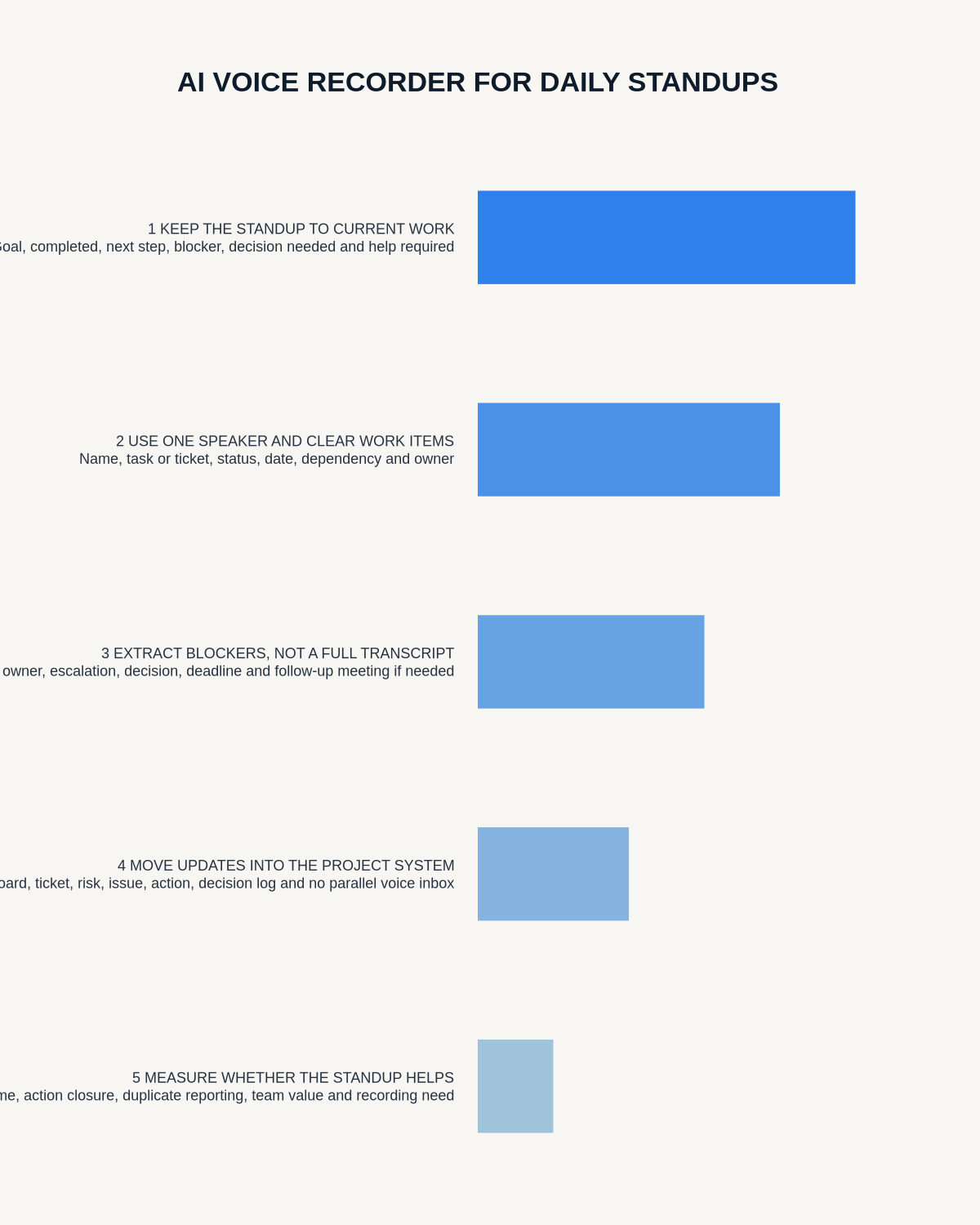
Visual map for AI Voice Recorder for Daily Standups: Capture Blockers Without Creating More Meetings
- Prepare the approved useDefine purpose, safe position, permission and the required formal record.
- Capture context firstState the case, asset, person, location or event identifier before detail.
- Human-verify evidenceCheck technical terms, units, names, dates, decisions and uncertainty.
- Complete the formal recordTransfer only verified information and apply access and retention controls.
On this page
Related guides
See whether Halo fits this workflow
Review the NERALVO Halo specifications, included services, delivery information and current offer only after completing the guide.
Found an error or an out-of-date claim? Email support@neralvo.com with the article address and a supporting source.