
The 60-second verdict
Quick answer: use an AI voice recorder at networking events mainly for short private notes after conversations, not continuous capture of crowded rooms. Store only the information needed for a permitted follow-up, verify it, and delete temporary audio.
Best fit: Networking Events who need recoverable audio and human-verified notes in an authorised workflow. Use another method when: recording is prohibited, a participant declines or the approved process requires manual notes.
Evidence basis and limits
- Decision factors covered: Why post-conversation notes work best; When direct recording may be appropriate; Use a CONTACT note.
- Evidence rule: Claims are weighted by consequence: capture failure, changed meaning, access and recovery matter more than polished wording.
- Boundary: Examples and workflow recommendations must be tested with representative recordings, the intended users and the actual approval process before rollout.
Why post-conversation notes work best
A two-minute private note can preserve the person, organisation, relevance, promised action and follow-up timing without recording unrelated bystanders or making conversation unnatural.
When direct recording may be appropriate
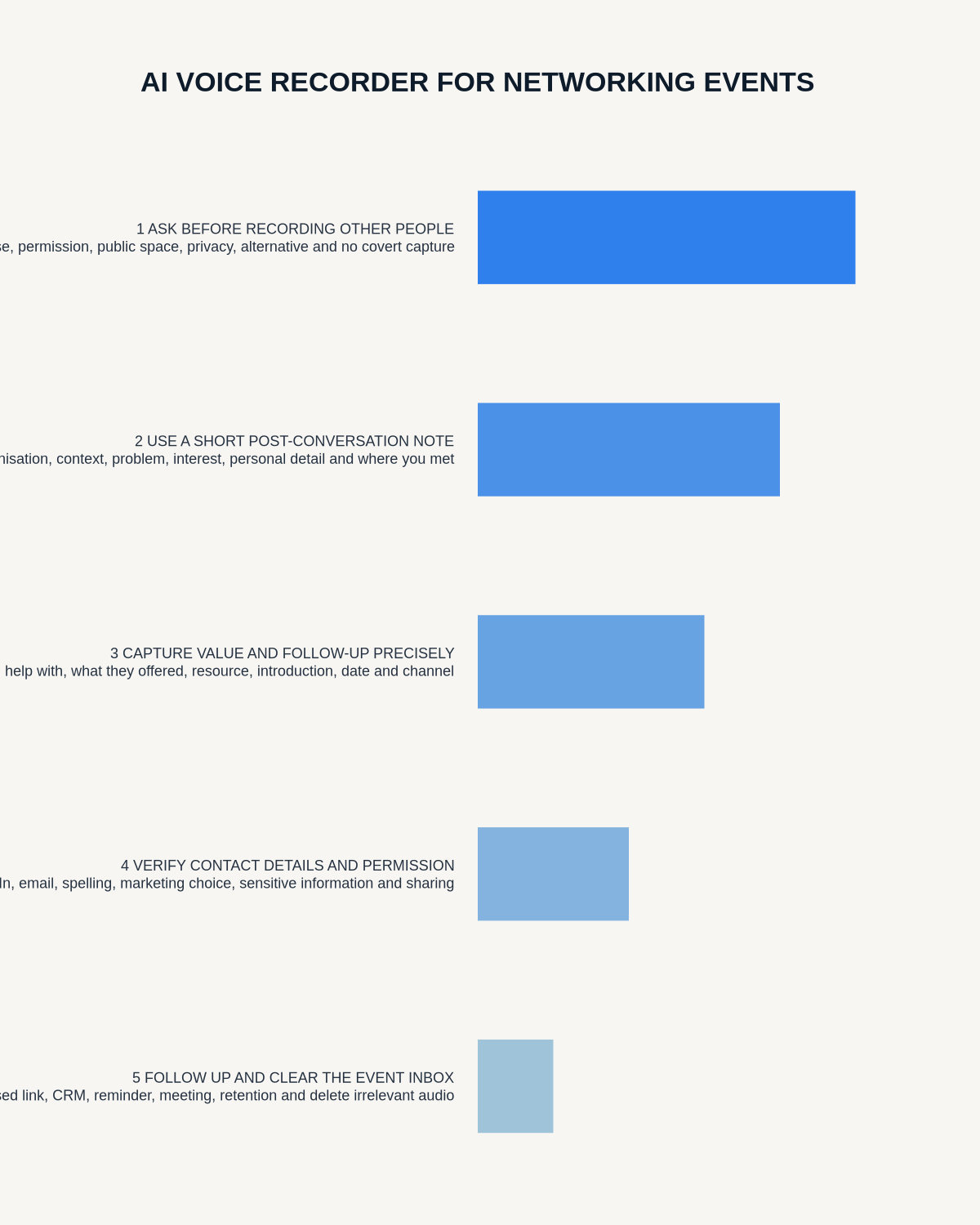
Direct recording may be appropriate in a quieter structured conversation, interview booth, scheduled introduction or formally authorised event session. Before starting:
- Explain why recording is useful.
- Obtain the required permission.
- Control background voices and unrelated conversations.
- Identify the speakers.
- Confirm where the file will be stored and who can access it.
- Set a clear stop point and deletion date.
Do not record continuously while walking through a crowded event. Continuous capture is likely to collect bystanders, private remarks and unrelated conversations.
Use a CONTACT note
- C — Connection: name, organisation and event.
- O — Objective: why the relationship is relevant.
- N — Need: challenge, request or topic discussed.
- T — Task: exact promised follow-up.
- A — Authority: permission and preferred contact route.
- C — Context: useful reference for personalisation.
- T — Timing: when to follow up.
Record only useful and permitted facts
- Verified name and role.
- Organisation.
- Professional relevance.
- Specific agreed follow-up.
- Preferred channel.
- Timing.
- Source of the relationship.
Avoid confidential commercial material, gossip, unverified allegations, opinions about appearance or personality, overheard comments and political, religious, health, family or financial information that is irrelevant to the agreed follow-up.
Official source: the ICO’s data-minimisation guidance explains the principle of limiting personal data to what is adequate, relevant and necessary for the purpose.
Separate contact permission from marketing permission
Agreement to receive one document or arrange one meeting is not automatic permission for a newsletter, sales sequence or wider data sharing.
Verify before saving
Check spelling, job title, organisation, email address, website, time zone and exact promised document. Do not rely on a noisy transcript for contact details.
Follow up with context
Reference the event and conversation, mention the specific point discussed, deliver the promised item first, explain relevance briefly and make one clear next-step request. Avoid a generic sales pitch.
Transfer to the authorised system
- Generate and correct the short note.
- Save only relevant information.
- Apply the correct permission status.
- Set one owner and follow-up date.
- Move the record into the CRM or contact system.
- Delete temporary audio under policy.
How NERALVO Halo fits
Check whether NERALVO Halo fits networking events work can support private post-conversation notes with NOTE mode, 64GB local storage and DOWAY transcription tools. Do not leave it recording continuously at an event.
Cloud software, a dedicated recorder or manual notes?
For Networking Events, the right answer changes with the setting. This matrix deliberately gives each method a situation where it can be the strongest choice.
| Situation | Best starting point | Reason |
|---|---|---|
| scheduled remote meetings | Cloud meeting software | Calendar automation and shared integrations are usually the strongest advantage. |
| in-person or mobile work | Dedicated recorder | Independent capture reduces reliance on an active phone or laptop. |
| recording is refused or prohibited | Manual notes or an approved alternative | The boundary takes priority over convenience. |
| mixed online and offline work | Governed hybrid | Use each method only in the setting it actually fits. |
Frequently asked questions
Should I record the whole event?
No. Use short private notes after conversations unless a specific session is formally authorised for recording.
Can I add every contact to a mailing list?
No. Use the permission and lawful marketing process that applies.
Can I record the conversation itself?
Only where it is transparent, permitted and proportionate. A post-conversation note is usually less intrusive.
Official guidance and related reading
- ICO right-to-be-informed guidance
- ICO direct-marketing and PECR guidance
- AI Voice Recorder for Sales Teams
- AI Voice Recorder for Recruiters
Final networking checklist
- Short private note used.
- Direct recording permission gate applied where needed.
- Contact details verified.
- Only necessary professional data retained.
- Permission status recorded.
- One promised action identified.
- Follow-up personalised.
- CRM updated.
- Temporary audio deleted.
Bottom line: good networking notes create respectful follow-up, not a voice archive of everyone in the room.
On this page
Related guides
See whether Halo fits this workflow
Review the NERALVO Halo specifications, included services, delivery information and current offer only after completing the guide.
Found an error or an out-of-date claim? Email support@neralvo.com with the article address and a supporting source.