The 60-second verdict
Quick answer: security managers can use an AI voice recorder for approved post-incident notes, debriefs and handovers, but every timeline entry must identify its source, timestamp and certainty. Protect people, control the incident and preserve original evidence before dictating.
Best fit: Security Managers who need recoverable audio and human-verified notes in an authorised workflow. Use another method when: recording is prohibited, a participant declines or the approved process requires manual notes.
Evidence basis and limits
- Decision factors covered: Use the GUARD note; Respond before recording; Separate chronology from analysis.
- Evidence rule: Claims are weighted by consequence: capture failure, changed meaning, access and recovery matter more than polished wording.
- Boundary: Examples and workflow recommendations must be tested with representative recordings, the intended users and the actual approval process before rollout.

Check whether NERALVO Halo fits security managers work can support controlled drafting while incident, evidence, access-control and risk systems remain authoritative.
Use five source types
| Source | Example | Rule |
|---|---|---|
| Direct observation | Officer saw rear exit open at 22:14 | Record observer, location and time |
| Witness report | Delivery driver reports tailgating | Attribute; do not present as verified |
| System evidence | Badge 417 used at 22:12 | Preserve system, timezone and export |
| Physical evidence | Damaged latch and photograph | Link reference and custody |
| Hypothesis | Door may not have latched | Label as unconfirmed |
Use the GUARD note
- G — Ground: site, exact location, date and time.
- U — Understanding: verified current situation.
- A — Action: immediate control and notification.
- R — Record: CCTV, access logs, photographs, witnesses and references.
- D — Direction: owner, escalation and next update.
Respond before recording
Protect people, control the incident, call emergency services where required and begin the evidence-preservation process before dictating. Move to a secure private location. Recording must never delay containment, medical help, evacuation or police contact.
Build a source-checked timeline
| Time | Event | Source | Confidence | Action |
|---|---|---|---|---|
| 22:12 | Badge 417 used | Access-control export | Verified system record | Preserve log |
| 22:14 | Rear exit observed open | Officer A | Direct observation | Door secured |
| 22:18 | Tailgating reported | Driver statement | Unverified report | Review CCTV |
Do not ask AI to fill missing times, resolve conflicting accounts or infer causation automatically. Keep event time, detection time and report-entry time distinct.
Separate chronology from analysis
- Confirmed event.
- Reported event.
- Evidence collected.
- Hypothesis.
- Confirmed cause.
- Containment.
- Recovery.
- Corrective action.
A rapid debrief should not assign blame or certainty before evidence is reviewed.
Use a controlled incident-to-report process
- Control the incident and protect people.
- Preserve original CCTV, access logs, photographs and documents.
- Record a private GUARD note.
- Correct names, locations, times and speaker attribution.
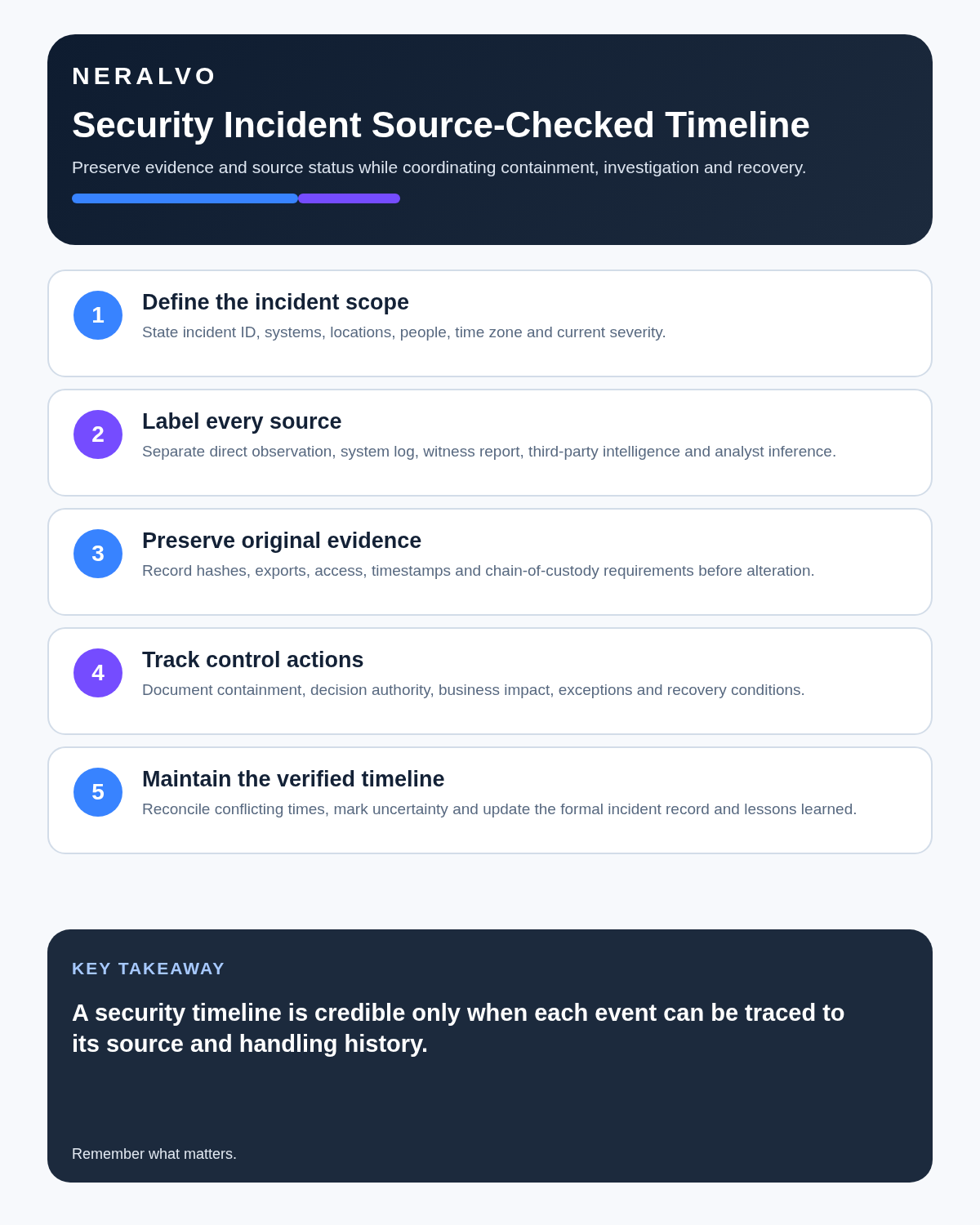
- Build the source-checked timeline.
- Complete the formal control-room and incident records.
- Assign investigation, recovery and corrective actions.
- Give the next shift only necessary operational information.
- Verify control effectiveness and residual risk.
- Apply evidence and retention rules to audio separately.
Create the controlled incident record
Preserve detection, escalation, containment, decision authority, communications, evidence references, recovery, residual risk, notifications and follow-up. Keep the original evidence immutable where the process requires it and document any redaction or working-copy edits.
Protect operational security
Do not dictate alarm codes, patrol patterns, camera blind spots, master-key arrangements, credentials, vulnerabilities, intelligence sources or confidential response tactics into a broadly accessible workspace. Use protected references and restricted systems.
Share only the minimum operational information each recipient needs.
Investigate fairly
A debrief should examine equipment, staffing, procedures, supervision, handover, workload and control design—not simply the nearest individual action. AI cannot determine responsibility, honesty or credibility from tone, hesitation or language.
Protect worker and public privacy
A defined briefing or debrief is different from continuous audio surveillance. Use targeted, announced recording and avoid undisclosed monitoring of staff or public conversation. Restrict health, disciplinary, witness and criminal-allegation information to the appropriate process.
Review control effectiveness
For every action, define the risk addressed, control owner, implementation evidence, test method, review date and escalation threshold. Closing a task does not prove that the security control works.
How NERALVO Halo fits security management
NERALVO Halo includes NOTE mode, supported CALL mode, 64GB local storage, up to 35 hours of recording and Bluetooth sync with DOWAY. DOWAY can create transcripts, summaries, speaker-separated notes, templates, translations, mind maps and exports, with one year of DOWAY Max included.
It may support permitted briefings, post-incident chronology and debriefs. The organisation should approve the complete evidence, privacy and security workflow. Halo is not an incident-response, evidence, access-control or secrets platform.
Cloud software, a dedicated recorder or manual notes?
For Security Managers, the right answer changes with the setting. This matrix deliberately gives each method a situation where it can be the strongest choice.
| Situation | Best starting point | Reason |
|---|---|---|
| scheduled remote client meetings | Cloud meeting software | Calendar automation and shared integrations are usually the strongest advantage. |
| in-person visits and travel | Dedicated recorder | Independent capture reduces reliance on an active phone or laptop. |
| a client declines or policy requires manual notes | Manual notes or an approved alternative | The boundary takes priority over convenience. |
| mixed CRM and field work | Governed hybrid | Use each method only in the setting it actually fits. |
Frequently asked questions
Can AI reconcile conflicting witness accounts?
No. Preserve each account and compare it with independent evidence.
Can a transcript replace CCTV or access logs?
No. Link the original evidence and preserve its source, timezone and custody.
Should the recorder be used during the active incident?
Only after immediate safety, containment and emergency actions are under control and recording is permitted.
Can AI identify responsibility?
No. Responsibility requires a fair authorised investigation using evidence and context.
Final security checklist
- People protected and incident controlled first.
- Site, location, date and time anchored.
- Five source types kept separate.
- Original CCTV, logs and physical evidence preserved.
- Timeline source, timezone and confidence explicit.
- Chronology separated from hypothesis and cause.
- Operational secrets excluded.
- Notifications and formal records completed.
- Actions have owners and effectiveness tests.
- Source audio access and retention restricted.
Bottom line: AI recording improves security continuity only when every statement remains tied to its source. Preserve originals, mark uncertainty and build the official incident record from verified evidence.
Source check: The NCSC recommends defined incident-management policies and processes. Read the official NCSC incident-management guidance.
Related guides
On this page
Related guides
See whether Halo fits this workflow
Review the NERALVO Halo specifications, included services, delivery information and current offer only after completing the guide.
Found an error or an out-of-date claim? Email support@neralvo.com with the article address and a supporting source.