The 60-second verdict
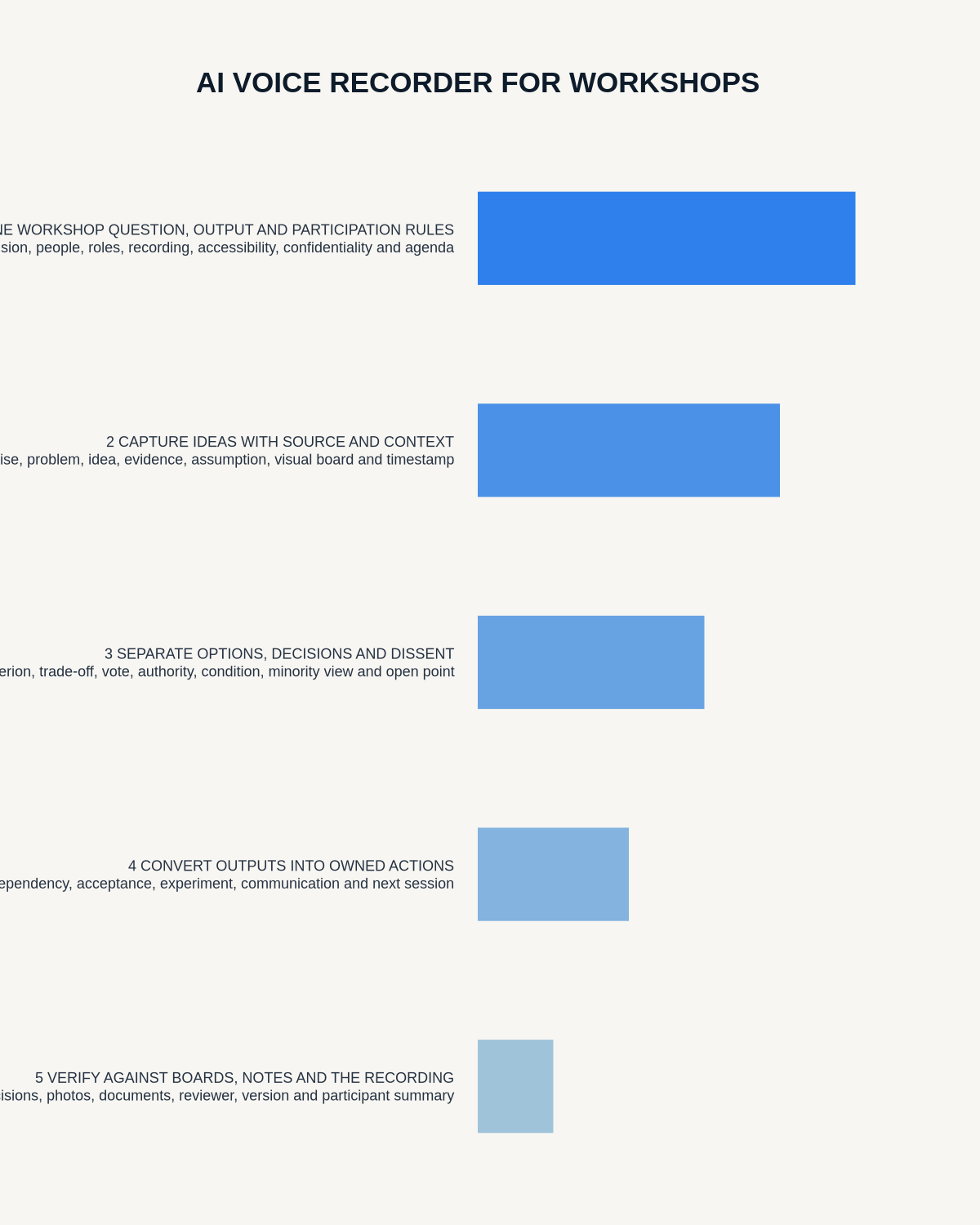
Quick answer: use an AI voice recorder in workshops by defining the intended output, explaining the capture plan, labelling activities and decision status, linking audio to visual artefacts and closing with confirmed actions, owners and authoritative destinations.
Best fit: Workshops who need recoverable audio and human-verified notes in an authorised workflow. Use another method when: recording is prohibited, a participant declines or the approved process requires manual notes.
Evidence basis and limits
- Decision factors covered: Define the workshop output; Explain the complete capture arrangement; Use activity and status markers.
- Evidence rule: Claims are weighted by consequence: capture failure, changed meaning, access and recovery matter more than polished wording.
- Boundary: Examples and workflow recommendations must be tested with representative recordings, the intended users and the actual approval process before rollout.

Workshops combine discussion, diagrams, sticky notes, demonstrations, votes, prototypes and breakout groups. Audio alone cannot show which visual item was discussed or which idea was selected. A device such as Check whether NERALVO Halo fits workshops work should support a structured facilitation process rather than replace it.
Define the workshop output
State whether the session must produce:
- A shared understanding of a problem.
- Prioritised options.
- Requirements or a process map.
- A decision and rationale.
- An experiment or prototype.
- A risk and dependency map.
- An action plan.
A six-hour continuous recording without verbal structure may create more administrative work than value.
Explain the complete capture arrangement
- Which plenary sections are recorded.
- How breakout groups are handled.
- The purpose and expected outputs.
- Who can access audio, transcripts and reports.
- Whether comments are attributed or anonymised.
- The route for sensitive, off-record or accessibility needs.
- How long source material is retained.
- When recording will pause or stop.
Use activity and status markers
- Prompt: the question being explored.
- Observation: evidence or behaviour seen.
- Idea: an untested suggestion.
- Evidence: information supporting or challenging a point.
- Assumption: belief requiring validation.
- Shortlisted: option selected for further review.
- Decision: authorised choice.
- Action: owner, deadline and destination system.
- Risk or dependency: condition affecting delivery.
- Dissent: material disagreement that must remain visible.
Create an artefact index
Give every board, map, card set, photograph, sketch, prototype and digital canvas a stable ID. Link the audio timestamp, agenda section, activity, breakout group and final status to that ID.
| Workshop element | Reference method |
|---|---|
| Agenda section | Say the section number and objective aloud |
| Breakout group | Group name, question and facilitator |
| Board or wall | Board ID and photograph number |
| Sticky-note cluster | Cluster title and colour meaning |
| Vote | Method, options, participants and result |
| Prototype or sketch | Version or image reference |
Use verbal markers throughout the session
The facilitator or note owner can say:
- “We are starting exercise two: root causes.”
- “This is Group B reporting on customer onboarding.”
- “The following point is an assumption, not verified evidence.”
- “The group has shortlisted option three for testing.”
- “The decision is provisional until finance confirms cost.”
- “The action is assigned to Alex for Friday.”
Handle breakout groups properly
One central recorder will not reliably capture simultaneous groups. Use one or more of these controlled methods:
- Record only the final report-back.
- Give each group the same written template.
- Assign a note owner to each group.
- Use separate approved recordings with clear group labels.
- Photograph outputs and record a short narrated explanation.
Avoid combining overlapping recordings into one transcript without source labels.
Protect prioritisation integrity
Record the criteria, weighting, voting method, who participated, conflicts, ties and any decision authority that overrides the exercise. Popularity is not automatically feasibility, evidence or approval.
Do not turn the most frequently repeated idea into consensus. Preserve minority views, unresolved questions and the actual method used to choose.
Reconcile breakouts consistently
- Each group reports the same required fields.
- Duplicate ideas are merged without losing source.
- Contradictions remain visible.
- The facilitator states the selection method.
- Final decisions, conditions and actions are read back.
Close with explicit confirmation
Before the workshop ends, read back:
- Selected options.
- Decisions and rationale.
- Conditions or approvals still outstanding.
- Actions, owners and deadlines.
- Risks and dependencies.
- Unresolved disagreement.
- The authoritative system or document to update.
Invite immediate correction.
After the workshop: integrate every evidence layer
- Secure the permitted audio, photographs and documents.
- Correct transcript speakers, terminology and section markers.
- Match spoken discussion to board, image, vote and prototype references.
- Separate observations, assumptions, options, decisions and actions.
- Check vote results, conditions and decision authority.
- Transfer verified actions into the team’s task system.
- Create a concise report with links to supporting evidence.
- Give the sponsor or group an appropriate opportunity to correct material errors.
- Apply retention rules to recordings, duplicate photographs and draft outputs.
Use a complete workshop report
- Workshop purpose and decision scope.
- Date, participants and facilitation roles.
- Methods and exercises used.
- Evidence and observations.
- Key themes and assumptions.
- Options considered.
- Selection criteria and vote, where relevant.
- Decision and rationale.
- Unresolved disagreements.
- Actions, owners and deadlines.
- Risks, dependencies and next review.
- Evidence appendix and authoritative file locations.
Protect privacy and inclusive participation
Continuous recording can change how freely people contribute. Use only the capture necessary for the purpose and provide a non-recorded contribution route where appropriate.
- Do not record personal stories beyond the stated purpose.
- Avoid naming every speaker unless attribution matters.
- Protect confidential customer, employee and research information.
- Do not use AI summaries to rank creativity, confidence or participation without a transparent justified process.
- Restrict access to raw recordings and full transcripts.
- Use the checked workshop report—not the AI summary—as the source of truth.
How NERALVO Halo fits facilitated workshops
NERALVO Halo provides NOTE mode for permitted room capture, 64GB local storage and up to 35 hours of recording. DOWAY can create transcripts, summaries, speaker-separated notes, templates, translations, mind maps and exports, with one year of DOWAY Max included.
Halo supports the spoken record. Photographs, boards, drawings, votes and prototypes still need separate capture and verification.
Cloud software, a dedicated recorder or manual notes?
For Workshops, the right answer changes with the setting. This matrix deliberately gives each method a situation where it can be the strongest choice.
| Situation | Best starting point | Reason |
|---|---|---|
| scheduled remote meetings | Cloud meeting software | Calendar automation and shared integrations are usually the strongest advantage. |
| in-person or mobile work | Dedicated recorder | Independent capture reduces reliance on an active phone or laptop. |
| recording is refused or prohibited | Manual notes or an approved alternative | The boundary takes priority over convenience. |
| mixed online and offline work | Governed hybrid | Use each method only in the setting it actually fits. |
Frequently asked questions
Can one recorder capture every breakout group?
Not reliably when groups speak simultaneously. Use structured report-backs, group templates or separate clearly labelled capture.
Can AI identify consensus automatically?
No. Consensus and authority must be established through the workshop’s explicit decision process.
Can an AI mind map replace workshop boards?
No. It provides another view; keep the checked source artefacts available.
What if the summary removes disagreement?
Return to the transcript and visual evidence, restore the dissenting view and state whether the decision was unanimous, majority or provisional.
Final workshop checklist
- Output and capture plan defined.
- Participants informed and alternatives available.
- Ideas, evidence, assumptions and decisions separated.
- Visual artefacts and breakouts referenced.
- Prioritisation method and authority recorded.
- Dissent and uncertainty preserved.
- Actions confirmed and entered into the real system.
- Final report linked to supporting evidence.
- Source access and retention controlled.
Bottom line: a recorder preserves workshop reasoning people may otherwise forget. Strong facilitation, labelled evidence and disciplined follow-up turn that source into decisions and accountable work.
Related AI voice recorder guides
On this page
Related guides
See whether Halo fits this workflow
Review the NERALVO Halo specifications, included services, delivery information and current offer only after completing the guide.
Found an error or an out-of-date claim? Email support@neralvo.com with the article address and a supporting source.