Reviewed and updated: 21 July 2026.
The 60-second verdict
Walking can create useful distance from the screen, but a voice recorder should capture ideas without distracting from traffic, surroundings or personal safety. The goal is a short structured note that can be processed later—not a long public monologue containing sensitive information.
Decision focus: use the method below only where it produces a recoverable source, a verifiable output and a clear next action. If one of those fails, change the workflow rather than trusting a polished summary.
Quick verdict: choose a safe route, use simple hands-free or one-button capture, avoid confidential detail in public and process every useful note into a task, project or reference soon after the walk.
Evidence basis and limits
- Decision factors covered: Safety comes before capture; Use a short walking-note format; Choose the right capture method.
- Evidence rule: The decision is based on the complete capture-to-action workflow, not a single feature or marketing accuracy percentage.
- Boundary: Examples and workflow recommendations must be tested with representative recordings, the intended users and the actual approval process before rollout.
Safety comes before capture
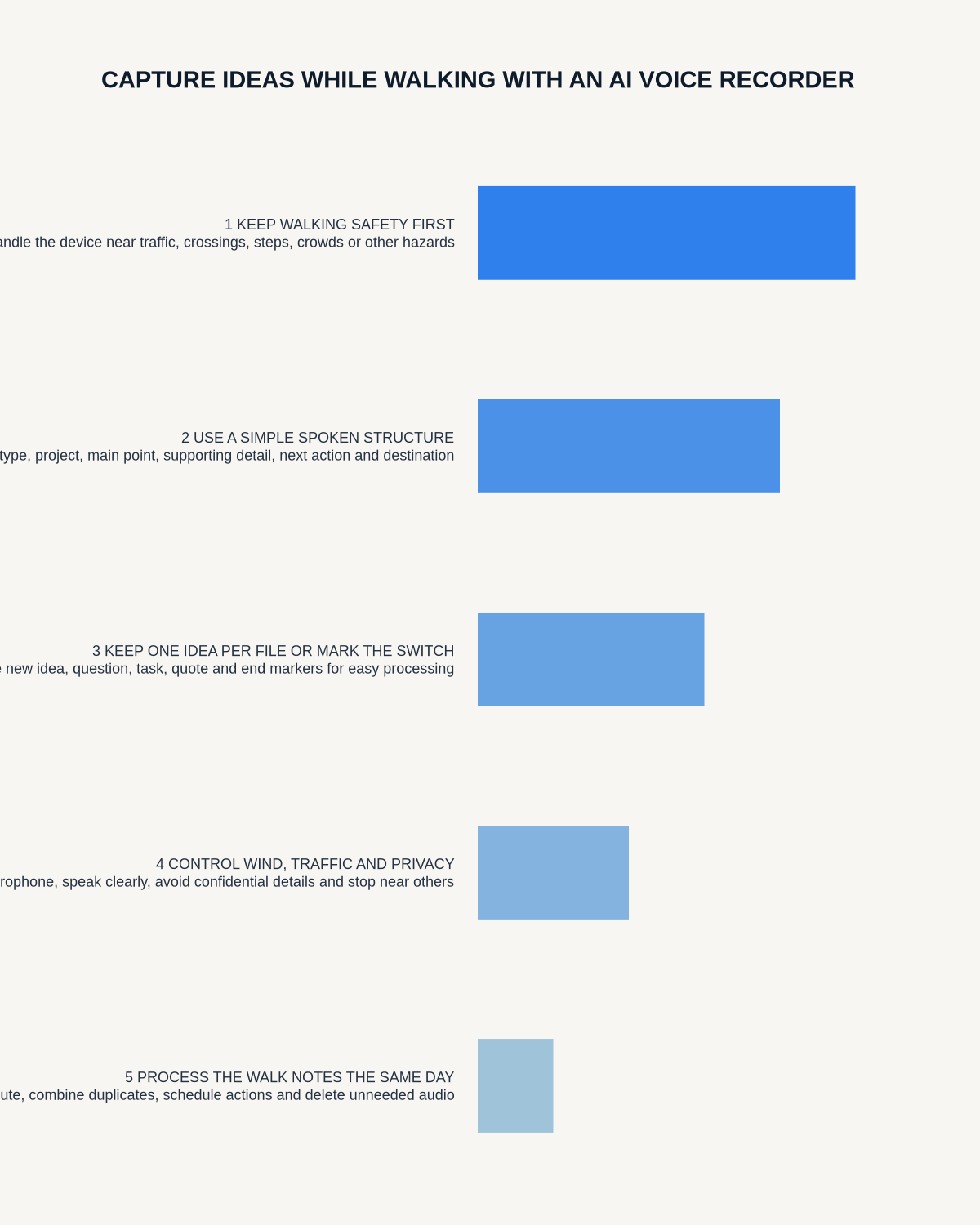
Do not operate a device while crossing roads, cycling or driving. Pause and move to a safe place before starting, stopping or reviewing a recording. Keep awareness of traffic, people, weather and the route.
Use a short walking-note format
- Topic: what you are thinking about.
- Problem: the question or tension.
- Insight: the new idea.
- Reason: why it may be true or useful.
- Next step: one action or test.
- Destination: project, task or reference.
A note under two minutes is usually easier to process than a continuous 30-minute stream.
Choose the right capture method
| Method | Strength | Risk |
|---|---|---|
| Dedicated recorder | Fast controls and separate battery | Extra device and accidental activation |
| Phone app | Already carried | Unlocking and screen distraction |
| Earbuds or headset | Close microphone | Can reduce awareness or trigger calls |
Test the chosen setup on a safe short route before relying on it.
Protect privacy in public
Avoid stating:
- Client names
- Personal health or family details
- Passwords or security information
- Confidential commercial strategy
- Legal or regulated information on an unapproved system
- Identifiable details about people nearby
Use neutral project codes and move to a private space for sensitive content.
Control wind and movement noise
- Shield the microphone from direct wind.
- Keep the device stable.
- Avoid rubbing it against clothing.
- Speak at a normal close distance.
- Use a supported windscreen where appropriate.
- Record a short test in the normal weather conditions.
If the source is unclear, do not rely on an AI-generated interpretation.
Use walking for specific thinking tasks
Good prompts include:
- What is the real problem?
- Which assumption am I making?
- What would make this simpler?
- What evidence would change my mind?
- What is the next smallest test?
- What should stop?
- Which decision is being avoided?
Process the notes after the walk
- Delete accidental or empty files.
- Rename each useful note.
- Correct only material transcription errors.
- Write the one-sentence insight.
- Create the next action.
- Link it to the relevant project.
- Save any useful reference.
- Delete the source when no longer needed.
Processing should take less time than the ideas are worth. If it becomes a backlog, shorten the notes or reduce capture.
Do not confuse motion with quality
A walk can help reflection, but not every spoken thought is a valuable insight. Ask:
- Is it new?
- Is it actionable?
- Is it supported?
- Does it change a decision?
- Should it update an existing note?
- Can it be discarded?
Measure value for one week
- Notes captured
- Useful notes processed
- Actions created
- Ideas used in projects
- Files abandoned
- Time spent processing
- Safety or privacy problems
Where NERALVO Halo fits
View Halo specifications against the evidence checklist can capture short spoken notes to 64GB local storage and synchronise recordings to DOWAY for transcripts, summaries and mind maps. One year of DOWAY Max is included with the current package.
Test carrying method, controls, wind, accidental activation and app privacy before using it regularly outdoors.
Workflow choice matrix for How to Capture Ideas While Walking with an AI Voice Recorder
Choose the method that protects the source and reduces downstream correction. The table makes the non-hardware options explicit.
| Condition | Preferred route | Why |
|---|---|---|
| Repeatable remote work with approved integrations | Cloud software | Automation and central collaboration may outweigh device independence. |
| In-person, mobile or unreliable-connectivity work | Dedicated recorder | Independent capture and a recoverable local source are usually more resilient. |
| Recording is refused, prohibited or unnecessary | Manual notes / no recording | Respecting the boundary is the correct workflow, not a product failure. |
| High-risk or mixed work | Governed hybrid | Separate capture, review, approval and retention rather than trusting one tool. |
Frequently asked questions
Should I record while walking beside traffic?
Only when it is safe and does not distract from surroundings. Stop in a safe place to operate the device.
Are long walking recordings useful?
They can support reflection, but shorter structured notes are usually easier to process and retrieve.
Can AI turn the walk into a project plan?
It can draft a structure, but the user should verify assumptions, priorities and commitments.
What is the biggest privacy risk?
Saying identifiable or confidential information where others can overhear or where the account is not approved.
Final checklist
- Safe route chosen
- Controls tested
- Short note format used
- Wind and movement managed
- Confidential detail excluded
- Notes processed promptly
- Useful ideas linked to projects
- Actions created
- Low-value files deleted
- One-week value reviewed
A strong walking-idea workflow creates space to think while keeping capture safe, brief and connected to real work.
Related AI voice recorder guides
Workflow map
Visual map for How to Capture Ideas While Walking with an AI Voice Recorder
- Define the decisionState the question, required output and acceptance rule.
- Capture the sourceUse the approved route and preserve context, identity and limitations.
- Verify material detailsReplay or check names, numbers, negatives, decisions and actions.
- Move into the real recordAssign an owner, retain evidence and apply the deletion rule.
On this page
Related guides
See whether Halo fits this workflow
Review the NERALVO Halo specifications, included services, delivery information and current offer only after completing the guide.
Found an error or an out-of-date claim? Email support@neralvo.com with the article address and a supporting source.