Reviewed and updated: 21 July 2026.
The 60-second verdict
Voice notes can make daily planning faster when they convert thoughts into a short outcome plan. They create more chaos when every idea, worry and task remains as audio in a second inbox.
Decision focus: use the method below only where it produces a recoverable source, a verifiable output and a clear next action. If one of those fails, change the workflow rather than trusting a polished summary.
Quick verdict: capture briefly, process once or twice daily, choose no more than three priority outcomes and move every real task into the trusted task or calendar system.
Evidence basis and limits
- Decision factors covered: Use voice notes for capture, not storage; Use a five-part capture format; Process the inbox at fixed times.
- Evidence rule: Claims are weighted by consequence: capture failure, changed meaning, access and recovery matter more than polished wording.
- Boundary: Examples and workflow recommendations must be tested with representative recordings, the intended users and the actual approval process before rollout.
Use voice notes for capture, not storage
Good daily captures include:
- A task remembered away from the desk
- A changed priority
- A meeting action
- A question to resolve
- A short project idea
- A waiting item
- A personal reminder
The recording should be temporary unless the source has an ongoing purpose.
Use a five-part capture format
- Type: task, calendar, waiting, idea or reference.
- Outcome: what “done” means.
- Context: project or area.
- Timing: real deadline or preferred date.
- Next action: the first physical step.
Example: “Task. Supplier onboarding. Outcome: signed DPA returned. Deadline Thursday. Next action: email revised clause to legal.”
Process the inbox at fixed times
Choose one or two processing windows, such as midday and late afternoon. During processing:
- Delete accidental notes.
- Rename useful recordings.
- Create tasks or calendar events.
- Add project context.
- Delegate or send waiting items.
- Store references appropriately.
- Delete duplicate source files.
Constantly checking transcripts can create more interruption than writing the task manually.
Choose three outcomes
At the start or end of the day, identify:
- Must: the outcome that protects the day.
- Should: the next most valuable result.
- Could: useful work if capacity remains.
Priorities should describe finished results, not broad activity such as “work on marketing.”
Separate calendar from task work
| Item | Destination |
|---|---|
| Must happen at a specific time | Calendar |
| Can be completed flexibly | Task list |
| Waiting for another person | Waiting list with review date |
| Useful information | Project or knowledge note |
| Unclear thought | Clarify, incubate or delete |
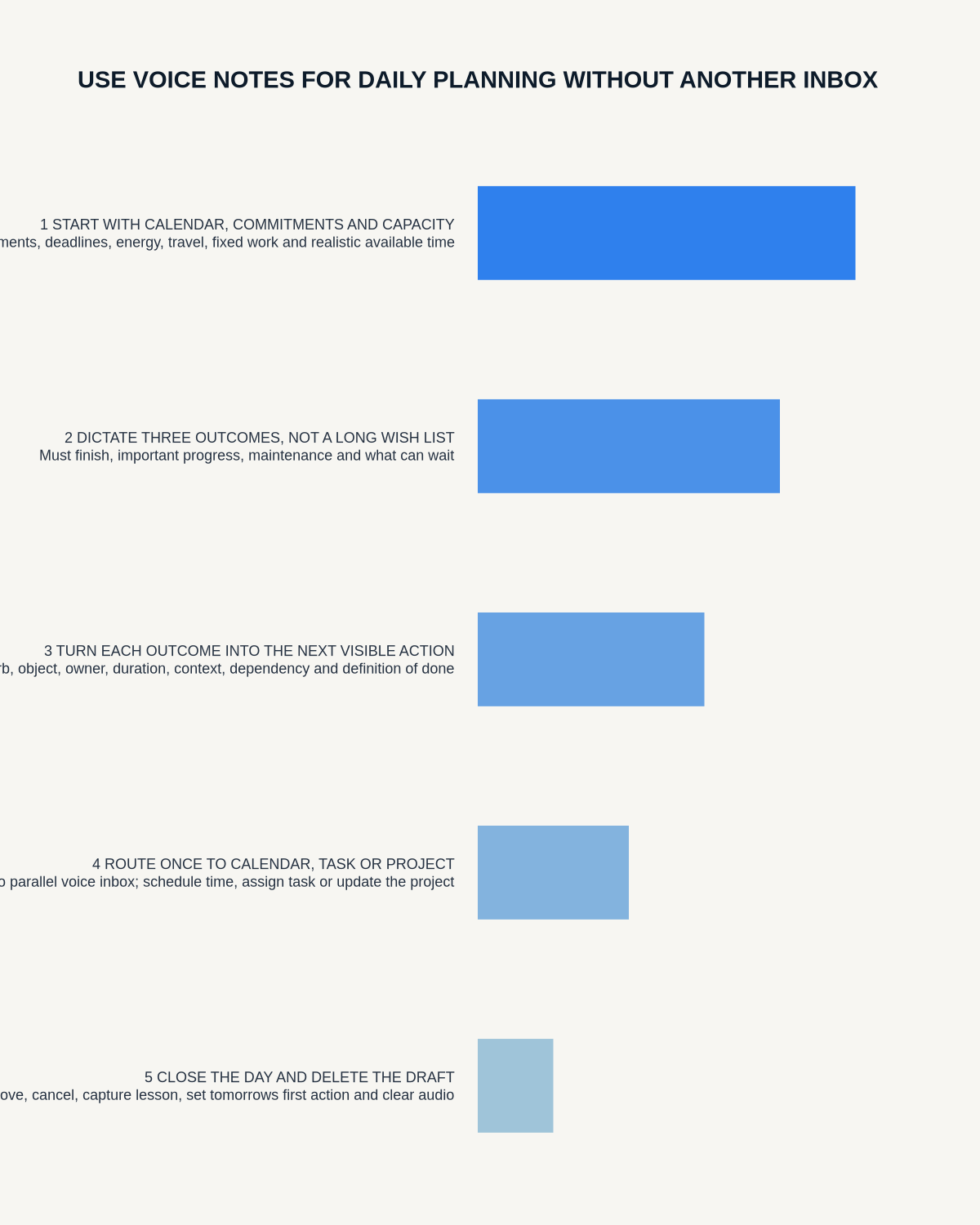
Do a two-minute morning voice plan
“Today’s must outcome is… The next action is… The main obstacle is… I need to contact… I will protect time from… The day is successful when…”
Convert the draft into the calendar and task system before beginning work.
Use a five-minute shutdown
- State what was completed.
- Identify any unclosed commitment.
- Record the next action for each active priority.
- Move unfinished work deliberately.
- Clear the voice inbox.
- Choose tomorrow’s first task.
Do not let AI invent deadlines
If no date was stated, leave the task unscheduled or choose a date consciously. Review:
- Owners
- Deadlines
- Project names
- Meeting commitments
- Conditional actions
- Personal versus work context
Protect private information
Avoid recording passwords, payment details, unnecessary client information or regulated content on an unapproved account. Use headphones for review and disable revealing lock-screen notifications.
Measure whether the workflow helps
- Unprocessed notes at day end
- Tasks created from voice
- Priority outcomes completed
- Duplicate tasks
- Missed commitments
- Time spent processing
- Source recordings retained without purpose
Where NERALVO Halo fits
Check whether NERALVO Halo fits this workflow can capture short spoken plans to 64GB local storage and synchronise recordings to DOWAY for transcripts, summaries and mind maps. One year of DOWAY Max is included with the current package.
Use the output as a temporary capture inbox, then move tasks and appointments into the trusted systems.
Workflow choice matrix for How to Use Voice Notes for Daily Planning Without Creating Another Inbox
Choose the method that protects the source and reduces downstream correction. The table makes the non-hardware options explicit.
| Condition | Preferred route | Why |
|---|---|---|
| High-risk or mixed work | Governed hybrid | Separate capture, review, approval and retention rather than trusting one tool. |
| Recording is refused, prohibited or unnecessary | Manual notes / no recording | Respecting the boundary is the correct workflow, not a product failure. |
| In-person, mobile or unreliable-connectivity work | Dedicated recorder | Independent capture and a recoverable local source are usually more resilient. |
| Repeatable remote work with approved integrations | Cloud software | Automation and central collaboration may outweigh device independence. |
Frequently asked questions
Should I plan the whole day by voice?
Voice can create the draft, but the final plan should be visible in the calendar and task system.
How many times should I process notes?
Once or twice daily is usually enough. Choose a cadence that prevents backlog without creating constant checking.
Can AI set priorities?
It can organise the list, but the user must decide value, risk and trade-offs.
What is the biggest failure?
Recording tasks and assuming they are safely managed before they enter the trusted system.
Final checklist
- Short capture structure used
- Processing times fixed
- Three outcomes selected
- Calendar and tasks separated
- Owners and dates verified
- Waiting items tracked
- Shutdown routine completed
- Sensitive information controlled
- Voice inbox empty
- Source retention reviewed
A strong daily voice-planning workflow makes capture easier while keeping commitments, time and priorities in one trusted place.
Related AI voice recorder guides
Workflow map
Visual map for How to Use Voice Notes for Daily Planning Without Creating Another Inbox
- Define the decisionState the question, required output and acceptance rule.
- Capture the sourceUse the approved route and preserve context, identity and limitations.
- Verify material detailsReplay or check names, numbers, negatives, decisions and actions.
- Move into the real recordAssign an owner, retain evidence and apply the deletion rule.
On this page
Related guides
See whether Halo fits this workflow
Review the NERALVO Halo specifications, included services, delivery information and current offer only after completing the guide.
Found an error or an out-of-date claim? Email support@neralvo.com with the article address and a supporting source.