The 60-second verdict
Quick answer: turn recorded training sessions into reusable learning by confirming reuse rights, defining measurable learner outcomes, correcting the source, verifying policy and technical content, removing unsuitable participant material, creating short accessible modules with practice and assessment and testing them with representative learners before controlled publication.
Decision focus: use the method below only where it produces a recoverable source, a verifiable output and a clear next action. If one of those fails, change the workflow rather than trusting a polished summary.
Evidence basis and limits
- Decision factors covered: Define the learner outcome; Confirm the recording can be reused; Separate the recording layers.
- Evidence rule: A claim earns weight only when the source, date, configuration and limitation are clear enough for a reader to check.
- Boundary: Examples and workflow recommendations must be tested with representative recordings, the intended users and the actual approval process before rollout.
A transcript is source material, not a course. Useful training needs instructional sequence, evidence, active practice, accessibility, subject-matter approval, version control and a clear owner.

Define the learner outcome
Complete the sentence: “After this module, the learner can…”
Use an observable action such as explain, identify, configure, compare, demonstrate, apply, troubleshoot, decide or escalate. “Understand the process” is too vague to assess.
Confirm the recording can be reused
Check participant notice, trainer permission, confidentiality, third-party material, copyright, voices or video, publication scope and organisational policy. Permission to record an internal session does not automatically permit public course publication or reuse for another audience.
Separate the recording layers
| Layer | Purpose | Control |
|---|---|---|
| Trainer explanation | Core instruction | Verify against approved policy or source |
| Demonstration | Shows the process | Capture visual steps as well as speech |
| Participant question | Reveals confusion or practical needs | Remove identity and verify the answer |
| Discussion example | Illustrates context | Check confidentiality and accuracy |
| AI summary | Draft structure | Subject-matter review required |
Build a source map
Collect the approved policy, current SOP, product documentation, safety instructions, relevant standards, slides, worked examples and subject-matter owner. The recording adds explanation; authoritative sources control the facts.
Create a content matrix
| Learning objective | Recording evidence | Authoritative source | Format | Reviewer |
|---|---|---|---|---|
| Complete device sync | Trainer walkthrough and learner questions | Current product guide | Job aid and short practice | Product owner |
| Escalate a failed transfer | Troubleshooting discussion | Approved support process | Scenario and decision tree | Support owner |
This prevents a polished explanation from being reused without checking which rule or version controls it.
Verify content before reuse
Check policy and process steps, legal or regulatory statements, dates and versions, safety instructions, system names and screens, thresholds, calculations, escalation routes and decision authority. A trainer may correct themselves later in the session; ensure the final material reflects the latest approved position.
Segment by objective, not speaker change
- Context and purpose
- Core concept
- Demonstration
- Decision or rule
- Common mistake
- Practice
- Feedback and summary
Do not publish a chronological transcript when learners need a task-based sequence.
Build a reusable module structure
- Purpose: why the topic matters.
- Learning objectives: what the learner will do.
- Prerequisites: knowledge, access or equipment required.
- Key concepts: verified explanation.
- Process: ordered steps.
- Demonstration: practical application.
- Common mistakes: what to avoid and why.
- Decision or escalation points: when to stop or seek help.
- Practice: learner performs the task.
- Knowledge check: retrieval and judgement.
- Resources and version: source documents and owner.
Turn one session into several formats
- Concept summary
- Five-to-ten-minute module
- Step-by-step job aid
- Worked example
- Scenario exercise
- Common-mistakes guide
- FAQ based on recurring questions
- Short authorised video or clip
- Knowledge check and answer guide
Keep the full source available to authorised reviewers, but design the learner experience around the task.
Use participant questions as improvement evidence
Classify questions as missing prerequisite knowledge, unclear explanation, policy ambiguity, system usability problem, edge case, misconception or out-of-scope issue. Use the pattern to improve the lesson rather than evaluating or exposing individual learners.
Protect participant information
- Remove names and unnecessary identifiers.
- Exclude personal disclosures.
- Remove client, patient, case or commercial details.
- Check intellectual-property and confidentiality restrictions.
- Obtain required permission for voices, images or clips.
- Replace real cases with approved fictional scenarios where possible.
Design active practice
For each objective, ask learners to do something:
- Choose the correct option
- Put steps in order
- Identify an error
- Complete a realistic task
- Explain an escalation decision
- Compare two cases
- Demonstrate the procedure
Feedback should explain why the correct answer works, why common alternatives fail and where the rule is documented.
Design for accessibility
- Provide accurate captions and transcripts.
- Use clear headings, short sections and plain language.
- Add useful alt text to meaningful images.
- Do not rely on colour alone.
- Use readable tables and labelled controls.
- Ensure keyboard access for digital activities.
- Explain audio-only information in text.
- Offer suitable alternative formats and participation routes.
- Check reading order, contrast and link purpose.
An automatically generated transcript is not automatically accurate or accessible. Review the material in the formats learners will actually use.
Use microlearning without breaking the workflow
Short modules can reduce overload, but do not fragment a process so far that learners miss prerequisites, safety dependencies, handovers or the complete decision route. Link units into the end-to-end workflow.
Test with representative learners
- Select learners similar to the intended audience, including different experience and accessibility needs.
- Ask them to complete the material without trainer coaching.
- Measure comprehension, task accuracy, completion time and escalation choices.
- Observe unclear wording, inaccessible interactions and skipped prerequisites.
- Collect recurring questions.
- Revise and retest material changes.
Measure task performance and transfer, not only whether learners finished the module.
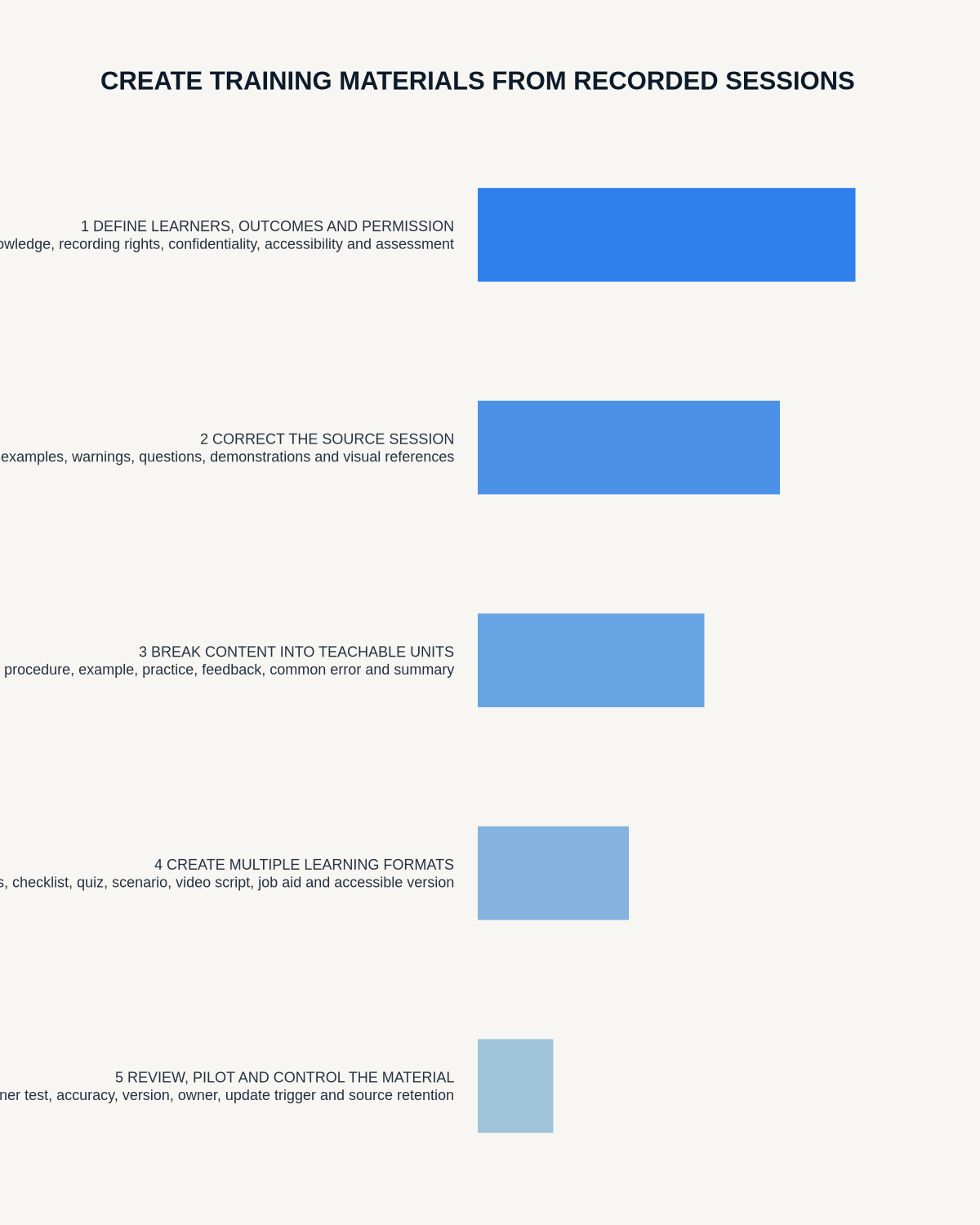
Use a controlled session-to-course workflow
- Confirm recording and reuse authority.
- Secure and label the source.
- Generate and correct the transcript.
- Map content to measurable objectives.
- Link every rule to an authoritative source.
- Remove unsuitable participant information.
- Create short modules, job aids and examples.
- Add practice, feedback and assessment.
- Complete accessibility review.
- Obtain subject-matter and learning-design approval.
- Pilot with representative learners.
- Publish through the approved learning system.
- Record version, owner, effective date and review trigger.
- Apply source retention and deletion.
Control versions
Record the material title, source-session date, policy or system version, author, reviewers, approval date, audience, effective date, review trigger, change history and superseded version. Remove outdated downloads and maintain one canonical course version.
Measure training quality
- Time from session to approved module
- Material errors found in review
- Learner completion
- Knowledge-check performance
- Observed task accuracy
- Time to competence
- Repeated questions
- Accessibility barriers
- Operational incidents after training
- Time to update content after a process change
Where NERALVO Halo fits
Apply this guide before assessing NERALVO Halo can capture approved training sessions to 64GB local storage and synchronise recordings to DOWAY for transcripts, summaries, templates, translations, mind maps and exports. One year of DOWAY Max is included from activation.
Use those outputs to accelerate source navigation and drafting, then move approved content into the organisation’s controlled learning platform.
Workflow choice matrix for How to Create Training Materials from Recorded Sessions
Choose the method that protects the source and reduces downstream correction. The table makes the non-hardware options explicit.
| Condition | Preferred route | Why |
|---|---|---|
| High-risk or mixed work | Governed hybrid | Separate capture, review, approval and retention rather than trusting one tool. |
| Recording is refused, prohibited or unnecessary | Manual notes / no recording | Respecting the boundary is the correct workflow, not a product failure. |
| In-person, mobile or unreliable-connectivity work | Dedicated recorder | Independent capture and a recoverable local source are usually more resilient. |
| Repeatable remote work with approved integrations | Cloud software | Automation and central collaboration may outweigh device independence. |
Frequently asked questions
Can a transcript become the course?
No. Learners need objectives, verified explanation, accessible design, practice, feedback and current approved content.
Can participant questions be published?
Only after checking permission, identity, confidentiality and whether the question should be rewritten generically.
Can AI create assessments?
It can draft questions, but subject-matter and learning-design reviewers should verify answers, difficulty and alignment.
How often should material be reviewed?
Set a date and trigger review whenever the underlying process, system, policy, product or risk changes.
Final checklist
- Recording and reuse authorised
- Learning outcomes measurable
- Source and content matrix complete
- Technical, policy and safety content verified
- Participant information removed
- Material divided into usable units
- Practice and feedback included
- Accessibility checked
- Representative learner pilot completed
- Subject-matter and learning-design approval complete
- Version, owner and review date assigned
- Source retention applied
Related AI voice recorder guides
On this page
Related guides
See whether Halo fits this workflow
Review the NERALVO Halo specifications, included services, delivery information and current offer only after completing the guide.
Found an error or an out-of-date claim? Email support@neralvo.com with the article address and a supporting source.