The 60-second verdict
Quick answer: redact personal data from an AI transcript by defining the sharing purpose, preserving the authorised source, creating a controlled working copy, removing direct and indirect identifiers with an approved technical method, testing metadata and recoverability, checking meaning and re-identification risk, and releasing only the approved redacted copy.
Decision focus: use the method below only where it produces a recoverable source, a verifiable output and a clear next action. If one of those fails, change the workflow rather than trusting a polished summary.
Evidence basis and limits
- Decision factors covered: Choose the sharing purpose first; Identify information that may require removal; Understand redaction, pseudonymisation and anonymisation.
- Evidence rule: The decision is based on the complete capture-to-action workflow, not a single feature or marketing accuracy percentage.
- Boundary: Examples and workflow recommendations must be tested with representative recordings, the intended users and the actual approval process before rollout.

Redacting a transcript means creating a controlled copy that removes or obscures information not needed for the approved sharing purpose. It is not the same as deleting the original, changing a name visually or assuming a PDF black box is permanent.
Good redaction combines purpose, data minimisation, technical testing and a record of what was removed and why.
Choose the sharing purpose first
Define:
- who will receive the transcript
- what task they must perform
- which sections they need
- whether names are necessary
- whether an extract or summary is sufficient
- how long the sharing copy should remain available
Do not redact an entire transcript when a short checked extract would meet the need more safely.
Identify information that may require removal
- Names and direct identifiers
- Contact information
- Addresses and precise locations
- Account, case or employee numbers
- Health, equality and family information
- Security credentials or protected operational details
- Third-party information
- Unrelated private discussion
- Legally privileged or commercially restricted material
- Allegations not needed for the sharing purpose
Understand redaction, pseudonymisation and anonymisation
Redaction removes selected information from a sharing copy. Replacing a name with “Participant A” is usually pseudonymisation when the person can still be identified through a key or contextual clues. Pseudonymised data remains personal data. Effective anonymisation requires the risk of identification to be sufficiently remote.
Voice, job title, unusual events, location and relationships can identify people even after names are removed.
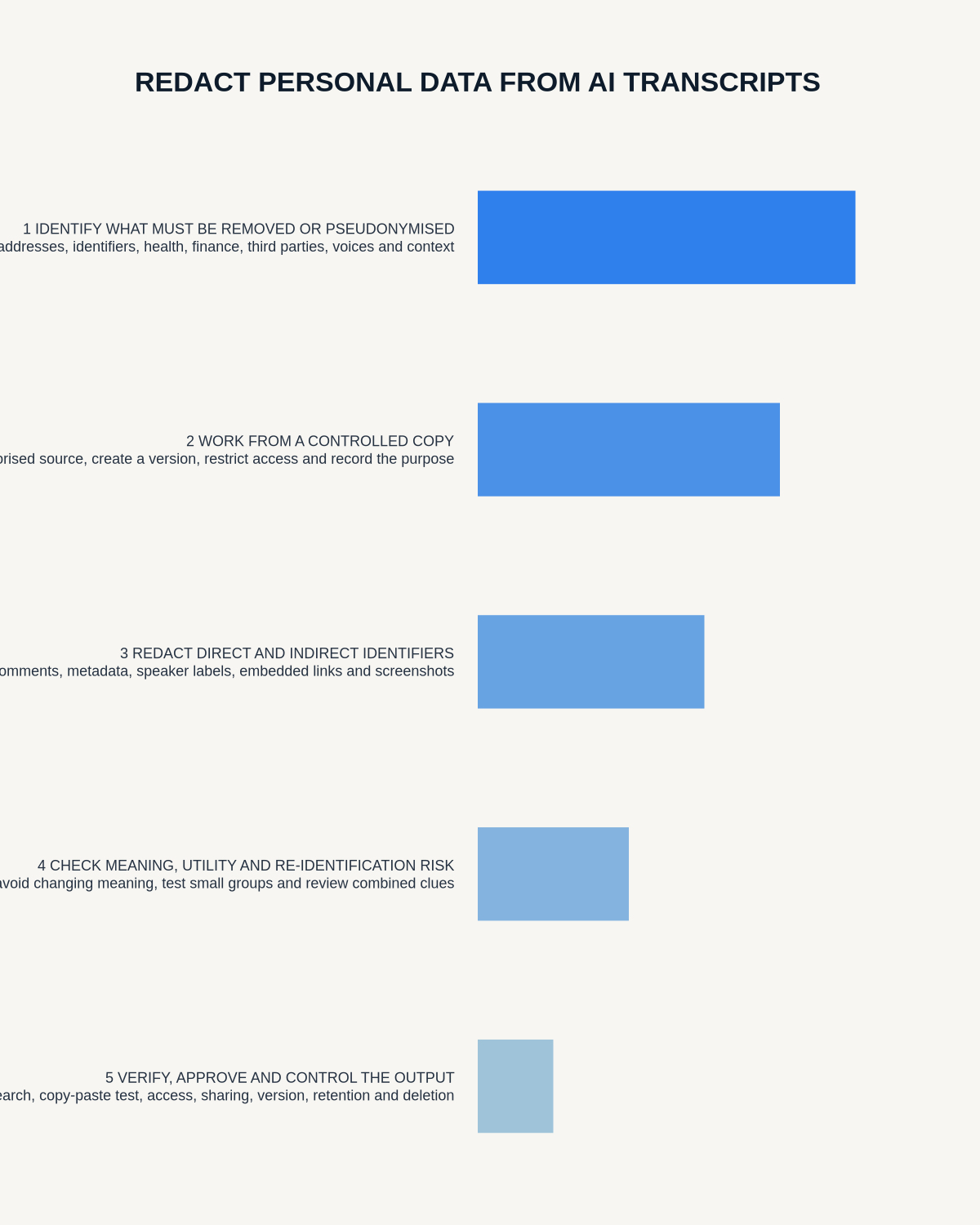
Create a separate redaction copy
- Preserve the authorised source under restricted access.
- Create a working copy for redaction.
- Remove complete sections that are unnecessary.
- Replace identifiers consistently where context is required.
- Check headers, footers, comments, track changes and metadata.
- Flatten or export using an approved redaction method.
- Search the final file for removed terms.
- Copy and paste from the redacted area to test recoverability.
- Have a second reviewer check high-risk releases.
- Store and share only the approved redacted copy.
Do not rely on visual covering
Changing font colour, placing a black shape over text or hiding rows may leave the underlying content available through copy and paste, search, accessibility tools, document history or metadata. Use approved redaction software or a secure process that actually removes the content.
Review context after redaction
Redaction can change meaning. Check that:
- the remaining speaker attribution is clear enough
- pronouns do not reveal the person
- sequence and decisions remain understandable
- removed material does not create a misleading impression
- the recipient can tell where information has been withheld
- the sharing copy is labelled as redacted and limited-purpose
Handle audio separately
A redacted transcript does not anonymise the source audio. A voice may identify the speaker and the recording may include information omitted from the text. Do not share audio merely because the transcript has been redacted. If audio sharing is necessary, use an approved audio-redaction process and test the resulting file, filename, metadata and embedded text separately.
Keep a redaction record
For higher-risk releases, record the source reference, purpose, recipient class, redaction categories, method, reviewer, version, release date and any residual re-identification risk. Store any pseudonymisation key separately with tighter access.
How NERALVO Halo outputs fit redaction
View Halo specifications against the evidence checklist can sync recordings to DOWAY for transcription, summaries, templates and exports. Treat the original audio, raw transcript, corrected transcript and redacted sharing copy as separate records with separate access and retention decisions.
Redaction checklist
- Sharing purpose and recipient confirmed
- Extract considered before full-transcript release
- Direct identifiers and contextual clues reviewed
- Original preserved under restricted access
- Separate working copy created
- Underlying text removed rather than covered
- Metadata and revision history checked
- Search and copy-paste tests completed
- Audio assessed separately
- Second review completed for high-risk release
- Redaction decision and version recorded
- Redacted copy labelled and access-limited
Official ICO guidance
Bottom line: effective redaction is a controlled release process, not a cosmetic edit.
Workflow choice matrix for How to Redact Personal Data from AI Transcripts Safely
Choose the method that protects the source and reduces downstream correction. The table makes the non-hardware options explicit.
| Condition | Preferred route | Why |
|---|---|---|
| High-risk or mixed work | Governed hybrid | Separate capture, review, approval and retention rather than trusting one tool. |
| Recording is refused, prohibited or unnecessary | Manual notes / no recording | Respecting the boundary is the correct workflow, not a product failure. |
| In-person, mobile or unreliable-connectivity work | Dedicated recorder | Independent capture and a recoverable local source are usually more resilient. |
| Repeatable remote work with approved integrations | Cloud software | Automation and central collaboration may outweigh device independence. |
Related guides
On this page
Related guides
See whether Halo fits this workflow
Review the NERALVO Halo specifications, included services, delivery information and current offer only after completing the guide.
Found an error or an out-of-date claim? Email support@neralvo.com with the article address and a supporting source.