Reviewed and improved: 4 August 2026.
The 60-second verdict
Quick answer: use an AI voice recorder for brain dumps by recording one topic at a time, labelling tasks, ideas, questions, risks and decisions aloud, then processing the note into trusted systems before the recording becomes another permanent inbox.
Decision focus: use the method below only where it produces a recoverable source, a verifiable output and a clear next action. If one of those fails, change the workflow rather than trusting a polished summary.
A brain dump should reduce mental load. A long unstructured recording can do the opposite by creating a second backlog of vague thoughts, duplicated tasks and private information. The useful outcome is not the transcript—it is a small number of clarified actions, decisions, questions and references routed to the correct place.
Evidence basis and limits
- Decision factors covered: Choose one theme per recording; Use verbal status labels; Capture first, edit later.
- Evidence rule: Claims are weighted by consequence: capture failure, changed meaning, access and recovery matter more than polished wording.
- Boundary: Examples and workflow recommendations must be tested with representative recordings, the intended users and the actual approval process before rollout.
NERALVO sells the Halo AI voice recorder. This guide explains a general capture and processing workflow. The device does not decide which thoughts deserve action or replace a task, calendar, project or secure journalling system.
Choose one theme per recording
Separate work priorities, personal reminders, project concerns, business ideas and private reflection. Short themed recordings are easier to summarise, secure, process and delete.
Useful opening labels include:
- “Theme: August launch priorities.”
- “Theme: questions for the supplier.”
- “Theme: personal errands for Saturday.”
- “Theme: private reflection—do not create tasks automatically.”
Use verbal status labels
| Label | Meaning | Typical destination |
|---|---|---|
| Task | A defined action requiring completion | Task manager |
| Calendar | A commitment tied to a fixed date or time | Calendar |
| Waiting | Something another person owes | Follow-up list |
| Decision | A choice already made | Decision or project record |
| Question | Information still required | Research or clarification list |
| Idea | A possibility, not a commitment | Idea backlog |
| Concern | A risk or issue requiring review | Risk or issue log |
| Reference | Useful information with no action | Knowledge or notes system |
| Reflection | Private thinking or emotional processing | Secure journal or deletion |
Capture first, edit later
During the initial recording, focus on getting the thought out. Do not interrupt every sentence to perfect wording. Stop when the theme changes, the same point starts repeating or the recording becomes too broad to process easily.
Use a three-pass review
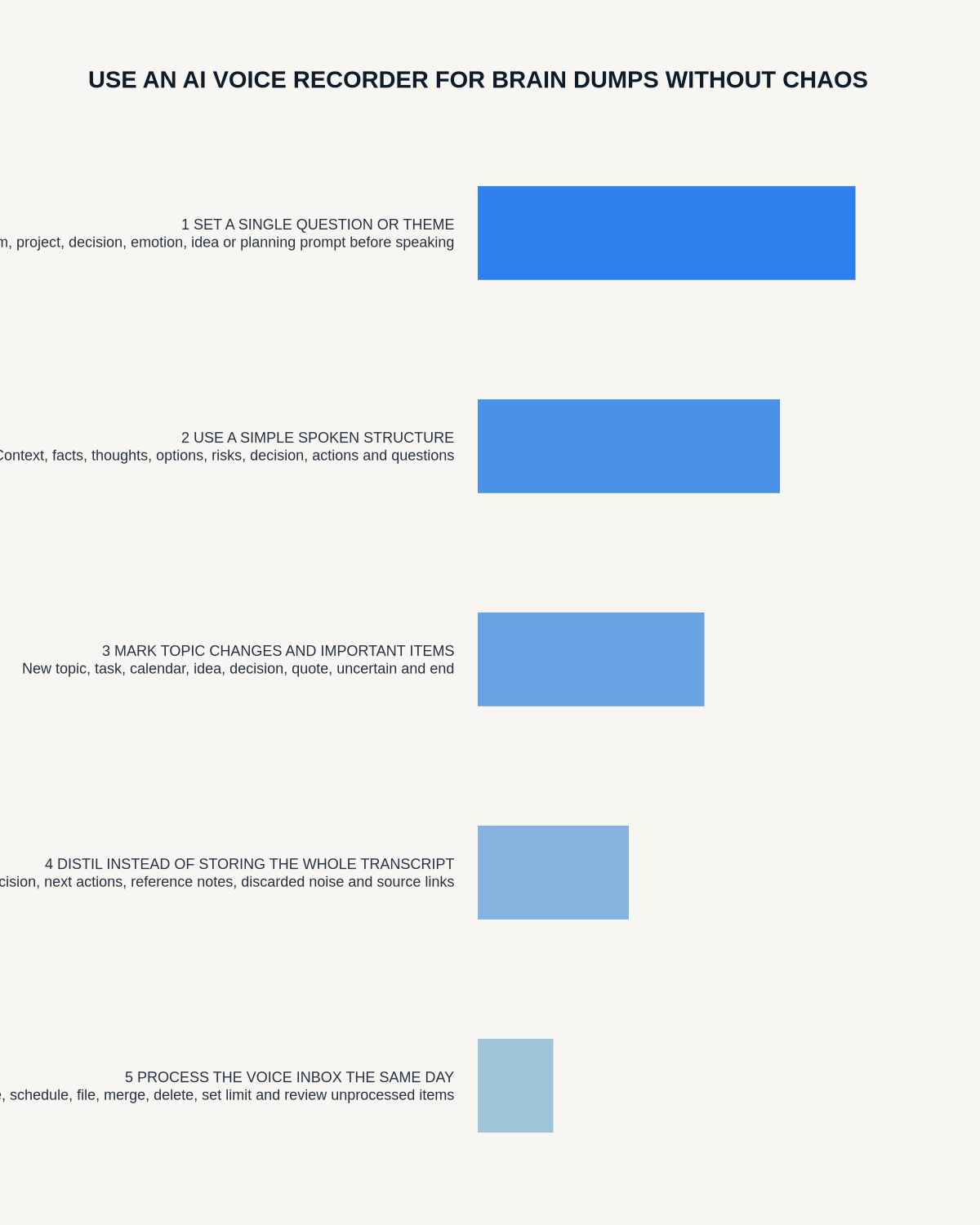
- Extract: identify tasks, dates, decisions, questions, risks, ideas and references.
- Evaluate: compare each item with current goals, evidence, cost, urgency and responsibility.
- Route: move only useful items into the correct trusted system and delete the rest.
Apply a priority test before creating work
| Question | Likely decision |
|---|---|
| Does this support a current outcome? | Keep, schedule or assign |
| Is evidence missing? | Create one precise research question |
| Is it somebody else’s responsibility? | Delegate, record as waiting or remove |
| Is it merely interesting? | Backlog or delete |
| Is it a fixed-time commitment? | Move to the calendar |
| Is it private reflection? | Store separately or delete |
| Does it duplicate an existing task or project? | Update the existing record |
Turn vague thoughts into executable outcomes
Weak capture: “Sort the website.”
Clarified task: “Review the mobile product page, list the three highest-friction checkout issues and assign fixes by 2pm Wednesday.”
A useful task normally needs an action verb, visible outcome, owner, real deadline or review point, context and any dependency.
Do not turn every thought into a task
Some thoughts are possibilities, frustrations, observations or emotional reactions. Automatic extraction can create false commitments and overload. Keep ideas separate until they pass a deliberate review.
Process recordings on a fixed schedule
- Review new recordings.
- Delete accidental, duplicated and empty notes.
- Correct names, dates, amounts and project references.
- Separate tasks, events, waiting items, decisions, ideas and reflection.
- Clarify vague outcomes.
- Move each useful item into the appropriate trusted system.
- Link supporting documents or context.
- Delete or retain the source under a deliberate rule.
Same-day processing works well for urgent or operational notes. A weekly review may suit lower-priority ideas, but the recording should not remain unprocessed indefinitely.
Prevent duplicate systems
Before adding a new action, check the task manager, calendar, project board, CRM, email flags and existing transcripts. Update the existing record rather than creating another version with a different owner or deadline.
Protect sensitive and emotional information
Brain dumps may contain personal, financial, commercial, health-related or emotional information. Avoid speaking confidential details in public, restrict access, use approved accounts for work material and do not share machine summaries automatically.
Private reflection should not silently flow into workplace task systems, shared knowledge bases or performance records. Create a clear boundary between operational capture and personal journalling.
Use a voice structure that is easy to process
“Theme: August launch. Task: approve the product-page proof by Wednesday. Concern: checkout tracking is unverified. Question: who owns the test? Idea: add a solicitor-specific demo later, not for this launch. Decision: keep the current price for the first campaign.”
Where NERALVO Halo fits
Check whether NERALVO Halo fits this workflow provides NOTE recording, 64GB local storage, up to 35 hours of recording and Bluetooth sync with DOWAY. DOWAY can generate transcripts, summaries, templates, translations, mind maps and exports. One year of DOWAY Max is included from activation.
Use short themed recordings, verbal labels and a regular DOWAY processing window. Verify names, dates and commitments before transfer. Do not allow automatic summaries to create tasks from emotional reflection, speculation or repeated ideas.
Brain-dump audit checklist
- One theme selected
- Thought types labelled
- Recording stopped when the theme changed
- Tasks, dates and decisions verified
- Ideas evaluated before becoming commitments
- Duplicates removed
- Useful items routed to trusted systems
- Private reflection kept separate
- Sensitive content protected
- Source retained or deleted deliberately
Workflow choice matrix for How to Use an AI Voice Recorder for Brain Dumps Without Creating More Chaos
Choose the method that protects the source and reduces downstream correction. The table makes the non-hardware options explicit.
| Condition | Preferred route | Why |
|---|---|---|
| Repeatable remote work with approved integrations | Cloud software | Automation and central collaboration may outweigh device independence. |
| In-person, mobile or unreliable-connectivity work | Dedicated recorder | Independent capture and a recoverable local source are usually more resilient. |
| Recording is refused, prohibited or unnecessary | Manual notes / no recording | Respecting the boundary is the correct workflow, not a product failure. |
| High-risk or mixed work | Governed hybrid | Separate capture, review, approval and retention rather than trusting one tool. |
Frequently asked questions
How long should a brain dump be?
Long enough to clear one theme but short enough to process. Several focused notes are usually easier than one mixed recording.
Should AI create tasks from every sentence?
No. Some statements are questions, observations, ideas or reflection rather than commitments.
What if a task has no deadline?
Use a review point or leave the date unconfirmed. Do not invent urgency merely to fill a field.
Can the recording be kept as a journal?
Yes where that is the intended private purpose, with suitable storage, access and retention controls.
Should the full transcript be stored permanently?
Usually not. Keep the useful outputs and retain the source only where there is a defined reason.
Useful resources and related guides
- Association for Project Management: action planning
- NCSC security guidance
- How to Capture To-Do Items with an AI Voice Recorder
- AI Voice Recorder for Knowledge Management
Bottom line: a brain dump is complete only when the useful thoughts have been clarified, prioritised and routed—and the recording no longer creates another backlog.
Workflow map
Visual map for How to Use an AI Voice Recorder for Brain Dumps Without Creating More Chaos
- Define the decisionState the question, required output and acceptance rule.
- Capture the sourceUse the approved route and preserve context, identity and limitations.
- Verify material detailsReplay or check names, numbers, negatives, decisions and actions.
- Move into the real recordAssign an owner, retain evidence and apply the deletion rule.
On this page
More in this topic: Ideas, planning and reusable processes
Show 6 closely related guides
- How to Capture Ideas While Walking with an AI Voice Recorder
- How to Record and Organise Business Ideas Before They Disappear
- How to Turn Recorded Ideas into Practical Project Plans
- How to Create SOPs from Recorded Process Walkthroughs
- How to Capture Competitor Analysis Notes with an AI Voice Recorder
- How Wedding Planners Can Capture Couple Decisions and Supplier Actions
Related guides
See whether Halo fits this workflow
Review the NERALVO Halo specifications, included services, delivery information and current offer only after completing the guide.
Found an error or an out-of-date claim? Email support@neralvo.com with the article address and a supporting source.