The 60-second verdict
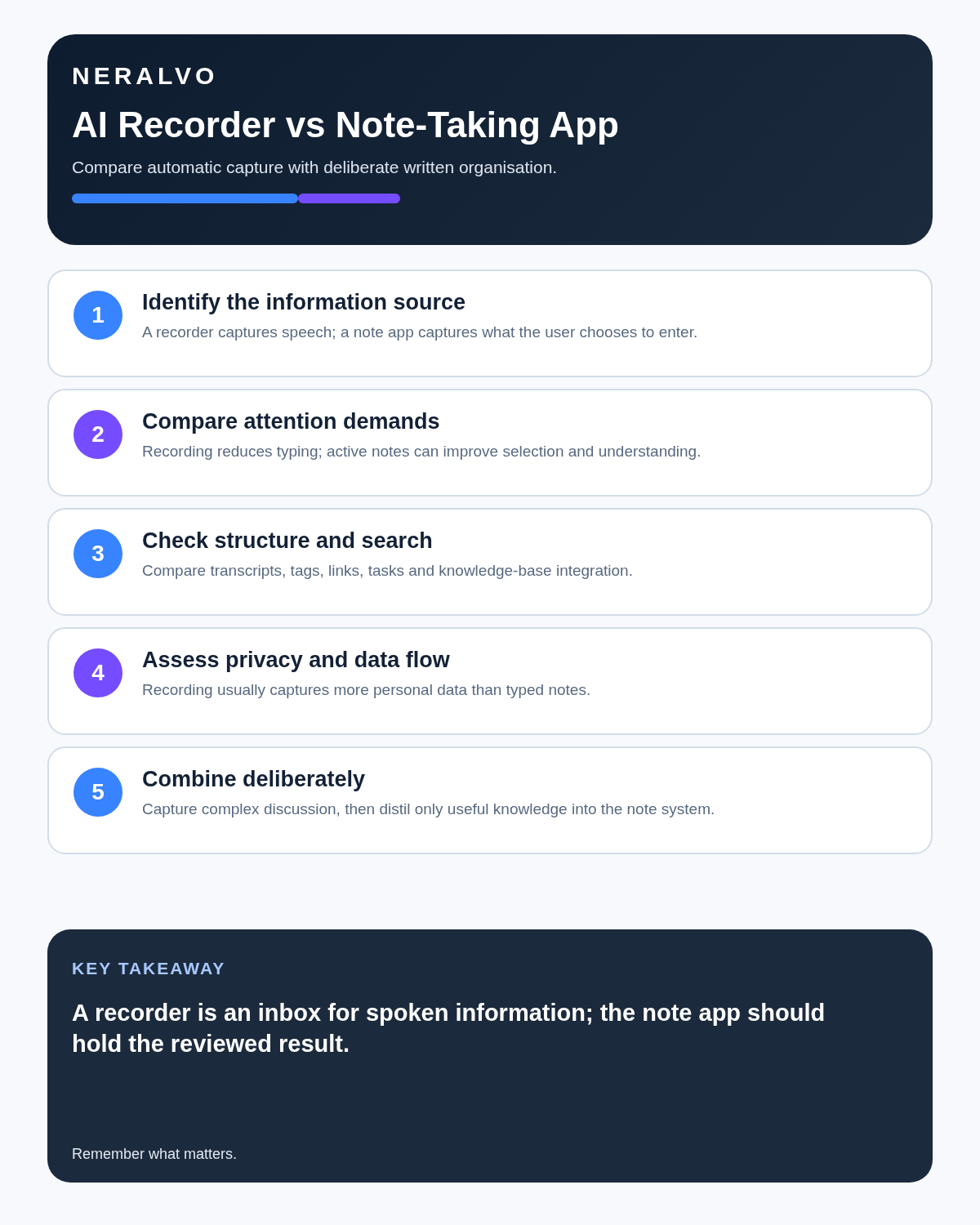
Quick answer: an AI voice recorder is primarily a capture tool, while a note-taking app is primarily an organisation and knowledge tool. Use a recorder when spoken detail is the bottleneck; use a note app when selecting, connecting and acting on information is the bottleneck. A combined workflow is often strongest.
Best fit: choose the option that passes your capture, recovery, privacy and total-cost gates. Do not decide on: price or a single accuracy claim in isolation.
Evidence basis and limits
- Decision factors covered: The five jobs hidden inside taking notes; What an AI voice recorder does best; What a note-taking app does best.
- Evidence rule: A claim earns weight only when the source, date, configuration and limitation are clear enough for a reader to check.
- Boundary: Examples and workflow recommendations must be tested with representative recordings, the intended users and the actual approval process before rollout.

The five jobs hidden inside taking notes
- Capture spoken information.
- Identify what matters.
- Check names, numbers and wording.
- Turn information into tasks or reference material.
- Find and reuse it later.
No single tool performs all five perfectly. A recorder is strongest at preserving the source. A note app is usually strongest at curation, connection and retrieval.
What an AI voice recorder does best
- Captures conversations without continuous typing.
- Preserves source audio for verification.
- Creates searchable transcripts.
- Drafts summaries and action items.
- Supports interviews, meetings and lectures.
- Reduces divided attention during spoken work.
What a note-taking app does best
- Organises selected information.
- Connects notes, tasks, links and documents.
- Supports personal interpretation and planning.
- Handles diagrams, images and mixed media.
- Stores concise knowledge without full audio.
- Integrates with project and task workflows.
Compare capture and organisation
Balanced comparison matrix
Balanced decision rule: a cloud tool should win where automation and collaboration matter most; a dedicated recorder should win where independent capture and mobility matter most; manual notes should win when recording is inappropriate.
| Question | Recorder | Note app |
|---|---|---|
| What is stored? | Rich audio and transcript | Selected structured information |
| Best moment | During conversation | During thinking and follow-up |
| Main risk | Over-collection and transcript error | Omission and fragmented notes |
| Final value | Searchable source | Connected usable knowledge |
Use a recorder when omission is the main risk
During a client call, interview or technical explanation, typing creates a filtering problem: you decide what matters before the conversation has fully developed. A point that sounds minor early in the meeting may explain the final decision.
Recording preserves the option to revisit the source. Transcription and search can reduce review time, although consequential wording still needs checking against the audio.
Use a note app when curation is the main task
A note app is stronger for combining several sources, adding interpretation, linking information to a project and turning a conclusion into an assigned task. It also avoids storing hours of conversation when only a few verified facts are useful.
The limitation is that a note app cannot recover what the user never typed.
Use the capture → distil → connect workflow
1. Capture
Record only when appropriate and explained. Add brief typed or handwritten markers when a section is especially important.
2. Distil
Generate the transcript or summary, then check names, figures, deadlines, conditions and commitments against the source. Remove repetition and separate facts from assumptions.
3. Connect
Move the approved material into the system where work is managed: CRM, project page, study notebook, case file or task manager. Give each action one owner and due date.
Example: a sales discovery call
A prospect mentions a current supplier, a renewal month, two operational problems and an internal approval process. A salesperson typing live may capture the obvious pain point but miss the approval sequence.
The recording preserves the discussion. After verification, the salesperson creates a concise CRM record:
- Problem: delayed handover between field and office teams.
- Impact: weekly rework.
- Decision process: operations lead, finance review and director approval.
- Next step: send a two-page proposal by Thursday.
- Owner: Alex.
The CRM note is useful because it is curated. The recording is useful because it reduced dependence on memory.
What belongs in the note app?
- Purpose and source context.
- Confirmed decisions.
- Action owners and deadlines.
- Analysis, questions and assumptions.
- Links to relevant documents.
- The controlled location and retention status of any recording.
Avoid turning the note app into a transcript dump
Long unreviewed transcripts reduce search quality and increase privacy risk. Store a concise reviewed note with context, decisions, actions and open questions, plus a controlled source reference only where necessary.
Protect attention and active thinking
Recording can free attention, but passive capture may reduce active processing. Brief annotations can identify questions, diagrams, emphasis and interpretation while the recorder protects against omission.
Use a controlled combined workflow
- Record only where appropriate and explained.
- Add short manual markers for questions or priorities.
- Generate and review the transcript.
- Verify names, figures, decisions and actions.
- Move the approved summary, actions and useful links into the note app.
- Move executable actions into the authoritative task or project system.
- Retain the richer source only for a defined period and purpose.
How NERALVO Halo fits
Use the AI Voice Recorder vs Note-Taking App criteria to assess NERALVO Halo can serve as the capture layer. It includes 64GB local storage, up to 35 hours of recording and Bluetooth sync with DOWAY for transcripts, summaries, speaker-separated notes, templates, translations and mind maps, with one year of DOWAY Max included.
After review, move useful output into the note system you already use. The goal is not to create another information silo.
Is cloud software or a physical recorder right for this workflow?
- Choose the software-led option when automated remote-meeting capture and collaboration remove more work than they add.
- Choose the dedicated-recorder option when independent in-person capture, mobility and source recovery matter more.
- A governed hybrid can be best when the same team works both online and in person.
How community feedback is used
Public reviews can reveal recurring friction, but an anonymous anecdote is not treated as measured proof. A pull-quote should appear only when it links to the original post, identifies the relevant product version or date and is presented as one user’s experience—not as universal fact.
Frequently asked questions
Can a recorder replace all manual notes?
No. Personal questions, diagrams, emphasis and interpretation still add value.
Can a note app transcribe audio?
Some can, but test microphone placement, source-audio access, export, privacy and correction workflow.
Which is better for students?
Recording can support review where permitted, while active notes support learning. A combined method often works well.
Should the full transcript go into the knowledge base?
Usually not. Store the reviewed output and retain the source only for a defined reason.
Which tool owns the final action list?
The task or project system should normally become authoritative after actions are reviewed and accepted.
Authoritative guidance and related reading
Final tool-choice checklist
- Main bottleneck identified.
- Recording appropriateness assessed.
- Source and final note separated.
- Critical details verified.
- Actions moved to the correct system.
- Rich source retained only as needed.
Bottom line: use the recorder to protect against omission and the note app to create concise, connected and actionable knowledge.
Software-first route
Need Zoom, Teams, calendar or CRM automation?
Choose cloud software for that job. This page completes the software workflow and evidence first. NERALVO Halo remains an optional later route only when offline, in-person or phone-attached capture matters more than native integrations.
On this page
Related guides
Keep the solution aligned with your original intent
- Choose the reviewed cloud software when Zoom, Teams, calendar automation, CRM workflows or unattended bot capture are essential.
- Consider dedicated hardware later only when offline, in-person, mobile or phone-attached capture is the actual requirement.
- Use neither when permission, governance, compatibility or retention requirements cannot be met.
Verify the cloud workflow before comparing hardware
Use the official platform sources below for native Zoom, Teams, calendar, CRM and transcription capabilities. Consider Halo separately only when the workflow also needs offline or in-person capture.
Found an error or an out-of-date claim? Email support@neralvo.com with the article address and a supporting source.