The 60-second verdict
Quick answer: audiologists can use an AI voice recorder to preserve authorised consultation goals, patient experience, counselling and follow-up actions. Hearing thresholds, scores, laterality and device settings must remain verified data from approved equipment and clinical records.
Best fit: Audiologists who need recoverable audio and human-verified notes in an authorised workflow. Use another method when: recording is prohibited, a participant declines or the approved process requires manual notes.
Evidence basis and limits
- Decision factors covered: Begin with communication situations, not the audiogram; Use a communication-outcome map; Keep narrative and test data separate.
- Evidence rule: The decision is based on the complete capture-to-action workflow, not a single feature or marketing accuracy percentage.
- Boundary: Examples and workflow recommendations must be tested with representative recordings, the intended users and the actual approval process before rollout.
Audiology appointments combine a person’s communication experience with technical test data, device decisions and rehabilitation goals. An AI voice recorder for audiologists can support authorised consultations and follow-up notes, but the transcript must never become the source of hearing thresholds, device settings or clinical conclusions.
The useful workflow connects the person’s real-world difficulties to verified assessment results and a reviewed care plan.
Begin with communication situations, not the audiogram
Ask where hearing difficulty has the greatest effect:
- one-to-one conversation
- groups and background noise
- telephone or video calls
- television and music
- work meetings
- alarms and safety signals
- family communication
- localisation and listening fatigue
Capture the person’s priorities, coping strategies and previous experience. Two people with similar test results may need very different plans.
Use a communication-outcome map
For each important situation, record:
- current difficulty
- frequency and consequence
- environmental factor
- strategy already used
- desired improvement
- possible intervention
- how success will be reviewed
This produces an outcome-led note rather than a device-led summary.
Keep narrative and test data separate
| Layer | Authoritative source |
|---|---|
| Person’s reported experience | Consultation account |
| Test conditions | Approved clinical record and equipment |
| Measured thresholds and results | Equipment output and verified entry |
| Clinical interpretation | Audiologist’s reviewed judgement |
| Advice and plan | Approved consultation note |
Speech recognition may mishear frequencies, decibels, ear laterality and model names. Do not rely on the transcript for any measured value.
Laterality and numerical accuracy need deliberate checks
If dictating findings, use full phrases such as “right ear,” “left ear” and “both ears.” Verify:
- test type
- ear
- frequency
- threshold or score
- masking or test condition where relevant
- device parameter
- date and comparison period
The official result must come from the clinical system or equipment record.
Record uncertainty and test limitations
A result may be affected by attention, communication, environment, equipment or the limits of the assessment. Capture:
- cooperation and communication needs
- test reliability concerns
- limitations explained
- additional assessment required
- what remains uncertain
An AI summary should not turn a provisional interpretation into a definite diagnosis.
Device counselling needs a decision record
For hearing aids or assistive technology, record:
- communication goals
- options discussed
- benefits and limitations
- style and practical considerations
- connectivity needs
- handling and maintenance
- trial or fitting arrangements
- cost or service information from the approved source
- person’s preference and questions
Verify brand, model and technical details manually. A plausible transcription of a product name may still be wrong.
Set realistic expectations in the note
Record what improvement may reasonably be sought and which environments may remain difficult. Include:
- adaptation period
- practice or rehabilitation plan
- communication strategies
- family or workplace support
- when to return
- what problem should prompt earlier contact
The follow-up plan should show how outcomes will be assessed, not only whether the device is being worn.
Include companions without losing the patient’s voice
A relative or communication partner may provide useful observations. Attribute their comments and record where their priorities differ from the patient’s. The final plan should make clear whose goal or concern is being described.
Do not share the raw recording more widely merely because another person attended.
Follow-up notes should compare expected and actual benefit
At review, capture:
- situations improved
- situations still difficult
- wear and handling experience
- comfort or sound-quality concerns
- maintenance issues
- communication-strategy use
- adjustment made
- next outcome and review point
Technical settings belong in the approved clinical or device system. The voice note provides context for why a change was made.
Protect health information
Before recording, define:
- the consultation purpose
- participant notification
- where transcription occurs
- who may access source audio
- how family-member voices are handled
- which file becomes the clinical record
- retention and deletion
Record only information relevant to hearing care and communication goals.
A consultation-to-care-plan workflow
- Confirm the approved recording process.
- Capture communication goals and real-world situations.
- Complete testing through the clinical system.
- Keep measured data separate from the transcript.
- Explain findings, uncertainty and options.
- Record the person’s questions and preference.
- Verify laterality, values, product names and dates.
- Create the reviewed clinical note and plan.
- Issue written aftercare through the approved process.
- Review outcomes at the agreed follow-up point.
How NERALVO Halo may support approved audiology work
View Halo specifications for audiologists use provides portable NOTE recording, supported CALL capture, 64GB local storage and DOWAY transcription and structured-note tools. It may support approved consultations, counselling and follow-up dictation.
Audiology services should approve the device-and-app data route, access, exports and retention. Test specialist vocabulary and verify all test values, ear references and device details manually.
Care-note check
- Are communication goals clear?
- Are patient experience and test data separated?
- Do measured values come from the approved source?
- Are test limitations visible?
- Were device options and expectations documented?
- Is the patient’s preference distinct from companion comments?
- Does follow-up measure real-world outcomes?
- Has the reviewed note entered the clinical system?
An AI voice recorder can help audiologists preserve the full consultation context. Safe value comes from connecting verified assessment data to the person’s communication goals while retaining professional responsibility for interpretation and the final care plan.
Cloud software, a dedicated recorder or manual notes?
For Audiologists, the right answer changes with the setting. This matrix deliberately gives each method a situation where it can be the strongest choice.
| Situation | Best starting point | Reason |
|---|---|---|
| scheduled remote meetings | Cloud meeting software | Native remote-meeting workflows can be more efficient here. |
| in-person or mobile work | Dedicated recorder | A separate battery and recoverable local source improve resilience. |
| recording is refused or prohibited | Manual notes or an approved alternative | Manual notes are the correct control when recording is unavailable. |
| mixed online and offline work | Governed hybrid | A hybrid can combine automation with reliable physical capture. |
Related guides
Profession workflow
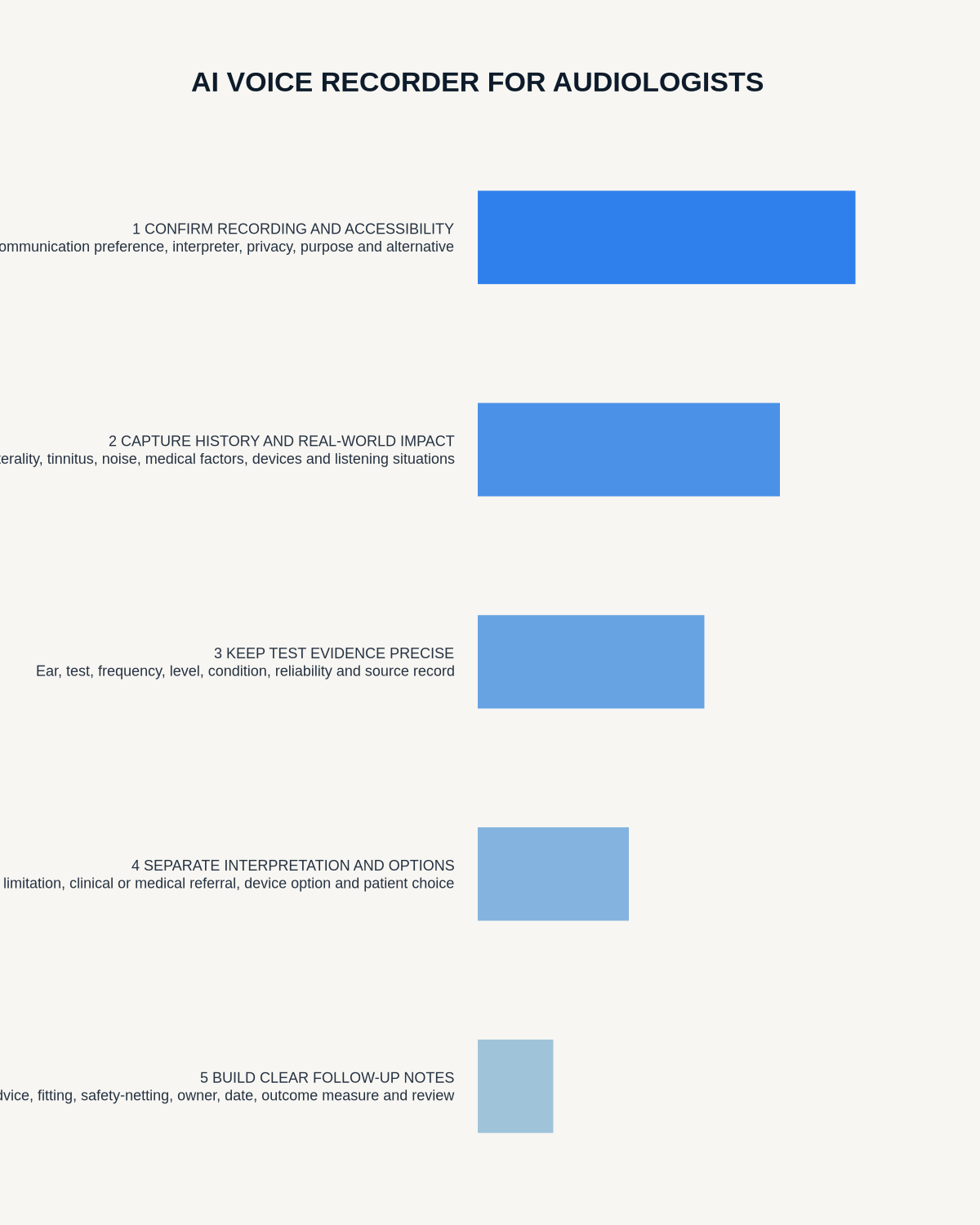
Visual map for AI Voice Recorder for Audiologists: Better Hearing Assessments and Follow-Up Notes
- Prepare the approved useDefine purpose, safe position, permission and the required formal record.
- Capture context firstState the case, asset, person, location or event identifier before detail.
- Human-verify evidenceCheck technical terms, units, names, dates, decisions and uncertainty.
- Complete the formal recordTransfer only verified information and apply access and retention controls.
On this page
Related guides
See whether Halo fits this workflow
Review the NERALVO Halo specifications, included services, delivery information and current offer only after completing the guide.
Found an error or an out-of-date claim? Email support@neralvo.com with the article address and a supporting source.