The 60-second verdict
Quick answer: lift engineers can use an AI voice recorder for safe post-task fault and handover notes, but it cannot replace isolation procedures, controlled safety documentation or competent return-to-service authorisation. Error codes, parts, tests and final status must be verified.
Best fit: Lift Engineers who need recoverable audio and human-verified notes in an authorised workflow. Use another method when: recording is prohibited, a participant declines or the approved process requires manual notes.
Evidence basis and limits
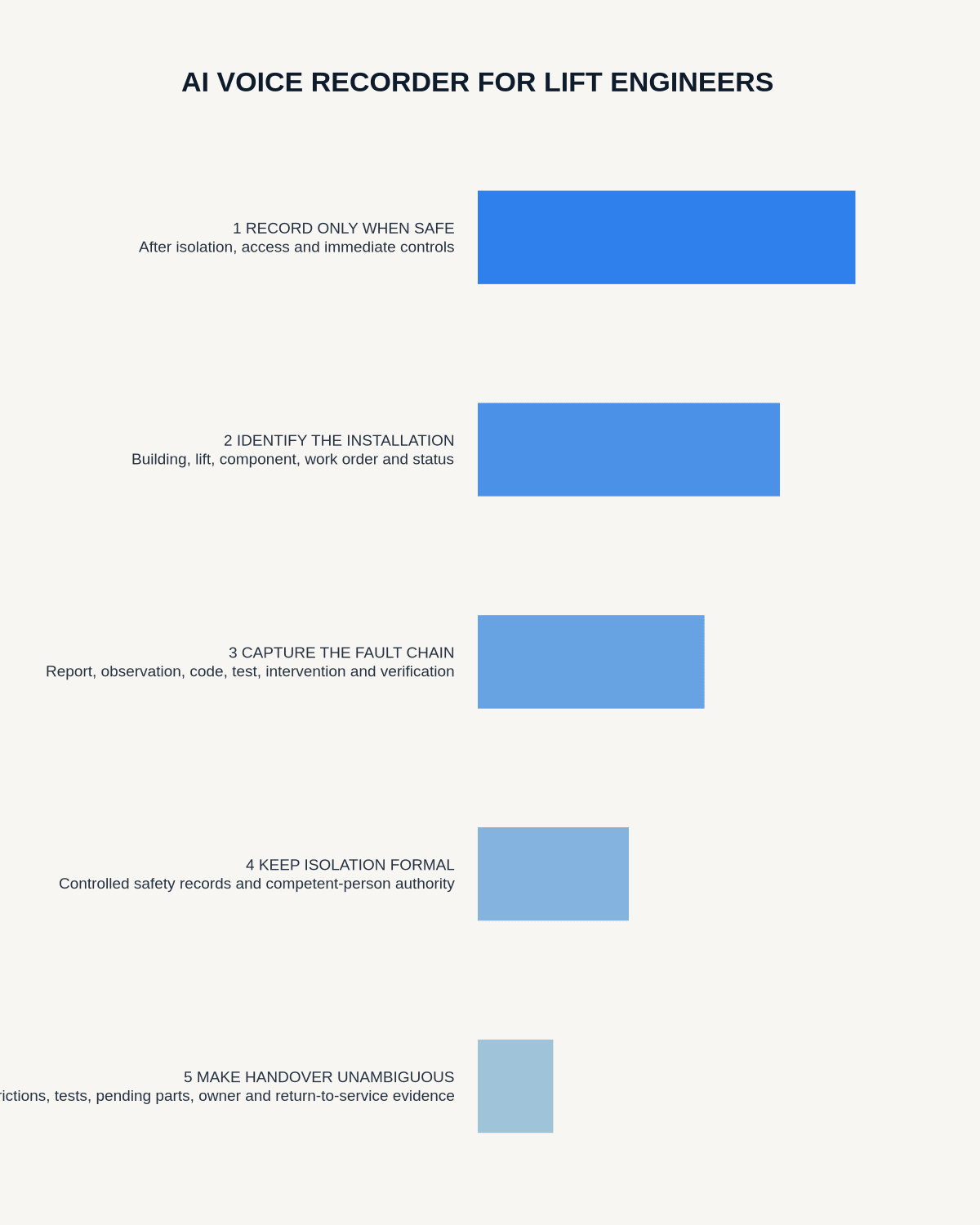
- Decision factors covered: Record only from a safe, authorised position; Identify the installation and current status; Capture the full fault chain.
- Evidence rule: Claims are weighted by consequence: capture failure, changed meaning, access and recovery matter more than polished wording.
- Boundary: Examples and workflow recommendations must be tested with representative recordings, the intended users and the actual approval process before rollout.

Lift faults create a demanding record at the same time that attention must remain on passenger and engineer safety. Recording should preserve sequence and handover context only after immediate controls are complete.
Record only from a safe, authorised position
Do not operate the recorder while entering hazardous areas, working around moving equipment, carrying out isolation or performing another safety-critical task. Apply the required controls first and dictate only when the work position is stable and recording is permitted.
Identify the installation and current status
Open the note with the building, lift number, controller or component, call-out reason, work-order reference and current isolation or service status. Repeat the installation identifier if several lifts are being inspected.
Capture the full fault chain
- Reported symptom: passenger, client, monitoring or previous-engineer information.
- Observed condition: direct inspection findings.
- Indication: alarm, error code, event or source evidence.
- Test: inspection or diagnostic step performed.
- Intervention: component, adjustment, repair or approved software or configuration change.
- Verification: post-work test and result.
- Final status: available, restricted, awaiting action or isolated.
Separate reported symptoms from confirmed cause
A report of intermittent door failure, unusual noise or levelling difficulty remains reported information until supported by inspection and test evidence. Preserve hypotheses and alternative explanations where the cause is not confirmed.
AI-generated summaries must not convert a suspected cause into a definite diagnosis.
Keep isolation and safety decisions formal
Isolation, inspection, testing, authorisation and handover must be recorded through the required controlled system by the appropriate competent person. Do not rely on an AI note to clear equipment or prove that a safety step occurred.
The transcript supports the controlled record; it does not replace it.
Verify codes, changes and parts
Check error codes, component names, part references, quantities, settings and software or configuration details against the source display, photograph and job documentation.
Separate:
- Work proposed.
- Work authorised.
- Work completed.
- Work tested.
- Work accepted for service.
This prevents a discussed repair from appearing as completed or an installed component from appearing fully accepted before testing.
Strengthen shift and contractor handover
A useful handover should state:
- What remains isolated or restricted.
- Which components were changed.
- Which inspections and tests are complete.
- Where the evidence is stored.
- Which parts or specialist actions are pending.
- Who is authorised to resume work or decide status.
- The next review or attendance time.
- The interim control and communication needed.
Verify closure with evidence
A completed action should point to the required inspection or test evidence and an unambiguous installation status. If a restriction remains, state its scope, interim control, owner, deadline and review trigger.
Attendance, part replacement or a successful single movement does not automatically prove safe return to service.
Use a controlled fault-to-handover workflow
- Apply immediate safety and isolation procedures.
- Move to a safe position before recording.
- State the installation, work order and current status.
- Separate reported symptoms, observations, indications, tests and diagnosis.
- Generate the transcript and correct codes, parts and identifiers.
- Verify changes and results against controlled records.
- Update formal engineering and safety documentation.
- Record final available, restricted, awaiting-action or isolated status.
- Complete the authorised handover.
- Delete temporary audio under policy.
How NERALVO Halo fits lift engineering
Check whether NERALVO Halo fits lift engineers work provides portable NOTE recording, 64GB local storage, up to 35 hours of recording and Bluetooth sync with DOWAY. It may support permitted post-task notes and handovers, including offline capture where connectivity is poor.
DOWAY can create transcripts, summaries, speaker-separated notes, templates, translations, mind maps and exports, with one year of DOWAY Max included. The final engineering record must remain separate from the AI draft and make safety, isolation and service status unmistakable.
Cloud software, a dedicated recorder or manual notes?
For Lift Engineers, the right answer changes with the setting. This matrix deliberately gives each method a situation where it can be the strongest choice.
| Situation | Best starting point | Reason |
|---|---|---|
| scheduled video briefings | Cloud meeting software | Calendar automation and shared integrations are usually the strongest advantage. |
| site visits, inspections or mobile calls | Dedicated recorder | Independent capture reduces reliance on an active phone or laptop. |
| a restricted site or participant prevents recording | Manual notes or an approved alternative | The boundary takes priority over convenience. |
| office-to-site work | Governed hybrid | Use each method only in the setting it actually fits. |
Frequently asked questions
Can an AI transcript authorise a lift’s return to service?
No. Return-to-service decisions must follow the approved safety and engineering process.
Should error codes be trusted in an automatic transcript?
No. Check them against the source display, photograph or job record.
Can voice recording replace a formal contractor handover?
No. It can help draft the handover, but the required controlled process remains authoritative.
Does a replaced part prove the fault is closed?
No. The required post-work testing, acceptance evidence and authorised final status must be recorded.
Final safety checklist
- Correct installation identified throughout.
- Reports, observations, indications and confirmed causes separated.
- Codes, parts, settings and tests verified.
- Proposed, authorised, completed and accepted work distinguished.
- Isolation and restrictions explicit.
- Return-to-service supported by formal evidence and authority.
- Outstanding work has an owner, deadline and interim control.
- Authorised handover completed.
Bottom line: a lift-engineering recording supports memory and handover only after safety controls are complete. Controlled evidence and competent authorisation determine equipment status.
Related guides
See the guides for HVAC engineers, maintenance engineers and field service technicians.
On this page
Related guides
See whether Halo fits this workflow
Review the NERALVO Halo specifications, included services, delivery information and current offer only after completing the guide.
Found an error or an out-of-date claim? Email support@neralvo.com with the article address and a supporting source.