The 60-second verdict
Quick answer: an AI voice recorder can help interior designers preserve client language, site observations, material decisions, supplier commitments and change requests. The recording should remain a temporary working source linked to verified surveys, drawings, schedules, samples, budgets and approvals.
Best fit: Interior Designers who need recoverable audio and human-verified notes in an authorised workflow. Use another method when: recording is prohibited, a participant declines or the approved process requires manual notes.
Evidence basis and limits
- Decision factors covered: Why interior-design notes need more than a summary; The people → space → evidence → selection → delivery workflow; Create a design-intent statement.
- Evidence rule: The decision is based on the complete capture-to-action workflow, not a single feature or marketing accuracy percentage.
- Boundary: Examples and workflow recommendations must be tested with representative recordings, the intended users and the actual approval process before rollout.

View Halo specifications for interior designers use can speed up consultation and post-visit drafting. It cannot replace a survey, specification, budget, compliance review or controlled design record.
Why interior-design notes need more than a summary
Interior-design conversations mix emotion, identity, function, colour, technical constraints, cost and programme. A polished AI summary can remove disagreement or make an untested idea sound approved.
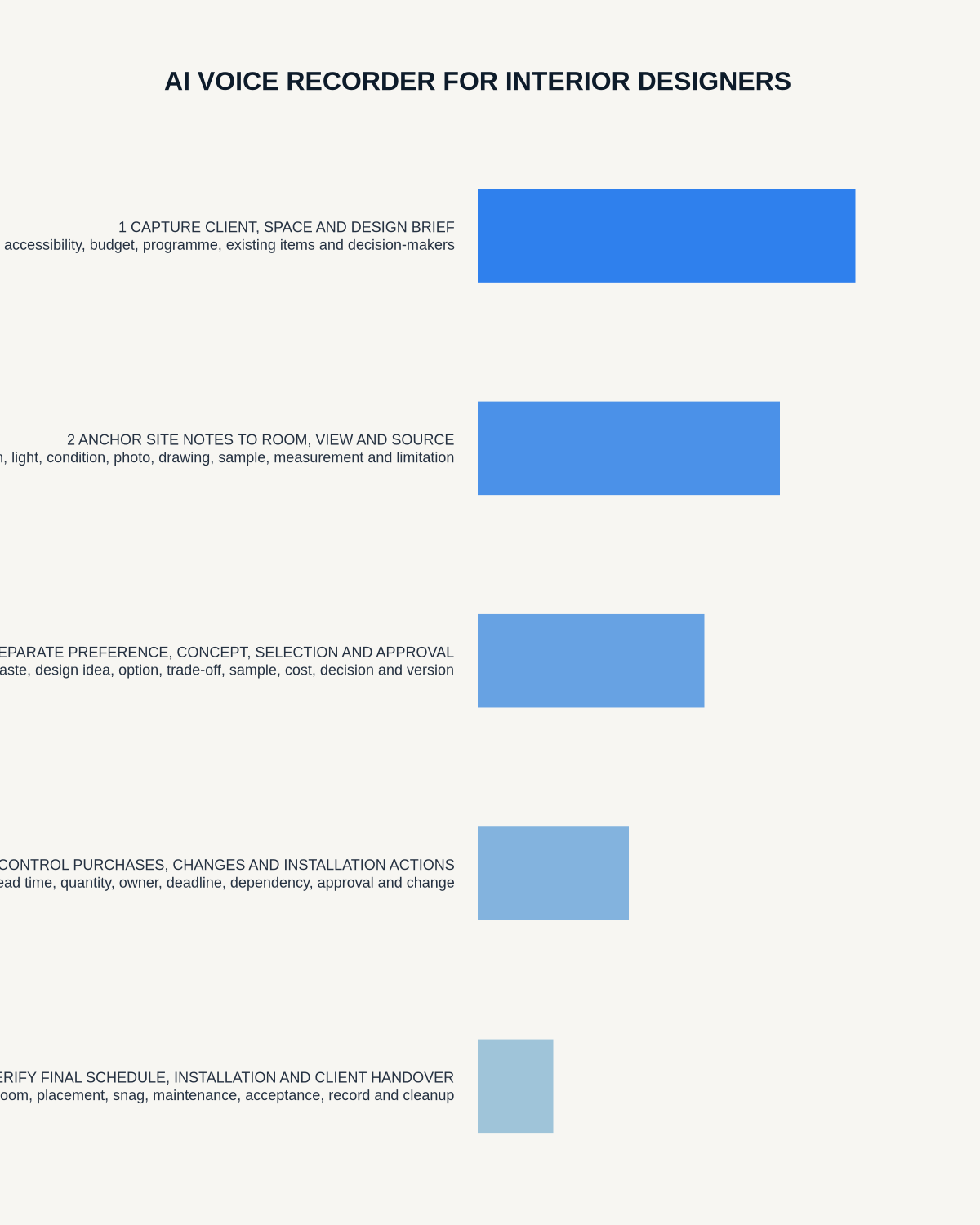
The people → space → evidence → selection → delivery workflow
| Stage | Question | Output |
|---|---|---|
| People | Who uses the space and what matters to them? | Human brief |
| Space | What activities, movement and environmental conditions must work? | Functional criteria |
| Evidence | What do survey, drawings, samples and supplier data confirm? | Verified basis |
| Selection | Which option is proposed, approved, ordered or rejected? | Status-controlled schedule |
| Delivery | What must be coordinated, installed, checked and handed over? | Accountable action |
Create a design-intent statement
Before discussing individual products, capture who uses the room, the activities and storage required, desired mood, lighting and acoustic needs, accessibility, items that must remain, budget and programme constraints, and durability and maintenance expectations.
This statement anchors the project when individual selections begin to pull in different directions.
Preserve the client’s language before translating it
Words such as calm, premium, warm, practical, bold or timeless mean different things to different clients. Record the phrase and ask what the client wants to see, feel or do differently.
Translate subjective language into criteria:
- “Calm” might mean reduced visual clutter, acoustic control and softer contrast.
- “Premium” might mean material quality, alignment, tactility and discreet detailing.
- “Practical” might mean cleanability, repairability, storage and access.
- “Welcoming” might involve lighting, seating, circulation and wayfinding.
The designer’s interpretation should remain separate from the client’s original words.
Build a room-based evidence record
Every note should identify project, room or zone, drawing revision and the evidence being discussed. Distinguish direct site observation, measured information, client or contractor report, supplier claim, designer interpretation and approved decision.
This prevents a supplier statement or client assumption from appearing as verified project fact.
Verify site and technical constraints
Check dimensions, openings, levels, services, structure, fire requirements, acoustics, lighting, ventilation, accessibility and maintenance through the appropriate sources and project team.
Link each selection to the survey or site condition it depends on. Mark concealed or inaccessible conditions as assumptions, and never order fitted elements from a transcribed dimension.
Use a complete sample and selection register
| Status | Meaning | Required evidence |
|---|---|---|
| Inspiration | Image or idea expressing a direction | No procurement commitment |
| Shortlisted | Candidate product or finish | Sample, cost, lead time and suitability check |
| Client preferred | Favoured option subject to confirmation | Outstanding decisions visible |
| Specified | Defined product, finish and installation requirement | Current schedule and drawing |
| Approved | Client or project authority has accepted it | Recorded approval and date |
| Ordered | Purchase placed against approved information | Supplier confirmation |
| Installed | Completed and checked on site | Inspection and snag status |
An AI summary must not turn “we like the oak” into “oak approved and ordered.”
Use a material decision card
For every significant finish or product, record appearance, suitability for wear, moisture, heat and cleaning, project requirements, substrate and installation sequence, full cost, lead time, batch or minimum-order constraints, and who must approve the sample or mock-up.
Supplier descriptions and spoken summaries should never replace current technical information and the physical approved sample.
Record client reactions without flattening nuance
Separate the reaction, the reason, the decision and the next action. For example, “this feels too cold” is useful design evidence, but it should not be rewritten into a false technical claim. Identify whether the response relates to colour, texture, lighting or association, then record whether the option is rejected, revised or compared and what new sample or visualisation is required.
Record accessibility as design evidence
Capture user needs for reach, circulation, approach, controls, contrast, lighting, acoustics, seating and wayfinding. Avoid generic assumptions based on age or disability. Where specialist advice is required, record the coordination question and owner.
Control supplier information
Verify product code, dimensions, finish, performance, maintenance, warranty, lead time, stock and delivery terms. Record whether the information is confirmed, estimated or subject to change.
AI can organise the call, but the final schedule should link to current supplier documentation.
Manage budget and procurement decisions
For each significant item, record allowance, quoted cost, tax treatment where relevant, delivery, installation, contingency and approval. Keep estimated, quoted, ordered and invoiced values separate.
When a selection changes, update the design, cost plan, procurement schedule and programme together.
Control procurement substitutions
When an item is unavailable, compare the substitute’s appearance, dimensions, performance, compatibility, cost, lead time and warranty. Record who proposed it, which connected details change and who approved it. A product described as “similar” can affect several interfaces.
Use formal change control
Record the request, reason, design impact, technical dependency, cost, lead time, authority, documents affected and notification. A transcript should not become the only record of a client or site change.
Create a coordinated room and installation handover
- Current drawings and selection schedules.
- Approved samples and finishes.
- Room-by-room product references.
- Setting-out dimensions and preparation requirements.
- Installer and supplier responsibilities.
- Access, storage and protection requirements.
- Interfaces with lighting, joinery, flooring and services.
- Outstanding decisions and hold points.
- Quality, inspection and snag criteria.
Give the site team the controlled room pack it needs rather than a full meeting transcript.
Protect confidential project information
Homes, workplaces, hotels and other projects may reveal security, personal and commercially sensitive information. Use approved accounts, minimise identifiers and avoid ambient recording of unrelated people or private spaces.
How NERALVO Halo fits interior design
NERALVO Halo includes NOTE mode, supported CALL capture, 64GB local storage, up to 35 hours of recording and Bluetooth sync with DOWAY. DOWAY can create transcripts, summaries, speaker-separated notes, templates, translations, mind maps and exports. One year of DOWAY Max is included from activation.
Halo can support client, site and supplier note drafting. It is not a survey, CAD, specification, compliance or procurement system.
Cloud software, a dedicated recorder or manual notes?
For Interior Designers, the right answer changes with the setting. This matrix deliberately gives each method a situation where it can be the strongest choice.
| Situation | Best starting point | Reason |
|---|---|---|
| scheduled remote meetings | Cloud meeting software | Native remote-meeting workflows can be more efficient here. |
| in-person or mobile work | Dedicated recorder | A separate battery and recoverable local source improve resilience. |
| recording is refused or prohibited | Manual notes or an approved alternative | Manual notes are the correct control when recording is unavailable. |
| mixed online and offline work | Governed hybrid | A hybrid can combine automation with reliable physical capture. |
Frequently asked questions
Can AI decide which sample is best?
No. It can organise the criteria and comments, but the designer and client must assess the actual sample in the relevant light and context.
Can a supplier call be used as the final product record?
No. Verify the current product code, technical data, lead time and commercial terms before updating the controlled schedule.
Should site visits be recorded continuously?
No. Focused post-visit notes linked to rooms, photographs and drawings are more useful and less intrusive.
Final interior-design checklist
- Design intent and client language preserved.
- Room and evidence references clear.
- Measurements and technical claims verified.
- Selection status runs from inspiration to installed.
- Actual samples assessed and approved.
- Accessibility and maintenance considered.
- Budget, lead-time and substitution effects recorded.
- Changes coordinated across documents.
- Installation responsibilities assigned.
- Final authority, inspection and approval clear.
Bottom line: recording is most useful when it preserves why a design decision matters and connects that reasoning to a verified sample, cost and controlled project record.
Related guides
See the guides for kitchen designers, furniture makers and architects.
On this page
Related guides
See whether Halo fits this workflow
Review the NERALVO Halo specifications, included services, delivery information and current offer only after completing the guide.
Found an error or an out-of-date claim? Email support@neralvo.com with the article address and a supporting source.