
The 60-second verdict
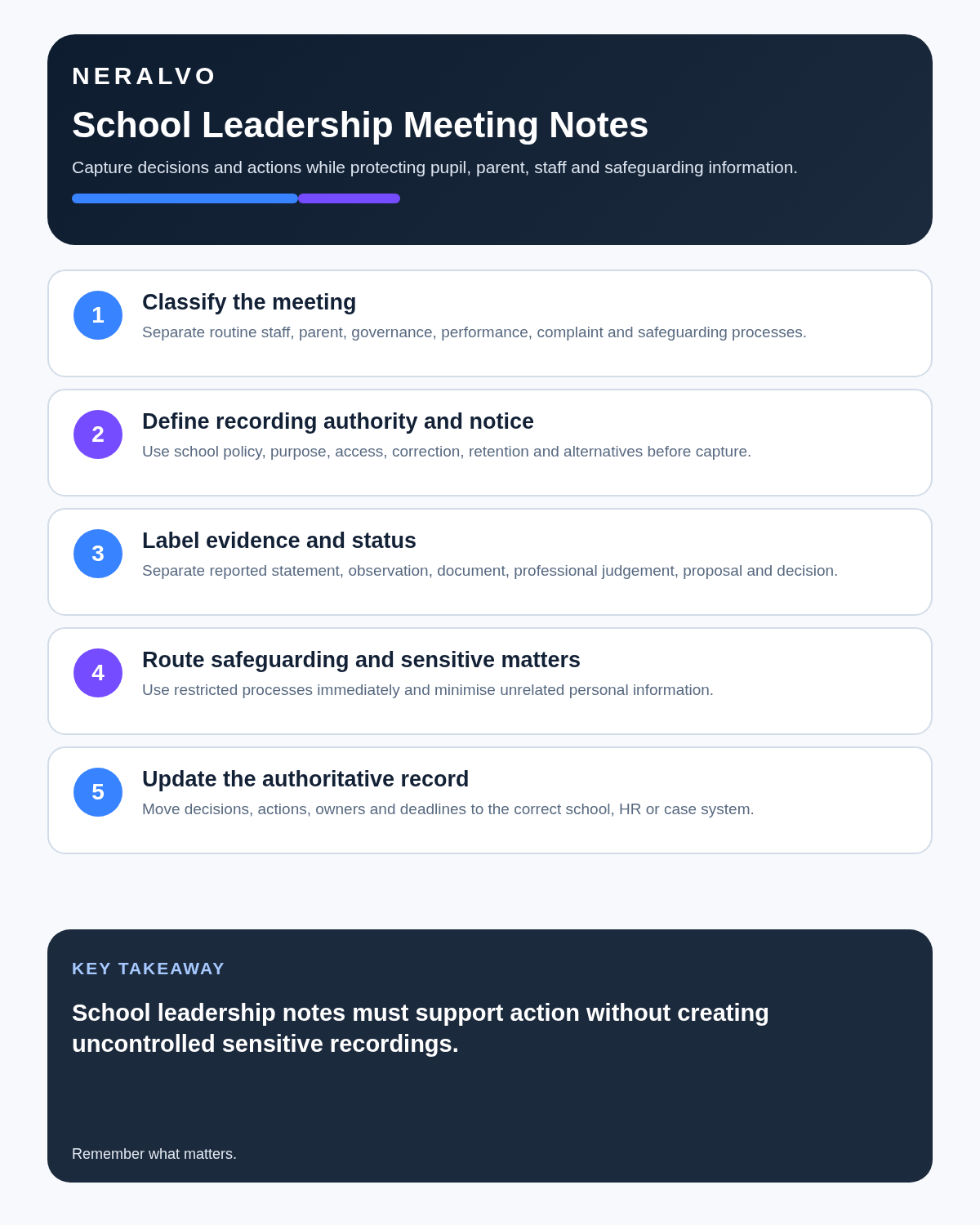
Quick answer: school leaders can use an AI voice recorder for approved staff meetings, routine operational discussions, permitted parent conversations and private management reflections. Safeguarding, pupil, employment and governance information must remain separated and routed into the correct controlled records.
Best fit: School Leaders who need recoverable audio and human-verified notes in an authorised workflow. Use another method when: recording is prohibited, a participant declines or the approved process requires manual notes.
Evidence basis and limits
- Decision factors covered: The classify → act → record → follow up framework; Classify every meeting before recording; Use a safeguarding fast lane.
- Evidence rule: A claim earns weight only when the source, date, configuration and limitation are clear enough for a reader to check.
- Boundary: Examples and workflow recommendations must be tested with representative recordings, the intended users and the actual approval process before rollout.
School leaders handle conversations that may look similar on a calendar but carry very different responsibilities. A timetable meeting, parent concern, staff grievance and safeguarding disclosure should not enter the same transcript, access group or retention process.
The classify → act → record → follow up framework
| Stage | Leadership question | Required output |
|---|---|---|
| Classify | Is this routine, pupil, safeguarding, HR or governance information? | Correct handling route |
| Act | Does anything require immediate protection, escalation or procedural action? | Action before transcription |
| Record | Which authorised system must contain the verified account? | Official record |
| Follow up | Who owns each action, deadline and communication? | Closed action loop |
Classify every meeting before recording
| Meeting class | Examples | Authoritative destination |
|---|---|---|
| Routine operations | Timetable, premises, events and general actions | Approved minutes or action log |
| Pupil support | Attendance, SEND, behaviour or family circumstances | Authorised pupil system |
| Safeguarding | Disclosure, allegation, risk or referral | Restricted safeguarding record |
| Employment | Capability, grievance, disciplinary or occupational health | Confidential HR process |
| Governance | Formal decisions, challenge, assurance and risk | Approved governance minutes |
When several categories arise in one conversation, separate the resulting information and send each part only to the authorised people and systems.
Use a safeguarding fast lane
A safeguarding concern must not wait for an upload, transcript or AI summary. Follow the school’s current procedure and designated safeguarding route immediately.
Schools and colleges in England should use the version of Keeping Children Safe in Education in force on the relevant date. Keep safeguarding detail out of general minutes, shared action trackers and broad email groups.
Decide whether recording is proportionate
Before recording, confirm:
- The purpose cannot be achieved adequately with a less intrusive note.
- The school or trust permits the device and processing service.
- Participants receive a clear explanation.
- A realistic non-recorded route exists where appropriate.
- Access, retention and deletion are defined.
- The meeting type is suitable for recording.
A private post-meeting voice note may often be more proportionate than recording every participant.
Use private post-meeting drafting where possible
After a routine meeting, a leader can privately capture:
- The decision made.
- Evidence still required.
- Action, owner and deadline.
- The official system to update.
- The communication that must follow.
Do not include unnecessary pupil, family or staff details in a personal reflection.
Structure parent and carer discussions fairly
A recording proposal from a school leader may feel difficult to refuse. Explain purpose, access, retention and the alternative clearly. Separate:
- The parent or carer’s account.
- The child’s voice where appropriate.
- School evidence.
- Professional advice.
- The decision and its authority.
- Unresolved disagreement.
- Next communication and review date.
Arrange interpreting, advocacy and accessibility needs separately rather than assuming transcription solves them.
Keep HR procedures outside routine notes
Capability, grievance, disciplinary, whistleblowing and occupational-health matters may involve procedural rights, confidential evidence and restricted access. Use the school or trust’s HR process. An AI summary should not become a witness statement or final evidence without verification and procedural fairness.
Make governance minutes decision-focused
Formal minutes should show the matter considered, relevant evidence and challenge, conflicts or declarations where required, the decision and authority, actions and deadlines, and any confidential access restriction.
A transcript may preserve discussion but obscure the actual decision. Convert approved recordings into concise reviewed minutes.
Verify high-risk details
- Pupil and staff identity.
- Role and decision authority.
- Dates, classes and year groups.
- Policy or statutory references.
- Speaker attribution.
- Whether an action was proposed, agreed, reassigned or completed.
Where attribution is uncertain, return to the source or mark the uncertainty. Do not allow AI to turn a suggestion into a leadership decision.
Create a closed action loop
| Field | Question |
|---|---|
| Action | What exactly must happen? |
| Owner | Who is accountable? |
| Deadline | By when? |
| Destination | Which official system must be updated? |
| Communication | Who must be informed? |
| Evidence | How will completion be shown? |
Protect school information throughout the lifecycle
A recording workflow may create device audio, app copies, transcripts, summaries, downloads and final records. Use approved accounts, role-based access, controlled exports and separate retention rules for source audio, working text and final records.
Review the ICO’s education data-protection guidance alongside school and trust policy.
Where NERALVO Halo fits
Assess Halo against the school leaders workflow matrix can support private leadership reflections, approved staff meetings and permitted parent discussions. It includes NOTE mode, supported CALL capture, 64GB local storage, up to 35 hours of recording and DOWAY transcripts and structured notes, with one year of DOWAY Max.
Halo is not automatically approved for school information. The school or trust remains responsible for procurement, safeguarding, data protection, cyber security, access and retention.
Cloud software, a dedicated recorder or manual notes?
For School Leaders, the right answer changes with the setting. This matrix deliberately gives each method a situation where it can be the strongest choice.
| Situation | Best starting point | Reason |
|---|---|---|
| scheduled online lessons or staff meetings | Cloud meeting software | Auto-join and central collaboration can remove routine admin. |
| classroom, lecture or campus discussions | Dedicated recorder | Dedicated hardware suits movement, variable rooms and offline source capture. |
| recording is not permitted or a learner objects | Manual notes or an approved alternative | A clear alternative respects policy and participant choice. |
| mixed teaching and administrative work | Governed hybrid | One governed process prevents gaps between desk and field work. |
Frequently asked questions
Should safeguarding meetings be recorded?
Only where the school’s authorised safeguarding process permits it. Immediate action and the restricted safeguarding record take priority.
Can an AI transcript become formal minutes?
It can support drafting, but formal minutes require accountable review and approval.
Can parent meetings be recorded automatically?
No. Consider necessity, power imbalance, transparency, accessibility and a suitable alternative.
Should staff-performance conversations enter a general meeting archive?
No. They belong in the authorised HR process with narrow access.
Can the recording app become the school’s source of truth?
No. The verified record must live in the correct authorised system.
Related guides and resources
- AI Voice Recorder for Teachers
- AI Voice Recorder for SENCOs
- AI Voice Recorder for Care Home Managers
- How to Choose an AI Voice Recorder
Final school-leadership checklist
- Meeting classified before capture
- Safeguarding action completed immediately
- Participants informed clearly
- Pupil, HR and governance records separated
- Names, roles and attribution verified
- Actions have owners and deadlines
- Official systems updated
- Source audio retention controlled
Bottom line: classify sensitive information early, act on urgent concerns first and turn only verified decisions into accountable follow-up.
On this page
Related guides
See whether Halo fits this workflow
Review the NERALVO Halo specifications, included services, delivery information and current offer only after completing the guide.
Found an error or an out-of-date claim? Email support@neralvo.com with the article address and a supporting source.