The 60-second verdict
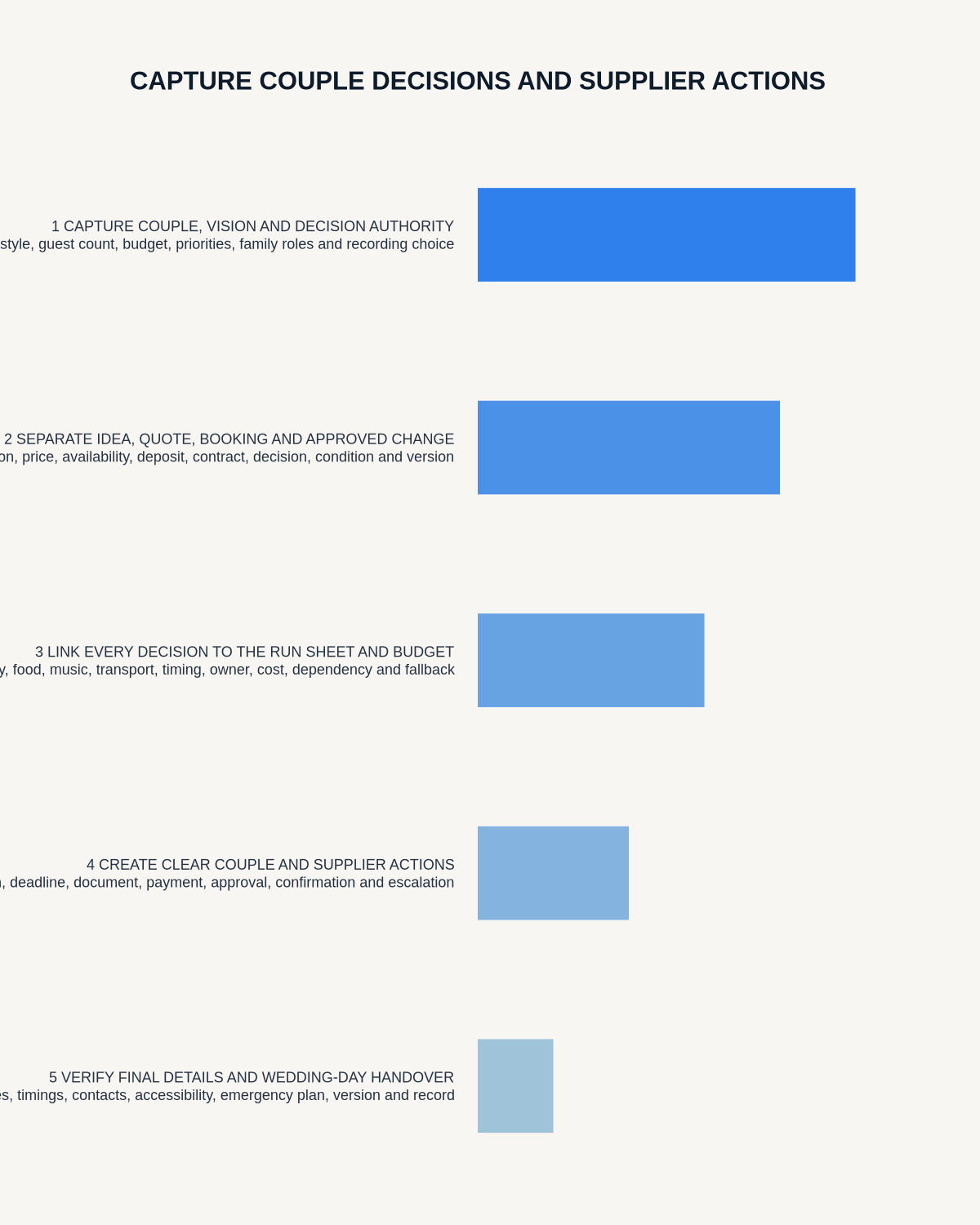
Quick answer: wedding planners can use an AI voice recorder to preserve couple priorities, supplier commitments, venue walkthroughs and event-day actions, but every spoken point must be assigned a clear status and transferred into one controlled wedding plan.
Decision focus: use the method below only where it produces a recoverable source, a verifiable output and a clear next action. If one of those fails, change the workflow rather than trusting a polished summary.
Evidence basis and limits
- Decision factors covered: Create one wedding control pack; Give every spoken point a status; Turn the couple consultation into operational decisions.
- Evidence rule: The decision is based on the complete capture-to-action workflow, not a single feature or marketing accuracy percentage.
- Boundary: Examples and workflow recommendations must be tested with representative recordings, the intended users and the actual approval process before rollout.

A wedding plan changes through hundreds of conversations. Couples refine priorities, suppliers confirm details, venues impose restrictions and the running order evolves as new dependencies appear. The operational risk is not a lack of notes; it is several people working from different versions of the day.
An AI voice recorder for wedding planners can help capture authorised consultations, supplier calls and venue walkthroughs. Its job is to feed one controlled wedding plan. It should never become a second, hidden planning system.
Create one wedding control pack
The control pack should contain four connected records:
- Decision register: what the couple has approved, rejected or left open.
- Supplier action log: deliverable, dependency, owner, deadline and written confirmation.
- Running order: current sequence, cue, location, responsible person and fallback.
- Contingency plan: weather, transport, access, illness, power, delay and emergency arrangements.
Use recordings to draft and verify these records, then issue the latest version through the established planning system.
Give every spoken point a status
| Status | Meaning | Next step |
|---|---|---|
| Idea | Explored but not selected | Keep out of supplier instructions |
| Preferred | Current direction, subject to feasibility or price | Obtain confirmation |
| Approved | Couple or authorised decision maker has agreed | Update plan and notify affected parties |
| Contracted | Supplier scope, price and terms are documented | Track delivery |
| Changed | Earlier instruction has been replaced | Withdraw old version and reissue |
| Open risk | Unresolved issue could affect the day | Assign owner and review time |
This prevents “the florist said it might be possible” from becoming a confirmed commitment in an AI summary.
Turn the couple consultation into operational decisions
Capture the day’s purpose and non-negotiables first. Then separate:
- Style and atmosphere.
- Budget limits.
- Guest, cultural and accessibility requirements.
- Family or communication sensitivities that affect operations.
- Approval responsibilities.
- Items requiring supplier or venue confirmation.
Minimise private detail. The plan may need to state “quiet room near reception” without retaining an extensive medical or family history. Send a checked decision summary through the normal client channel after the meeting.
Control the budget and booking status
Record quoted amount, tax, deposit, payment schedule, cancellation terms, extras, delivery and quotation expiry. Distinguish idea, shortlisted option, quote received, provisional hold, deposit paid, contract signed and final details confirmed.
Keep the current total, contingency and payment dates in the planning system rather than the transcript.
Convert supplier calls into confirmation requests
A supplier note should answer:
- What is being delivered.
- Quantity, specification and setup position.
- Arrival and completion window.
- Access, power, storage or staffing dependency.
- Named contact on the day.
- Price or scope implication.
- Contingency if delivery fails.
- What still requires written confirmation.
The supplier contract, order or written confirmation remains authoritative. Use the transcript to find ambiguity before it reaches the event day.
Walk the venue in running-order sequence
- Supplier arrival and load-in.
- Guest arrival and accessibility.
- Ceremony setup and cues.
- Photography and room turnaround.
- Reception, catering and speeches.
- Entertainment and power.
- Transport, departure and breakdown.
- Weather and emergency alternatives.
Label each point as observed, venue-confirmed or requiring action. Move safety, access and emergency information into the approved venue and event documents immediately.
Make late changes visible
Every running order should show a version number and issue time. A late change needs:
- Decision owner.
- Reason.
- People and suppliers affected.
- Document fields changed.
- Person responsible for notification.
- Confirmation that the old version is withdrawn.
Do not rely on a group-chat message or transcript to communicate a change affecting several suppliers.
Build the event-day command sheet
Convert verified decisions into timings, locations, named contacts, setup requirements, transport, accessibility, emergency alternatives and escalation routes. Raw audio should not be the event-day plan.
Use event-day recording sparingly
Continuous recording around guests creates privacy, consent and review problems while providing little operational value. A stronger use is a short private handover between authorised staff:
Current status — active issue — immediate control — next action — owner — review time.
If a safety or emergency issue occurs, protect people and follow the venue’s procedures first. Recording is secondary, and any required incident record should be completed through the official process.
Protect personal information
Guest lists, addresses, dietary needs, accessibility arrangements, health information and payment data require restricted handling. Do not record card details or circulate raw calls through informal group chats. Give each supplier only the information needed for their role.
How NERALVO Halo may support wedding planning
View Halo specifications against the evidence checklist provides NOTE recording for consultations, walkthroughs and private handovers, plus supported CALL capture for compatible supplier calls where recording is lawful, disclosed and permitted. It includes 64GB local storage, up to 35 hours of recording, Bluetooth sync with DOWAY and one year of DOWAY Max from activation.
Use generated transcripts and structured notes as drafts. Verify names, dates, quantities, prices, cultural details and supplier promises before updating the control pack.
Control-room check before the day
- Is there one current running order?
- Are couple decisions clearly distinguished from ideas?
- Are all supplier promises confirmed in the appropriate written record?
- Does every dependency have an owner?
- Have accessibility, weather and emergency arrangements been checked?
- Can each supplier see only the information they need?
- Are late changes versioned and acknowledged?
- Is the event-day handover concise enough to use under pressure?
An AI voice recorder helps a wedding planner when it reduces uncertainty between people. The finished value is not the transcript; it is a current, confirmed and usable plan that every responsible person can follow.
Workflow choice matrix for How Wedding Planners Can Capture Couple Decisions and Supplier Actions
Choose the method that protects the source and reduces downstream correction. The table makes the non-hardware options explicit.
| Condition | Preferred route | Why |
|---|---|---|
| High-risk or mixed work | Governed hybrid | Separate capture, review, approval and retention rather than trusting one tool. |
| Recording is refused, prohibited or unnecessary | Manual notes / no recording | Respecting the boundary is the correct workflow, not a product failure. |
| In-person, mobile or unreliable-connectivity work | Dedicated recorder | Independent capture and a recoverable local source are usually more resilient. |
| Repeatable remote work with approved integrations | Cloud software | Automation and central collaboration may outweigh device independence. |
Related guides
See the guides for event planners, hotel managers and photographers.
On this page
More in this topic: Ideas, planning and reusable processes
Show 6 closely related guides
- How to Capture Ideas While Walking with an AI Voice Recorder
- How to Record and Organise Business Ideas Before They Disappear
- How to Turn Recorded Ideas into Practical Project Plans
- How to Create SOPs from Recorded Process Walkthroughs
- How to Capture Competitor Analysis Notes with an AI Voice Recorder
- How to Use an AI Voice Recorder for Brain Dumps Without Creating More Chaos
Related guides
See whether Halo fits this workflow
Review the NERALVO Halo specifications, included services, delivery information and current offer only after completing the guide.
Found an error or an out-of-date claim? Email support@neralvo.com with the article address and a supporting source.